Mobile apps are essential for modern businesses, but developing separate apps for Android and iOS can quickly become expensive, time-consuming, and difficult to manage. Companies often need different development teams, separate codebases, and longer development cycles just to launch on multiple platforms. For startups and growing businesses, this approach can slow down innovation and significantly increase costs.
This is where hybrid app development becomes a powerful alternative. Instead of building multiple native apps, developers can create a single application development solution that works across platforms while still accessing many device features.
In this guide, you will learn what a hybrid app is, how hybrid apps work, their advantages and disadvantages, and why many businesses choose hybrid mobile app development today.
What is a Hybrid App?
A hybrid app is a type of mobile application that combines elements of both native apps and web apps. It is built using common web technologies like HTML, CSS, and JavaScript, but it runs inside a native container that allows it to work on mobile devices such as Android and iOS.
In simple terms, a hybrid app is developed once and can run on multiple platforms with only minor adjustments. This means developers do not need to create two separate apps for Android and iOS. Instead, they can use a single codebase to support both platforms.
Hybrid apps work by using a component called WebView. WebView allows the app to display web content inside a native mobile application. Because of this, cross-platform mobile application development enables hybrid apps to access many device features like the camera, GPS, storage, and notifications through plugins or APIs.
This approach helps companies build apps faster and reduce development costs while still delivering a good user experience.
Key points about hybrid apps
Built using HTML, CSS, and JavaScript
Run inside a native mobile container
Can work on both Android and iOS
Use a single codebase for multiple platforms
Access device features using APIs and plugins
Easier to maintain compared to separate native apps
Many businesses choose hybrid apps because they allow faster development and a wider reach. Popular frameworks like Flutter, React Native, and Ionic help developers create hybrid apps that look and feel similar to native applications.
Overall, hybrid apps provide a practical solution for businesses that want to launch mobile apps on multiple platforms without increasing development time and cost.
How Do Hybrid Apps Work?
Hybrid apps work by combining web technologies with a native app shell, allowing a single application to run on multiple platforms like Android and iOS. They are designed to deliver a user experience similar to native apps while using a shared codebase.
Hybrid apps are built with a two-layer structure:
Web Layer: This is where the app’s interface and logic live. It is written using HTML, CSS, and JavaScript and behaves like a web application.
Native Wrapper: This is a thin layer of native code that wraps the web layer, allowing the app to run like a native application on mobile devices.
The WebView component is the bridge between the web layer and the native wrapper. It acts as a container that displays the web content inside the mobile app and enables communication with device features such as the camera, GPS, storage, and push notifications.
This architecture allows developers to write once and deploy everywhere, making hybrid apps faster and more cost-effective than fully native apps.
Technologies Used in Hybrid App Development
Hybrid apps rely on standard web technologies and additional tools for device integration:
HTML5 – For structuring the app’s content and interface.
CSS3 – For styling and creating responsive designs.
JavaScript – For app logic, interactivity, and dynamic content.
APIs and Plugins – To access native device features like camera, GPS, notifications, and storage.
By combining these technologies, hybrid apps can offer a near-native experience while keeping development efficient and flexible across multiple platforms.
Key Features of Hybrid Apps
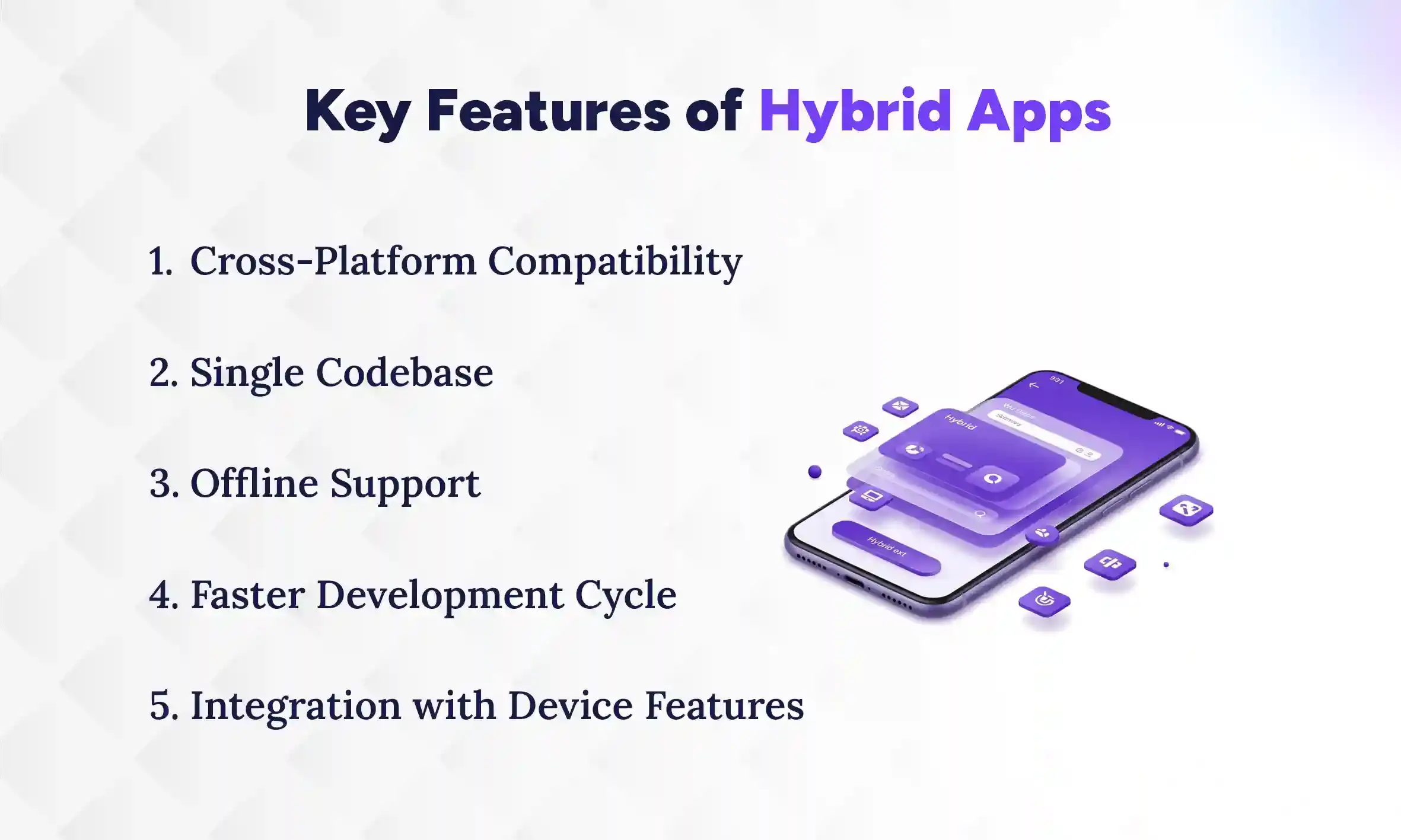
Hybrid apps are becoming very popular because they combine the best of web apps and native apps. They are designed to work on different devices and platforms while saving time and money. Businesses and developers like them because they can reach more users without building separate apps. Let’s look at the main features that make hybrid apps special.
1. Cross-Platform Compatibility
One of the biggest advantages of hybrid apps is that they can run on both Android and iOS. You don’t need to create separate apps for each platform. This means the app works for more people. Users get a similar experience no matter what device they use. It also saves developers a lot of time and effort. Updates can be applied to all platforms at once.
2. Single Codebase
Hybrid apps are built using a single set of code that works on multiple platforms. Developers don’t have to write one version for Android and another for iOS. This makes building and maintaining the app faster and cheaper. It also reduces mistakes because there is only one codebase to manage. Changes in the app can be made once and will apply everywhere. This makes development much simpler.
3. Offline Support
Hybrid apps can work even when the device has no internet connection. Some parts of the app, like saved data or offline pages, are available without Wi-Fi or mobile data. This is useful for users who travel or have weak network coverage. It keeps the app functional and reliable. Users can continue using basic features without interruptions. Offline support improves the overall user experience.
4. Faster Development Cycle
Hybrid apps can be built more quickly than separate native apps. Since developers use one codebase, they can save time on writing and testing. This allows businesses to launch their app faster. Quick development also helps with updates because changes are easier to implement. It is a practical choice for startups and small businesses. Users get new features faster, too.
5. Integration with Device Features
Hybrid apps can still use device features like the camera, GPS, or notifications. This is done through plugins or APIs that connect the web part of the app to the native system. Users can take photos, get location-based services, or receive alerts just like in native apps. This makes the app more useful and interactive. Businesses don’t lose the functionality of native apps while saving development time.
Advantages of Hybrid Apps
Hybrid apps are very popular because they offer many benefits for businesses and developers. They help save time and money while still providing a good experience for users. Companies can reach more people without building separate apps for each platform. Here are the main advantages that make hybrid apps a smart choice.
1. Cost-Effective Development
Hybrid apps are cheaper to build than separate native apps for Android and iOS. Since you only need one codebase, you don’t have to pay for two development teams. This saves both money and time. Fewer resources are needed for testing and updates. Small businesses and startups can especially benefit from this. You get a fully functional app without spending too much, reducing the overall cost to develop mobile app.
2. Faster Time to Market
Hybrid apps can be launched faster because they are built once and run everywhere. Developers don’t have to create multiple versions for different platforms. This means the app can reach users quickly. Faster launches are important for businesses to stay ahead of competitors. Updates and new features can also be released quickly. Users get access to the app sooner, which helps grow the business.
3. Easier Maintenance and Updates
Maintaining a hybrid app is simpler than managing multiple native apps. Since there is only one codebase, updates can be applied once, and it works for all platforms. Fixing bugs or adding new features takes less time. This makes the app more reliable for users. Developers don’t have to repeat the same work for Android and iOS. It keeps the app up to date with less effort.
4. Wider Audience Reach
Hybrid apps can reach users on both Android and iOS without extra effort. This allows businesses to target a larger audience at the same time. You don’t need separate marketing strategies for different platforms. More users can download and use the app. It is a great way to grow your customer base quickly. Hybrid apps help businesses expand without spending extra resources.
Disadvantages of Hybrid Apps
Even though hybrid apps have many benefits, they also come with some drawbacks. They are not always as fast or smooth as native apps. Some features may not work as perfectly on all devices. It’s important to know the disadvantages before deciding to build a hybrid app.
1. Performance Limitations Compared to Native Apps
Hybrid apps, compared to native apps can be slower because they run inside a WebView. This means they rely on the device to display web content, which can make animations or complex tasks lag. Native apps, built specifically for one platform, usually run faster and more smoothly. For heavy apps like games or video editors, hybrid apps may not be the best choice. Simple apps like social media or business apps usually work fine. Users may notice small delays in performance on older devices.
2. Dependency on Third-Party Frameworks
Hybrid apps often depend on frameworks like React Native or Ionic. If a framework has bugs or stops updating, it can cause problems for the app. Developers also need to learn and follow the framework’s rules. Sometimes, certain features are limited by the framework itself. This can slow down development or require workarounds. Businesses need to trust that the framework will stay supported for the long term.
3. Limited Access to Some Native Features
Although hybrid apps can use most device features, some advanced functions may not work fully. Features like AR, advanced camera controls, or sensors might not be supported well. Developers may need extra plugins or workarounds to access them. Native apps usually have full access to all device features. This can make hybrid apps less suitable for apps that need very specific hardware functions. Simple apps like messaging or news apps usually do not face this issue.
Popular Hybrid App Frameworks
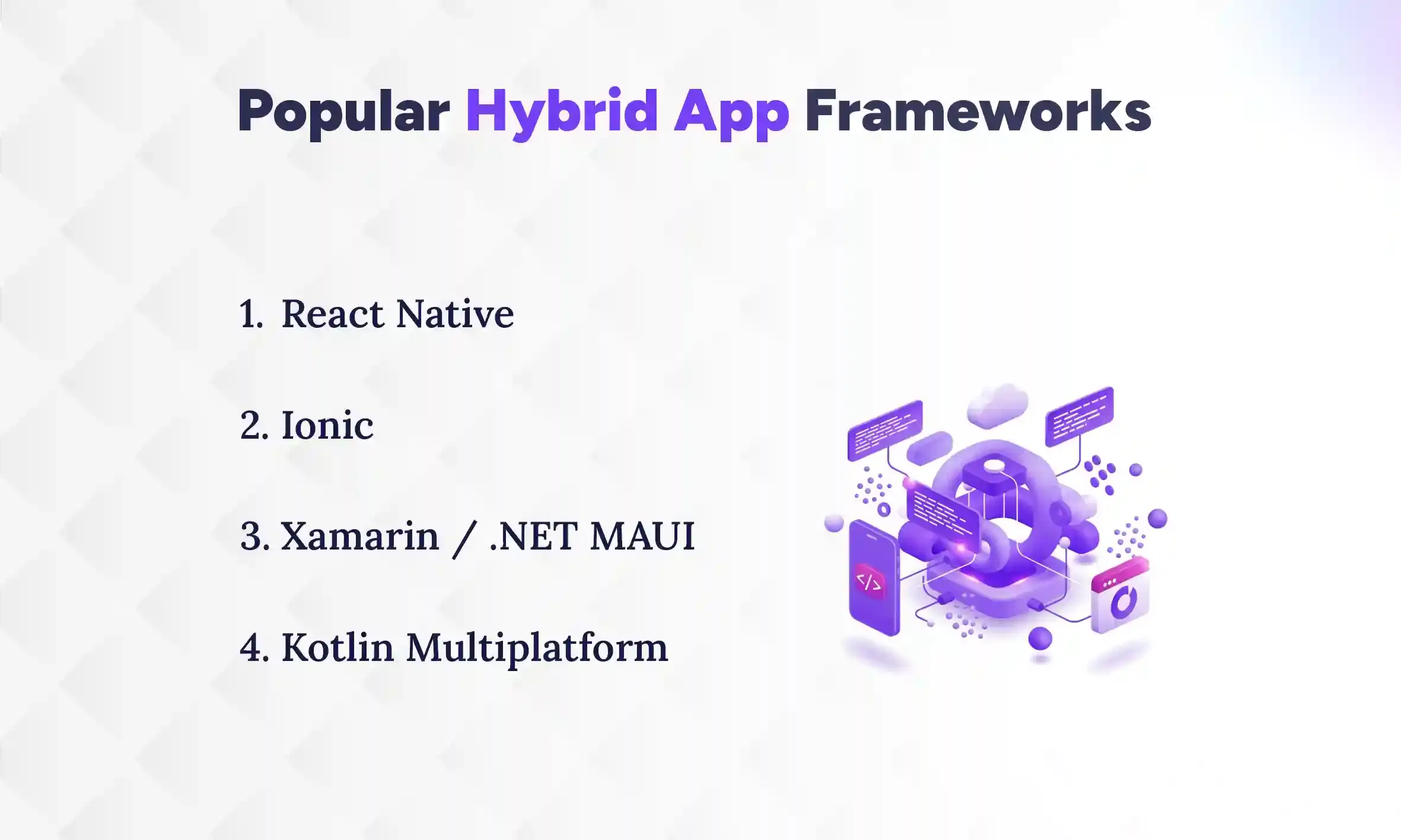
Hybrid apps are built using special tools called frameworks. These frameworks help developers write one app that works on both Android and iOS. Each framework has its own way of building apps, and some are more popular than others. Here are some of the most widely used hybrid app development frameworks.
1. React Native
React Native is a popular framework created by Facebook. It allows developers to build apps using JavaScript and React. The app can run on both Android and iOS with a single codebase. React Native also allows access to device features like the camera, GPS, and notifications. Apps built with React Native usually feel very close to native apps. It is widely used for apps that need good performance and a smooth user interface.
2. Ionic
Ionic is a framework that uses HTML, CSS, and JavaScript to build apps. It focuses on building apps quickly with ready-made components. Ionic apps run inside a WebView, so they work on multiple platforms with one codebase. Developers can also use plugins to access native device features. Ionic is very beginner-friendly and easy to learn. It is suitable for simple apps like business, travel, or information apps.
3. Xamarin / .NET MAUI
Xamarin is a framework created by Microsoft, now evolved into .NET MAUI. It allows developers to build apps using C# and share code across Android, iOS, and even Windows. Apps built with Xamarin or .NET MAUI can access almost all device features. It is good for apps that need strong performance and business logic. Many companies use Xamarin for enterprise apps because it works well with Microsoft tools.
4. Kotlin Multiplatform
Kotlin Multiplatform is a framework that allows developers to share code between Android and iOS apps. Instead of writing separate code for each platform, most of the business logic can be written once in Kotlin. The user interface is still built separately for Android and iOS, but the shared code makes development faster and easier. Kotlin Multiplatform works well with existing apps, so developers can add it without starting from scratch. It also supports access to device features like camera, storage, and GPS through libraries. Many companies use it to save time while keeping the app fast and reliable. It is especially popular for apps that need strong performance and clean code.
How to Build a Hybrid App (Step-by-Step)
To build a hybrid app, pick the right framework, design the app, code it with web technologies, test it on different devices, and then publish it to app stores. Developing a hybrid app may seem hard, but it can be simple if you follow the steps carefully. By taking it step by step, you can learn how to build a mobile app that works on both Android and iOS. Let’s go through each stage in detail.
1. Choose the Right Hybrid Framework
The first step is to select a framework that fits your app’s needs. Popular choices are React Native, Ionic, Xamarin, .NET MAUI, and Kotlin Multiplatform. Each framework has its strengths, so consider your budget, the app’s complexity, and your team’s skills. Some frameworks are faster for simple apps, while others are better for complex apps with many features. Choosing the right one at the start will save time and problems later.
2. Design UI/UX
Next, focus on the design of the app. UI (User Interface) is how the app looks, and UX (User Experience) is how easy it is to use. Keep the design simple and make sure it works well on different screen sizes. Think about navigation, buttons, colors, and text size. A good UI/UX design makes users happy and encourages them to use the app more. You can use design tools like Figma or Adobe XD to plan your app before coding.
3. Develop the App Using Web Technologies
After design, start coding the app using web technologies like HTML, CSS, and JavaScript. Use the chosen framework to connect the code with device features like the camera or GPS. Make sure the app works properly and follows the design you made. Write clean code, so it is easy to update later. During this step, developers often use plugins or libraries to save time.
4. Test Across Multiple Devices
Testing is very important before launching the app. Check your app on different phones and tablets to make sure it works on all screen sizes. Test all features like buttons, forms, camera, GPS, and notifications. Look for bugs or errors and fix them before releasing the app. Testing ensures users have a smooth experience. You can also use automated testing tools to save time.
5. Deploy to App Stores
The final step is to publish the app to the Google Play Store and Apple App Store. Prepare app icons, screenshots, and descriptions for the stores. Follow each store’s guidelines carefully to avoid rejection. After submission, monitor the app for user feedback and fix any issues quickly. Once published, users can download and start using your app.
Conclusion
A hybrid app is a smart solution for businesses that want to reach users on both Android and iOS without building separate native apps. It combines the flexibility of web technologies with the functionality of native apps, allowing a single codebase to work across multiple platforms. Hybrid apps save time and money, offer faster updates, and can still access most device features. While they may not match the speed of fully native apps, they provide a practical balance between performance and cost.
For startups, small businesses, and even large companies, hybrid app development services make it easier to launch products quickly, reach a wider audience, and maintain the app efficiently while keeping development manageable. Hybrid apps are a modern, cost-effective approach to mobile app development.
FAQs
What is a hybrid app and how does it work?
+
A hybrid app is a mobile application that runs on both Android and iOS using a single codebase. It works by combining web technologies with a native wrapper that allows access to device features.
What is the difference between hybrid apps and native apps?
+
The difference between hybrid and native apps is that hybrid apps use one codebase for multiple platforms, while native apps are built separately for each platform. Hybrid apps are usually faster to develop, but native apps often perform better.
Are hybrid apps faster to develop than native apps?
+
Yes, hybrid apps are faster to develop because you only need one codebase for all platforms. Native apps require separate coding for Android and iOS, which takes more time.
Which framework is best for building a hybrid app?
+
The best framework depends on your app’s needs, but popular choices are React Native, Ionic, Xamarin, .NET MAUI, and Kotlin Multiplatform. Each framework offers different advantages for speed, performance, and device access.
Can hybrid apps access device features like the camera and GPS?
+
Yes, hybrid apps can access device features like the camera, GPS, and notifications using plugins or APIs. This allows them to function almost like native apps.
Are hybrid apps suitable for large and complex applications?
+
Hybrid apps can handle medium to simple apps well, but very large or complex apps may face performance issues. Native apps are usually better for resource-heavy applications like games or AR apps.
Do hybrid apps work offline?
+
Yes, hybrid apps can work offline for certain features like saved data or offline pages. Full offline functionality may depend on how the app is designed.
Why should businesses choose hybrid app development over native apps?
+
Businesses should choose hybrid apps because they are cheaper, faster to develop, and easier to maintain. They also allow the app to reach a wider audience on both Android and iOS.
Ready to get started?
Book a 30-minute consultation call, and let's talk about your goals.