Building a mobile app is a big step for any business. But many business owners face one confusing question: Should you choose native or hybrid app development? Making the wrong choice can lead to slow app performance, higher costs, and unhappy users. Many companies invest time and money into an app, only to realize later that the technology they chose does not fit their goals.
Understanding the difference between native vs hybrid app development can help you avoid these problems. Each option has its own strengths, costs, and use cases.
In this guide, you will learn how native and hybrid apps work, their key differences, and how to choose the right option for your business goals, budget, and long-term growth.
What is Native App Development?
Native app development means creating mobile apps for a specific operating system, such as Android or iOS. Developers use programming languages that are designed for that platform. For example, Android app devleopment is done with Java or Kotlin, while iOS apps are developed using Swift or Objective-C. These apps are installed directly on a user’s device through app stores like the Google Play Store or the Apple App Store.
Because native apps are built for one platform, they can fully use the device’s hardware and system features. This includes the camera, GPS, notifications, microphone, and other sensors. Native apps also follow the design rules of the operating system, which helps provide a smooth and familiar user experience. Another important benefit is high performance. Since the app runs directly on the device, it is usually faster and more responsive. However, native apps often require separate development for Android and iOS, which can increase time and cost.
Pros
High performance and fast speed
Smooth and better user experience
Full access to device features and hardware
Strong security and reliability
Better support from app stores
Cons
Higher development cost
Separate codebases for Android and iOS
Longer development time
Requires skilled developers for each platform
Maintenance can take more effort
What is Hybrid App Development?
Hybrid app development means creating a mobile app that works on multiple platforms, like Android and iOS, using a single codebase. Instead of building separate apps for each platform, developers use web technologies such as HTML, CSS, and JavaScript to build the app. The app is then wrapped in a native container so it can run on mobile devices and be published on app stores.
Hybrid apps work through a framework that connects the web code with the device’s native features. Popular frameworks used for hybrid app development include React Native, Flutter, Ionic, and Xamarin. These tools allow developers to write the code once and use it across different platforms.
Pros
Single codebase for Android and iOS
Faster development process
Lower development cost
Easier maintenance and updates
Faster time to launch the app
Cons
Performance may be lower than that of native apps
Limited access to some device features
UI may not always match platform design perfectly
May depend on third-party frameworks
Not ideal for very complex or heavy apps
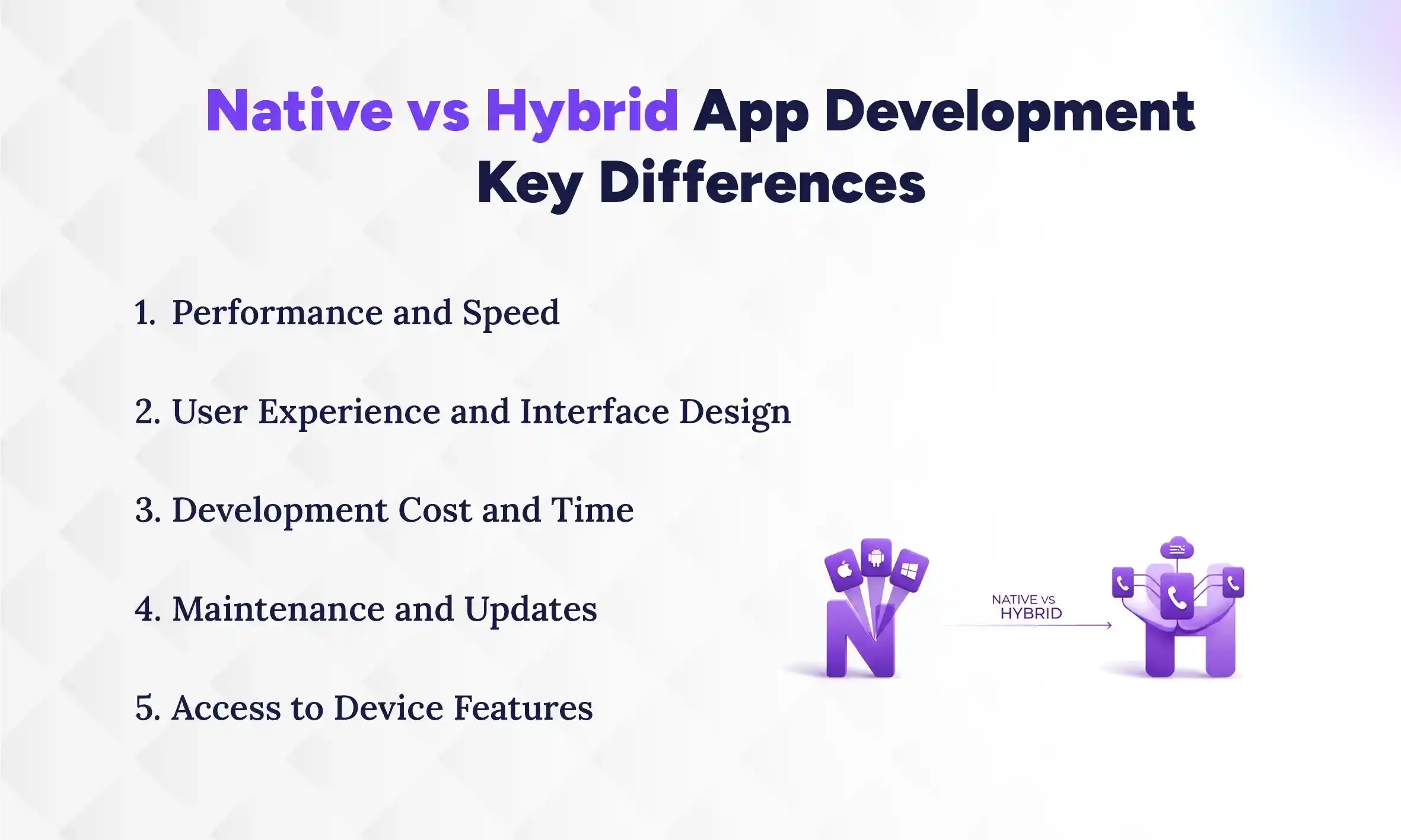
Native vs Hybrid App Development: Key Differences
When businesses plan to build a mobile app, one of the biggest decisions is choosing between native and hybrid development. Both options can help you build a working mobile app, but they work in different ways. Each method has its own strengths and limitations. Understanding the key differences can help you choose the best option for your business, budget, and long-term plans.
1. Performance and Speed
Performance and speed are very important for any mobile app. Native apps usually perform better because they are built for a specific platform like Android or iOS. The app can directly use the phone’s system and hardware. This helps the app run faster and respond quickly when users tap or scroll. Native apps also handle heavy tasks like animations or games more smoothly.
Hybrid apps work through a shared code layer. Because of this extra layer, the app may not always run as fast as a native app. For simple apps, users may not notice much difference. But for complex apps with many features, the speed can sometimes feel slower.
2. User Experience and Interface Design
User experience is about how easy and comfortable the app feels to use. Native apps follow the design rules of each platform. This means the app looks and behaves exactly like other apps on the device. Buttons, menus, and gestures feel natural to the user. Because of this, native apps usually provide a smoother experience.
Hybrid apps try to create one design that works for both Android and iOS. Sometimes this design may not perfectly match the style of each platform. In many cases, the difference is small, but it can still affect the overall feel of the app. Good frameworks can reduce this problem, but native apps still have an advantage here.
3. Development Cost and Time
App development cost and time are major factors for many businesses. Native apps require separate development for Android and iOS. This means developers often need to write two different codebases. Because of this, the development process can take more time and money.
Hybrid apps are built using a single codebase. Developers write the code once and use it for both platforms. This makes the development process faster and more affordable. For startups or small businesses with a limited budget, hybrid development can be a practical choice.
4. Maintenance and Updates
After an app is launched, it needs regular updates and maintenance. Native apps must be updated separately for each platform. If a bug appears, developers may need to fix it in both Android and iOS versions. This can take extra time and effort.
Hybrid apps are easier to maintain because they use a single codebase. When developers fix a problem or add a new feature, the change can work on both platforms. This makes updates faster and simpler. For businesses that want easy maintenance, hybrid apps can be helpful.
5. Access to Device Features
Mobile apps often need to use phone features like the camera, GPS, microphone, or notifications. Native apps can easily access all these device features. Since they are built directly for the platform, integration with hardware works smoothly.
Hybrid apps can also access many device features through plugins or frameworks. However, sometimes the access is not as direct as native apps. This can create small limits when developers want to use advanced features. For apps that rely heavily on device hardware, native development is usually the better option.
Native vs Hybrid App Development Comparison Table
Feature
Native App Development
Hybrid App Development
Performance
Very fast and smooth
Good for simple apps, but may be slower for complex apps
User Experience
Best user experience with platform-specific design
Good experience, but may not fully match platform style
Development Time
Longer because separate apps are built
Faster because one codebase is used
Development Cost
Higher cost due to separate development
Lower cost compared to native apps
Maintenance
Updates needed for each platform separately
Easier maintenance with one codebase
Access to Device Features
Full access to device hardware
Access is available but sometimes limited
Which is Best For Your Business: Native or Hybrid App Development
Choosing between native and hybrid app development depends on your business needs. There is no single option that works best for everyone. The right choice depends on things like your budget, timeline, app features, and long-term goals, including the cost of mobile app development. Some businesses need high-performance apps, while others only need a simple app that works on multiple platforms. Understanding when to choose native or hybrid development can help you make a better decision.
When to Choose Native App Development
Native development is best when your app needs high performance, strong security, and the best user experience.
High-performance needs: Ideal for apps that are graphics-heavy, like games, AR apps, or apps that process data in real-time.
Complex functionality: Perfect if your app needs deep access to device hardware or OS features, such as sensors or background tasks.
Long-term investment: Good for established apps where user retention and smooth, scalable performance matter.
Security priority: Uses built-in platform security, including biometric authentication or secure storage, for maximum protection.
Native apps are the right choice if your goal is a top-tier, professional app that performs flawlessly and fully leverages the device.
When to Choose Hybrid App Development
Hybrid development works well for projects with limited budgets, tight deadlines, or the need to reach multiple platforms quickly.
Limited budget/resources: One codebase for both Android and iOS reduces development and maintenance costs.
Faster time-to-market: Great for startups launching a Minimum Viable Product (MVP) quickly to test an idea.
Simple or content-based apps: Works well for apps like e-commerce, news readers, or internal business tools that don’t rely heavily on advanced hardware.
Existing web talent: Let teams use their HTML, CSS, and JavaScript skills for mobile apps, saving time and effort.
Hybrid apps are ideal when speed, affordability, and cross-platform availability are more important than maximum performance or advanced device integration.
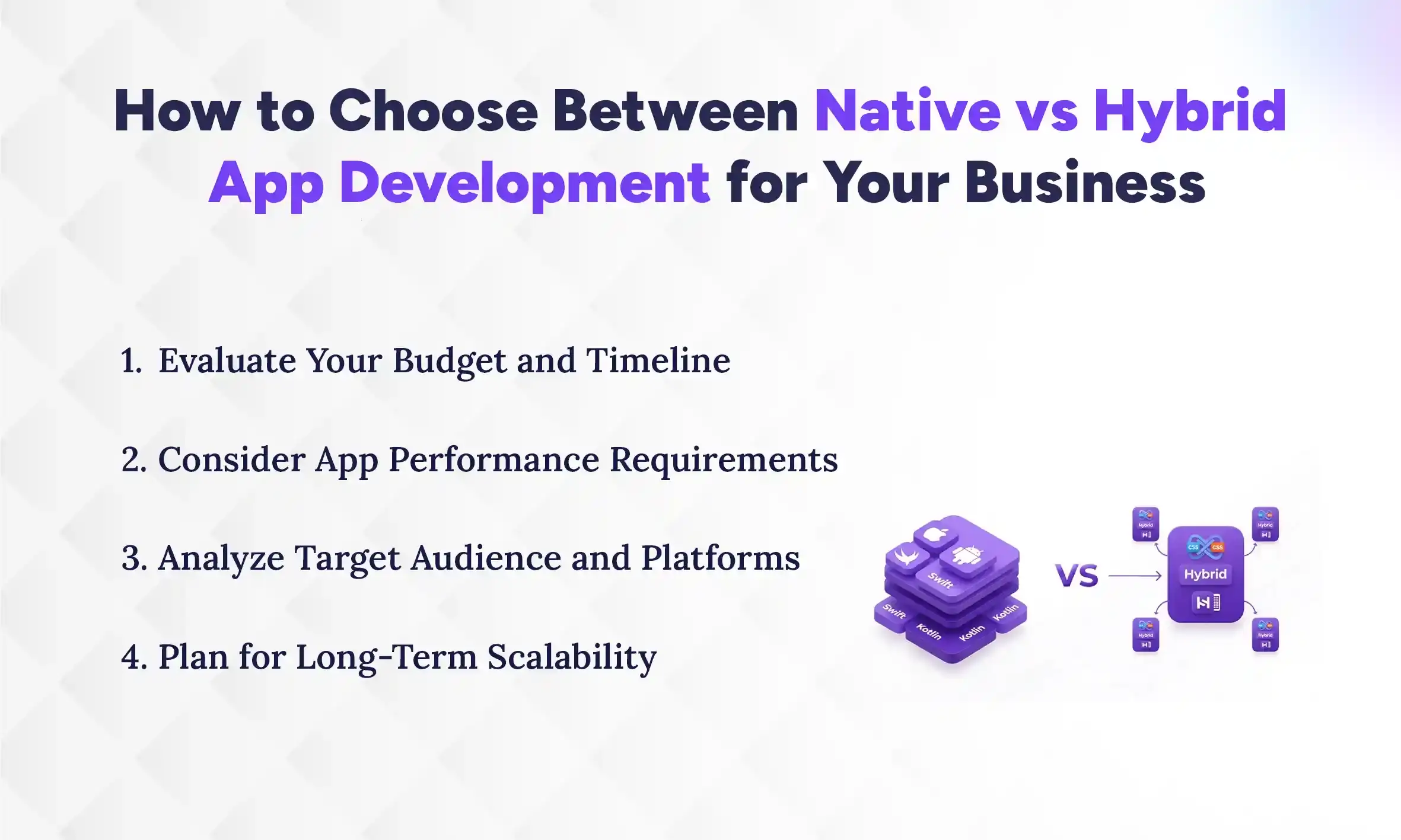
How to Choose Between Native vs Hybrid App Development for Your Business
To choose between native and hybrid app development, determine your budget, evaluate app performance needs, and consider your target audience and long-term goals. Native is best for high-performance, feature-rich apps, while hybrid works well for faster, cost-effective solutions across multiple platforms.
1. Evaluate Your Budget and Timeline
Your budget and timeline are the first things to consider. Native apps usually cost more and take longer to build because you need separate versions for Android and iOS. Hybrid apps are cheaper and faster since one codebase works for both platforms. If your business has a limited budget or needs to launch quickly, hybrid development is a practical choice. On the other hand, if you can invest more money and time for a high-quality app, native development may be worth it. Always balance cost with the value the app will bring to your users.
2. Consider App Performance Requirements
Think about how fast and smooth your app needs to be. Native apps provide better performance and handle heavy tasks like gaming, AR, or real-time data processing very well. Hybrid apps are fine for simple or content-based apps, but they may feel slower in complex apps. If your app relies on speed, advanced animations, or heavy graphics, native development is usually better. For apps with basic functions, hybrid apps can perform well enough without extra cost.
3. Analyze Target Audience and Platforms
You also need to know who will use your app and which devices they have. If your audience mostly uses one platform, like iOS, a native app may make more sense. If your users are on both Android and iOS, a hybrid app can save time and reach everyone at once. Understanding your audience helps decide whether it’s worth building separate native apps or one hybrid app. This also affects the app’s design, features, and updates.
4. Plan for Long-Term Scalability
Finally, consider your app’s future growth. Native apps are easier to scale for complex features or large user bases. They handle updates and performance better as the app grows. Hybrid apps can also scale, but they may face performance limits if the app becomes very complex. Think about the long-term goals of your app, like adding advanced functions or expanding to new platforms. Planning for growth ensures your app stays useful and reliable over time.
The mobile app industry is always changing, and businesses need to stay updated to stay competitive. New technologies and user expectations are shaping how apps are built and used. Understanding future trends helps you plan your app strategy and make smarter decisions about development, features, and user experience.
1. Growth of Cross-Platform Frameworks
Cross-platform frameworks like Flutter, React Native, and Xamarin are becoming more popular. These tools let developers build apps that work on both Android and iOS with a single codebase. This reduces development time and cost while still offering good performance. More businesses are choosing cross-platform solutions for faster launches and easier maintenance.
2 Increasing Demand for High-Performance Apps
Users expect apps to be fast, smooth, and reliable. Apps that load slowly or crash often lose users quickly. This is why performance optimization is becoming a major focus for developers. High-performance apps with smooth animations, fast responses, and stable functionality will continue to be a priority, especially for gaming, AR, and real-time apps.
3. AI and Machine Learning Integration
Artificial intelligence (AI) and machine learning (ML) are being used more in mobile apps. Features like personalized recommendations, chatbots, voice assistants, and predictive analytics are becoming standard. Even simple apps can use AI to improve user experience, help with automation, and provide smarter insights.
4. IoT and Smart Device Connectivity
Apps are increasingly connecting with IoT devices like wearables, smart home devices, and connected cars. This allows apps to gather more data and provide more personalized experiences. Future apps will need to integrate seamlessly with these devices to remain relevant.
Conclusion
When deciding between native vs hybrid app development, the choice ultimately depends on your business goals, app complexity, and resources. Native development is ideal if your app requires high performance, advanced device integration, and a seamless user experience. It ensures speed, reliability, and security, making it perfect for gaming apps, AR applications, or long-term investments.
Hybrid development, on the other hand, is cost-effective and faster, allowing businesses to reach both Android and iOS users with a single codebase. It works best for startups, MVPs, or content-driven apps with simpler functionality. By carefully evaluating your budget, performance needs, target audience, and growth plans, The Pace Infosys approach can help you select the development strategy that not only meets your current requirements but also supports your app’s success in the long run.
FAQs
What is the main difference between native and hybrid apps?
+
The main difference between native and hybrid apps is that native apps are built for a specific platform, while hybrid apps work on multiple platforms using a single codebase. Native apps offer better performance, while hybrid apps save time and cost.
Which is better for my business: native or hybrid app development?
+
Which is better depends on your business needs. Choose native for high-performance, feature-rich apps, and hybrid for simpler apps that need to reach both platforms quickly.
Are hybrid apps cheaper to develop than native apps?
+
Hybrid apps are generally cheaper to develop because they use one codebase for both Android and iOS. Native apps require separate development for each platform, increasing cost.
Do native apps perform better than hybrid apps?
+
Native apps perform better because they run directly on the device and can fully use hardware and system features. Hybrid apps may feel slower in complex or graphics-heavy applications.
Can hybrid apps access device features like the camera and GPS?
+
Hybrid apps can access device features through plugins or frameworks. However, some advanced features may not work as smoothly as in native apps.
How long does it take to build a native app versus a hybrid app?
+
Native apps usually take longer to build because separate versions are needed for Android and iOS. Hybrid apps are faster to develop since one codebase works for both platforms.
Which option is better for startups or small businesses?
+
Hybrid apps are often better for startups or small businesses because they cost less and can be launched quickly. Native apps are better if performance and advanced features are critical.
Can a hybrid app be scaled for complex features in the future?
+
Yes, hybrid apps can be scaled, but performance may be limited for very complex features. Native apps are generally easier to scale for large, advanced applications.
Ready to get started?
Book a 30-minute consultation call, and let's talk about your goals.