


Are you struggling to keep HR tasks running smoothly in your government office? If you’ve ever felt buried under piles of employee files, approval forms, payroll slips, or onboarding checklists, you’re not alone.
Managing human resources in government agencies can be a maze of manual record-keeping, slow approvals, complex compliance rules, and endless coordination between departments. One small mistake can snowball into delays, errors, or audit headaches.
That’s where the right HR software for government offices comes in. Designed specifically for public sector needs, it helps centralize employee data, automate payroll and leave, track compliance, and streamline approvals. No more chasing papers or juggling spreadsheets.
In this guide, we’ll walk you through why government agencies in Nepal need HR software, the key features to look for, and how to choose the best solution for your office.
What Is HR Software for Government?
HR software for government is a digital system that helps manage all the important HR tasks in government offices and local agencies. From keeping employee records to handling payroll, onboarding, performance tracking, and compliance, it organizes everything in one place. This means HR teams spend less time on paperwork and more time focusing on people.
One of the main benefits is centralizing all employee data. Instead of files scattered across departments or spreadsheets that never quite match, the software keeps everything in a single, secure system. It also automates approvals, leave management, and routine reporting, so processes move faster and errors are reduced.
Additionally, HR software supports secure access for different roles and smooth workflows between departments. Whether it’s payroll for a new recruit, approving leave requests, or generating reports for management, the software ensures everything flows efficiently and safely.
Why Government Agencies in Nepal Need HR Software?
Government agencies in Nepal need HR software to simplify record-keeping, automate payroll and leave, improve compliance, and manage employees efficiently. Manual HR processes can be slow, error-prone, and stressful, especially when multiple departments are involved. Using HR software not only reduces these problems but also helps teams work faster, stay organized, and maintain transparency.
Let’s explore how it addresses specific HR needs in government offices:
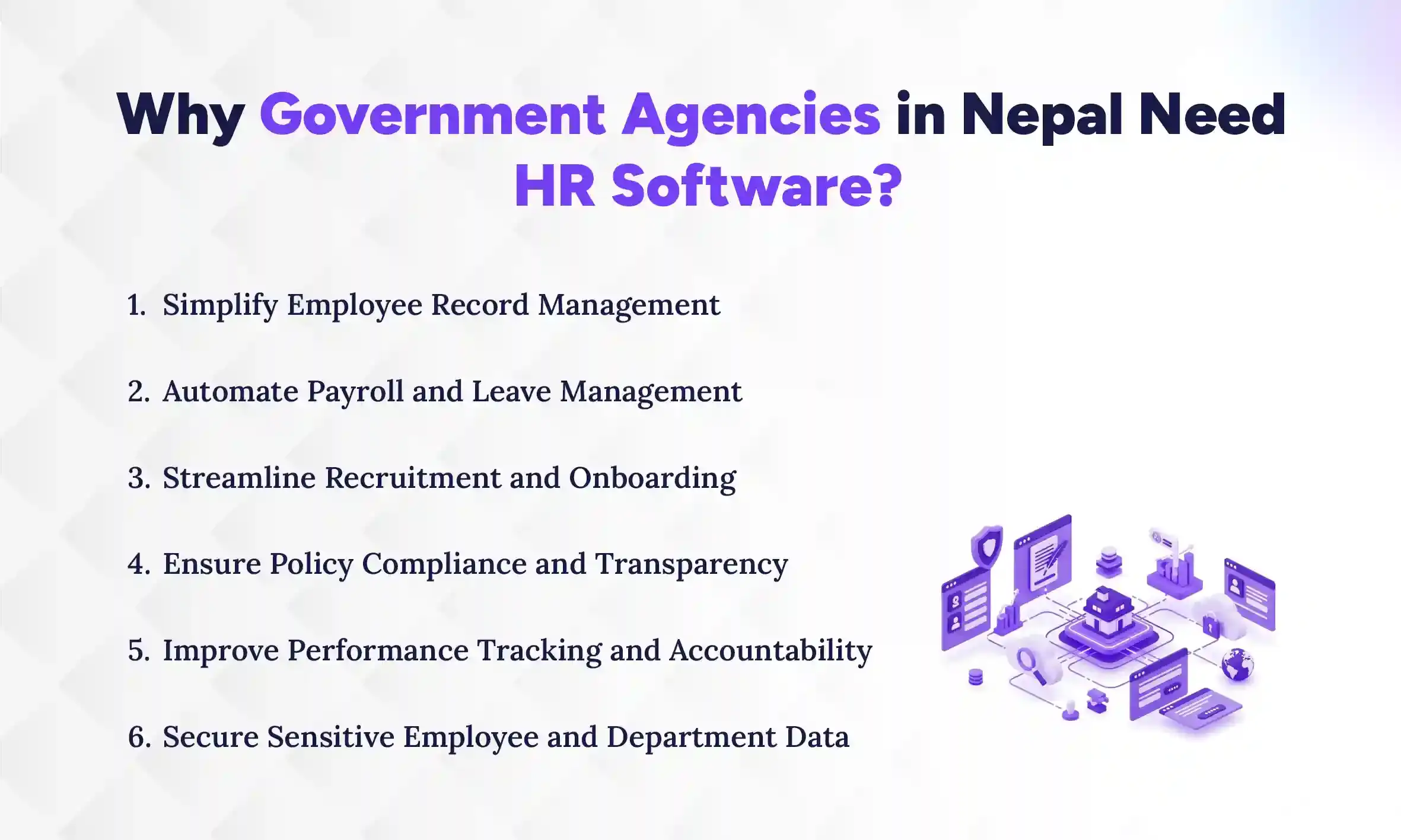
1. Simplify Employee Record Management
HR software centralizes all employee data in one secure system. This makes it easy to update records, track employee history, and retrieve information instantly. Departments no longer need to maintain separate files or struggle with missing forms. Everything from personal details to job history is stored safely and can be accessed whenever needed.
2. Automate Payroll and Leave Management
Processing salaries and managing leave manually takes a lot of time and is prone to mistakes. HR software automates payroll calculations, deductions, and leave balances. With an integrated leave management software, employees can apply for leave online, and managers can approve it quickly without paperwork. This ensures accurate salaries, reduces disputes, and saves hours of administrative work.
3. Streamline Recruitment and Onboarding
Hiring new staff can be slow and complicated without proper tools. HR software helps post vacancies, track applications, and schedule interviews efficiently. Once selected, onboarding tasks like document verification, training schedules, and account setup can be automated. This creates a smooth, consistent experience for both HR teams and new employees.
4. To Ensure Policy Compliance and Transparency
Government offices must follow strict rules and regulations, and mistakes can lead to audits or penalties. HR software tracks compliance automatically and ensures all approvals and records meet policy requirements. It also creates a clear audit trail, so decisions and actions are visible across departments. This builds trust and accountability.
5. Improve Performance Tracking and Accountability
Tracking employee performance manually is time-consuming and often inconsistent. HR software allows managers to set goals, monitor progress, and generate performance reports easily. Employees can also view their own progress and feedback. This promotes fairness, motivates staff, and helps managers make informed decisions.
6. Secure Sensitive Employee and Department Data
Government offices handle confidential information that must be protected. HR software provides role-based access, so only authorized users can see sensitive data. It also keeps digital records safe from loss, tampering, or unauthorized access. This ensures both employee privacy and departmental security.
Core Features of HR Software for Nepal Government Agencies
Government HR software comes with features designed to make daily operations smoother, accurate, and more transparent. These core features address the common challenges faced by offices and ensure that HR teams can work efficiently while staying compliant. Let’s break down the most important features of an HR Software, especially for government and public offices in Nepal:
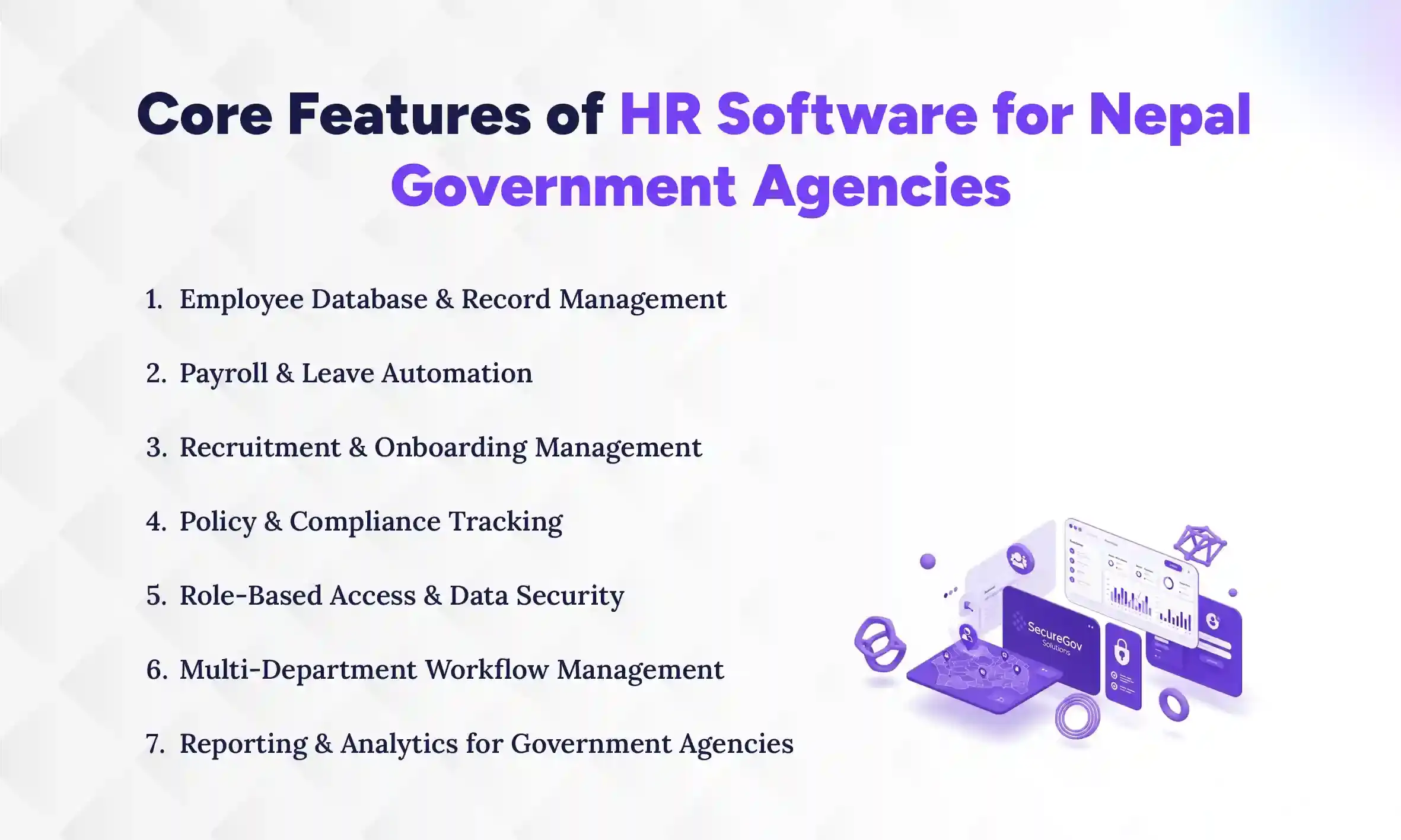
1. Employee Database & Record Management
A centralized employee database stores all staff information in one secure location. This includes personal details, job history, promotions, and training records. Instead of juggling files across departments, HR teams can quickly search, update, and access records. It ensures consistency, saves time, and reduces the chance of misplaced or outdated information.
2. Payroll & Leave Automation
Managing salaries, allowances, deductions, and leave manually can be complicated and error-prone. HR payroll software automates these processes, ensuring accurate payroll calculations and real-time leave tracking. Employees can request leave online, and managers can approve it quickly. This speeds up processes, reduces mistakes, and keeps staff satisfied.
3. Recruitment & Onboarding Management
Hiring and onboarding new employees involves multiple steps like posting vacancies, reviewing applications, scheduling interviews, and verifying documents. Onboarding HR software streamlines every step, from recruitment to onboarding. New hires can complete forms digitally, and HR teams can track progress without delays. This ensures a smooth experience for both staff and managers.
4. Policy & Compliance Tracking
Government offices must follow strict rules and policies. HR software helps track compliance automatically, ensuring approvals, payroll, and record-keeping meet official regulations. It also creates audit trails for transparency. This reduces errors, avoids penalties, and keeps operations aligned with government standards.
5. Role-Based Access & Data Security
Sensitive employee and departmental data must be protected. HR software provides role-based access, allowing only authorized personnel to view or edit information. This prevents unauthorized access and keeps records safe. It also ensures accountability, as every action in the system is tracked.
6. Multi-Department Workflow Management
Government HR tasks often involve coordination between multiple departments. HR software manages workflows across teams, routing approvals, tasks, and requests automatically. Departments can track progress and avoid bottlenecks. This improves collaboration, reduces delays, and keeps operations running smoothly.
7. Reporting & Analytics for Government Agencies
Accurate reporting is essential for audits and management decisions. HR software generates real-time reports on payroll, leave, performance, and compliance. Analytics help identify trends, monitor employee performance, and plan HR activities. This turns raw data into actionable insights, supporting better decisions and transparency.
Which Is the Best HR Software for Government Agencies in Nepal?
Pace HRMS is the best HR software for government agencies in Nepal, built to manage onboarding, payroll, approvals, compliance, and workflows effortlessly. The system is reliable, grows with your office, and comes with local support, making it practical for agencies of any size. Whether you manage municipal staff, departmental teams, or multi-office operations, Pace HRMS centralizes everything to keep HR processes smooth and efficient.
Why Choose Pace HRMS for Government Agencies
- Trusted and reliable system – Many government offices rely on Pace HRMS for its stability and consistent performance.
- Simplifies complex HR processes – From payroll to multi-department approvals, the software automates tasks that usually take hours of manual work.
- Secure and role-based access – Only authorized staff can view or edit sensitive employee and departmental data, keeping it safe.
- Local support and easy implementation – The Nepal-based team provides training, guidance, and fast help whenever needed.
- Scalable for growing offices – As your agency grows or adds departments, Pace HRMS adapts easily without disrupting operations.
Overall, Pace HRMS helps government agencies stay organized, compliant, and efficient every day, reducing HR stress and improving accountability.
Common HR Challenges in Nepalese Government Offices
HR teams in Nepalese government offices face many challenges, including manual record-keeping, slow approvals, complex payroll, poor coordination between departments, and risks of errors or audit issues. These problems make HR work time-consuming, stressful, and prone to mistakes. Understanding these challenges helps explain why government HR software is such a game-changer.
1. Manual Record-Keeping Across Departments
Many government offices still rely on paper files and spreadsheets to track employee information. This leads to scattered records, missing documents, and wasted time searching for data. Updating records in multiple departments often causes inconsistencies and confusion. HR software centralizes all records, making it easy to store, access, and update information in one secure place.
2. Slow Approval and Onboarding Processes
Approvals for leave, travel, or promotions can take days or even weeks when done manually. Onboarding new employees also involves multiple forms, verifications, and departmental coordination, which slows the process. These delays frustrate both staff and managers. With HR software, approvals and onboarding are automated, so requests move faster and new employees can start smoothly.
3. Complex Payroll Calculations and Compliance Reporting
Government payroll often includes allowances, deductions, and tax considerations that can be tricky to calculate manually. Compliance reporting adds another layer of complexity, as errors can lead to penalties or audits. Keeping everything accurate by hand is time-consuming and risky. HR software automates calculations, tracks rules, and generates accurate reports effortlessly.
4. Limited Transparency and Inter-Department Coordination
Departments often work in isolation, which makes it hard to share information or track progress across teams. This lack of transparency can cause miscommunication, delays, or repeated work. Managers may struggle to see the status of requests or approvals. HR software provides a shared platform where all departments can access real-time data, improving communication and teamwork.
5. Risk of Errors and Audit Complications
Manual HR processes are prone to human error, whether it’s incorrect leave balances, payroll mistakes, or missing documents. These errors can create compliance issues and complicate audits. HR software reduces mistakes by automating calculations, approvals, and record-keeping. This ensures accurate data, smoother audits, and a lower risk of administrative penalties.
What Are the Benefits of Using Government HR Software in Nepal?
Using HR software in government offices brings multiple benefits that make daily HR work faster, accurate, and more organized. It reduces tedious tasks, improves communication, and ensures rules are followed correctly. Let’s look at the main advantages of using an HR software:
1. Reduces Manual Errors and Administrative Workload
Manual HR processes often lead to mistakes in records, payroll, or approvals. HR software automates these tasks, reducing errors and saving staff hours of repetitive work. Employees and managers spend less time on paperwork and more on meaningful tasks. This also minimizes frustration and improves efficiency across departments.
2. Speeds Up Approvals, Onboarding, and Payroll
Processing leave requests, promotions, or payroll manually can take days or weeks. With HR software, approvals move automatically, onboarding is smoother, and salaries are calculated accurately in no time. This means new employees settle in faster, and staff get paid correctly and on time. Operations become faster and more reliable.
3. Improves Transparency and Accountability Across Departments
When multiple departments handle HR tasks, miscommunication or delays are common. HR software keeps all actions visible to authorized users, creating a clear audit trail. Managers can track progress, and employees see the status of their requests. This builds trust, reduces disputes, and ensures everyone is accountable for their tasks.
4. Ensures Compliance with Government Rules and Policies
Government offices must follow strict HR rules and regulations. HR software monitors compliance automatically, ensuring payroll, leave, and approvals meet policy requirements. Alerts and reports help avoid violations or penalties. This keeps offices aligned with regulations and prepares them for smooth audits.
5. Provides Accurate Reporting for Audits and Management Decisions
Generating reports manually can be time-consuming and prone to mistakes. HR software produces real-time reports on payroll, leave, performance, and compliance. These reports help managers make informed decisions and simplify audit preparations. With accurate data at their fingertips, leaders can plan better and maintain accountability.
How to Choose the Best HR Software for Government in Nepal?
Selecting the right HR software for a government office in Nepal is crucial. The right system saves time, reduces errors, and ensures compliance while fitting your office’s unique needs. To make the best choice, focus on features, reliability, and support. Here’s a step-by-step guide to evaluate HR software effectively.
1. Explore Top HR Software Options
Start by researching and shortlisting the 5 leading HRMS solutions used by government offices. Look for systems designed for public sector needs, with features like payroll, onboarding, compliance, and multi-department workflows. Read reviews and check case studies from other Nepalese agencies. This helps narrow down software that is proven, reliable, and suitable for your office size.
2. Check Onboarding and Recruitment
A good HR system should simplify hiring and onboarding. Ensure it can post vacancies, track applications, schedule interviews, and guide new employees through document verification and training. This reduces manual work and ensures a smooth experience for both HR teams and staff. Efficient onboarding also helps new hires settle in quickly.
3. Ensure Payroll and Leave Accuracy
Payroll and attendance management systems are critical in government offices. Verify that the software calculates salaries, allowances, deductions, and leave balances correctly. It should also generate payslips automatically and handle complex leave rules. Accurate payroll reduces disputes and keeps employees satisfied.
4. Verify Security and Role-Based Access
Government HR systems handle sensitive data that must be protected. Check if the software provides role-based access so only authorized staff can view or edit records. Security features like encryption and audit logs are important to prevent unauthorized access and maintain accountability.
5. Assess Multi-Department Workflow Support
HR tasks often require collaboration between different departments. The software should route approvals, requests, and tasks automatically. This avoids delays, reduces miscommunication, and ensures smooth operations across all teams. A system with strong workflow support keeps the office organized and efficient.
6. Evaluate Policy and Compliance Features
The software must help your office follow government rules and regulations. Look for features that monitor compliance automatically, create audit trails, and generate reports for audits or inspections. Staying compliant reduces errors, avoids penalties, and builds trust in your HR processes.
7. Compare Support, Cost, and Scalability
Consider local support availability, HRMS pricing, and whether the software can grow with your office. Software that is easy to maintain and scales with departments ensures long-term value. Local support is especially important for troubleshooting and training staff quickly.
8. Test With a Demo or Trial
Before making a decision, try the software with a demo or trial version. This lets your team explore features, test workflows, and learn how HRMS functions. A hands-on test helps identify potential issues before committing, ensuring the system meets your agency’s needs.
HRMS Implementation Tips for Government Agencies
Introducing HR software in a government office can feel overwhelming, but a step-by-step approach makes it smooth and effective. Implementing the system properly ensures faster adoption, fewer errors, and maximum benefits for your agency. Here are practical tips for a successful rollout.
1. Start With Employee Records & Policies
Begin by organizing all employee records and documenting office policies clearly. Clean up old files, verify details, and ensure consistency across departments. This creates a strong foundation for your HR software and prevents errors later. Well-structured data makes onboarding, payroll, and compliance tasks much easier.
2. Digitize Onboarding and Approvals
Move manual forms, approvals, and employee onboarding tasks into the HRMS system. Automate document submissions, leave approvals, and workflow notifications. This reduces paperwork, speeds up processes, and ensures nothing gets lost in the shuffle. Employees and managers can track progress online, making operations smoother.
3. Train HR Teams First
Before rolling out the system to the whole office, train HR staff thoroughly. They should understand features, workflows, and reporting tools. When HR teams are confident, they can support other departments, answer questions, and ensure consistent usage. Proper training reduces mistakes and builds trust in the new system.
4. Run Pilot in One Department
Test the HRMS in a single department before a full office-wide rollout. This lets you identify issues, gather feedback, and adjust workflows. Pilots provide practical insights into usability and highlight improvements needed. Once the pilot succeeds, scaling the system to other departments becomes easier.
5. Standardize Workflows Across Departments
After testing, standardize processes across all departments to ensure uniformity. Set clear approval chains, reporting standards, and access rules. Standardized workflows reduce confusion, prevent bottlenecks, and create a smooth, transparent system for everyone. This ensures the HRMS delivers consistent benefits across the entire agency.
Conclusion
Government HR software makes managing employee records, payroll, onboarding, approvals, and compliance much easier. With a system like Pace HRMS, government offices can reduce errors, save time, and improve accountability across all departments. It helps HR teams work faster and keeps processes clear and organized.
Think about a workplace where approvals move quickly, onboarding is simple, and payroll is always accurate. No more chasing papers, worrying about audits, or correcting mistakes. HR software frees your team from tedious tasks, reduces stress, and lets them focus on important work that really matters.
Make HR work easier in your office today. Explore or demo Pace HRMS to see how it can simplify tasks, keep your agency compliant, and make daily operations smooth for everyone.