An employee checks in at 9 AM. The attendance system records the time, but there is one small question: where did they check in from?
For businesses with field teams, branches, and project sites, that detail can matter just as much as the time itself. A geofencing attendance system helps solve this by creating a virtual boundary around an approved work location. When an employee checks in, the system uses GPS to see whether they are inside that area. If they are, the attendance can be accepted based on the company's rules. If not, it can be blocked or flagged for review.
But how does GPS geofencing work, and what should businesses look for in a system? This guide explains the process, features, benefits, limitations, and practical uses of geofencing attendance.
A geofencing attendance system uses GPS and a virtual boundary to check whether an employee is at an approved location when they mark attendance. The business sets a geofence around an office, branch, project site, or other work area, and the system checks the employee's location against that boundary. Before we look at its benefits, let's see how this simple location check works.
What Is a Geofence?
A geofence is a virtual boundary placed around a real-world location. Think of it as an invisible circle around an office or worksite, with the system using GPS to check whether an employee is inside or outside it.
The size of the boundary can vary based on the workplace. A small office may need a smaller area, while a large construction site may need a wider one.
For example, a company can create one geofence around its Kathmandu office and another around its Pokhara branch. Employees can then check in from their assigned locations without needing a separate physical attendance machine at each site.
GPS vs Geofencing: What Is the Difference?
GPS tells the system where a device is, while geofencing uses that location to check whether the device is within a set area. In simple terms, GPS provides the location, while geofencing applies a location rule. This difference becomes clearer when we look at how the two work together during an attendance check-in.
Factor
GPS
Geofencing
Main purpose
Provides location information
Checks location against a set boundary
Attendance use
Records where an employee checks in
Checks if the employee is in an approved area
Virtual boundary
Not required
Required
Location-based check-in rules
Not always
Yes
Best use
Location verification
Location-based attendance control
How Does GPS Geofencing Work for Attendance?
GPS geofencing works by comparing an employee's location with a virtual boundary set around an approved workplace. The employee checks in through a mobile app, the system checks their GPS location, and the attendance is accepted or flagged based on the set rules. Here is what happens from the moment the business creates a geofence to the moment the attendance record reaches the HR system.
1. The Business Creates a Geofence
The first step is to set an approved attendance area around a workplace. The business can choose the location and set a suitable boundary based on the size of the site.
For example, a company may create separate geofences for its Kathmandu office, Biratnagar branch, and a construction project in Bhaktapur.
The right size depends on the workplace. A small office may need a smaller boundary, while a large worksite may need more room.
2. The Employee Opens the Attendance App
Once the geofence is ready, the employee uses the attendance app to check in or check out. The app may ask for location permission so it can use the phone's location when the attendance event takes place.
This makes the process simple for employees working away from a fixed attendance machine. A sales employee at a client site or a technician at a service location, for example, can mark attendance from an approved place.
3. GPS Determines the Employee's Location
When the employee checks in, the mobile device provides its location information to the attendance system. The system then uses that location to see where the attendance event took place.
GPS accuracy can vary based on the phone, surroundings, and other factors. So, the system should use location as a practical attendance check rather than treating every GPS reading as perfectly exact.
4. The System Checks the Geofence
The system compares the employee's location with the approved geofence. If the employee is inside the allowed area, the system can accept the check-in, while a check-in outside the area can be blocked or flagged.
For example, an employee assigned to the Kathmandu office may be able to check in while inside that office's geofence. If they try to check in from a nearby cafe, the system can flag or reject the entry based on the company's rules.
5. The Attendance Record Is Saved
Once the system completes the location check, it saves the attendance event along with details such as the time and location. Managers can then review these records from the attendance dashboard.
This makes it easier to check unusual entries without going through every attendance record manually. It also gives the business a clear record of when and where attendance was marked.
6. Attendance Can Flow Into Other HR Processes
The attendance record can then connect with shifts, working hours, overtime, leave, and payroll. This means the location check is not an isolated feature but part of a wider attendance and HR process.
For example, overtime recorded through attendance can later become a payroll input. When these processes work together, HR teams do not have to enter the same information in several places.
What Features Does a Geofencing Attendance System Have?
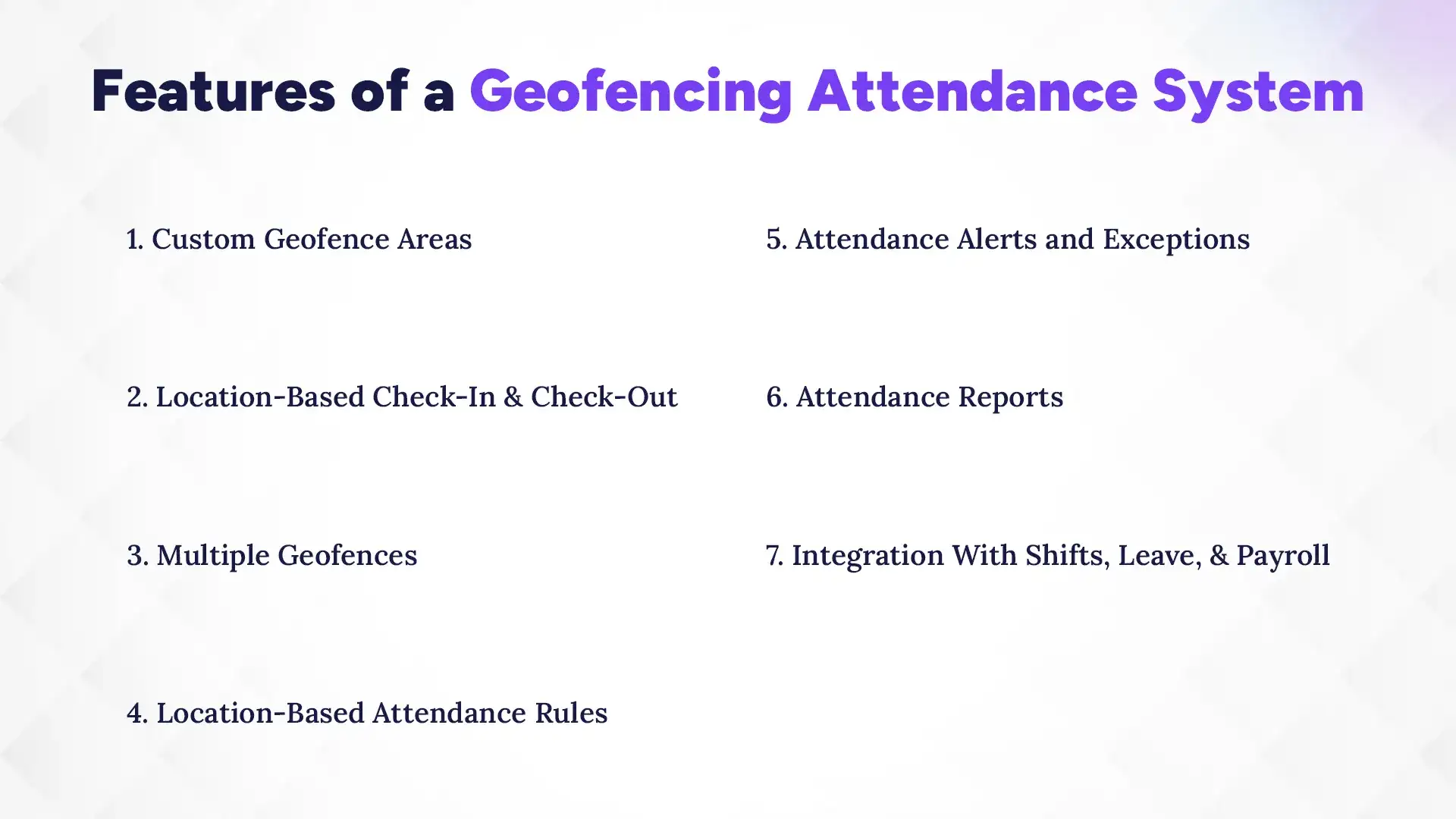
A good geofencing attendance system should do more than check whether an employee is inside a boundary. It should also make it easy to manage different locations, attendance rules, exceptions, and related HR data. These are the key features worth checking before choosing a system.
1. Custom Geofence Areas
A good system should let businesses create and adjust geofences for different workplaces. This is useful when a company has several offices, branches, or project sites with different locations.
For example, a business can set separate boundaries for its Kathmandu headquarters and Pokhara branch. It can also create a temporary area for a project site when needed.
2. Location-Based Check-In and Check-Out
Employees should be able to check in and out from approved locations using their mobile devices. The system then links the attendance event with the time and location of the check-in.
This is especially useful for field teams that do not report to the same office every day. It also removes the need to place a physical attendance device at every work location.
3. Multiple Geofences
Businesses with several work locations should be able to create more than one geofence. Each location can then have its own attendance area.
For instance, a company may have offices in Kathmandu and Pokhara, along with several project sites. Managing these areas from one system is much easier than maintaining separate attendance records for every location.
4. Location-Based Attendance Rules
Different teams may follow different attendance rules. A good system should let businesses set rules based on the employee, shift, or work location. This matters because businesses rarely follow one attendance or HR policy for everyone. A field team, office team, and project team may all need different check-in rules.
Track Attendance Anytime, Anywhere!
Monitor employee locations with GPS tracking and geofencing. Manage attendance on the go with the Pace HRMS mobile app.
The system should flag attendance events that need attention, such as a check-in outside the approved area or a missing check-out. Managers can then review these exceptions instead of checking every employee record.
This can save time, especially when a business has a large workforce. It also gives managers a clear way to handle genuine cases, such as an employee being sent to a different worksite.
6. Attendance Reports
Attendance reports help managers review records by employee, date, shift, or location. They can also help identify repeated late arrivals, missed check-ins, overtime patterns, or location-related issues. Instead of looking through individual entries, managers can use reports to find patterns and focus on what needs attention.
7. Integration With Shifts, Leave, and Payroll
Geofencing is more useful when attendance connects with other HR processes. Attendance data can support shift records, leave management, overtime, and payroll instead of staying in a separate system. For HR teams, this means fewer repeated entries and less manual work. It also gives the business a more connected view of employee attendance and working hours.
What Are the Benefits of Geofencing Attendance?
Geofencing attendance helps businesses check where employees mark attendance, manage multiple work locations, and reduce manual work. It is especially useful for field teams, branches, and project-based businesses.
Geofencing can help address some common attendance management challenges, especially when employees work across multiple locations. Here are the main benefits businesses can expect:
Controls Where Employees Check In: The system can block or flag check-ins outside approved work areas.
Makes Field Attendance Easier: Employees can check in from approved client sites, project locations, or other workplaces.
Simplifies Multi-Location Attendance: Businesses can set different geofences for offices, branches, and worksites while managing records in one system.
Reduces Manual Checks: Managers can review flagged or missing entries instead of checking every attendance record manually.
Improves Attendance Visibility: Location data gives managers more context when reviewing check-ins and unusual attendance entries.
Provides Better Payroll Data: Connected attendance data can support working hours, overtime, leave, and other payroll inputs.
This is where an integrated HRMS can be more useful than a standalone attendance tool. It connects attendance with employee records, leave, shifts, overtime, and payroll so HR teams can manage the full process in one place.
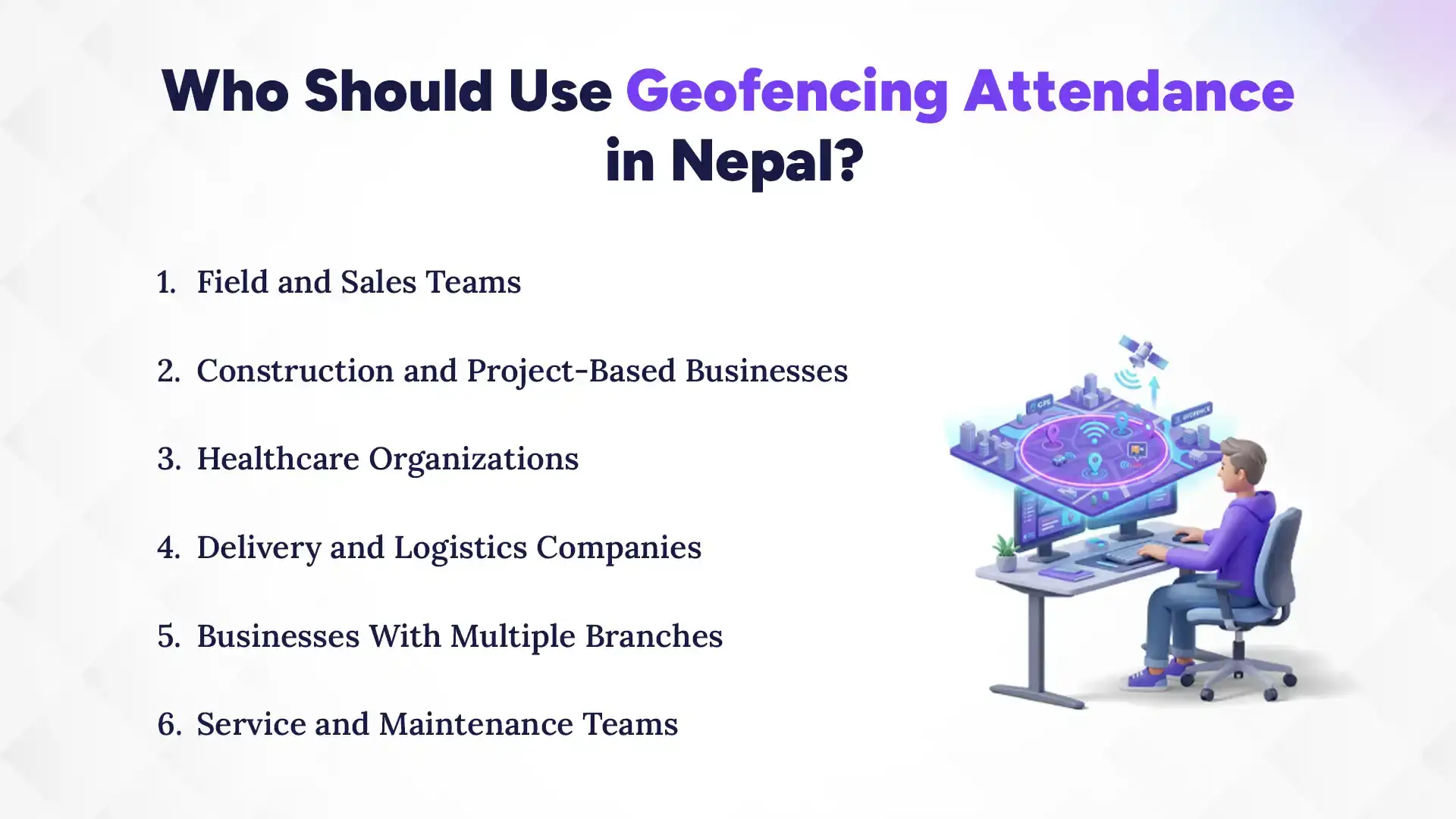
Who Should Use Geofencing Attendance in Nepal?
Geofencing attendance is most useful for businesses where employees work across different locations. It helps teams mark attendance from approved workplaces while giving managers better visibility.
1. Field and Sales Teams
Sales and field employees can check in from approved clients or work locations using their phones. This makes field attendance easier to manage without requiring them to return to the office.
2. Construction and Project-Based Businesses
Construction teams often work across multiple project sites. Businesses can set a geofence for each site and track attendance based on the assigned location.
3. Healthcare Organizations
Hospitals and clinics can use geofencing to manage attendance across different facilities and shifts. This is especially useful for organizations with multiple branches or work locations.
4. Delivery and Logistics Companies
Delivery teams may start or finish work at different hubs, warehouses, or assigned areas. Geofencing lets them record attendance from approved locations through their mobile devices.
5. Businesses With Multiple Branches
Businesses with branches in Kathmandu, Pokhara, Biratnagar, and other cities can create separate geofences for each location. Managers can then manage attendance across all branches from one system.
6. Service and Maintenance Teams
Technicians often work at customer sites instead of a fixed office. Geofencing lets them mark attendance from approved service locations and gives managers a clearer attendance record.
How Accurate Is Geofencing Attendance?
Geofencing can provide useful location checks, but GPS is not perfectly accurate in every situation. Buildings, weak signals, devices, and phone settings can affect the location reading. That is why businesses should test the geofence and set a practical boundary.
1. GPS Accuracy Can Vary
GPS readings can change because of buildings, nearby structures, weak signals, or the employee’s device. A very small geofence may sometimes reject a genuine check-in.
2. Indoor Locations Can Be Difficult
GPS can be less reliable inside large buildings or areas with weak signals. A boundary that works for an open construction site may need adjustment for an office or hospital.
3. Phone Settings Also Matter
Location services, app permissions, and device settings can affect check-ins. Employees should know which permissions the attendance app needs and how to check them.
4. What Geofence Radius Should You Use?
There is no single radius that works for every workplace. A small office may need a smaller boundary, while a factory or construction site may need a wider one.
The best approach is to test the geofence around the workplace and adjust it until it covers the actual work area without allowing check-ins from nearby places.
What Are the Limitations of Geofencing Attendance?
Geofencing makes attendance easier to manage, but it also has some practical limits. Businesses need to consider devices, connectivity, GPS accuracy, and employee privacy before using it.
GPS Can Be Inaccurate: Buildings, weak signals, and device differences can affect location readings.
Employees Need a Working Phone: Low battery, disabled location services, or missing app permissions can affect check-ins.
Internet May Be Required: Some systems need an active connection, while others can save attendance offline and sync it later. Check this before choosing a system.
Privacy Needs Attention: Businesses should explain what location data they collect, when they collect it, how long they keep it, and who can access it.
Exceptions Still Matter: Genuine issues can happen, so businesses should have a simple process for manager approval or alternative attendance methods.
What Should You Consider Before Choosing a Geofencing Attendance System?
A good geofencing system should do more than check whether an employee is inside a location. It should also fit your work locations, attendance rules, mobile teams, and wider HR processes. Before choosing one, check these key areas.
1. Geofence Customization
Check whether you can change the size and location of each geofence. A small office, large factory, and construction site may all need different boundary sizes.
2. Multiple Locations
If your business has several offices, branches, or project sites, the system should support multiple geofences. You should be able to add, edit, and manage locations from one place as the business grows.
3. Flexible Attendance Rules
Different teams may follow different shifts, grace periods, and attendance rules. Choose a system that lets you set rules based on employees, teams, shifts, or work locations instead of applying one rule to everyone.
4. Simple Mobile App
Employees should be able to check in and out quickly from their phones. It is also useful if they can view their attendance history and understand why a check-in was rejected or flagged. This makes it important for your HRMS to have a custom mobile app, or at least a smooth mobile access.
5. Location Accuracy
GPS readings can vary based on the device, surroundings, and signal strength. Test the system at the actual workplace to see whether the geofence works reliably without rejecting genuine check-ins.
6. Offline Support
Field teams and project workers may sometimes work in areas with weak or no internet. If this applies to your business, check whether the system can save attendance offline and sync it when the connection returns.
7. Attendance Exceptions
Not every attendance issue means an employee broke a rule. Someone may visit another worksite, face a GPS problem, or forget to check out, so managers should be able to review and correct attendance when needed.
8. Leave, Overtime, and Payroll Integration
Attendance becomes more useful when it connects with shifts, leave, overtime, employee records, and payroll. This reduces repeated data entry and gives HR teams more consistent information for payroll processing.
9. Privacy and Access Controls
Location data should only be available to people who need it for their work. Check what information the system collects, when it collects it, how long it stores it, and how access is controlled.
10. Reporting
Good reports should help managers understand attendance without checking individual records one by one. Look for filters by employee, location, date, shift, attendance status, overtime, and location-related exceptions.
How Does Geofencing Attendance Connect With Payroll?
Geofencing does not calculate an employee's salary by itself, but it can provide useful attendance data for payroll. The basic flow is:
When these processes connect, HR teams can spend less time moving attendance data between different systems.
For example, an employee checks in from an approved location and works beyond their scheduled hours. The attendance system can record the working time, which can then support overtime calculations when the data flows into payroll.
An integrated HRMS can connect this attendance data with employee records, shifts, leave, overtime, and payroll. This gives HR teams one connected process instead of separate tools for each task.
Create Payslips for FREE
Which HRMS in Nepal Has Geofencing Attendance?
The Pace Infosys’s Pace HRMS includes GPS attendance and geofencing for businesses that need location-based check-ins. HR teams can create approved work areas for offices, branches, and project sites, while employees can mark attendance through the mobile app.
The bigger advantage is that geofencing does not sit alone. Pace HRMS connects attendance with shifts, leave, overtime, employee records, and payroll, so businesses can manage attendance and the processes that depend on it from one system.
For businesses with field teams, multiple branches, or employees working across different sites, this makes Pace HRMS a practical option for managing location-based attendance alongside wider HR operations.
Is Geofencing Attendance Suitable for Businesses in Nepal?
Geofencing attendance is a good fit for Nepalese businesses when employees work across branches, project sites, client locations, or other approved workplaces. It can be especially useful for construction companies, field sales teams, healthcare organizations, delivery businesses, and companies with offices in different cities. However, businesses with almost all employees working from one office may find a standard biometric or office-based attendance system sufficient.
For example, a construction company with teams working in Kathmandu, Bhaktapur, and Lalitpur can create separate geofences for each project. A field service company can also set approved areas for technicians working at customer locations.
The key question is simple: does the employee's location matter when they check in? If the answer is yes, geofencing can add real value to the attendance process.
Conclusion
A geofencing attendance system uses GPS and virtual boundaries to check whether employees mark attendance from approved locations. It can make attendance easier for field teams, multi-location businesses, construction companies, and other organizations where work does not always happen in one office.
However, geofencing is only one part of good attendance management. When attendance also connects with shifts, leave, overtime, employee records, and payroll, businesses can manage the full process with less manual work.
For businesses that need more than location-based check-ins, an integrated HRMS can bring these processes together. That makes attendance useful not just for knowing where someone checked in, but also for managing the wider employee and payroll workflow.
FAQs
What is geofencing in attendance?
+
Geofencing creates a virtual boundary around a workplace and checks whether an employee is inside that area when they mark attendance.
How does GPS geofencing work?
+
GPS provides the employee's location, while geofencing compares that location with an approved area to accept, reject, or flag the attendance.
How does geofencing prevent attendance from outside the workplace?
+
The system can block or flag check-ins when an employee's location falls outside the approved geofence.
Can employees check in from multiple locations?
+
Yes. A system can support multiple geofences for different offices, branches, project sites, or other approved work locations.
Can geofencing attendance connect with payroll?
+
Yes. Attendance data can support working hours, overtime, leave, and other payroll inputs when the attendance system connects with payroll.
Is geofencing attendance suitable for field employees?
+
Yes. It is especially useful for employees who work at client locations, project sites, branches, or other places outside a main office.
Which HRMS in Nepal has a GPS geofencing attendance system?
+
Pace HRMS offers a GPS geofencing attendance system that allows businesses to define approved work locations and manage employee check-ins through location-based verification. It supports attendance tracking across offices, branches, project sites, and field teams, with attendance records integrated into payroll management.
Ready to get started?
Book a 30-minute consultation call, and let's talk about your goals.