Role-based access control protects CRM data by restricting who can view, edit, or export customer records based on job function, preventing unauthorized access, internal misuse, and compliance violations. Instead of every employee seeing every customer's contact details, payment history, and internal notes, each user only sees what their role actually requires.
As customer databases grow across sales, support, and marketing teams, unrestricted access stops being a convenience and starts becoming a liability. This guide covers what role-based access control is, why CRM data needs it, how it technically works, what data it protects, the risks of skipping it, the features worth prioritizing, and how it supports compliance requirements, closing with which CRM handles this best in Nepal.
What Is Role-Based Access Control in CRM?
Role-based access control in CRM is a security model that grants or restricts data visibility and actions based on a user's assigned role, rather than giving every user the same level of access to customer records.
"Role-based" means access is tied to a job function, such as sales rep, support agent, or manager, rather than being assigned individually to each person. When someone changes positions, their access updates automatically with their new role instead of requiring manual reconfiguration. Understanding exactly how a modern CRM works reveals that structuring these permission levels around the system's role hierarchy make it incredibly easy to securely onboard new hires without exposing data they don't need yet.
Most CRMs define a handful of standard roles: sales reps who see only their assigned leads and deals, support agents who see service tickets and communication history, managers with visibility across their team's records, and administrators with full system access. Structuring permission levels around CRM's role hierarchy makes it easy to onboard new hires without exposing data they don't need yet.
Without role-based access, any employee with a login can technically browse the entire customer database, regardless of whether their job touches that data at all. That is why evaluating core CRM features should start with how granular the access controls actually are, not just whether the system requires a password to log in.
Why Does CRM Data Need Role-Based Security?
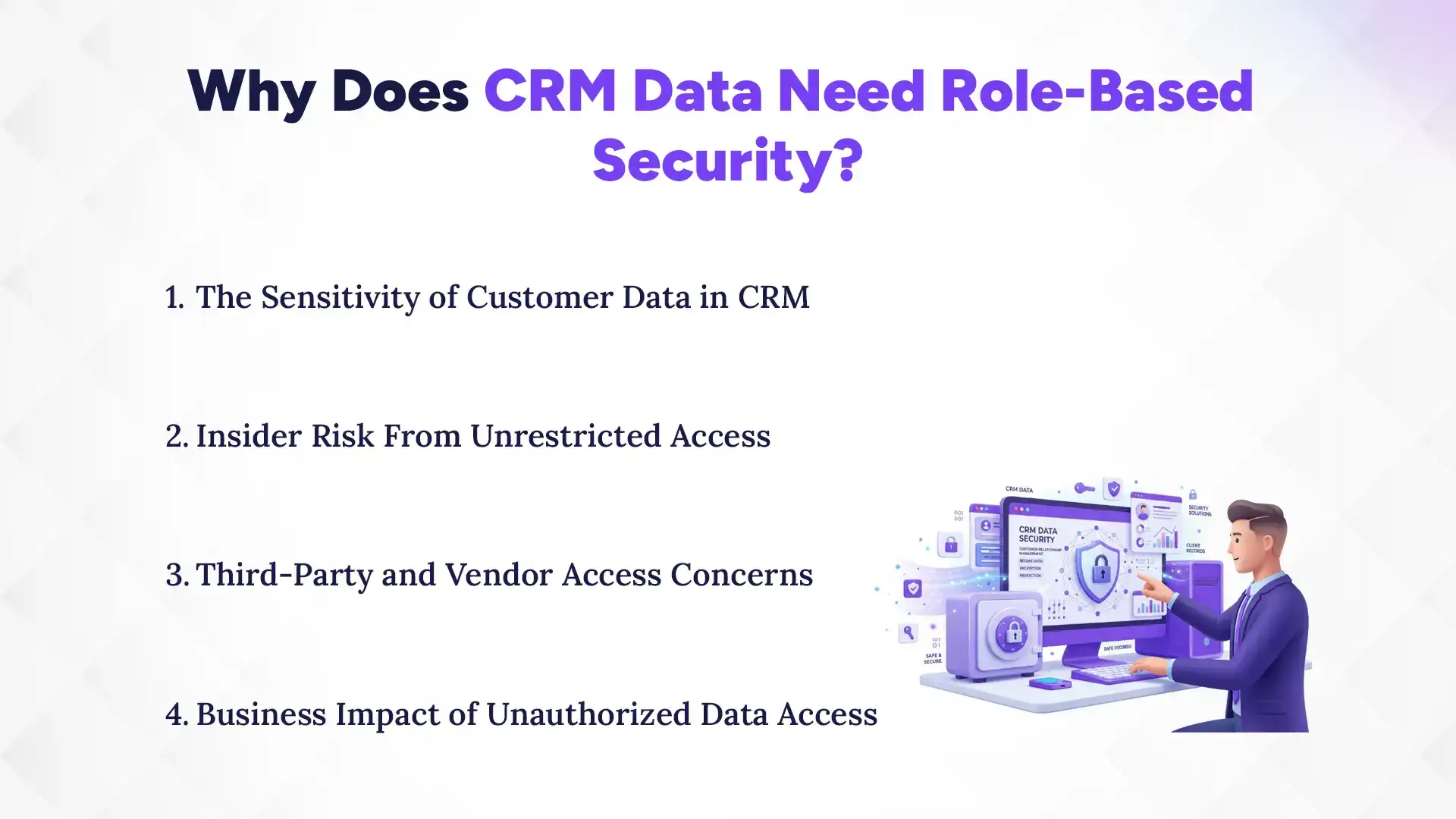
CRM data needs role-based security because customer records contain sensitive contact, financial, and behavioral information that shouldn't be equally accessible to every employee, regardless of their role. Without it, anyone with a login can browse data that has nothing to do with their actual job.
1. The Sensitivity of Customer Data in CRM
CRM records typically hold phone numbers, email addresses, payment details, purchase history, and internal notes about each customer's preferences and complaints. Effective CRM contact management requires treating this data with high sensitivity, as ignoring how much damage a leak or misuse of this specific information can cause is a massive operational risk.
2. Insider Risk From Unrestricted Access
Most CRM data exposure doesn't come from external hackers; it comes from employees browsing records outside their responsibilities, whether out of curiosity or intent. Reviewing how CRM security prevents internal data misuse shows why limiting visibility by role closes off this risk before it becomes a problem.
3. Third-Party and Vendor Access Concerns
Businesses often grant CRM access to contractors, outsourced support teams, or integration partners who only need a narrow slice of the data. Role-based access lets these external users work inside the system without ever touching records unrelated to their task.
4. Business Impact of Unauthorized Data Access
A single instance of unauthorized data access can mean a lost customer relationship, a damaged reputation, or a compliance investigation, all of which carry costs well beyond the data itself. Understanding the true cost of CRM data breaches makes it clear why access control isn't optional once a business handles real customer information.
How Does Role-Based Access Control Work in a CRM System?
Role-based access control works in a CRM system by having administrators assign roles with defined permission tiers, restricting access down to specific fields or records, and logging every action taken. This means access can be adjusted at the role level instead of reconfiguring each user individually every time something changes.
1. Assigning Roles and Permission Tiers
Administrators define roles in advance, each with a specific set of permissions, then assign every user to one of those roles rather than configuring access person by person. Setting up permission tiers correctly during CRM implementation and onboarding prevents the common mistake of giving new hires broad access "temporarily" and never tightening it later.
2. Field-Level and Record-Level Access Restrictions
Beyond deciding who can open a record at all, role-based access can restrict visibility down to individual fields, such as hiding payment details from support staff while still letting them see contact history. Record-level restrictions go further, limiting a sales rep to only the accounts they personally manage.
3. Approval Workflows for Sensitive Data
Some actions, like exporting a customer list or deleting a record, can be routed through an approval step before they're allowed to happen. Building approval workflows into sensitive CRM actions adds a checkpoint that a simple permission toggle can't provide on its own.
4. Access Logs and Activity Tracking
Every view, edit, and export can be logged with a timestamp and user ID, creating a record of exactly who touched which data and when. These access logs and activity tracking dashboards are what turn role-based access from a preventative measure into something that's also auditable after the fact.
What Types of Customer Data Does Role-Based Access Protect?
The types of customer data, role-based access protects are contact details, payment and billing information, communication history, and internal notes tied to each customer record. Each of these data types can carry its own visibility rules, so highly sensitive fields like billing information can stay restricted even when other record details are visible.
1. Contact and Personal Identification Data
Names, phone numbers, addresses, and other personal identifiers are the most basic layer of customer data, and role-based access ensures only relevant staff can view or export them. This is especially critical during lead management in CRM, where prospect data is collected early and must be kept strictly confidential until consent is fully established.
2. Payment and Billing Information
Billing history, invoice records, and payment method details carry the highest sensitivity of any CRM data and typically warrant the tightest restrictions. Restricting payment and billing visibility to finance and account management roles keeps this information away from staff who have no operational need for it.
3. Communication and Interaction History
Call logs, email threads, and support tickets reveal a lot about a customer's relationship with the business, including complaints or sensitive requests. Controlling who can read full interaction history protects both the customer's privacy and the business's ability to handle complaints professionally.
What Risks Come From Poor CRM Access Control?
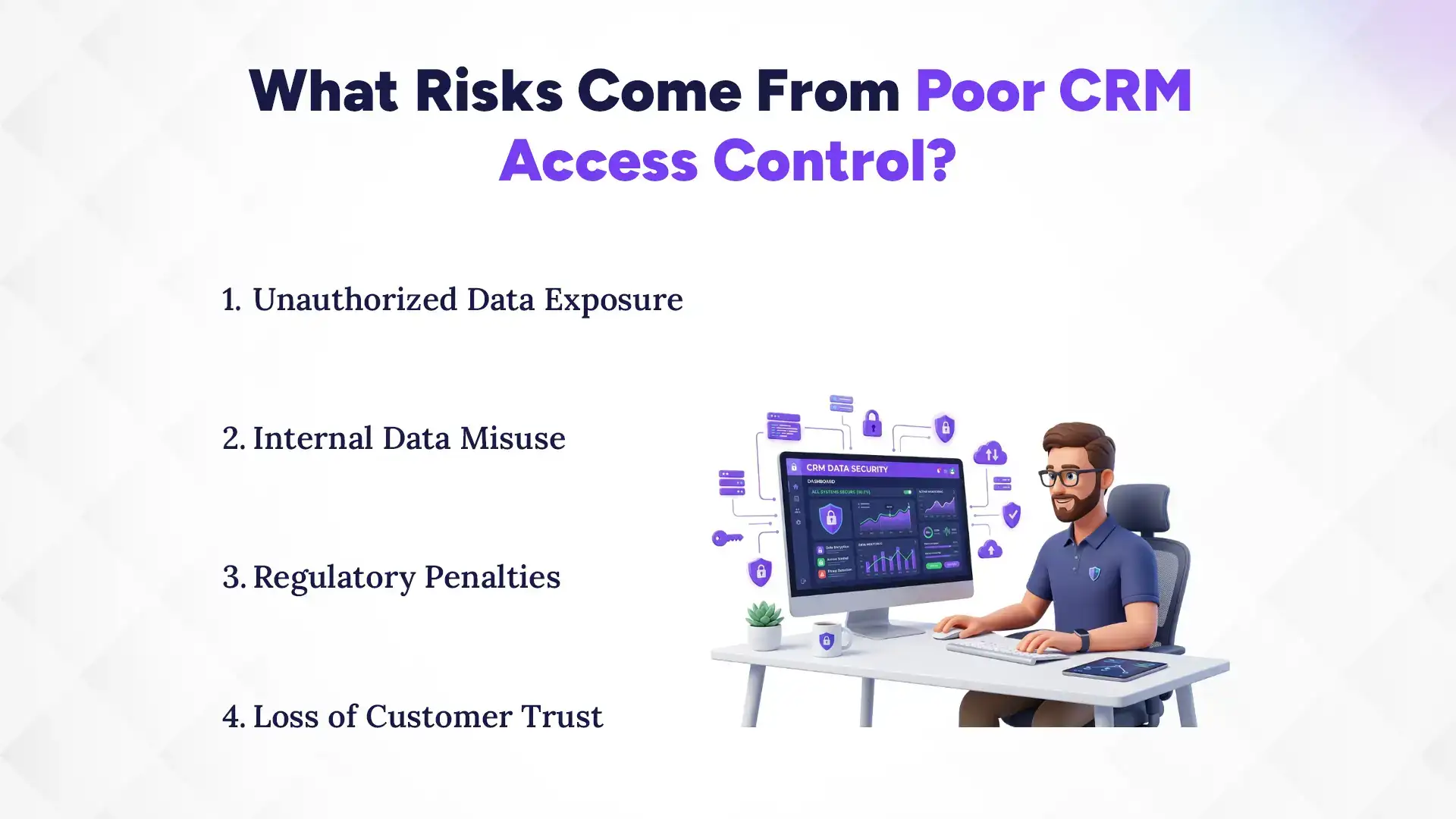
Poor CRM access control creates risks such as unauthorized data exposure, internal data misuse, regulatory penalties, and loss of customer trust. These risks compound each other, since a single unrestricted login can lead to exposure, then a compliance issue, then a damaged customer relationship.
1. Unauthorized Data Exposure
Without role restrictions, a single compromised login can expose the entire customer database rather than just the slice tied to that person's job. Preventing unauthorized data exposure starts with making sure no single login has more reach than its role actually requires.
2. Internal Data Misuse
Employees with unrestricted access can misuse customer data for personal reasons, side businesses, or simply out of curiosity, none of which are easy to detect without access logs. Addressing internal data misuse risk is one of the clearest justifications for role-based access on its own. Failing to do so negates many of the core benefits of a CRM system, which promises secure data centralization but delivers a liability if left unlocked.
3. Regulatory Penalties
Many data privacy regulations specifically require businesses to limit data access to those with a legitimate need, meaning poor access control can trigger fines independent of whether a breach actually occurred. Meeting data privacy regulation requirements through role-based access reduces this exposure directly.
4. Loss of Customer Trust
Customers who learn their data was accessible to staff who had no reason to see it often lose confidence in the business, regardless of whether anything was actually misused. Protecting long-term customer trust and retention depends as much on perceived data discipline as on actual security incidents.
What Features Should You Look for in CRM Role-Based Security?
The features to look for in CRM role-based security include granular permission settings, customizable role templates, and real-time access monitoring. When you choose the right CRM for your business, these security capabilities should be a top evaluation criteria.
1. Granular Permission Controls
Look for a CRM that lets you control access at the field and record level, not just a blanket "can view" or "can't view" toggle per module. Comparing granular permission controls across CRM platforms is one of the most useful ways to separate basic security from real enterprise-grade access management.
2. Customizable Role Templates
As teams grow, predefined roles rarely stay a perfect fit, so the ability to create and adjust custom role templates matters more over time than it seems at first. Building custom role templates around your team's actual structure keeps permissions accurate instead of stale.
3. Real-Time Access Monitoring
Beyond static logs, some CRMs offer real-time alerts when unusual access patterns occur, such as a bulk export or repeated failed login attempts. Setting up real-time access monitoring turns access control from a passive record into an active defense.
How Does Role-Based Access Support Data Compliance Regulations?
Role-based access supports data compliance regulations by enforcing least-privilege access, maintaining detailed audit trails, and limiting data exposure in ways required by data privacy laws.
1. Data Privacy Law Alignment
Most modern data privacy frameworks require businesses to demonstrate that access to personal data is limited to those with a legitimate need, which is exactly what role-based access enforces by design. A modern cloud-based CRM is typically built with these global compliance standards in mind, making it easier to align your access rules with legal requirements.
2. Audit Trail Requirements
Regulators and auditors frequently ask for evidence of who accessed specific records and when and which role-based systems can produce directly from their access logs. Meeting audit trail requirements during a compliance review becomes a matter of pulling a report rather than reconstructing history manually.
3. Minimizing Data Exposure Through Least-Privilege Access
The principle of least privilege, giving each role only the access it strictly needs, is a compliance best practice across nearly every data protection framework. Applying least-privilege access consistently across the CRM reduces the surface area regulators and attackers alike can exploit.
4. Compliance Reporting Support
Some CRMs generate compliance-ready reports directly from access and permission data, saving significant time during audits or regulatory reviews. Relying on built-in compliance reporting tools removes the need to manually assemble access records from scratch each time they're requested.
Which CRM Offers the Best Role-Based Access Security in Nepal?
Pace CRM offers the best role-based access security in Nepal, with granular permission controls, detailed access logs, and built-in compliance-ready audit trails.
For businesses in Nepal looking to secure customer data without slowing down day-to-day operations, Pace CRM stands out for its combination of granular role controls and audit-ready reporting. It lets administrators define permissions down to the field level, track every access event automatically, and adjust roles as the team grows, without requiring custom development work.
What sets Pace CRM apart is that its access control system was built around real compliance needs from the start, not added on afterward. Between field-level restrictions, real-time monitoring, and exportable audit trails, it gives businesses the tools to protect customer data and demonstrate that protection when it's asked for. When reviewing the top 5 CRMs in Nepal, Pace CRM stands out clearly for its enterprise-grade security capabilities tailored for local businesses.
As customer databases grow across sales, support, and marketing teams, unrestricted access stops being a minor oversight and becomes a real liability, one that role-based access control is specifically built to close. By tying data visibility to job function, logging every action, and supporting compliance requirements out of the box, role-based access turns CRM security into a proactive system rather than a policy that only exists on paper.
If your business is ready to lock down customer data without adding friction to daily work, contact Pace Infosys today to see how it fits your team's structure.
FAQs
What's the difference between role-based access and user-based permissions?
+
Role-based access assigns permissions to a job function that multiple users share, while user-based permissions are configured individually for each person.
Can role-based access be customized per department?
+
Yes. Role-based access can be customized per department by creating separate roles with permissions tailored to each team's specific data needs.
Does role-based access control slow down team collaboration?
+
No. Role-based access control does not slow down team collaboration when roles are configured to match how teams actually work together.
How does role-based access help with data privacy compliance?
+
Role-based access helps with data privacy compliance by limiting data exposure to those with a legitimate need and maintaining a clear record of who accessed what.
Can access logs show who viewed or edited a specific customer record?
+
Yes. Access logs can show who viewed or edited a specific customer record, along with the exact time the action occurred.
How difficult is it to set up role-based access in an existing CRM?
+
Setting up role-based access in an existing CRM is generally straightforward, since most platforms offer predefined role templates that can be customized rather than built from scratch.
Ready to get started?
Book a 30-minute consultation call, and let's talk about your goals.