Think about the last time someone from your team tried to find a customer's contact details quickly. Did they check a spreadsheet? Search through WhatsApp messages? Ask a colleague who might remember. For most Nepali businesses, finding accurate, up-to-date customer information is harder than it should be, and that difficulty is quietly costing real sales every single day.
Disorganized customer data is one of the most common and most expensive problems in Nepali sales operations. When contacts are scattered across spreadsheets, phone books, email inboxes, and individual team members' devices, nothing works the way it should. Follow-ups get missed. Leads go cold. The same customer gets contacted twice by two different salespeople. And nobody has a clear picture of where any relationship actually stands.
Managing your contacts properly is not just an administrative task. It is the foundation of every successful sale, every retained customer, and every referral your business earns. A business that knows its customers, tracks its interactions, and follows up consistently will always outperform one that does not, regardless of how good the product is.
This guide covers everything you need to know about CRM contact management: what it is, why it matters for Nepali businesses specifically, how it works in practice, and how to implement it in a way that transforms your customer data from a source of confusion into your most valuable business asset.
What Is CRM Contact Management?
CRM contact management is the process of storing, organizing, tracking, and managing all customer and lead information within a CRM (Customer Relationship Management) system. It goes far beyond saving a name and phone number. A well-implemented contact management system captures the complete history of every relationship your business has with every customer, from the first inquiry to the most recent purchase, and makes that information instantly accessible to everyone on your team.
At its core, CRM contact management means that every customer and lead in your business has a dedicated digital profile that includes their personal and professional details, their full interaction history with your team, the current status of any ongoing deals, all documents and notes related to the relationship, and upcoming follow-up tasks assigned to specific team members.
This is fundamentally different from a basic address book or spreadsheet. An address book stores contact details. A spreadsheet stores data in rows. A CRM system manages relationships. It tells you not just who a customer is but also where you are in your relationship with them, what was discussed in the last conversation, what needs to happen next, and who on your team is responsible for making it happen.
Contact management is the core function of any CRM system because every other sales process, from lead tracking to pipeline management to reporting, depends on having accurate, organized, and accessible customer information as its foundation.
Why Is Contact Management Important for Nepali Businesses?
In Nepal, the way most businesses currently manage customer data reflects the tools that were available when they started: a notebook, a phone contact list, a WhatsApp group, and eventually an Excel file that one person maintains and everyone else tries to access. This approach is familiar, low-cost, and deeply limiting.
The reality is that customer data in most Nepali businesses lives in at least three or four different places simultaneously, and none of those places talk to each other. A salesperson keeps their active leads on their personal phone. The manager tracks closed deals in a spreadsheet. Customer complaints are handled through WhatsApp. And when a new team member joins, they start from zero because there is no organized record of the relationships the business has already built.
What happens when contact data is disorganized or outdated is predictable and costly. Leads fall through the cracks because nobody remembers to follow up. Customers receive inconsistent communication because different team members have different information. Long-term relationships are damaged because the business cannot remember previous conversations or commitments. And growth stalls because the sales operation cannot scale beyond the individual knowledge of each salesperson.
Proper contact management directly impacts sales and customer relationships in Nepal in three specific ways, and these three directly tie to broader benefits of using CRM. First, it ensures that no lead is ever forgotten because every contact has a follow-up task assigned and tracked. Second, it makes every customer interaction more informed and professional because the full relationship history is always visible. Third, it allows the business to grow its sales team without losing the institutional knowledge that makes customer relationships work. In a market where trust and personal relationships are central to how business is done, being organized, informed, and consistent is a genuine competitive advantage.
Common Contact Management Problems Nepali Businesses Face
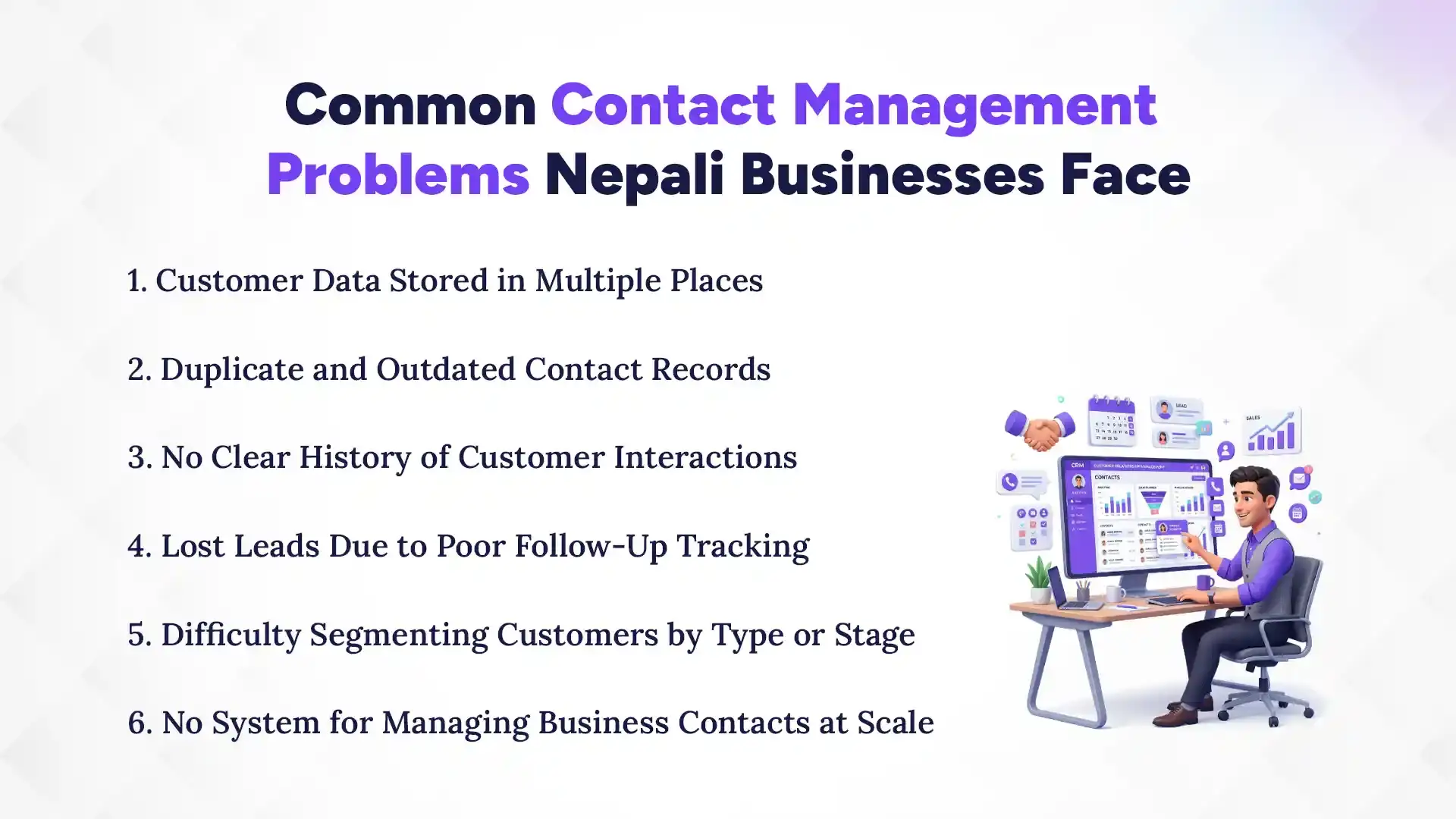
Common contact management problems Nepali businesses face customer data stored in multiple places, duplicate and outdated records, no clear interaction history, lost leads due to poor follow-up tracking, difficulty segmenting customers, and no system for managing contacts at scale. Here is a detailed look at each one.
1. Customer Data Stored in Multiple Places
The most common contact management problem in Nepal is fragmentation. Customer information exists in a salesperson's phone contacts, a manager's Excel file, a shared Google Sheet, individual WhatsApp conversations, and email threads, all at the same time. Nobody has the complete picture because no single source contains all the information. When a customer calls with a question, the person answering has to search across multiple systems to piece together the history, which wastes time and creates a poor impression.
2. Duplicate and Outdated Contact Records
Without a centralized system, duplicate contact records accumulate quickly. The same customer might exist in the spreadsheet under two slightly different names, with two different phone numbers and two different statuses. Outdated information is equally damaging. A customer who moved, changed their number, or shifted to a different role at their company will have stale data in the system, leading to failed contacts and missed opportunities. A CRM with duplicate detection and regular update prompts solves this problem directly.
3. No Clear History of Customer Interactions
In a spreadsheet or address book, there is no space for interaction history. You can record that a customer exists, but not what was discussed in your last three calls, what promises were made, what objections were raised, or what the agreed next step was. This absence of history forces salespeople to start every conversation from scratch and makes it impossible for a manager or new team member to pick up a relationship without losing ground.
4. Lost Leads Due to Poor Follow-Up Tracking
Follow-up is where most Nepali sales teams lose the most revenue. A lead comes in, gets an initial response, and then nothing happens because there is no system reminding the salesperson when to follow up. Days pass. The lead goes cold. The customer moves on. In a CRM, every contact has follow-up tasks assigned with specific dates and reminders so that nothing slips through regardless of how busy the team gets.
5. Difficulty Segmenting Customers by Type or Stage
Not all customers are the same. Some are active buyers, some are potential leads, some are past customers who could be re-engaged, and some are high-value accounts that deserve priority attention. Without a CRM, separating these groups for targeted communication requires manual filtering of spreadsheets, which is time-consuming and error-prone. A CRM allows instant segmentation by any combination of criteria so that the right message reaches the right customer at the right time.
6. No System for Managing Business Contacts at Scale
A business with 50 contacts can manage them manually with effort. A business with 500 cannot. As Nepali businesses grow, the manual approach to contact management breaks down completely. The spreadsheet becomes too large to navigate efficiently, individual phone-based systems become impossible to coordinate, and critical customer information becomes increasingly inaccessible. A CRM is built to handle thousands of contacts without losing accuracy or accessibility.
Key Features of CRM Contact Management
CRM contact management comes with core features that keep customer information organized, accurate, and easy to act on. These include a unified contact database, custom fields, interaction logs, pipeline tracking, automated reminders, segmentation tools, document storage, and mobile access for field sales teams.
1. Unified Contact Database
A unified contact database stores every customer and lead record in one centralized location that every team member can access with the same level of accuracy and completeness. This eliminates fragmentation and ensures that the entire team is always working from the same information.
2. Custom Fields and Tags
Every business has information that is unique to their industry and sales process. Custom fields allow you to capture data points that matter specifically to your business, whether that is a customer's industry sector, preferred product category, geographic region, or contract renewal date. Tags add another layer of organization by allowing you to label contacts with descriptors that make filtering and segmentation fast and intuitive.
3. Activity and Interaction Logs
The activity log is the record of everything that has happened in a customer relationship. Every call, email, meeting, and note is captured chronologically against the contact's profile. This history gives any team member the context they need to continue a conversation intelligently without asking the customer to repeat information they have already shared.
4. Lead Status and Pipeline Tracking
CRM contact management tracks where every lead is in your sales process. From first contact through qualification, proposal, negotiation, and close, the lead status is visible in the contact profile and the pipeline dashboard. Managers can see at a glance which deals are progressing, which are stalling, and where the team needs to focus attention.
5. Automated Follow-Up Reminders
Automated reminders are one of the most immediately impactful features of CRM contact management for Nepali sales teams. Instead of relying on memory or manual calendar entries, the CRM sends notifications when a follow-up is due. This single feature prevents more lost leads than almost any other improvement a sales team can make.
6. Contact Segmentation and Filtering
Advanced segmentation allows you to filter your entire contact database by any combination of fields to create targeted groups for specific purposes. You can instantly identify all leads in Kathmandu who have not been contacted in 30 days, all customers who purchased a specific product in the last year, or all high-value accounts due for renewal next month. This capability makes outreach more relevant and more efficient.
7. Document and Note Storage
Every customer relationship generates documents: proposals, contracts, quotations, and correspondence. CRM contact management allows these documents to be attached directly to the relevant contact profile so they are always findable without searching through email archives or shared drives. Notes add context that does not fit into structured fields, capturing the nuances of conversations that inform how relationships are managed over time.
8. Mobile Access for Field Sales Teams
For Nepali businesses with field sales teams operating across Kathmandu, Pokhara, Biratnagar, and other cities, mobile access to CRM contact data is essential. A salesperson visiting a client can check the full relationship history before walking in the door, log the outcome of the meeting immediately afterward, and set the next follow-up task from their phone without waiting to return to the office. Which is why many teams today opt for a cloud-based CRM that works from any device, anywhere.
CRM Contact Management vs Spreadsheet Contact Management
Choosing between CRM and a spreadsheet for managing your contacts comes down to one simple question: do you want to store data or manage relationships? Here is a clear side-by-side comparison that shows exactly where spreadsheets fall short and where CRM contact management takes over.
Feature
CRM Contact Management
Spreadsheet
Centralized Data
Yes
No
Interaction History
Yes
No
Follow-Up Reminders
Automated
Manual
Duplicate Detection
Yes
No
Segmentation
Advanced
Limited
Mobile Access
Yes
Limited
Scalability
High
Low
Team Collaboration
Real-Time
Limited
How to Organize Your Contacts the Right Way Using CRM
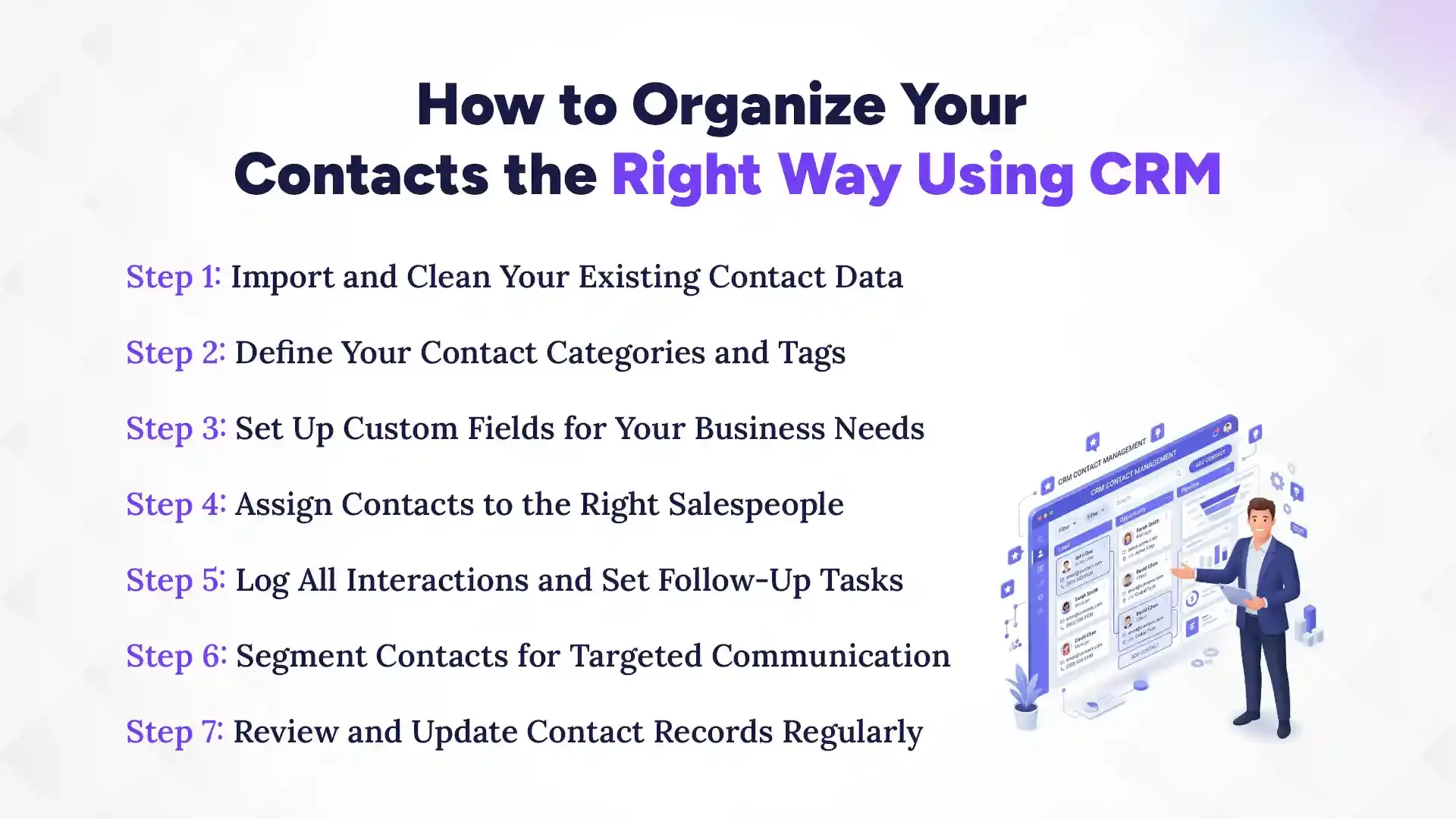
Organizing your contacts the right way in a CRM starts with importing and cleaning your existing data, then defining categories, assigning contacts, logging interactions, segmenting for outreach, and maintaining records regularly. Follow these seven steps to build a contact management system that actually works.
Step 1: Import and Clean Your Existing Contact Data
Before importing any data into your CRM, audit your existing contact lists. Remove duplicates, correct obvious errors, fill in missing fields, and standardize the format of phone numbers, email addresses, and company names. Starting with clean data ensures your CRM is built on an accurate foundation rather than inheriting the problems of your previous system.
Step 2: Define Your Contact Categories and Tags
Decide how you want to classify your contacts before you start importing. Will you categorize by customer type, industry, geographic region, or deal stage? Define your tag structure so that every team member applies labels consistently from day one. Inconsistent tagging creates the same segmentation problems as no tagging at all.
Step 3: Set Up Custom Fields for Your Business Needs
Standard CRM fields cover the basics, but every business has data points that are specific to its industry and sales process. Identify the information your team needs to capture that does not fit into standard fields and create custom fields before importing your contacts. This prevents important information from being stored inconsistently in notes or left out entirely.
Step 4: Assign Contacts to the Right Salespeople
Every contact in your CRM should have a clear owner, the specific salesperson responsible for managing that relationship. Clear ownership prevents leads from being neglected because everyone assumes someone else is handling them. It also makes performance reporting more meaningful because you can track activity and results by individual team member.
Step 5: Log All Interactions and Set Follow-Up Tasks
From the moment your CRM goes live, every customer interaction must be logged immediately. Calls, meetings, emails, and notes all go into the system in real time. After every interaction, a follow-up task is set with a specific date and assigned to the responsible team member. This discipline is what transforms a contact database into a living sales management tool.
Step 6: Segment Contacts for Targeted Communication
Once your contacts are organized and tagged, use the CRM's segmentation tools to create targeted groups for specific outreach campaigns. Active leads, lapsed customers, high-value accounts, and prospects in specific industries or regions all deserve different communications. Segmentation ensures that your outreach is relevant and that every contact receives communication that matches their relationship with your business.
Step 7: Review and Update Contact Records Regularly
Contact data goes stale quickly. People change jobs, phone numbers, and email addresses. Companies merge, relocate, and close. Establish a regular cadence for reviewing and updating contact records, whether monthly, quarterly, or triggered by specific events like a returned call or a bounced email. Accurate data is the foundation of every benefit CRM contact management provides.
Which Is the Best CRM for Contact Management in Nepal?
Pace CRM is the best CRM for contact management in Nepal because it is specifically designed to meet the needs of Nepali businesses with a platform that is practical, affordable, and easy for sales teams to adopt without a long technical learning curve.
Pace CRM is built for the Nepali business context in a way that imported international CRM platforms are not. It understands the relationship-driven nature of sales in Nepal, the need for mobile accessibility across cities and regions, and the importance of a system that a non-technical team can use effectively from day one.
The key contact management features that make Pace CRM the right choice for Nepali businesses include a centralized contact database that every team member can access in real time, custom fields and tagging tools that adapt to any industry or sales process, complete interaction history logging for every customer and lead, automated follow-up reminders that ensure no lead is ever forgotten, advanced segmentation for targeted outreach campaigns, document and note storage attached directly to contact profiles, and mobile access for field sales teams operating anywhere in Nepal.
Pace CRM transforms customer data from a collection of scattered files and phone contacts into an organized, searchable, and actionable database that drives better follow-ups, stronger customer relationships, and more consistent sales performance. For Nepali businesses ready to move beyond spreadsheets and build a contact management system that actually supports growth, Pace CRM is the most practical and locally relevant choice available.
Common Mistakes to Avoid in CRM Contact Management
Common mistakes to avoid in CRM contact management are importing contacts without cleaning the data first, not logging customer interactions consistently, ignoring duplicate records, failing to segment contacts before outreach, not setting follow-up tasks after every contact, and letting contact records go stale. Here is why each one matters.
1. Importing Contacts Without Cleaning the Data First
Migrating dirty data into a CRM is one of the most common and most damaging mistakes businesses make during implementation. Duplicate records, incorrect phone numbers, outdated email addresses, and inconsistent naming conventions all come along for the ride and immediately undermine the reliability of your new system. Always audit and clean your data before migration, not after.
2. Not Logging Customer Interactions Consistently
A contact database without interaction history is just an address book. The power of CRM contact management comes from the complete record of every customer conversation, and that record only exists if everyone on the team logs every interaction every time. Partial logging produces a partial and misleading picture of each relationship that can lead to poor decisions and damaged customer trust.
3. Ignoring Duplicate Contact Records
Duplicate records accumulate over time in any active CRM. When left unaddressed, they create confusion about which record is current, lead to double-contact situations where the same customer is approached twice by different team members, and distort reporting metrics. Use your CRM's duplicate detection tools regularly and establish a process for merging or removing duplicate records as they are identified.
4. Failing to Segment Contacts Before Outreach
Sending the same message to every contact in your database regardless of their relationship status, industry, or purchase history is one of the clearest signals that a business has not yet learned to use its CRM effectively. Segmentation is not optional. It is what transforms a contact database into a precision outreach tool. Always segment before you send.
5. Not Setting Follow-Up Tasks After Every Contact
Every customer interaction should end with a next step defined and scheduled in the CRM. If a salesperson finishes a call without setting a follow-up task, that lead is now at risk of being forgotten. The discipline of always setting the next step before closing an interaction is the single habit that most reliably prevents leads from going cold.
6. Letting Contact Records Go Stale
A CRM full of outdated information creates false confidence. When a salesperson calls a number that no longer works or sends a proposal to an email that bounced, they waste time and miss the opportunity that a current record would have captured. Stale data is an invisible problem that compounds over time. Regular audits and update processes are the only reliable solution.
Conclusion
Organized contact management is not just a feature of a good CRM. It is the foundation of a sales operation that grows predictably, retains customers consistently, and builds the kind of professional reputation that generates referrals in a relationship-driven market like Nepal.
When customer data is centralized, accurate, and accessible, every salesperson on your team can have informed and confident conversations with every customer. Every follow-up happens on time. Every campaign reaches the right people. And every business decision about where to focus sales effort is based on real data rather than guesswork.
CRM contact management transforms customer data from a liability, scattered across devices, spreadsheets, and individual memories, into your most valuable business asset. A structured, searchable, and consistently maintained contact database is what separates businesses that grow from businesses that stay stuck.
The right time to organize your contacts properly is before the disorganization costs you another deal, another customer, or another referral. Start with clean data, choose a CRM that fits your business, train your team to use it consistently, and build the contact management habits that will support your growth for years to come
Ready to organize your customers the right way? Contact The Pace Infosys today and discover how Pace CRM can transform the way your team manages every customer relationship.
FAQs
What is CRM contact management?
+
CRM contact management is the process of storing, organizing, tracking, and managing all customer and lead information within a CRM system.
How does CRM contact management help businesses in Nepal?
+
CRM contact management helps Nepali businesses by replacing scattered spreadsheets and phone-based contact lists with a centralized, organized database.
What information should be stored in a CRM contact record?
+
A CRM contact record should store the contact's full name, phone numbers, email addresses, company and job title, geographic location, interaction history including calls, emails, and meetings, current deal status, assigned salesperson, custom fields relevant to your business, attached documents such as proposals and contracts, and notes capturing important details from past conversations.
How is CRM contact management different from using Excel?
+
Excel stores data in rows and columns with no interaction history, no follow-up reminders, no duplicate detection, and no real-time collaboration. CRM contact management stores complete relationship histories, sends automated follow-up reminders, detects duplicates, supports real-time team access, and generates performance reports automatically.
Can small businesses in Nepal benefit from CRM contact management?
+
Yes. Small businesses with even a handful of salespeople and a few dozen active contacts benefit significantly from CRM contact management through better follow-up consistency, cleaner data, and clearer visibility into their pipeline.
How do I import my existing contacts into a CRM?
+
To import existing contacts, first export your current data from Excel or Google Sheets as a CSV file. Clean the data by removing duplicates, correcting errors, and standardizing field formats. Then use your CRM's import tool to map the columns in your CSV to the corresponding fields in the CRM. Most platforms, including Pace CRM, support direct CSV import with a step-by-step mapping process.
What is the best CRM for contact management in Nepal?
+
Pace CRM is the best CRM for contact management in Nepal because it combines a centralized contact database, custom fields, automated follow-up reminders, interaction logging, advanced segmentation, and mobile access in a platform that is affordable, locally supported, and designed for the specific needs of Nepali businesses.
How does CRM help with customer follow-ups?
+
CRM helps with customer follow-ups by allowing salespeople to set follow-up tasks with specific dates directly within each contact's profile. The CRM sends automated reminders when a follow-up is due, ensuring that no lead or customer is forgotten regardless of how many contacts the team is managing.
Can CRM contact management improve customer retention?
+
Yes. CRM contact management improves customer retention by giving your team complete visibility into every customer relationship, enabling timely follow-ups, supporting personalized communication based on purchase history and preferences, and ensuring that no customer falls off the radar between transactions.
Ready to get started?
Book a 30-minute consultation call, and let's talk about your goals.