


Your construction business is like a busy camp. Crews move between sites. Tools and materials arrive on schedule, and people must be where they’re needed, every single day.
Yet, managing timesheets, site licences, and payroll across hills and valleys eats up hours and invites costly mistakes. Missed payments, expired certifications, and messy records become part of the routine without the right tools.
If this sounds familiar, you’re in the right place. The right HR software for construction companies in Nepal can turn chaos into order.
This guide walks you through what construction HR software does, which features matter for Nepal, how to choose and pilot a solution, and what costs and ROI to expect. Take full value from this article and your site teams (and your payroll day) will thank you!
What is HR Software for Construction Companies?
HR software for construction companies is a simple digital system that helps you manage people, time, and pay across sites. Instead of paper sheets and scattered spreadsheets, it brings attendance, shift schedules, payroll, and worker records into one place so you can see who’s on site, who’s late, and who needs certification renewal, quickly and clearly.
Because construction work is project-based and often moves between locations, this software is built to handle site check-ins, mobile attendance, and project-wise costing. It also stores documents like IDs, licenses, and safety training records, and it links to payroll rules so wages, overtime, and allowances are calculated correctly. In short, it keeps your crews organized, your payroll accurate, and your compliance under control.
Why Construction Companies Need HR Software
Construction companies need HR software because they run site-based teams, handle changing schedules across projects, face complex payroll rules, and must meet local compliance. All of these are hard to manage with paper or basic spreadsheets. Good HR software cuts errors, speeds up payroll, and gives clear visibility of people and costs. Below, we explain the main site challenges and how software helps.
1. Site-Based Workforce Challenges
Crews move between projects and sites, so tracking who is where becomes confusing with papers. HR software assigns workers to projects and shows real-time rosters, which stops double-booking and helps supervisors plan labour better. It also centralises records, so HR can check site status without visiting each location.
2. Attendance and Time-Tracking Issues
Paper timesheets often bring mistakes and delays in payroll. The digital attendance system captures real hours and reduces disputes, so payroll runs faster. For fixed camps biometric devices work well, while mobile check-ins with location checks suit moving crews. Pick what fits your sites.
3. Payroll Complexity for Construction
Construction pay includes wages, overtime, allowances, and deductions that change by project and worker. Manual calculations are slow and error-prone. HR software automates pay rules and links labour costs to projects, giving accurate payroll and clearer project margins.
4. Compliance and Reporting Needs
Nepal has tax rules, social contributions, and document requirements that employers must follow. Keeping paper records makes audits hard. A digital HR system stores records and creates reports quickly, so you stay compliant and ready for inspections.
Which is the Best HRMS for Construction Companies in Nepal?
Pace HRMS, an all‑in‑one HR software, is trusted by many businesses in construction and other industries for its reliable performance and easy‑to‑use features. It stands out because they help handle workforce tracking, payroll, attendance, and compliance across job sites.
Pace HRMS centralizes employee data, simplifies payroll and attendance tracking, and supports field teams working across multiple construction sites. Its secure, cloud‑based system ensures your team is managed efficiently, with fewer errors and better visibility into workforce operations.
While there are other good HRMS options like Zoho People and Bamboo HR that work well for Nepali businesses, Pace HRMS combines scalability with strong local support, making it a solid choice for growing construction firms.
What are the Benefits of HR Software for Construction Firms?
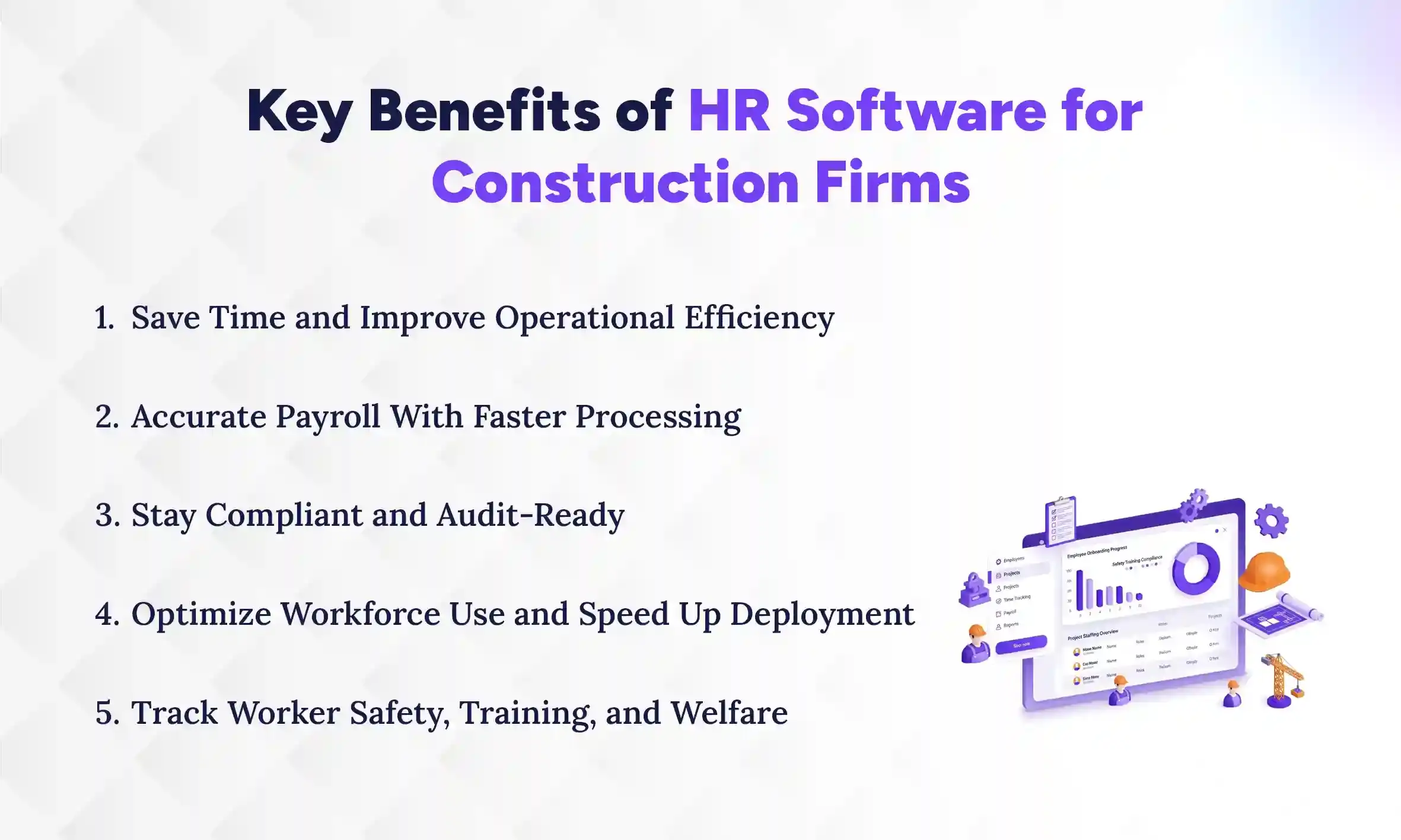
HR software in the construction field saves time, reduces payroll mistakes, ensures compliance, and helps deploy workers faster. This, altogether, lifts productivity and cuts costs. By automating routine tasks and centralising data, it frees managers to focus on project work instead of paperwork. Below are the main HRMS benefits and how they help your sites.
1. Save Time and Improve Operational Efficiency
HR software cuts time spent on manual tasks like collecting timesheets, filing forms, and chasing approvals. Because data flows into one system, supervisors spend less time on admin and more time on site work. This speeds up approvals for leave, transfers, and hires, so gaps are filled faster. Over time, saved hours add up to fewer delays and smoother project progress.
2. Accurate Payroll With Faster Processing
Automated payroll applies rules for wages, overtime, allowances, and deductions consistently, so fewer errors happen. With digital attendance and a linked payroll system, calculations finish faster and payslips are generated on time. This reduces pay disputes and improves worker trust. Faster payroll also means less time spent fixing mistakes after payday.
3. Stay Compliant and Audit-Ready
The software stores employee documents, tax forms, and contribution records in one place, so you can pull reports quickly when needed. It can also apply local tax rules and statutory contributions, reducing filing mistakes. That lowers the risk of penalties and fines from regulators. Being audit-ready saves time and keeps your business reputation intact.
4. Optimize Workforce Use and Speed Up Deployment
By showing who is available, trained, and certified, the system helps you assign the right worker to the right site fast. You can plan labour by project needs and avoid overstaffing or understaffing. This improves productivity and cuts idle worker costs. Quick deployment also reduces downtime when projects scale up or new sites open.
5. Track Worker Safety, Training, and Welfare
HR software keeps training records, medical checks, and safety certificates organised so you know who is fit for which task. It can remind you when renewals or re-training are due, which lowers safety risks on site. Tracking welfare items like leave, advances, and grievance records helps maintain worker morale. Together, these features make sites safer and reduce incidents that can delay work.
Must-Have Features for Construction HR Software in 2026
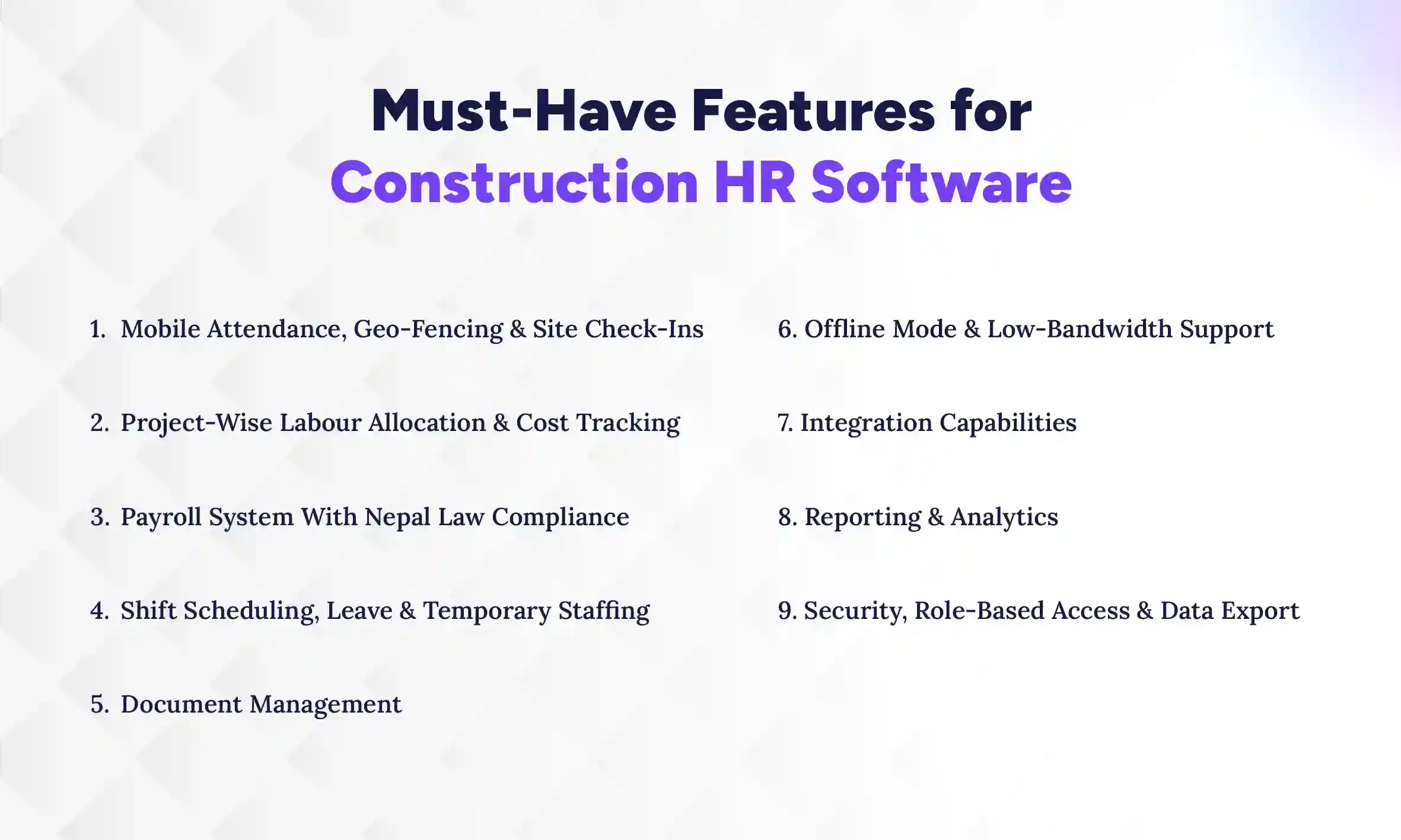
Construction HR software must support mobile attendance with geo-fencing, project-wise labour costing, Nepal-compliant payroll, flexible shift and temporary-staff tools, strong document and offline support, easy integrations, clear reporting, and tight security. All these HRMS features work together to run construction sites smoothly and avoid costly errors. These features keep crews paid correctly, projects staffed right, and data safe while letting managers act fast. Below are each feature’s concrete value and what to look for.
1. Mobile Attendance, Geo-Fencing & Site Check-Ins
Mobile attendance with GPS ensures workers check in at the right site and at the right time, which cuts buddy-punching and false hours. Geo-fencing locks check-ins to site boundaries and timestamps entries, so payroll gets accurate inputs without manual validation. Look for photo capture and lightweight app UX so supervisors can verify identity quickly. Together, these save payroll costs and make attendance disputes rare and easy to resolve.
2. Project-Wise Labour Allocation & Cost Tracking
Track each worker’s hours and costs per project so labor spend matches budgets and forecasts. The system should let you assign workers to tasks, record their time per job, and roll up actual labour cost vs budget in real time. This helps project managers spot overruns early and reassign staff before costs balloon. Accurate allocation also supports correct client billing and clearer profitability reports.
3. Payroll System With Nepal Law Compliance
Payroll must calculate wages, overtime, taxes, and statutory contributions according to Nepal’s labour and tax rules to avoid fines. The software should include local pay head types, payroll schedules, and auto-generated forms for tax and social contributions. Also, support for multiple pay cycles (project advances, weekly wages, monthly salaries) reduces manual juggling. This ensures timely, lawful pay and lowers legal risk.
4. Shift Scheduling, Leave & Temporary Staffing
A strong scheduler handles rotating shifts, night work, and temporary hires so you meet site demands without confusion. It should show who’s available, conflicts, and required certifications before assignment, and allow quick temp worker onboarding. Integrated leave management system prevents unexpected absences from breaking site coverage. Clear shift views reduce last-minute delays and keep projects running on time.
5. Document Management
Centralised document storage keeps IDs, contracts, licences, safety certificates, and medical records in one searchable place. Version control and expiry alerts ensure qualifications and permits are current before site assignment. Role-based access means supervisors see what they need while HR keeps sensitive files secure. This speeds audits, hiring, and compliance checks without paper chasing.
6. Offline Mode & Low-Bandwidth Support
Field crews often work where the internet is weak, so the app must work offline and sync when connected to avoid lost records. Offline check-ins, timesheets, and task logs should queue locally and upload reliably when back online. The system should use small data packets and retry logic to handle spotty networks. This prevents data gaps and keeps payroll and reporting accurate even from remote sites.
7. Integration Capabilities
The HR system must integrate with accounting, ERP, payroll banks, and site management tools to remove duplicate entry and speed workflows. Look for open APIs, prebuilt connectors, or middleware support to sync master data, costs, and invoices. Two-way sync avoids mismatched records and reduces month-end reconciliation time. Good integrations make HR part of the operational backbone rather than a silo.
8. Reporting & Analytics
Real-time reports should show labour hours, cost per project, overtime trends, safety incidents, and attendance exceptions so managers can act fast. Dashboards with exportable charts let site leads and executives focus on top issues without hunting spreadsheets. The system should allow custom reports and scheduled exports for finance and compliance. Better insights help cut overtime, improve staffing, and boost project margins.
9. Security, Role-Based Access & Data Export
Protect worker and company data with encrypted storage, secure authentication, and fine-grained role controls so users see only what they need. Audit logs and export features support investigations and regulatory reporting while preserving data integrity. Regular backups and clear data retention policies reduce the risk of loss and non-compliance. Strong security builds trust with workers and clients and shields your firm from legal exposure.
How to Choose the Right Construction HR Software in Nepal?
Pick an HR software that fits your project size and Nepal rules, test it at a few sites, train supervisors, connect to finance tools, and watch a few simple numbers to improve. A short, clear rollout keeps things simple and lowers mistakes. Below is the step-by-step approach to choose the right HRMS for your construction business in Nepal:
1. Plan & Prepare with a Clear Purpose
Decide the main problems you want solved. For example, you could be looking to speed up payroll, stop time-theft, track hours by project, or simplify Nepal statutory filings. Be specific about outcomes. Maybe you want to reduce payroll time from 3 days to 1 day or cut missed check-ins by 70%”. List who must be involved and which tasks will move to the new system. Clear purpose prevents feature bloat and keeps the project focused.
2. Clean HR & Attendance Records
Collect the records the new system needs: employee master data (names, IDs, bank details), timesheets, pay items, and site lists. Standardise formats (site codes, dates) and fix obvious errors like duplicates or missing bank info. Note common manual fixes people do today so you can address them in the new setup. Clean records reduce migration problems and payroll mistakes.
3. Test the Right Software Type
Try solutions that match your needs: mobile-first apps for field check-ins, payroll engines that handle Nepal rules, and options that work offline then sync. Learn how your chosen HRMS functions. Run short trials with supervisors and payroll staff to check real tasks: check-ins, sample payrolls, and reports. Compare total costs: licenses, setup, training, and support. Choose the type that fits your field conditions and team skills.
4. Pilot a Few Sites
Use the HR system at 1–3 sites with different conditions (small/large crews, strong/weak signal) for 30–60 days. Monitor attendance accuracy, payroll sample results, and offline syncing. Collect simple feedback from supervisors and workers and fix major issues quickly. The pilot confirms the system works in your real conditions.
5. Train supervisors, Inform Workers
Run short, hands-on training for supervisors on daily tasks (check-ins, fixing errors, approving timesheets). Provide one-page job aids and pick local champions to help others. Tell field workers when it starts, how to check in, and who to contact for problems using SMS, posters, or brief talks. Clear training and communication reduce early mistakes and build trust.
6. Test Integrations and Roll Out Slowly
Test links to accounting, payroll export, and bank files in a safe test environment before going live. Use a short go-live checklist for each site: data migrated, template applied, supervisor trained, app tested online/offline, and support contacts ready. Roll out site-by-site and pause if critical problems appear. Phased rollout keeps risks small and manageable.
Costs & Pricing for HR Software in Nepal for Construction Companies
Typically, an HR software costs around NPR 50–500 per-employee/month for construction businesses in Nepal. A one-time setup/custom work is also possible, and may cost around NPR 75,000–1,500,000. Also watch for extra charges (payroll rules, integrations, offline/mobile features, SMS) and try to negotiate volume discounts or limit paid custom work to keep costs down.
Most vendors charge a monthly fee plus a one-time setup cost. Common pricing types are per-employee, per-site, and a one-off setup fee.
Negotiation Tips While Purchasing a Construction HRMS
Keep costs low by negotiating smartly when buying HRMS or HR software for the construction field. Start talks with a clear list of needs, a short pilot plan, and the must-have features so vendors only quote what you need. Look past the sticker price. Check support, integrations, training, and how costs change as your sites and workers grow.
- Ask for bundled pricing and volume discounts.
- Request free or cheap pilot months to try it.
- Limit customisation; use out-of-the-box workflows.
- Ask which hidden fees apply (SMS, OTP, admin).
- Check if offline sync or mobile apps cost extra.
- Use standard import/export files for integrations.
- Ask for clear SLA terms and quick response times.
- Compare total HRMS costs over 3–5 years.
Legal considerations for a construction HRMS in Nepal: include upfront PAYE, social security, leave rules, record retention, and when to get local expert help. These rules affect payroll setup, reporting formats, and data you must keep, so build them into your HR software from the start. Next, each topic below explains what to do and how to apply it in your HRMS.
Legal Considerations for a Construction HRMS in Nepal
Legal considerations for a construction HRMS in Nepal: include upfront taxes, social security, leave rules, record retention, and when to get local expert help. These rules affect payroll setup, reporting formats, and data you must keep, so build them into your HR software from the start. Next, each topic below explains what to do and how to apply it in your HRMS.
1. Income Tax Withholding (PAYE) & Reporting
Set up automatic PAYE calculations in the HRMS using current Nepal tax slabs so the system deducts the right tax each pay run. Also generate monthly and annual tax reports in the exact formats the tax office requires, and include employee tax certificates for year-end. Make sure the system timestamps payroll approvals and stores evidence of payments so you can prove correct withholding during audits.
2. Social Security / Pension Contributions
Configure the HRMS to calculate employer and employee social security or pension contributions separately, using current percentages and contribution caps. Automate contribution reports and payment files for the relevant agencies so transfers are timely and bank-ready. Keep a running ledger per employee showing monthly contributions and employer matches for easy reconciliation and dispute resolution.
3. Statutory Leaves and Labor Law Obligations
Program statutory leave rules (annual, sick, maternity, paternity) with accruals, carryovers, and pro-rata rules that match Nepali labor law and company policy. Apply leave validations so workers cannot take more than their balance, and create leave reports that show compliance by site and department. Include workflow for leave approvals and records of return-to-work to prove legal adherence if inspected.
4. Record Retention, Audits & Local Reporting Formats
Set retention policies in the HRMS to keep payroll, attendance, contracts, and tax records for the legally required period and ensure easy retrieval. Export reports in the file types and column orders demanded by local auditors and regulators to speed inspections. Also implement tamper-evident logs (who changed what and when) so audit trails are clear and trustworthy.
Conclusion
A good construction HRMS saves time, reduces errors, and keeps you compliant. When you pick the right features, negotiate well, and build legal requirements into the system, you create a strong foundation for long-term efficiency, much like how hr software for schools in Nepal helps manage structured workflows and compliance in the education sector. This blog has already covered costs, negotiation tips, payroll and legal rules in Nepal, and practical steps to lower total cost of ownership. Use these points as a checklist when buying or upgrading HR software.
Start with one clear goal: improve payroll or attendance, then run a short pilot or ask for a free trial month. That lowers risk and proves value quickly. If you are ready to adopt a smart, modern HR management software, contact The Pace Infosys team today! Their software, Pace HRMS stands out for its simplicity yet powerful system and features.