
.webp&w=3840&q=75)
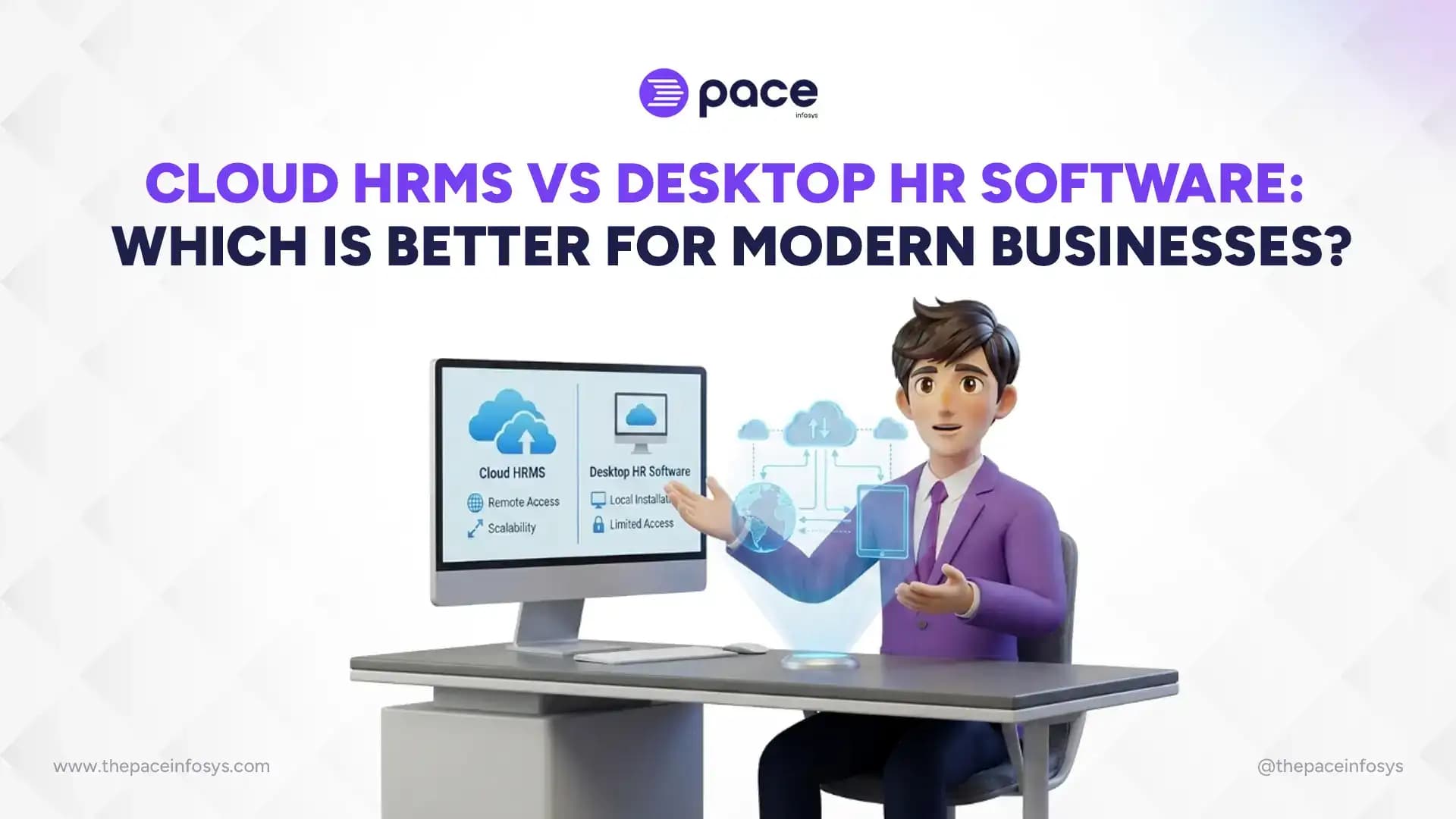
Cloud HRMS and desktop HR software differ across five core areas: cost structure, accessibility, security, scalability, and maintenance, and the right choice depends on how your business operates day to day. Desktop HR software runs on local servers or individual machines, with data stored on-site and access largely limited to the office network. Cloud HRMS runs on the vendor's infrastructure and is accessed through a browser or app from anywhere with an internet connection, with the vendor handling servers, updates, and backups.
The gap between the two isn't just technical. It shapes how much you pay upfront versus over time, how easily your HR team can support remote or multi-branch staff, who's responsible for data security, and how much internal IT effort the system demands as your headcount grows. For a business hiring across multiple locations or planning to scale in the next few years, this decision has real operational consequences beyond which software "looks" more modern.
This guide compares cloud HRMS and desktop HR software on cost, remote and multi-location access, security and compliance, scalability, and maintenance requirements, then closes with a clear verdict on which model fits which type of business.
What Is the Difference Between Cloud HRMS and Desktop HR Software?
The difference between cloud HRMS and desktop HR software comes down to where the software runs and who manages it. Cloud HRMS is hosted on the vendor's servers and accessed online, while desktop HR software is installed locally and runs on your own hardware.
1. Cloud HRMS Architecture
Cloud HRMS operates on a Software-as-a-Service (SaaS) model, where the vendor hosts the application, database, and backups on their own infrastructure. Users log in through a web browser or mobile app, and the vendor pushes updates automatically without requiring any action from the business.
2. Desktop HR Software Architecture
Desktop HR software is installed directly on a company's computers or an in-house server, with the database typically stored locally as well. Access is usually restricted to machines on the same network, unless the business separately sets up VPN or remote desktop access.
3. Key Structural Differences
The core distinction comes down to where data lives and who manages the infrastructure around it. Cloud HRMS shifts hosting, security patching, and backup responsibility to the vendor, while desktop software keeps all of that in-house, which means more control but also more responsibility. When evaluating the different types of HR software, this shift in infrastructure responsibility is the defining factor between traditional and modern platforms.
4. Common Misconceptions About "Cloud" HR Tools
Some businesses assume "cloud" simply means "has an app" or "can be emailed to," which isn't accurate. True cloud HRMS means the core database and processing happen on remote servers, not just that files can be shared online. Understanding the full scope of cloud-based HR software helps clarify why bolted-on online backup features on a desktop system do not actually qualify as cloud-based HRMS.
How Do Cloud HRMS and Desktop HR Software Compare on Cost?
The cost comparison between cloud HRMS and desktop HR software comes down to when you pay and how much control you have over spending. Desktop HR software usually costs more upfront through a one-time license, while cloud HRMS spreads cost over time through a recurring subscription.
1. Upfront Investment vs. Subscription Pricing
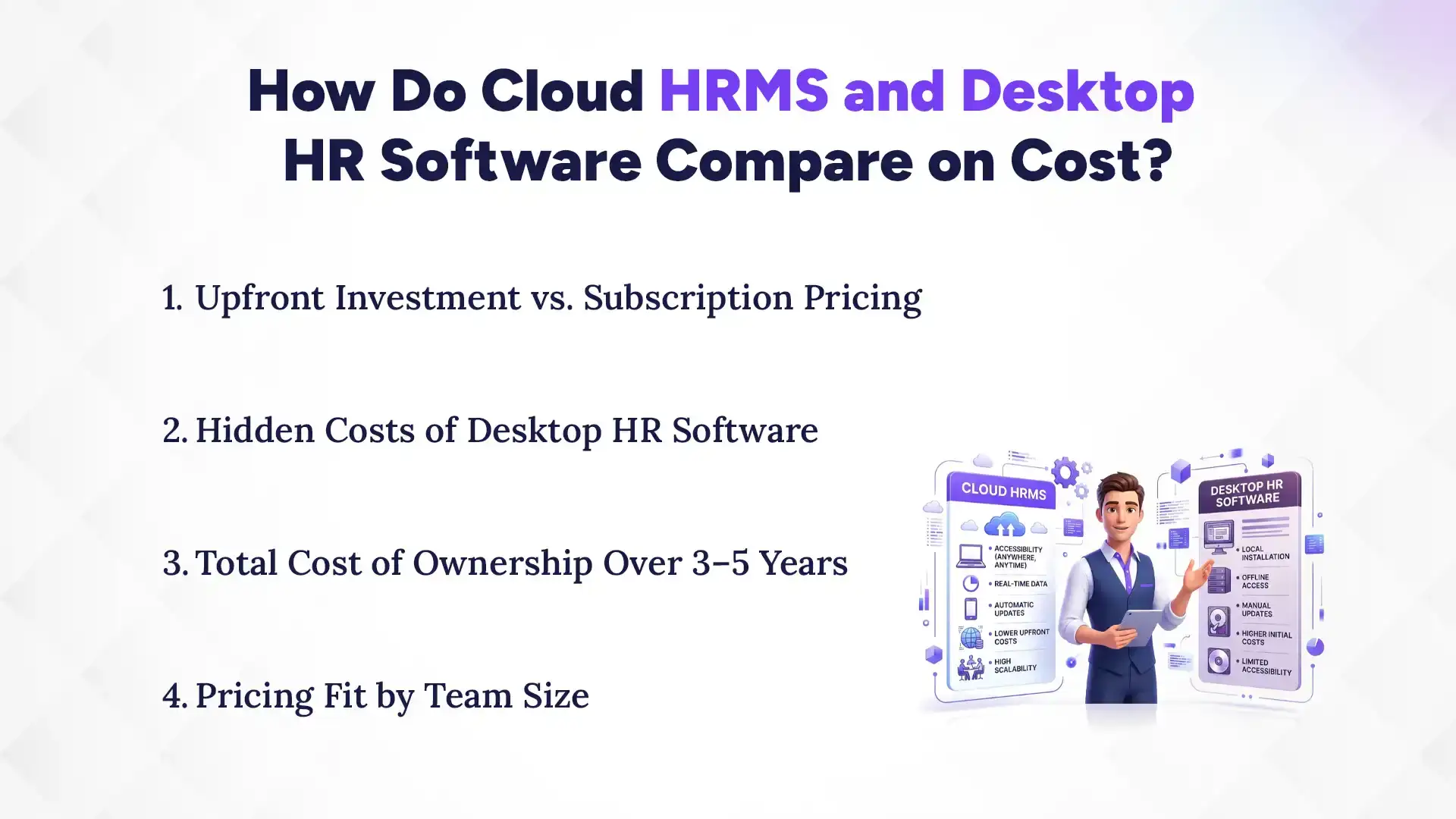
Desktop HR software is typically sold as a one-time license fee, sometimes with an additional cost for the server hardware it needs to run on. Cloud HRMS is billed monthly or annually per employee or per user, which lowers the initial barrier to entry but continues indefinitely as an operating cost.
2. Hidden Costs of Desktop HR Software
Beyond the license fee, desktop systems often carry additional costs for server maintenance, in-house IT staff or contractors, hardware upgrades, and paid support renewals for new feature access. Looking closely at how much HR software costs in Nepal reveals that these hidden IT and hardware fees accumulate significantly over just a few years, often erasing the initial sticker price advantage.
3. Total Cost of Ownership Over 3–5 Years
When server costs, IT support, and upgrade fees are factored in, desktop HR software can end up costing a similar amount to, or more than, a cloud subscription over a 3–5 year period, even though the sticker price looks lower initially. Cloud HRMS costs are more predictable since infrastructure and update costs are already built into the subscription.
4. Pricing Fit by Team Size
Small businesses with limited upfront budgets generally find subscribing to comprehensive HR software in Nepal with modular pricing much more accessible, since it avoids large initial hardware and licensing costs. Comparing the top 5 HR software in Nepal side-by-side is a great way for these businesses to see exactly how these cloud subscription models compare. Larger, established businesses with existing IT infrastructure may find desktop software's upfront model more cost-effective long-term, provided they aren't planning to scale rapidly or add new locations.
Which Option Offers Better Remote and Multi-Location Access?
Between the two options for remote and multi-location access, cloud HRMS offers better remote and multi-location access than desktop HR software. It natively handles multi-branch data access and real-time syncing since every location logs into the same hosted system, while desktop software often needs each branch to connect to a central server remotely or maintain separate, unsynced databases
1. Multi-Branch Data Access
Businesses operating across multiple branches need HR data accessible from each location in real time. Cloud HRMS handles this natively since every branch simply logs into the same hosted system. Companies utilizing specialized HR software for multi-location businesses bypass these syncing headaches entirely, whereas desktop software would need each location to either connect to a central server remotely or maintain separate, unsynced databases.
2. Support for Remote and Hybrid Teams
With hybrid and remote work now standard for many industries, employees and HR staff working outside the office need reliable access to payroll, leave requests, and records. Cloud HRMS, such as [Pace Infosys HRMS's browser-based dashboard], supports this by design, while desktop software typically requires VPN setup or remote desktop tools that add complexity and potential security gaps.
3. Mobile App Availability
Most cloud HRMS platforms offer companion mobile apps for employee self-service tasks like leave applications, attendance check-ins, and payslip access. Desktop HR software rarely offers true mobile access, since its architecture isn't built for it.
4. Real-Time Data Sync Across Locations
Cloud HRMS updates data in real time across all users and locations simultaneously, since everyone is working from the same central database. Desktop systems with multiple branch installations often require manual syncing or batch updates, which introduces delays and version mismatch risks.
How Do Security and Data Compliance Differ Between the Two?
The difference in security and compliance between cloud HRMS and desktop HR software comes down to who is responsible for protecting the data. Cloud HRMS puts data security and compliance responsibility largely on the vendor, while desktop HR software leaves it with the business's own IT setup. With desktop software, the business retains full physical control over data storage, while cloud HRMS stores data on the vendor's servers and requires trusting their security practices.
1. Data Ownership and Storage Location
With desktop HR software, the business retains full physical control over where data is stored, which can be a preference for organizations with strict internal data-handling policies. Cloud HRMS stores data on the vendor's servers, which requires trusting the vendor's security practices and knowing which jurisdiction the servers are located in.
2. Backup and Disaster Recovery
Cloud HRMS vendors typically run automated, redundant backups across multiple servers, reducing the risk of total data loss from hardware failure. Desktop systems depend on the business's own backup discipline; if backups aren't scheduled and tested regularly, a server failure can mean permanent data loss. Centralizing employee records through a robust Personnel Information Management System (PIMS) on a secure cloud platform ensures that these remote backups capture every compliance document safely.
3. Compliance With Nepal's Labor and Data Regulations
Businesses operating in Nepal need HR systems that align with local labor law recordkeeping requirements, and cloud HRMS vendors serving the region often build compliance features directly into the platform to reduce manual tracking. Desktop software compliance depends entirely on how the business configures and maintains the system internally.
4. Vendor-Managed vs. Self-Managed Security
Cloud HRMS security is managed by the vendor's dedicated security team, including patching vulnerabilities and monitoring for breaches, which benefits businesses without in-house security expertise. Desktop software security depends on the business's own IT team correctly configuring firewalls, access controls, and software updates, which is a heavier burden for smaller organizations.
Which System Scales Better as Your Business Grows?
Between the two, cloud HRMS scales better than desktop HR software as your business grows. Adding employees or new modules with cloud HRMS is typically a matter of upgrading a subscription tier, with no added infrastructure required, while desktop software may need new licenses and a check on whether the existing server can handle the load. Multi-branch expansion is also simpler on cloud HRMS since a new location just logs into the existing system, whereas desktop software often requires setting up a new local instance.
1. Adding Employees and Modules
Cloud HRMS platforms typically let businesses add employees or new modules (like performance management or recruitment) by upgrading their subscription tier, with no additional infrastructure needed. Desktop software may require purchasing additional licenses and confirming the existing server can handle the increased load.
2. Multi-Branch Expansion Scenarios
When a business opens a new location, cloud HRMS extends automatically since the new branch just logs into the existing system. Desktop software expansion often means installing and configuring a new local instance or extending server access to the new site, both of which add setup time and cost.
3. Integration With Payroll, CRM, and Attendance Tools
Modern cloud HRMS platforms are generally built with APIs that connect easily to payroll processors, CRM systems, and attendance devices. Seamlessly linking your HR payroll software and leave management system natively eliminates the need for custom development work that desktop systems often require.
4. Upgrade Paths for Growing Teams
Cloud HRMS upgrade paths are usually as simple as changing a subscription plan, with new features available immediately. Many modern systems include automatic updates as a standard feature of HR software, effectively removing this IT burden. Desktop software upgrades often involve installing new versions manually across every machine or server, which can mean downtime and heavy IT coordination.
What Are the Maintenance and IT Support Requirements?
Maintenance and IT support requirements for cloud HRMS vs desktop HR software are cloud HRMS vendors handle updates, patches, and infrastructure maintenance automatically, while desktop HR software depends on the business's own IT resources to stay current and functional.
1. Software Update Responsibility
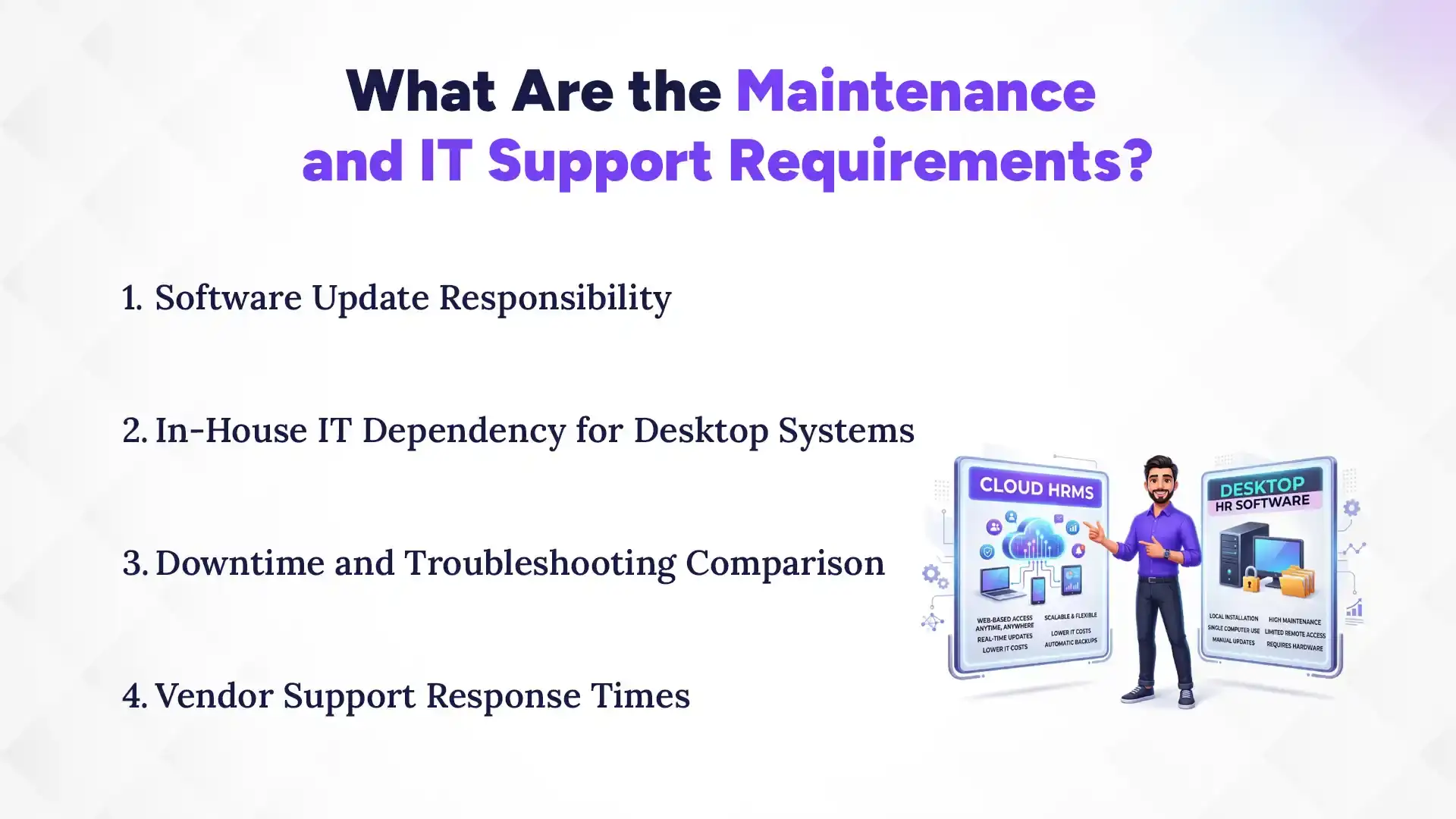
Cloud HRMS updates are pushed by the vendor and applied automatically, so users always have the latest version without manual installation. Desktop software updates typically need to be downloaded and installed manually, sometimes across every individual machine running the software.
2. In-House IT Dependency for Desktop Systems
Desktop HR software generally requires a dedicated IT resource, whether in-house staff or an external contractor, to manage the server, troubleshoot issues, and apply updates. Businesses without existing IT infrastructure often underestimate this ongoing dependency when choosing desktop software.
3. Downtime and Troubleshooting Comparison
Cloud HRMS vendors typically guarantee uptime through service level agreements and handle technical issues on their end, often with minimal disruption to users. Desktop software downtime from server crashes or hardware failure is the business's own responsibility to diagnose and resolve, which can take significantly longer without dedicated IT support.
4. Vendor Support Response Times
Cloud HRMS vendors usually offer structured support channels (chat, ticketing, and phone) with defined response times as part of the subscription. Desktop software support often depends on the original vendor's availability for that specific version, and older installations may receive limited or no ongoing support at all.
Which Is Better for Modern Businesses: Cloud HRMS or Desktop HR Software?
Cloud HRMS is the better fit for most modern, growing businesses due to lower upfront cost, remote accessibility, and easier scaling, while desktop HR software still suits a narrow set of businesses with specific infrastructure needs.
1. Best Fit for Small and Mid-Sized Businesses
Small and mid-sized businesses generally benefit most from cloud HRMS because of its lower upfront cost, minimal IT dependency, and ability to scale without major infrastructure investment as the team grows.
2. Best Fit for Multi-Location Enterprises
Businesses operating across multiple branches or planning geographic expansion are better served by cloud HRMS, since it provides consistent, real-time access to HR data across every location without the syncing challenges of desktop systems.
3. When Desktop HR Software Still Makes Sense
Desktop HR software can still make sense for organizations with strict data residency requirements, existing in-house IT infrastructure they don't want to abandon, or environments with unreliable internet connectivity where constant online access isn't guaranteed.
4. Decision Checklist for Choosing Between the Two
Businesses should weigh their current and projected headcount, number of locations, in-house IT capacity, internet reliability, and data compliance requirements before deciding, since these factors together determine which model actually reduces cost and complexity rather than adding to it.
Which Is the Best Cloud HRMS Software in Nepal?
For modern businesses looking to upgrade, Pace HRMS stands out as the clear choice for cloud-based infrastructure. It replaces the heavy IT burden and high upfront costs of desktop software with a secure, scalable, browser-based platform designed specifically for growing teams.
What really makes Pace HRMS The best cloud alternative is its native ability to unify multi-branch operations without complex server syncing. Built on a secure cloud architecture, it offers automatic updates, redundant data backups, and seamless mobile access for remote employees. In short, Pace HRMS gives you the enterprise-grade security and accessibility of cloud software at a price point that makes sense for modern businesses, completely eliminating the need for on-premise servers or VPN setups.
Conclusion
For most modern businesses, cloud HRMS offers the better balance of cost predictability, remote accessibility, and effortless scaling, while desktop HR software remains a fit for a smaller set of businesses with specific infrastructure or connectivity constraints.
If you're weighing the switch, explore Pace Infosys HRMS's cloud-based features with a demo or contact Pace Infosys today to see how the transition would work for your team's specific size and structure.