

Think about how much time your team spends every day just trying to remember who to call next.
If you are a business owner in Nepal, you know that keeping track of customers on Excel sheets or notebooks eventually becomes a headache. This is where a CRM, or Customer Relationship Management tool, comes in to save the day.
For a long time, Zoho CRM has been the go-to choice for many. However, as our local businesses grow, we often realize that one size doesn't fit all. You might find Zoho a bit too complex, or perhaps the costs are stacking up faster than your sales.
If you are feeling stuck, don't worry. This guide is here to help you find the 10 best Zoho CRM alternatives, with comparison and evaluation to help you choose the right CRM partner for your business journey.
Why is a CRM so Important?
A CRM is like the brain of your sales team. It stores every conversation, every deal, and every contact in one safe place. Without it, leads fall through the cracks, and your team wastes time on repetitive tasks. In Nepal, where personal relationships drive business, having a tool that helps you remember the little details can be the difference between closing a deal and losing a client to a competitor.
Why Nepalese Businesses Look Beyond Zoho CRM
While Zoho is powerful, it isn't perfect for everyone. Many Nepalese teams take too long to learn how to use it. Others feel that the best features are locked behind expensive tiers that don't fit a smaller budget. Plus, getting local support in our time zone can sometimes be a struggle.
In the next few minutes, we will look at the top 10 alternatives that are winning over businesses right now. We will break down their best features, what they cost, and exactly who should use them. By the end of this post, you'll know exactly which tool will help your team work smarter, not harder.
Why Consider Alternatives to Zoho CRM for Your Business?
Many businesses look for alternatives because Zoho can feel a bit overwhelming and expensive for smaller teams. While it has many features, you might find yourself paying for tools you never actually use. Here are the main reasons why a change might be good for you:
- The interface feels too cluttered and hard to learn.
- Advanced automation costs way too much money.
- Basic plans lack the most important features.
- Local support is hard to reach from Nepal.
- Connecting with local apps isn't always easy.
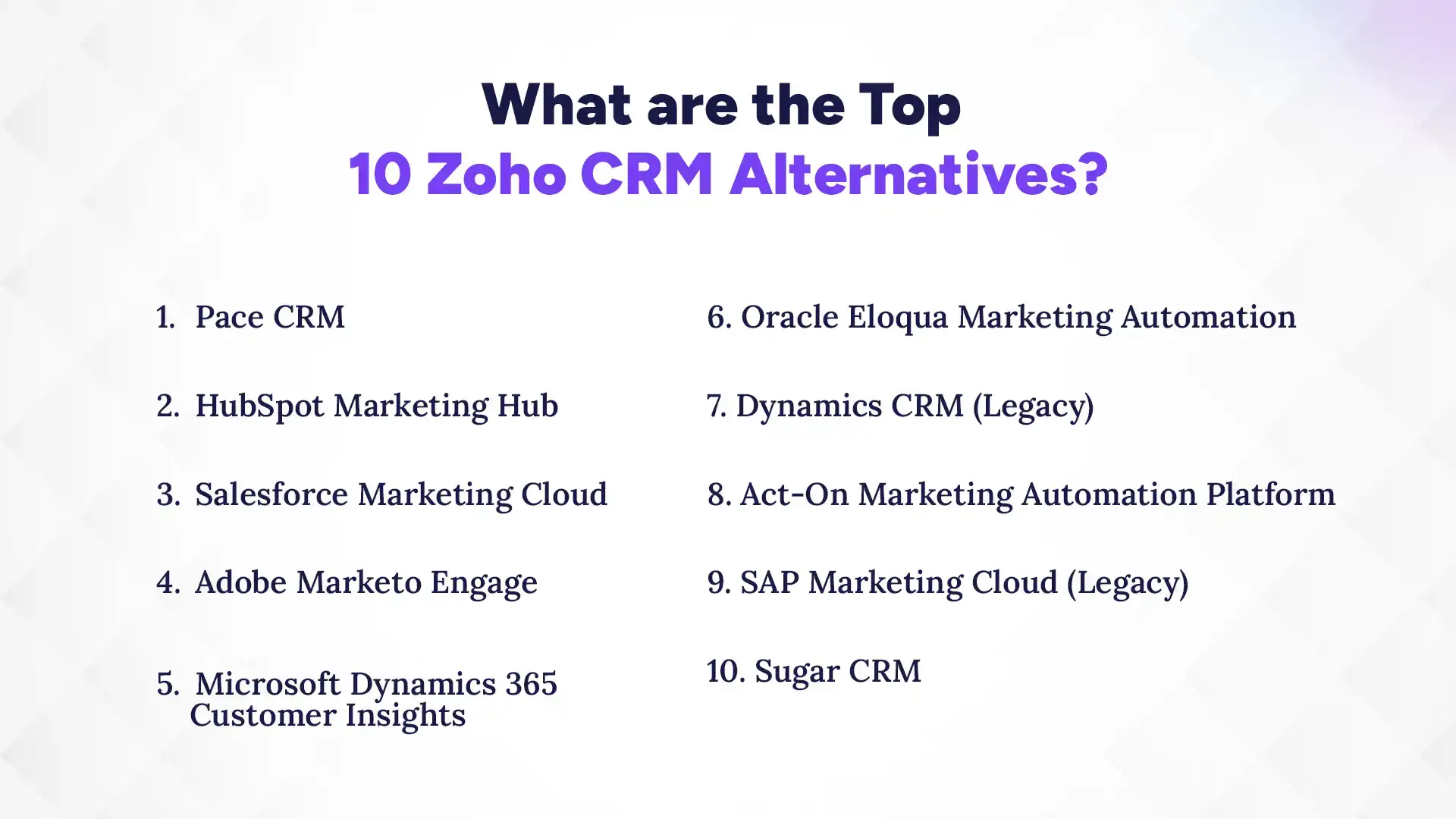
What are the Top 10 Zoho CRM Alternatives in 2026?
The best Zoho CRM alternatives include Pace CRM, HubSpot, and Salesforce, which offer much simpler layouts for busy teams. These tools focus on helping you close deals faster without making you a tech expert. Let’s dive into the details of each of the top CRMs for Nepalese businesses to see which fits your office best.
1. Pace CRM
Pace CRM is tailored specifically for businesses in Nepal, making it stand out from global tools. It focuses on simplicity, local workflows, and affordability rather than enterprise-level complexity. For small to mid-sized Nepali teams, it offers a practical and accessible CRM experience.
Key Features:
- Visual pipelines and deal tracking
- SMS + email automation (localized communication)
- Contact and lead management
- Local payment gateway integrations
- Simple reporting dashboards
Pros:
- Local support and faster onboarding
- Pricing in NPR
- Built for Nepali sales workflows
Cons:
- Limited integrations vs global tools
- Lacks advanced AI or deep analytics
- May not suit large ecosystem
Pricing:
- Custom pricing (~NPR 3,000+/month depending on usage)
2. Kumari Job CRM
Kumari Job CRM is a locally developed solution designed primarily for Nepali businesses. It focuses on simplifying lead management, and client communication in one place. If you’re just starting your CRM journey and want something simple and practical, this is a very accessible option. Kumari Job CRM is ideal for small to mid-sized teams transitioning into digital tools.
Key Features:
- Contact and lead management with full interaction history
- Deal and sales pipeline tracking with customizable stages
- Task assignment, reminders, and follow-up automation
- Custom form builder for lead capture
- Real-time dashboards and basic analytics
Pros:
- Extremely easy to use and beginner-friendly
- Designed for Nepali workflows and communication channels
- Strong fit for recruitment, HR, and consultancy businesses
- Helps eliminate manual tracking and spreadsheet dependency
Cons:
- Limited advanced automation and AI capabilities
- Not ideal for large enterprises or complex workflows
- Fewer integrations compared to global tools
Pricing:
- Starts around NPR 3,000–6,000/month (entry plans)
- Pricing often bundled with recruitment and HR services
- Free trial available for testing
3. HubSpot Marketing Hub
HubSpot Marketing Hub is one of the most widely used marketing automation platforms globally. It combines CRM data with marketing tools to create a unified customer journey. It’s especially popular among startups and growing businesses because of its usability and scalability.
Key Features:
- Lead nurturing, scoring, and segmentation
- Email marketing, landing pages, and forms
- Campaign automation and workflows
- Advanced analytics and attribution tracking
- A/B testing and personalization
Pros:
- Excellent user experience and onboarding
- Strong all-in-one ecosystem
- Powerful automation + analytics
- Large integration marketplace (750+ apps)
Cons:
- Pricing increases steeply at higher tiers
- Advanced features locked behind expensive plans
- Can become costly for scaling teams
Pricing:
- Free plan available
- Starter: ~$30/month
- Professional: ~$890/month
- Enterprise: ~$3,600/month
4. Salesforce Marketing Cloud
Salesforce Marketing Cloud is a powerful enterprise-grade marketing platform designed for large-scale, multi-channel campaigns. It allows businesses to manage customer journeys across email, mobile, social, and web. It’s best suited for organizations already using Salesforce.
Key Features:
- Multi-channel campaign management (email, SMS, social)
- Customer journey builder and personalization
- AI-powered insights (Einstein GPT)
- Real-time audience segmentation
- Deep integration with Salesforce ecosystem
Pros:
- Extremely powerful and scalable
- Advanced personalization and automation
- Ideal for large B2C organizations
Cons:
- Complex implementation
- Expensive and requires technical expertise
- Overkill for small teams
Pricing:
- Custom enterprise pricing (typically high, multi-year contracts)
5. Adobe Marketo Engage
Adobe Marketo Engage is a leading enterprise marketing automation tool known for deep customization. It excels in managing complex B2B marketing campaigns and lead lifecycles. It’s widely used by large organizations with dedicated marketing teams.
Key Features:
- Advanced lead management and scoring
- Multi-channel campaign orchestration
- Behavioral tracking and personalization
- AI-driven insights and analytics
- Deep Adobe ecosystem integrations
Pros:
- Extremely flexible and customizable
- Powerful for B2B marketing
- Strong analytics and segmentation
Cons:
- Steep learning curve
- Requires ongoing maintenance
- UI can feel outdated
Pricing:
- Custom pricing
6. Microsoft Dynamics 365 Customer Insights
Microsoft Dynamics 365 Customer Insights combines customer data with AI-driven marketing insights. It helps businesses unify customer profiles and create personalized experiences. It’s especially powerful for companies already using Microsoft tools.
Key Features:
- Unified customer data platform (CDP)
- AI-driven segmentation and predictions
- Customer journey orchestration
- Integration with Microsoft 365, Power BI, and Azure
- Real-time analytics and reporting
Pros:
- Strong AI and data capabilities
- Seamless Microsoft ecosystem integration
- Highly scalable
Cons:
- Complex setup and data preparation
- Expensive for smaller businesses
- Requires technical expertise
Pricing:
- Capacity-based pricing
7. Oracle Eloqua Marketing Automation
Oracle Eloqua is a robust enterprise marketing automation platform designed for large-scale campaigns. It’s known for deep segmentation and advanced campaign management. However, it requires significant expertise to fully utilize.
Key Features:
- Advanced campaign orchestration
- Deep segmentation and targeting
- Lead scoring and nurturing
- Multi-channel marketing automation
- Detailed reporting and analytics
Pros:
- Enterprise-level capabilities
- Highly customizable campaigns
- Strong data segmentation
Cons:
- Very steep learning curve
- Complex implementation
- Expensive
Pricing:
- Enterprise pricing (custom, high-tier)
8. Dynamics CRM (Legacy)
Dynamics CRM (Legacy) is an older version of Microsoft’s CRM platform, still used by some organizations. It provides core CRM functionalities but lacks modern AI as a cloud-based CRM. Many businesses are gradually migrating to newer Dynamics 365 solutions.
Key Features:
- Contact and account management
- Sales pipeline tracking
- Basic reporting and analytics
- Workflow automation
Pros:
- Stable and reliable
- Familiar for long-time Microsoft users
- Customizable
Cons:
- Outdated compared to modern CRMs
- Limited AI and automation
- Fewer updates and innovations
Pricing:
- Varies (often part of legacy licensing agreements)
9. Act-On Marketing Automation Platform
Act-On is a mid-market marketing automation platform focused on simplicity and cost-effectiveness. It helps businesses manage campaigns, leads, and customer engagement without enterprise-level complexity. It’s a good fit for small to mid-sized teams.
Key Features:
- Email marketing and automation
- Landing pages and lead capture
- Social media tracking and publishing
- CRM integration and lead scoring
- Analytics and reporting dashboards
Pros:
- Easy to use
- Good value for money
- Strong email marketing capabilities
Cons:
- Limited scalability for large enterprises
- Fewer advanced AI features
- Smaller ecosystem
Pricing:
- Subscription-based (mid-range pricing)
10. SAP Marketing Cloud (Legacy)
SAP Marketing Cloud (Legacy) is part of SAP’s broader customer experience suite. It focuses on enterprise-level customer engagement and data-driven marketing. Many organizations now use newer SAP CX solutions built on this foundation.
Key Features:
- Customer data management
- Campaign planning and execution
- Personalization and segmentation
- Integration with SAP ecosystem
Pros:
- Strong enterprise integration
- Good for large-scale operations
- Robust data handling
Cons:
- Complex implementation
- Legacy system in transition
- Expensive and resource-heavy
Pricing:
- Enterprise pricing (custom)
Comparison Table
Choosing the right tool is easier when you see the numbers side-by-side. This table compares the top picks based on what matters most to a growing business. Take a look to see which one aligns with your current budget and needs.
| CRM | Best For | Starting Price | Free Plan? |
|---|---|---|---|
| Pace CRM | Local Nepali businesses & SMBs | ~NPR 3,000/month | Trial only |
| Kumari Job CRM | Recruitment & HR teams in Nepal | ~NPR 6,000/month | Trial only |
| HubSpot Marketing Hub | SMBs & growing marketing teams | $30/month (Starter) | Yes |
| Salesforce Marketing Cloud | Large enterprises (B2C marketing) | Custom (high-tier) | No |
| Adobe Marketo Engage | B2B enterprises & advanced marketers | Custom (enterprise pricing) | No |
| Microsoft Dynamics 365 | Data-driven enterprises (Microsoft stack) | Custom / capacity-based | No |
| Oracle Eloqua | Enterprise campaign management | Custom pricing | No |
| SugarCRM | Mid-to-large businesses needing customization | $59/user/month | No |
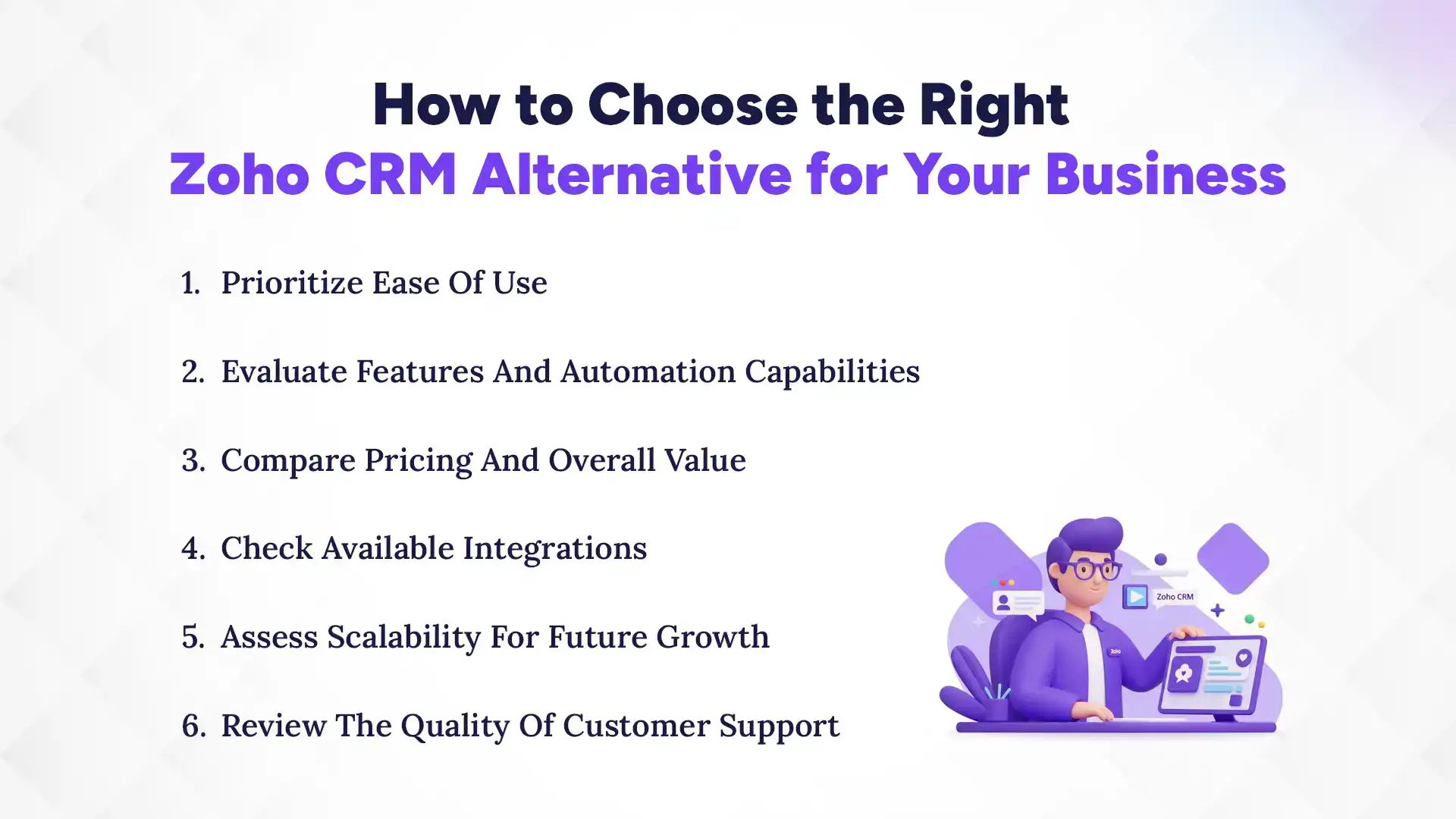
How to Choose the Right Zoho CRM Alternative for Your Business?
Finding the right CRM requires looking at your team's daily habits and your long-term goals. You should start by asking your sales reps what they find frustrating about your current system. It is also important to pick a CRM tool that can grow as your company expands.
1. Prioritize Ease of Use
If your team finds the software too hard to use, they simply won't use it. A CRM is only helpful if the data inside it is accurate and up-to-date. Look for a clean interface where adding a new contact or updating a deal takes only a few seconds. Your team must easily understand how the CRM system works. If you have to spend weeks training your staff, you are losing valuable selling time.
2. Evaluate Features and Automation Capabilities
Don't just look for a long list of features; look for the right CRM features. You want a tool that automates the boring stuff, like sending a "Thank You" email or reminding you to follow up after three days. Good automation makes your team feel like they have a personal assistant. Make sure the tool you pick actually solves your specific problems rather than just adding more buttons to click.
3. Compare Pricing and Overall Value
In Nepal, we have to be very careful with our budgets, especially with fluctuating exchange rates. While a $15 per user fee might sound small, it adds up quickly as your team grows from 5 to 20 people. Consider local options like Pace CRM that offer predictable CRM pricing in NPR. Always check if there are hidden costs for adding more contacts or using advanced reports.
4. Check Available Integrations
Your CRM needs to talk to the other tools you already use every day. If you use Google Workspace, Microsoft Outlook, or local SMS providers, make sure the CRM can connect with them easily. A CRM that sits in a silo is much less useful. Good integrations mean you don't have to copy and paste information from one app to another, which reduces human error.
5. Assess Scalability for Future Growth
You don't want to move all your data to a new CRM only to outgrow it in one year. Think about where your business will be in three or five years. Does the CRM offer higher-tier plans with more advanced features? Check if it can handle thousands of more contacts without slowing down. Choosing a scalable tool now saves you the massive headache of switching systems again later.
6. Review the Quality of Customer Support
When things go wrong, and they eventually will, you need a support team that responds quickly. Check if the provider offers live chat, phone support, or a dedicated account manager. For businesses in Kathmandu or other parts of Nepal, having someone who understands our local context can be a huge advantage. Read reviews to see how other users feel about the help they received when they were stuck.
Which Zoho CRM Alternative is Right for You?
The best choice depends on whether you value local support, ease of use, or advanced power. If you want a tool that is easy to pay for and has support in Nepal, Pace CRM is a fantastic choice. For those who want the most famous global tools, HubSpot and Pipedrive are usually the safest bets. Let's look at a few common scenarios:
- Small Businesses: HubSpot or Apptivo (Great free or low-cost options).
- Enterprises: Salesforce or Microsoft Dynamics (Best for complex needs).
- Sales-Focused Teams: Pipedrive (Keeps everyone focused on deals).
- Marketing-Heavy Teams: HubSpot or Freshsales (Best for lead generation).
Conclusion
At the end of the day, the best CRM is not the one with the most features, but the one your team actually enjoys using. Choosing a Zoho alternative is about finding that perfect balance between a price you can afford and a system that makes your life easier. Whether you go with a local hero like Pace CRM or a global giant like HubSpot, the goal is the same: building better relationships with your customers.
Remember, most of these tools offer free trials or demos. I highly encourage you to sign up for a few and let your team play around with them for a week. See which one feels natural and which one feels like a chore. The right tool is out there, and once you find it, you’ll wonder how you ever managed without it. Good luck with your search, your future sales are waiting!