Attendance gets complicated when the workplace is no longer one place. One employee checks in at the office, another heads to a client site, while a field team starts work at a project location. A punch machine or attendance sheet can record a time, but it cannot always tell you where that check-in happened.
That is where a GPS attendance system can help. It uses location data from an employee’s mobile device to verify attendance based on where they check in or out. This makes it easier to manage employees working across offices, branches, client sites, and other locations.
But how does GPS attendance actually work? What features should you look for, and is it a good fit for businesses in Nepal? This guide breaks down how GPS attendance works, its benefits, key features, and what to consider before choosing a system.
What Is a GPS Attendance System?
A GPS attendance system is a location-based attendance solution that records when an employee checks in or out and verifies where the check-in took place. It typically uses a mobile device to capture location data and connect it with the employee’s attendance record.
This is especially useful when employees do not spend their entire workday at a fixed office. Instead of relying only on a time entry, businesses can have more context about attendance across offices, job sites, client locations, and field visits.
How Does a GPS Attendance System Work?
A GPS attendance system uses location data from an employee’s mobile device to verify where they are when they check in or out. The system records the attendance along with the relevant location information and can compare it with an approved workplace or job site.
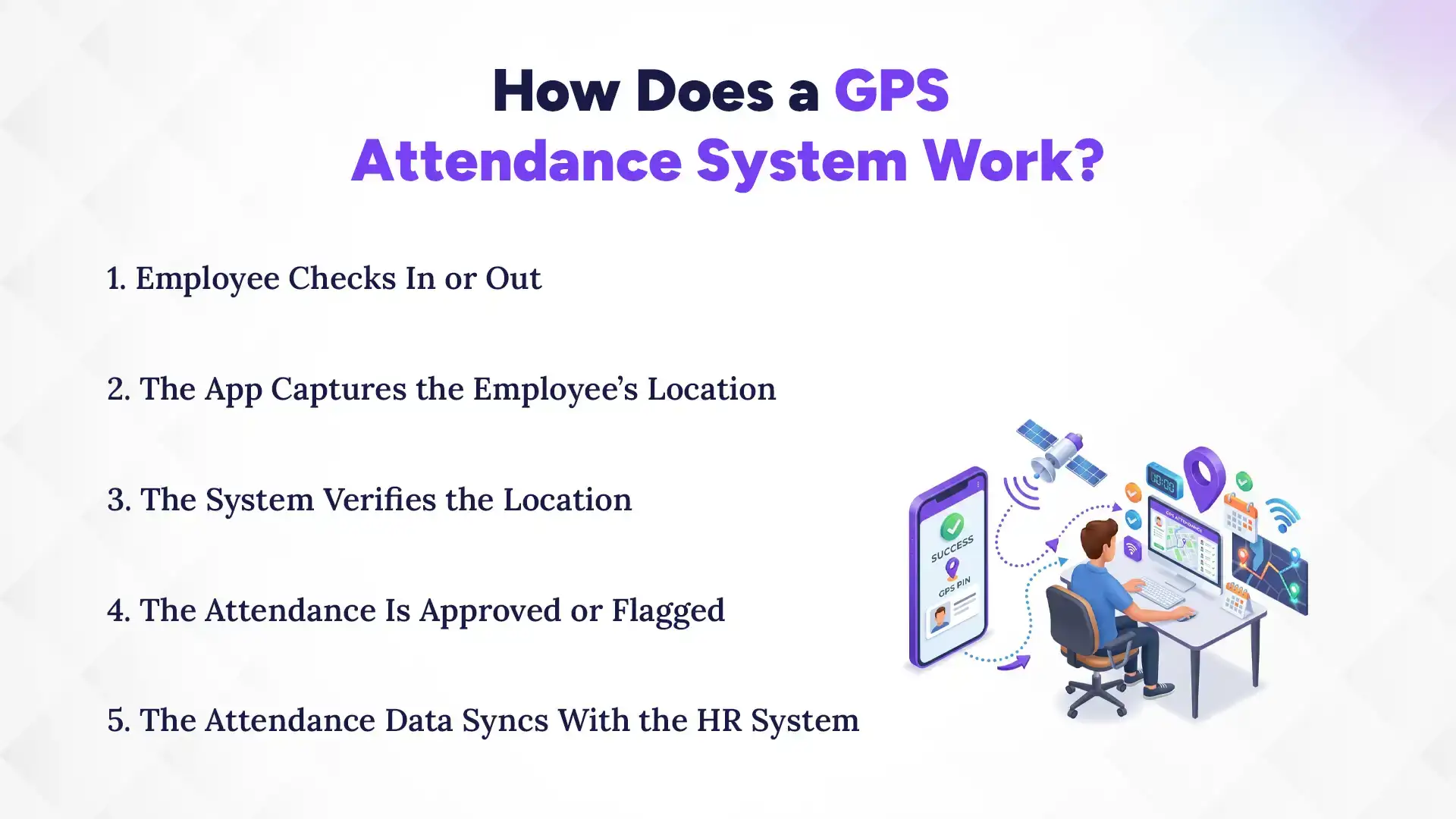
The basic process looks like this:
1. Employee Checks In or Out
The employee opens the attendance app and checks in when they start work. They check out when they finish. Because the employee can use a mobile device, they do not always need a physical attendance machine. This is helpful for people who work at client locations, project sites, or outside the main office.
2. The App Captures the Employee's Location
When the employee checks in, the app captures location information from the mobile device. It then adds that information to the attendance record. This means field employees can mark attendance from an approved work location. They do not need to return to the main office just to check in.
3. The System Verifies the Location
Next, the system checks whether the employee is within the approved attendance area. Businesses can set these areas around an office, branch, or project site using geofencing.
For example, a company could set separate attendance areas for its Kathmandu office, Pokhara branch, and a construction site. When an employee checks in, the GPS attendance software can compare their location with the assigned area.
If the location meets the set rules, the system can accept the check-in. If it does not, the system can flag it for review.
4. The Attendance Is Accepted or Flagged
Once the system checks the location, it can accept the attendance entry or flag it when it does not meet the set rules. This gives managers a simple way to spot unusual entries. They do not have to check every attendance record manually.
5. The Attendance Data Syncs With the HR System
The attendance record can then move into the HR system. Managers can use it to review working hours, late arrivals, early departures, leave, and overtime along with employee records. This becomes even more useful when attendance connects with payroll. Instead of entering the same attendance data again, the business can use it as an input for salary processing.
What Features Does a GPS Attendance System Have?
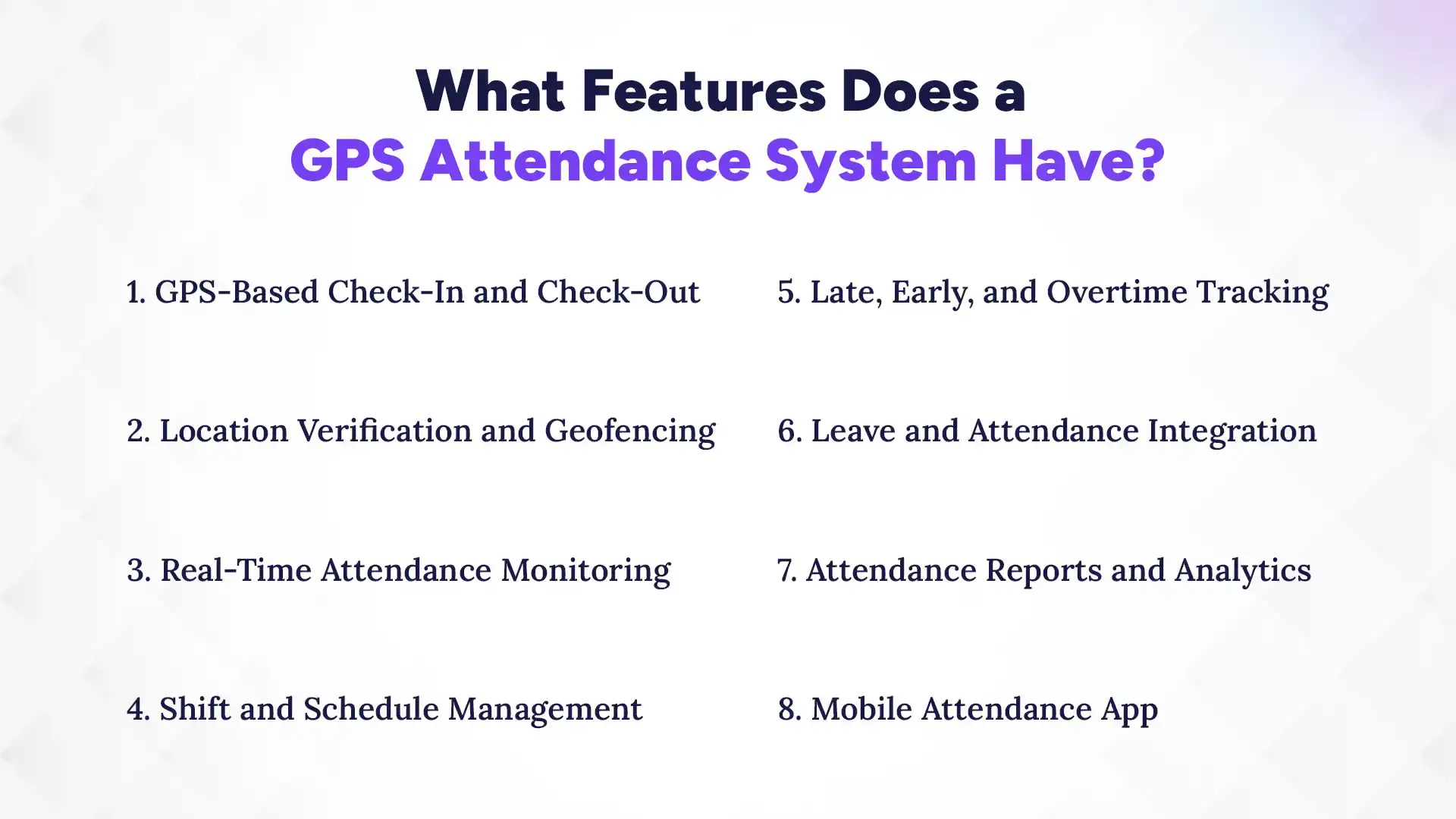
The right system should do more than record a location with every check-in. It should help businesses manage the attendance problems that come with field work, different shifts, multiple locations, and manual payroll processes. Here are the key features to look for.
1. GPS-Based Check-In and Check-Out
Employees can record their arrival and departure using a mobile device, with location information attached to the attendance entry. This is useful for businesses with employees who regularly work away from a fixed office, such as sales teams, technicians, consultants, and project staff.
2. Location Verification and Geofencing
Geofencing allows businesses to define an approved area where employees can check in or out. For example, a company with several branch offices can set different attendance locations for each branch. This helps managers apply location rules without manually checking where every employee recorded attendance.
3. Real-Time Attendance Monitoring
Managers can view attendance records as employees check in and out, depending on the system and its connectivity. This can be helpful when supervisors manage teams spread across different sites. Instead of waiting for attendance sheets to arrive, they can get a clearer view of who has checked in and where.
4. Shift, Late, Early, and Overtime Tracking
A GPS attendance system can work with employee shifts and attendance rules to identify late arrivals, early departures, and overtime. This matters because attendance is not just about whether someone showed up. The recorded working hours may also affect payroll, overtime calculations, and employee records.
5. Leave and Attendance Integration
Attendance becomes easier to manage when it connects with leave records. For instance, an employee who is on approved leave should not be treated as absent simply because they did not check in. Connecting these records reduces the need to maintain separate attendance and leave sheets.
6. Attendance Reports and Analytics
Attendance reports help managers review patterns such as late arrivals, absences, overtime, and attendance across different locations. For larger teams, this can save considerable time compared with collecting spreadsheets or checking individual attendance records.
Benefits of GPS Attendance for Businesses in Nepal
GPS attendance is most useful when a business has a practical reason to verify attendance across different locations. For many businesses in Nepal, that can mean field employees, branch offices, construction projects, sales teams, or employees moving between client sites.
1. Accurate Attendance Records
Manual attendance depends heavily on employees and managers entering information correctly. This can lead to missing entries, incorrect timings, or records that are difficult to verify later. GPS-based attendance adds location information to the check-in process. As a result, managers have more context when reviewing attendance records.
2. Better Attendance Management for Field Employees
Field employees may start their day at a client location, project site, hospital, or other worksite rather than at the company office. Requiring them to report to the office just to mark attendance adds unnecessary work. GPS attendance allows businesses to manage attendance around where the employee actually begins work.
3. Reduced Proxy Attendance
Proxy attendance becomes easier when attendance depends only on a shared register or another person marking an entry. Location-based check-in adds another layer of verification. It does not guarantee that every false entry will be prevented, but it can make unusual or questionable attendance easier to identify.
4. Easier Monitoring Across Locations
Managing attendance becomes more difficult as a company adds branches, project sites, or distributed teams. A centralized attendance management system gives managers a common place to review attendance from different locations. This is particularly useful for businesses operating across Kathmandu and other cities or managing several sites at the same time.
5. Less Manual Attendance Work
Collecting attendance sheets, entering data into spreadsheets, and checking records before payroll can take up a lot of administrative time. With digital attendance, these records can be captured and organized automatically. Managers can spend less time collecting basic attendance information and more time reviewing exceptions that actually need attention.
6. Better Payroll Data
Attendance and payroll are closely connected. Late hours, overtime, absences, and working days can all affect how an employee's salary is calculated. When attendance data flows into payroll, businesses can reduce repeated data entry and make payroll processing easier. This is where an integrated HRMS becomes more useful than treating attendance as a separate tool.
7. Faster Attendance Reporting
When attendance records are stored digitally, managers do not have to wait for physical registers or combine several spreadsheets to understand attendance. They can generate reports based on employees, dates, shifts, or locations, depending on the system. This makes routine attendance reviews much easier for HR and operations teams.
Who Can Use Employee GPS Attendance System?
GPS attendance systems can be used by businesses with remote, mobile, or on-site workforces to verify employee locations during check-in. Such a system is flexible and particularly useful for organizations where employees regularly work away from a fixed workplace.
1. Companies With Field Employees
Sales representatives, service technicians, consultants, and other field employees may spend much of their working day outside the office. GPS attendance gives businesses a practical way to record their attendance without requiring them to return to the office.
2. Construction Companies
Construction teams often work at project sites that change over time. Location-based attendance can help companies manage attendance at individual sites while keeping records centralized.
3. Sales Teams
Sales employees may visit customers, dealers, or other business locations throughout the day. GPS attendance can make it easier to manage their workday without relying on office-based punch machines.
4. Healthcare Organizations
Hospitals, clinics, and healthcare organizations may have employees working across different shifts and locations. Location-based attendance can support attendance management. A healthcare-specific HRMS works better, where a traditional office setup does not always fit.
5. Delivery and Logistics Businesses
Drivers and delivery teams are often on the move. A mobile attendance system can provide a practical way to record the start and end of their workday without requiring a fixed attendance device.
6. NGOs and INGOs
Organizations working across projects, communities, or remote locations may have teams spread across different areas. Digital attendance can make it easier to collect records from distributed teams.
7. Companies With Multiple Branches
Businesses with several branches need to manage attendance consistently without forcing each location to maintain completely separate processes. A centralized HR system with location-based rules can help managers maintain common attendance practices across branches.
8. Remote and Hybrid Teams
Not every employee works from the same office every day. For approved remote or hybrid work, an HRMS can help remote teams manage attendance, leave, work schedules, and employee records from one place. Location-based attendance also gives HR teams a practical way to record attendance when traditional office-based systems are not suitable.
GPS Attendance vs Traditional Systems: Which Works Better?
GPS attendance uses mobile devices and location data to verify where and when an employee checks in, while traditional attendance relies on paper, Excel, or fixed punch-in machines. GPS attendance suits remote, field, and multi-location teams, while traditional systems work well for small teams in one workplace.
Factor
Traditional Attendance
GPS Attendance
Method
Paper, Excel, or fixed punch-in machines.
Mobile app with GPS and geofencing.
Best for
Small teams working from one location.
Field, remote, and multi-location teams.
Accuracy
More prone to manual errors and proxy entries.
Verifies location and provides better visibility.
HR work
Requires manual collection and checking.
Automatically records logs and reduces manual work.
Traditional attendance is suitable for teams working from one fixed location. GPS attendance is more useful when employees work remotely, visit different locations, or work across multiple branches. An HRMS with GPS attendance can make these records easier to track and manage alongside other HR processes.
GPS Attendance vs Biometric Attendance for Nepalese Businesses
GPS and biometric attendance serve different work environments. Biometric attendance is better suited to fixed workplaces, while GPS attendance works better for mobile, field, and distributed teams.
Factor
Biometric Attendance
GPS Attendance
Best for
Employees working from a fixed workplace.
Field, remote, and mobile teams.
How it works
Uses fingerprint, face, or another biometric method through a designated device.
Uses a mobile device to verify the employee’s location when checking in.
Work locations
Works well in offices but may require devices at each work site.
Makes attendance easier across multiple approved work locations.
Physical device
Usually requires a dedicated biometric device.
Uses employees’ mobile devices, reducing the need for fixed equipment.
What you must understand here is, neither system is better for a business, when it comes to biometric vs GPS attendance. Biometric attendance makes sense for employees who work from a fixed location, while GPS attendance offers more flexibility for field, remote, and multi-location teams. Businesses with both types of employees can also use different attendance methods based on where each team works.
Is GPS Attendance Suitable for Businesses in Nepal?
A GPS attendance system is particularly useful for businesses where employees do not work from one fixed location. This includes construction companies managing project sites, sales teams visiting clients, service technicians working in the field, and businesses operating multiple branches.
It can also be useful for organizations with teams spread across different parts of Nepal. Instead of asking field employees to return to the main office just to mark attendance, businesses can let them check in from their approved work location.
For businesses where most employees work from one office, however, a biometric or traditional attendance system may already be enough. The right choice depends on the company's workforce, locations, and attendance process.
What Should You Consider Before Choosing a GPS Attendance System?
Before choosing a GPS attendance system, consider its location accuracy, ease of use, employee work locations, privacy controls, reporting, and integration with your HR and payroll processes. The system should fit how your employees actually work while making attendance easier for both employees and HR.
1. Location Accuracy and Geofencing
The system should let you define approved work locations and set reasonable boundaries around them. This is useful when employees need to check in at specific offices, branches, client sites, or project locations. Also check how the system handles location accuracy, since GPS readings can vary depending on the device, surroundings, and available signals.
2. Multiple Locations
If your business has several branches or worksites, managing locations from one dashboard can save a lot of manual work. You should be able to assign employees to specific locations and review attendance by branch or worksite. This becomes especially useful when employees move between locations or project sites.
3. Offline Attendance
Field employees may not always have a stable internet connection. A system that can record attendance during temporary connectivity issues and sync the data later can prevent missed check-ins. This can matter for teams working at construction sites, remote project locations, or areas with weaker connectivity.
4. Shift and Overtime Management
Attendance rules are different for a regular office employee and someone working rotating shifts or overtime. Check whether the system can handle scheduled shifts, late arrivals, early departures, overtime, and other working-hour rules. This also makes the attendance data more useful when it reaches payroll.
5. Leave and Payroll Integration
Attendance should not sit in a separate system if your business wants to reduce manual payroll work. Look for HRMS integration with leave, employee records, overtime, and payroll so that information does not have to be entered repeatedly. For example, approved leave should be reflected in attendance, while recorded overtime can flow into payroll calculations.
6. Data Privacy and Access Control
Location data is sensitive employee information. Businesses should understand what data the system collects, when it collects it, how long it is stored, and who can access it. Clear employee communication and appropriate access controls are important, especially when location features are involved.
What Are the Limitations of GPS Attendance in Nepal?
GPS attendance can simplify attendance tracking, but it has some limitations. Location accuracy, device requirements, connectivity, and employee privacy are the main factors businesses should consider.
Location accuracy can vary: GPS may be less accurate indoors or around tall buildings. Weak signals, device settings, and environmental conditions can also affect location readings.
Internet or network issues can affect check-ins: Poor connectivity may delay or prevent an attendance entry. Businesses should have a clear process for employees who cannot check in because of network problems.
Employees need compatible devices: GPS attendance usually requires a supported smartphone with location services enabled. Employees may also need to grant the required app permissions.
Privacy needs careful handling: GPS attendance should collect only the location data needed to verify attendance. Clear policies should explain when location is collected and how the data is used.
It may not suit every workplace: GPS attendance is most useful for mobile, field, remote, or multi-location teams. For employees who always work at one fixed location, biometric or other fixed attendance methods may be simpler.
Conclusion
A GPS attendance system is useful when employees work across different locations and a traditional punch machine is no longer practical. It can help businesses verify attendance at approved locations, manage field teams, and bring attendance data into a central system.
But GPS alone is not the goal. The bigger benefit comes when attendance connects with shifts, leave, overtime, employee records, and payroll. For businesses looking to manage these processes together, an integrated HRMS can make attendance and payroll much easier to manage.
FAQs
Can GPS attendance track employee location?
+
Yes. A GPS attendance system can use location data from an employee's mobile device when they check in or out. The exact location features depend on the system's settings.
Does GPS attendance work outside the office?
+
Yes. Employees can check in from approved locations such as client sites, branches, construction projects, and other workplaces.
Is GPS attendance accurate?
+
GPS attendance can provide useful location information, but accuracy can vary based on the device, surroundings, connectivity, and available location signals.
Can GPS attendance prevent proxy attendance?
+
It can make proxy attendance harder by adding location verification to the check-in process. However, it cannot guarantee that all false attendance will be prevented.
Does GPS attendance require a mobile app?
+
Most GPS attendance systems use a mobile app because employees need a device to provide location information when checking in or out.
Can GPS attendance work for multiple branches?
+
Yes. A GPS attendance system can allow businesses to create different work locations and assign employees to the appropriate branch or site.
Can GPS attendance integrate with payroll?
+
Yes. Attendance data such as working hours, overtime, and leave can be connected with payroll when the attendance and payroll systems are integrated.
What is the difference between GPS attendance and geofencing?
+
GPS attendance uses location data to verify attendance, while geofencing creates a virtual boundary around an approved location. A GPS attendance system can use geofencing to control where employees can check in.
Ready to get started?
Book a 30-minute consultation call, and let's talk about your goals.