

Managing client relationships across spreadsheets, WhatsApp messages, and paper files works until it doesn't. One missed tax deadline or forgotten follow-up call, and you're explaining to a client why their VAT filing slipped through the cracks. According to recent industry data, accounting firms lose an average of 23% of their clients annually due to missed deadlines and poor communication, issues that proper CRM implementation can reduce by up to 67%.
CRM software solves this by putting every client detail, deadline, and conversation in one searchable system. Studies show that accounting practices using CRM see a 29% improvement in client retention and save approximately 14 hours per week on administrative tasks. This guide covers the best CRM options for accounting firms in Nepal in 2026, the features that actually matter for CA practices, and how to pick the right platform without overcomplicating things.
What is CRM software for accounting firms?
CRM software for accounting firms is a digital platform that stores client data, tracks interactions, and organizes engagements in one central location. In simple terms, it replaces scattered Excel sheets, WhatsApp threads, and paper files with a single system where your entire team can find any client's PAN number, engagement history, or last conversation in seconds.
For CA firms and accounting practices in Nepal, CRM tools typically include deadline tracking for tax filings, document storage for engagement letters, and automated reminders for compliance dates. Popular options range from locally-built platforms like Pace CRM and Sajilo CRM to global solutions like Zoho CRM and HubSpot CRM, each offering different levels of customization and Nepal-specific support.
Why accounting firms in Nepal need CRM
Accounting firms in Nepal need CRM to prevent missed deadlines, centralize scattered client data, and maintain consistent communication as their practice grows. Without CRM, client information lives across spreadsheets, WhatsApp, and paper files, making it nearly impossible to track who needs what and when.
Here's why CRM software creates structure that manual systems can't match: it puts every client detail, deadline, and conversation in one searchable location. Instead of asking colleagues where a file is or scrolling through old emails, you pull up a client profile and see everything instantly.
1. Centralize scattered client information
Client details often live in multiple locations, phone contacts, Excel files, email threads, and paper folders. When someone calls asking about their return status, you end up searching three different places before finding an answer.
CRM puts all client data in one searchable database. Contact info, PAN details, engagement letters, and communication history stay connected to each client profile.
2. Never miss tax deadlines or compliance dates
Nepal's tax calendar includes VAT filing dates, income tax deadlines, TDS submissions, and audit schedules spread throughout the year. One missed deadline means penalties for your client and awkward conversations for you.
CRM systems with calendar tracking send automated alerts before due dates. You can set reminders specific to each client's obligations, so nothing gets forgotten during busy periods.
3. Improve client follow-up and retention
Clients who feel forgotten between tax seasons often start looking elsewhere. Consistent communication builds trust, but manually tracking who to call and when becomes impossible as your client list grows.
CRM automation triggers follow-up reminders based on dates or status changes. You stay in touch at the right moments without maintaining a mental checklist.
4. Track billable hours and engagements
Many accounting firms bill by hour or project, yet tracking time accurately remains a challenge. When a client questions an invoice, having detailed records of work completed makes the conversation much easier.
5. Scale your practice without adding chaos
Manual tracking breaks down as you hire more staff and take on more clients. CRM provides the structure to handle growth without proportionally increasing administrative work.
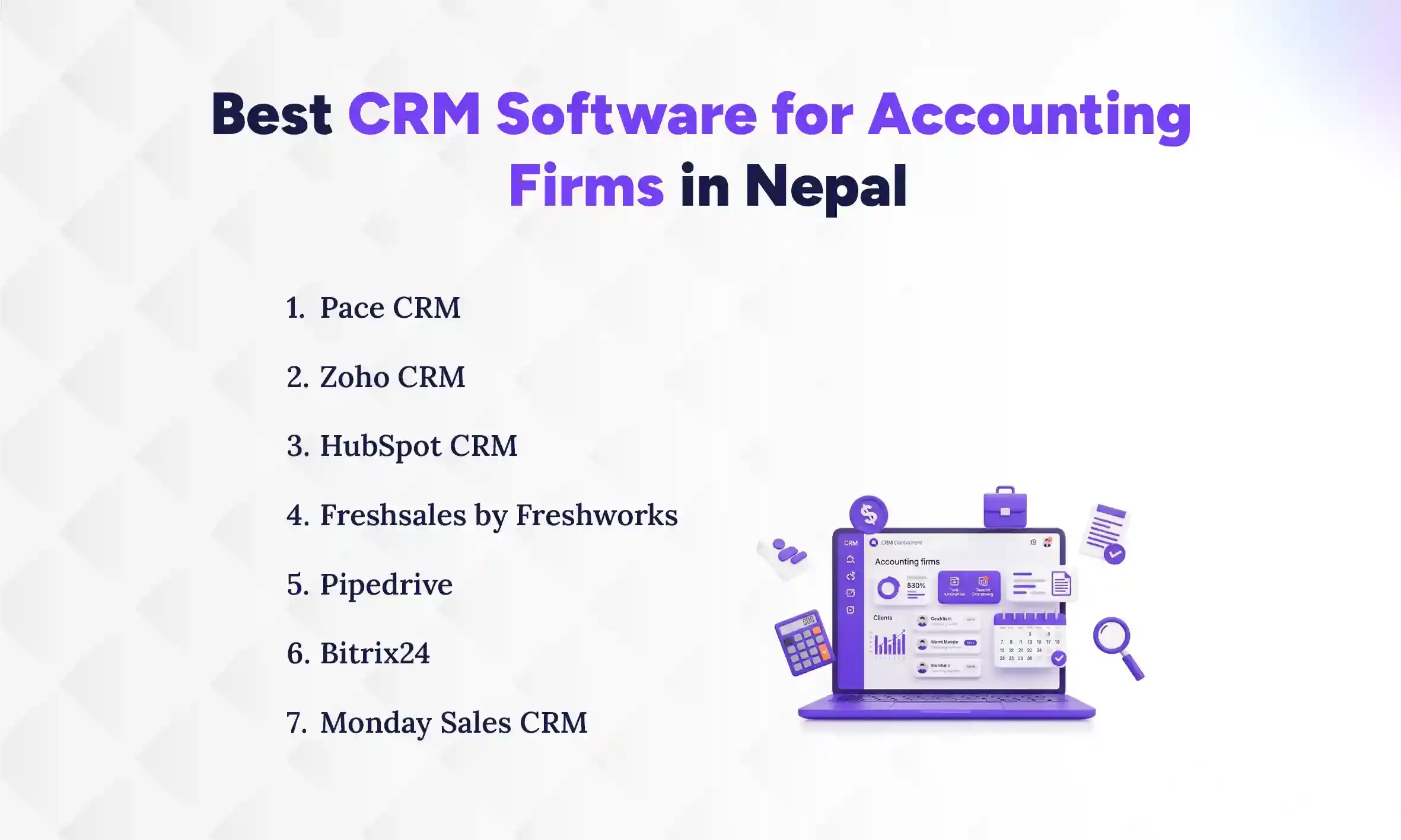
Best CRM software for accounting firms in Nepal
The right CRM depends on your firm's size, budget, and workflow preferences. Here's a breakdown of options available to Nepal-based accounting practices.
1. Pace CRM
Best for: Nepal-based firms wanting local support and NPR pricing
Pace CRM is built with Nepal's business environment in mind. The platform offers visual pipeline management, automated follow-ups, and custom reporting dashboards. Local support means you can get help in Nepali time zones when something goes wrong.
- Key features: Drag-and-drop pipeline, workflow automation, custom dashboards
- Pricing: Demo and trial available, flexible plans based on team size
Nepal considerations: NPR-based pricing, local support team
2. Zoho CRM
Best for: Growing firms wanting customization and accounting software integration
Zoho CRM offers a free tier for up to three users. Its strength lies in connecting with Zoho Books, creating a linked ecosystem for client management and accounting.
- Key features: Workflow automation, custom modules, email integration, mobile app
- Pricing: Free for 3 users, paid plans from approximately $14/user/month
- Nepal considerations: Limited local support, strong online documentation
3. HubSpot CRM
Best for: Firms testing CRM for the first time
HubSpot's free CRM offers unlimited users and contacts. The interface is straightforward, though it lacks accounting-specific features out of the box.
- Key features: Contact management, email tracking, meeting scheduling, basic reporting
- Pricing: Free core CRM, paid add-ons for advanced features
4. Freshsales by Freshworks
Best for: Firms focused on client acquisition
Freshsales includes AI-powered lead scoring and built-in phone and email tools. It works well for practices actively marketing services and tracking new inquiries.
5. Pipedrive
Best for: Simple visual pipeline management
Pipedrive focuses on simplicity with a highly visual interface showing where each client stands. It lacks accounting-specific features but excels at basic relationship tracking.
6. Bitrix24
Best for: All-in-one CRM with project management
Bitrix24 offers a generous free tier combining CRM, task management, and team communication. The interface can feel overwhelming initially, but it packs significant functionality at no cost.
7. Monday Sales CRM
Best for: Teams transitioning from Excel
Monday's spreadsheet-like interface feels familiar to teams used to Excel while adding automation and collaboration features.
Essential CRM features for accounting firms
Not every CRM feature matters equally for accounting practices. When evaluating options, focus on capabilities that directly support how CA firms work with clients.
Feature | Why it matters for accounting firms |
Client management | Central record of all client details and history |
Deadline tracking | Automated reminders for tax and compliance dates |
Document storage | Secure storage for engagement letters and filings |
Software integration | Connect with Tally, billing tools, and email |
Mobile access | Update client info during site visits |
1. Client and contact management
The foundation of any CRM is storing client details, contact persons, PAN/VAT numbers, and interaction history in one searchable database.
2. Deadline and compliance tracking
Calendar-based tracking with automated alerts helps firms stay ahead of IRD deadlines, audit schedules, and renewal dates.
3. Document and engagement letter storage
Attaching documents directly to client records, engagement letters, filed returns, and correspondence makes retrieval simple when a client asks about last year's filing.
4. Integration with accounting software
Connecting CRM to tools like Tally reduces double data entry. Some CRMs sync client information automatically, while others require manual export/import.
5. Automated reminders and follow-ups
Automation triggers emails or task assignments based on dates or client status changes, reducing the mental load of remembering who to contact.
6. Reporting and client analytics
Dashboards showing client engagement trends, revenue by client, and team performance metrics help you make informed decisions about your practice.
7. Mobile access and cloud storage
Accountants who visit client sites benefit from accessing and updating client info from a phone or tablet.
8. Data security and permission controls
Role-based access ensures junior staff see only what they need. Encryption and backup protect sensitive financial data.
CRM software comparison for CA firms in Nepal
Here's a side-by-side comparison of the most relevant CRM options for accounting practices in Nepal. This table breaks down key factors that matter when choosing a platform for your firm.
CRM | Free plan | Accounting integrations | Local support | Best for |
Pace CRM | Demo/Trial | Nepal-specific | Yes | Local firms want dedicated support |
Zoho CRM | Yes (3 users) | Zoho Books | Limited | Growing firms need customization |
HubSpot CRM | Yes (unlimited) | Limited | No | Beginners, small practices |
Freshsales | Yes (limited) | Freshbooks | No | Client acquisition focus |
Pipedrive | Trial only | Third-party | No | Visual pipeline management |
Bitrix24 | Yes (generous) | Limited | No | All-in-one needs |
How CRM integrates with accounting tools
CRM integrates with accounting tools by connecting to platforms like Tally, email clients, and billing software to create a unified workflow. This integration eliminates duplicate data entry and automatically syncs client information across systems, saving time and reducing errors.
1. Tally integration
Tally Prime and Tally ERP remain the most common accounting software in Nepal. Some CRMs can sync client data with Tally, though direct integration options vary by platform. Most integrations work through third-party connectors or API-based solutions that require initial setup. When evaluating CRM options, ask vendors specifically about their Tally compatibility and whether they've successfully implemented integrations for other Nepal-based accounting firms.
2. IRD portal connectivity
Direct IRD integration is rare in most CRM platforms. However, you can store portal credentials securely, track filing status manually, and set reminders for submission deadlines within your CRM. This approach keeps all compliance-related information centralized, even without automatic syncing. Some firms create custom fields to log IRD submission dates and reference numbers, making it easier to respond to client queries about filing status.
3. Email and calendar sync
Most modern CRMs sync bidirectionally with Gmail or Outlook, meaning every email you send to a client gets logged automatically in their CRM profile. You don't need to manually copy correspondence or remember to update records; the system captures it in real time. Calendar integration works similarly: when you schedule a meeting in Google Calendar or Outlook, that appointment appears in the CRM timeline alongside the client's contact details, past interactions, and upcoming deadlines. This creates a complete chronological view of your relationship with each client. Some CRMs also enable you to send emails directly from the platform while maintaining the thread in your regular inbox, ensuring nothing gets lost between systems. For accounting firms juggling multiple client conversations during tax season, this automatic logging eliminates the administrative burden of documenting every interaction manually.
4. Billing and invoicing tools
CRM can trigger invoices or sync with billing and salary processing software to track payments alongside client engagement data.
CRM vs accounting software for Nepal-based firms
A common confusion: CRM is not a replacement for Tally or other accounting software. The two serve different purposes.
- CRM handles: Client relationships, communication tracking, follow-ups, sales pipeline, and deadline reminders
- Accounting software handles: Bookkeeping, ledgers, tax calculations, financial statements, VAT/TDS computation.
CRM manages the relationship layer while accounting software handles financial transactions. Firms that confuse the two often end up with gaps in either client management or financial accuracy.
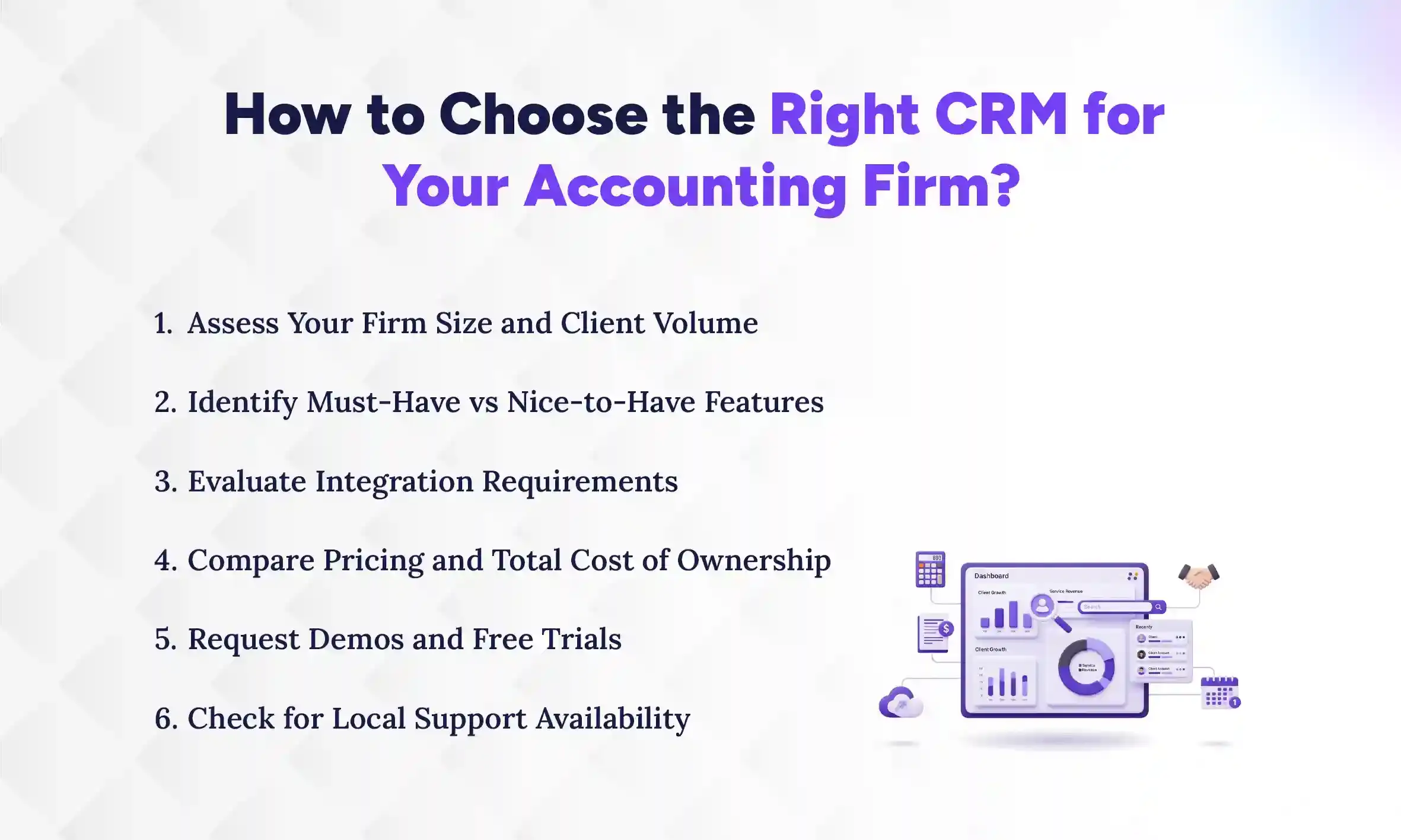
How to choose the right CRM for your accounting firm
Choose a CRM that matches your firm's size, integrates with your existing tools like Tally, and offers the support level you need, whether that's local assistance or strong documentation. Start by listing your non-negotiable features (deadline tracking, client management), then test 2-3 options with real workflows during free trials. The right CRM should simplify your daily operations, not add complexity.
1. Assess your firm size and client volume
Small practices with fewer clients may find simpler tools sufficient; a basic CRM with contact management and deadline tracking often covers everything a solo practitioner or two-person team needs. Larger firms with multiple staff benefit from role-based access and team collaboration features that let partners, senior accountants, and junior staff work from the same client database without security concerns. As your team grows beyond five people, features like permission controls, activity logs, and shared pipelines become essential for maintaining coordination and preventing duplicate work.
2. Identify must-have vs nice-to-have features
List non-negotiables like deadline tracking separately from nice-to-haves like AI insights. This helps avoid overpaying for unused features. Focus your budget on capabilities that directly solve problems you face daily, not features that sound impressive but won't get used.
3. Evaluate integration requirements
List your current tools, Tally, email, calendar, and verify CRM compatibility before committing. Ask vendors for specific integration documentation or case studies from other Nepal-based accounting firms using similar setups. If a CRM can't connect with your essential tools, you'll end up manually transferring data between systems, which defeats the purpose of automation.
4. Compare pricing and total cost of ownership
Advertised prices often exclude add-ons, training, or per-user fees. Calculate the true annual cost before deciding. Factor in potential expenses like data migration, custom field setup, and ongoing support contracts that vendors may not mention upfront. A CRM that looks affordable at first glance can become expensive once you add the features your accounting firm actually needs to function effectively.
5. Request demos and free trials
Test with real client data (anonymized if needed) to see if the workflow fits your daily operations. Most CRM vendors offer 14-30 day trials; use this period to run actual tasks like adding new clients, setting deadline reminders, and tracking follow-ups. Pay attention to how many clicks it takes to complete common actions; if basic tasks feel clunky during the trial, they'll frustrate your team during daily use.
6. Check for local support availability
For Nepal-based firms, having local support for training and troubleshooting saves significant time. When issues arise during tax season, waiting for responses across time zones can disrupt client work. Local support teams understand Nepal-specific workflows and can provide assistance in familiar business hours, making onboarding smoother and problem resolution faster.
Benefits of CRM for accounting practices
CRM software delivers measurable improvements across client retention, operational efficiency, and practice growth. Accounting firms that implement CRM typically see reduced administrative workload, fewer compliance errors, and stronger client relationships that translate directly to revenue stability.
1. Improved client retention and satisfaction
Consistent communication and never missing deadlines builds trust that keeps clients loyal to your firm. When clients receive timely reminders about upcoming filings and regular check-ins throughout the year, they feel valued rather than forgotten between tax seasons. CRM automation ensures every client gets the same level of attention regardless of how busy your team becomes. Clients stay with firms that make them feel valued, and CRM provides the structure to deliver that experience consistently across your entire client base.
2. Reduced missed deadlines and penalties
Automated reminders eliminate the risk of forgotten filing dates that damage client relationships and your firm's reputation. CRM systems track every compliance deadline specific to each client's obligations, VAT submissions, income tax filings, TDS returns, and alert your team well in advance. This proactive approach prevents the scrambling that happens when deadlines sneak up during busy periods. Your clients avoid IRD penalties, and you avoid uncomfortable conversations about why their filing was late.
3. Better team collaboration and visibility
Shared client records mean any team member can pick up where another left off without lengthy handover conversations. When a colleague is out sick or on leave, you can instantly see what stage each client engagement is at, what was discussed in the last meeting, and what needs to happen next. This visibility eliminates bottlenecks where work stalls because only one person knows the client's status. Your entire team operates from the same information, reducing duplicate efforts and ensuring consistent service quality regardless of who handles the client interaction.
4. Faster onboarding of new clients
Standardized intake workflows speed up bringing new clients into your practice while ensuring nothing gets missed. CRM templates guide your team through collecting essential information, PAN details, business structure, and compliance requirements, in a consistent sequence every time. New clients experience a professional, organized onboarding process that builds confidence in your firm from day one. What used to take multiple back-and-forth emails and phone calls now happens systematically, reducing the time from initial inquiry to signed engagement letter.
5. Data-driven practice growth
CRM reports reveal which services are most profitable and which clients need attention, giving you concrete data to guide business decisions. Instead of relying on gut feelings about where to focus your marketing efforts or which service lines to expand, you can see actual revenue patterns and client engagement metrics. These insights help you identify high-value clients who might benefit from additional services, spot clients at risk of leaving due to low engagement, and allocate your team's time toward activities that generate the best returns. CRM transforms your client data into actionable intelligence that drives strategic growth.
Common challenges when implementing CRM in accounting firms
Implementing CRM in accounting firms comes with predictable obstacles that can slow adoption if not addressed proactively. Understanding these challenges before you start helps you plan around them and ensures smoother implementation across your team.
1. Resistance to change from staff
Team members comfortable with existing methods may resist new tools, especially if they've used the same Excel sheets or paper systems for years. Involving staff in the CRM selection process and providing adequate hands-on training reduces friction and builds buy-in. When your team feels heard and properly trained, they're more likely to embrace the new system rather than quietly sabotaging it by continuing old workflows.
2. Data migration from Excel and paper files
Moving existing client data into CRM requires initial effort that can feel overwhelming when you're looking at years of accumulated records. Starting with active clients first makes the transition manageable; you can migrate historical data gradually as needed. Focus on getting your current client base into the system properly before worrying about every client you've ever worked with.
3. Integration complexity with existing tools
Not all CRMs integrate smoothly with Nepal-specific tools like Tally or local billing software, which can create frustrating workflow gaps. Testing integrations during the trial period reveals compatibility issues early, before you've committed to a platform. Ask vendors for specific documentation on how their CRM connects with the tools your firm uses daily.
4. Underutilization of CRM features
Many firms use only basic contact management features after implementation, leaving powerful automation and reporting capabilities untouched. Scheduling quarterly reviews to explore additional capabilities helps maximize your investment and prevents your CRM from becoming an expensive digital Rolodex. As your team becomes comfortable with core features, gradually introduce more advanced functionality that can save additional time.
Start managing your accounting clients with the right CRM
Choosing the right CRM depends on your firm's size, client volume, and integration requirements. Local support matters for Nepal-based practices, especially during initial setup.
The best approach involves testing a few options with your actual workflows before committing. Most CRMs offer free trials or demos.
Conclusion
The right CRM transforms how accounting firms in Nepal manage client relationships, track deadlines, and scale their practice. Whether you choose a local solution like Pace CRM for dedicated support or a global platform like Zoho for extensive customization, the key is selecting a system that matches your firm's actual workflow, not just its feature list.
Start with a clear assessment of your must-have features, test options with real client scenarios during free trials, and involve your team in the decision process. The CRM that works best is the one your team will actually use consistently.
If you want guidance on selecting and implementing CRM for your accounting firm, schedule a call to discuss which solution fits your specific situation.