CRM software often comes with far more functionality than a business needs on day one. The temptation is to activate everything immediately, but a complicated setup can overwhelm employees, slow adoption, and make it harder to see whether the CRM is actually improving sales operations.
For Nepali businesses moving from spreadsheets, paper records, WhatsApp conversations, or loosely managed customer information to a structured CRM, starting small can make the transition more manageable. The goal isn't to use every feature immediately; it's to build a CRM workflow that employees will actually use and that can grow with the business. Focusing on the practical benefits of a CRM system rather than the full feature list helps keep the initial scope realistic.
Why Do Businesses Try to Use Every CRM Feature at Once?
Businesses often try to get the most from their CRM as soon as they implement it, especially when the software offers many features. However, trying to use everything from the beginning can make the system harder to learn and create unnecessary complexity for employees. Instead of understanding which CRM features matter most for their current operations, teams end up activating modules they may not need for months.
They want immediate value: Businesses expect the CRM to improve every part of their sales process from day one.
They equate more features with better results: More functionality can seem like a sign of a more complete CRM setup.
They activate everything because it's available: Included features may get turned on even when they aren't relevant to current workflows.
Management wants company-wide adoption immediately: Leaders may expect every department to start using the CRM at the same time.
They automate before standardizing workflows: Automating inconsistent processes can create more confusion instead of improving efficiency.
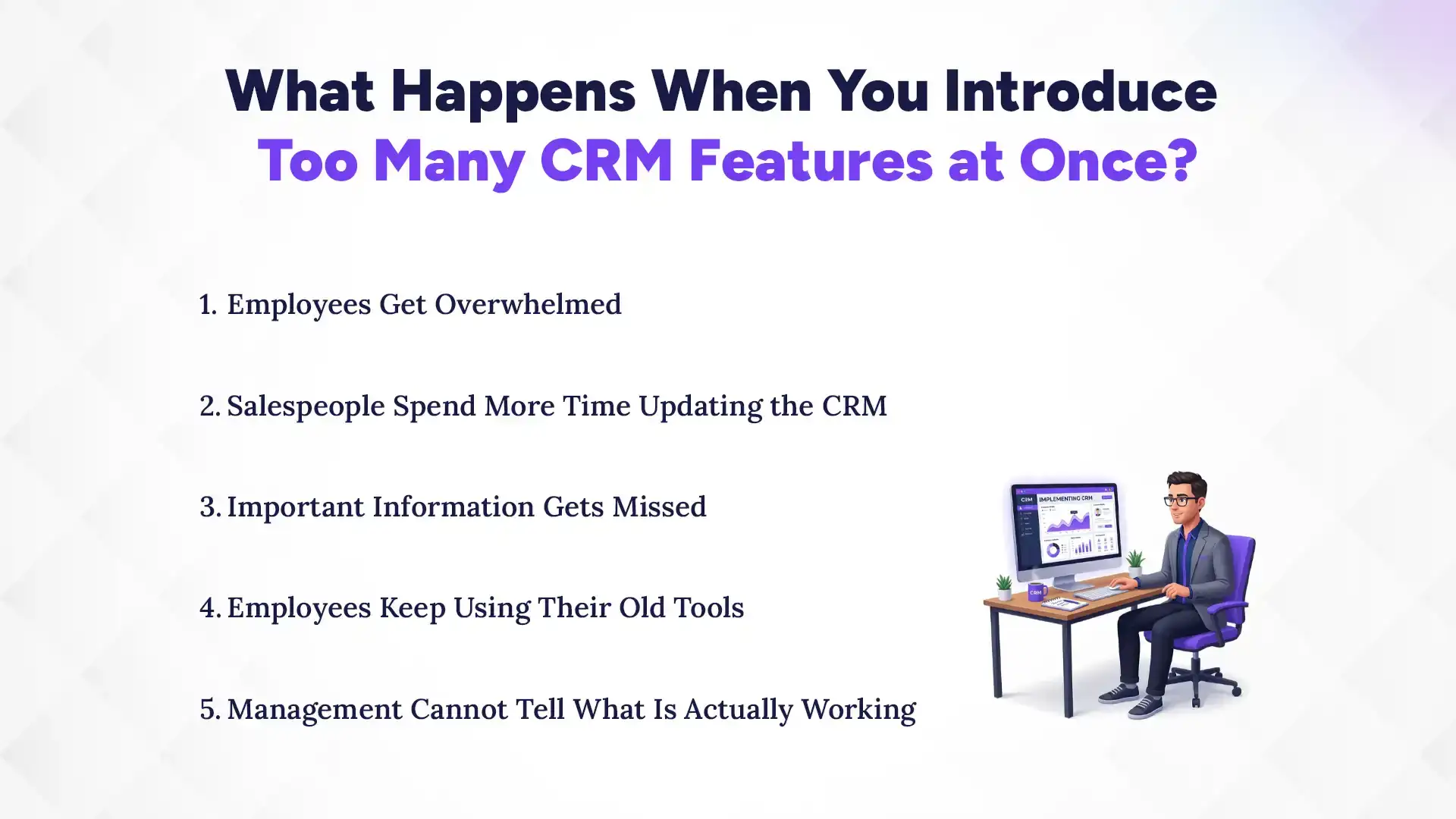
What Happens When You Introduce Too Many CRM Features at Once?
Introducing too many CRM features at once can make implementation harder than it needs to be. Instead of improving sales operations, an overloaded setup can reduce adoption, create inconsistent data, and make it difficult for businesses to identify what is actually working.
1. Employees Get Overwhelmed
Introducing numerous modules, fields, dashboards, notifications, and workflows at once can make a new CRM feel complicated. This can be especially challenging for teams that are using a structured CRM process for the first time.
2. Salespeople Spend More Time Updating the CRM
A CRM should support sales activity, not turn routine work into unnecessary data entry. Too many required fields or steps can create resistance before employees see the value of the system.
3. Important Information Gets Missed
When employees have to manage too many screens and processes, basic activities such as updating leads, recording interactions, and scheduling follow-ups can become inconsistent. This undermines the accurate customer data the CRM is supposed to centralize.
4. Employees Keep Using Their Old Tools
If the CRM feels harder to use than familiar tools, employees may continue relying on spreadsheets, personal notes, WhatsApp, or other informal methods. The business can then end up paying for a CRM that employees do not consistently use.
5. Management Cannot Tell What Is Working
When multiple features and workflows are introduced simultaneously, it becomes harder to identify which changes are improving productivity and which are creating friction. A gradual rollout makes it easier to measure results and adjust the
Insights
Did You Know?
A CRM does not need to be rolled out across every process at once. Starting with core customer records, lead tracking, sales pipelines, and follow-ups can help Nepali businesses build consistent CRM usage before expanding into more advanced capabilities.
What Should You Implement First?
The first CRM setup should focus on the processes employees already need to perform regularly, rather than trying to configure the full feature set at once. Starting with these core functions gives employees a simpler workflow and allows the business to build on a stable CRM foundation.
1. Customer and Contact Records
Create a centralized source of customer information so sales teams no longer have to work from scattered records across email, notebooks, phone contacts, or other tools. Keeping customer details in one place also gives the team a consistent view of contact information and customer history.
2. Lead Tracking
Set up a consistent process for capturing, assigning, updating, and following up with leads, regardless of whether they come through a form, phone call, WhatsApp, or another channel. This helps sales teams know which leads are new, who is responsible for them, and what action should happen next. For teams setting this up for the first time, understanding how lead management works within a CRM can help define a practical structure from the start.
3. Sales Pipeline
Start with a straightforward view of opportunities and their current stages. A simple pipeline makes it easier for salespeople and managers to understand where deals stand without introducing unnecessary complexity.
4. Follow-Up Management
Give salespeople an easy way to track calls, meetings, tasks, and next actions without adding unnecessary administrative work. Clear follow-up tracking also helps reduce the chance of leads being forgotten or left without a next step.
5. Basic Reporting
Start with reports that answer practical management questions, such as how many leads are being generated, where opportunities stand, and which leads need follow-up. Once the team consistently uses the basic CRM workflow, businesses can gradually introduce more advanced reports and analytics.
Not every CRM capability needs to be part of the initial rollout. Businesses should first stabilize their core CRM workflow before introducing features that add complexity or require more training.
Advanced Automation: Introduce complex automations after employees consistently follow the basic workflow. This makes it easier to automate proven processes without creating confusion.
Complex Approval Workflows: Add detailed approval rules when there is a clear need for multiple levels of review. Simple approval processes are usually easier for teams to adopt initially.
Extensive Integrations: Start with integrations that solve an immediate business need rather than connecting every available system. Additional integrations can be introduced as the CRM matures.
Sophisticated Dashboards: Begin with basic reports that answer practical management questions. More advanced dashboards can be added once the business has reliable CRM data and knows which metrics matter.
Department-Specific Configurations: Avoid creating highly customized workflows for every department at the beginning. Establish a common CRM foundation first, then add department-specific features based on actual requirements.
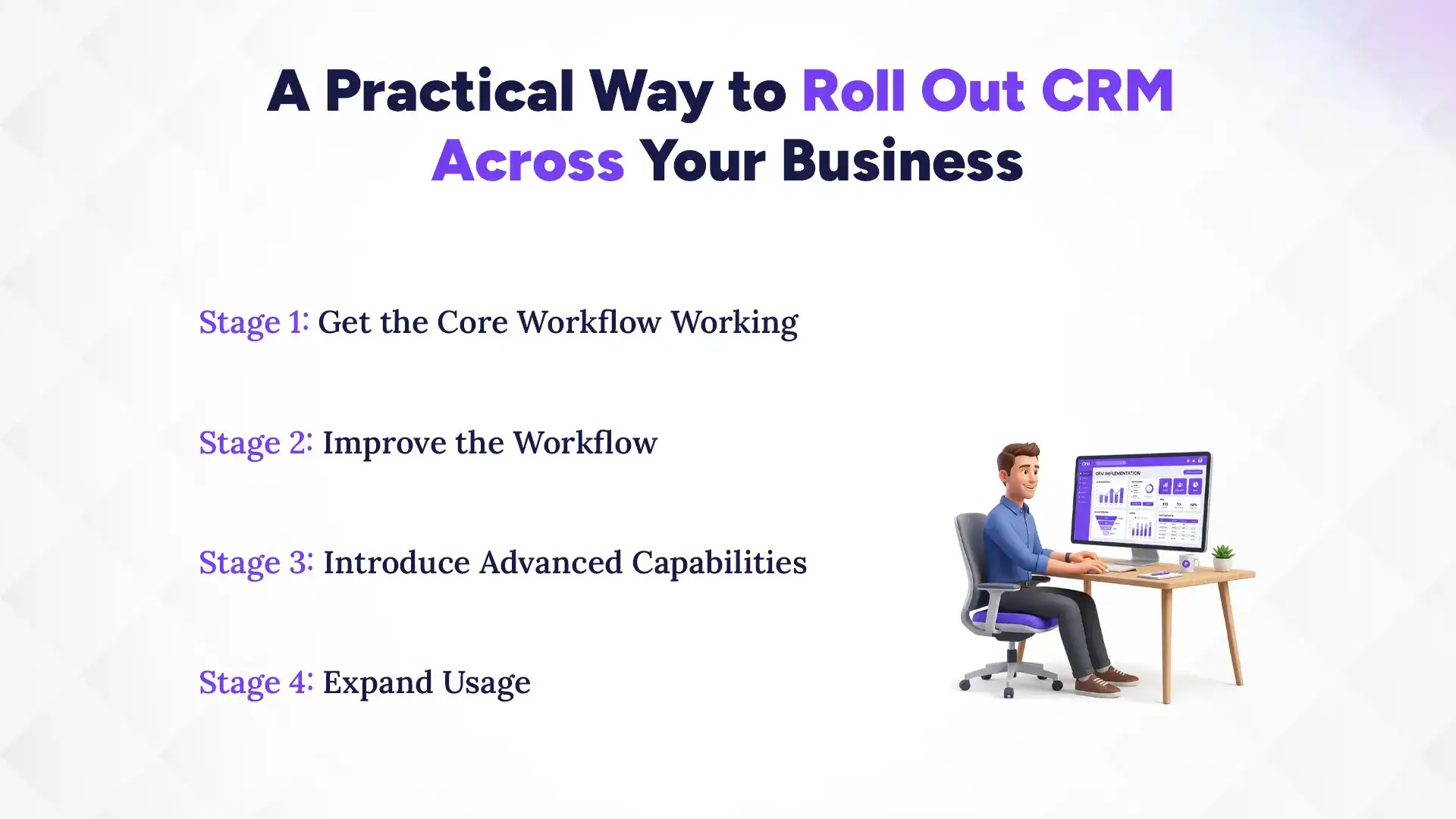
A Practical Way to Roll Out CRM Across Your Business
A gradual CRM rollout gives employees time to learn the system and helps businesses improve the workflow before adding more complexity. Instead of launching everything at once, introduce CRM capabilities in stages based on how the team is actually using the system.
Stage 1: Get the Core Workflow Working
Start with customer records, lead tracking, opportunities, follow-ups, and essential reporting. Keep the initial setup simple so employees can learn the core CRM process without unnecessary features getting in the way.
Stage 2: Improve the Workflow
Once employees are using the basics consistently, introduce useful notifications, task automation, and workflow improvements. Build these changes around processes that are already working rather than automating everything at once.
Stage 3: Introduce Advanced Capabilities
Add integrations, advanced reporting, automation, and other functionality when the business has a clear reason to use them. Introducing these capabilities based on actual needs helps keep the CRM practical and manageable.
Stage 4: Expand Usage
Once the CRM works well for the initial team, extend relevant processes to other departments, branches, or business units. This could include a second office, customer support team, or field sales team joining the system. IT companies in Nepal, for instance, often need to connect their sales pipeline with client servicing teams once the core workflow is stable, and CRM setups for IT businesses typically reflect this kind of phased expansion.
You don't necessarily need to start the entire implementation over. If employees are struggling with the system, simplify the setup and return to the workflows that matter most.
Review which features employees actually use and identify unnecessary fields, workflows, notifications, or processes that are creating friction. Focus the CRM on core activities such as customer records, lead tracking, pipeline management, and follow-ups, then let adoption stabilize before adding more capabilities.
Once adoption improves, additional features can be reintroduced based on actual requirements and user feedback rather than the assumptions made during the original implementation.
How Pace CRM Can Support a Gradual CRM Rollout
For Nepali businesses adopting CRM, the goal should be to create a system employees use consistently rather than activate every available feature at once. Pace CRM can be configured around this practical approach, allowing businesses to start with core customer records, lead tracking, sales pipeline, and follow-up processes before expanding usage as their needs grow.
This approach can be especially useful for businesses managing office sales, field visits, and customer communication through channels such as phone and WhatsApp. Starting with the workflows employees already rely on can make CRM adoption more manageable and provide a stronger foundation for introducing additional features later.
Ready to Start Your CRM Journey?
Start with the CRM features your business needs today and expand as your sales process grows with Pace CRM.
A successful CRM implementation isn't measured by how many features a company activates. It's measured by whether employees consistently use the system and whether it improves the processes they actually depend on. For Nepali businesses, starting with essential workflows, building adoption, measuring results, and expanding gradually can create a more sustainable CRM rollout than trying to use everything from day one.
If your business is planning a CRM rollout or trying to simplify one that started too complicated, contact the Pace Infosys Team to discuss your specific requirements and request a demo.
FAQs
Is it a good idea to activate every CRM feature during implementation?
+
Not necessarily. Businesses should start with essential features and gradually add more as employees become comfortable and business needs grow.
What CRM features should businesses implement first?
+
Start with customer management, lead tracking, sales pipelines, follow-ups, and basic reporting. These features support the core workflows most sales teams use daily.
How long should a business wait before adding advanced CRM features?
+
There is no fixed timeframe. Add advanced features once employees are consistently using the core CRM workflows and there is a clear need for them.
Can a complicated CRM setup be simplified after implementation?
+
Yes. Businesses can remove unnecessary features and simplify workflows based on the processes employees actually use.
Why is CRM adoption more important than using every feature?
+
A CRM only creates value when employees use it consistently. Unused features can add unnecessary complexity without improving business results.
How should businesses roll out CRM features gradually?
+
Start with core workflows such as customer records, lead tracking, sales pipelines, and follow-ups. Add automation, integrations, and advanced reporting as business needs increase.
Ready to get started?
Book a 30-minute consultation call, and let's talk about your goals.