

If you run a retail shop in Nepal, you already know the real fight isn’t only about getting customers, it’s about keeping them.
One week you’re busy, the next week footfall drops, and suddenly sales feel unpredictable. Add inventory issues, mixed customer records, and “I’ll message later” follow-ups… and you drain a lot of effort with not enough results.
CRM software can fix that mess in a practical, retail-friendly way. Instead of managing customers in your head or in scattered WhatsApp chats, a CRM brings everything into one place, so you can follow up on time, personalize offers, and track what’s working.
In this guide, you’ll learn what CRM software for retail industry really means, what features matter most, and how to choose the best CRM for your retail business in Nepal.
What is CRM Software in Retail?
CRM software for retail is a system that helps you collect customer information, connect it to sales, and use it to improve every next interaction. For example, it can store a customer’s purchase history, contact details, and even the offers they responded to. Then, it helps you act on that data instead of letting it sit quietly in a spreadsheet.
Also, retail CRM is not the same as a generic CRM you’d use for sales leads. Retail focuses on repeat buying, fast follow-ups, and customer experience across channels, like in-store, phone calls, and social media. The core purpose is simple: manage customer data, support sales and service, and plan engagement that feels personal, not spammy.
So, if your current process is “collect messages, remember names, chase payments,” CRM gives you a better structure. It turns your customer relationships into a clean, trackable workflow, so growth feels less like luck and more like a plan.
Why Retail Businesses Need CRM Software in 2026
Retail businesses in Nepal need CRM software to manage customers and sales in a smarter, organized way. When your data is clear and your follow-ups are timely, customers come back more often. Here’s why this matters so much in retail:
- Manage customer relationships at scale
- Personalize marketing and promotions effectively
- Create smooth omnichannel customer experiences
- Improve retention and loyalty fast
What Are the Key Features of Retail CRM Software?
Retail CRM software should help you manage customer data, connect sales to customer actions, and run targeted marketing. You also need support tools for service and reporting, because retail is busy and problems happen daily. When these features work together, you stop guessing and start acting with confidence.
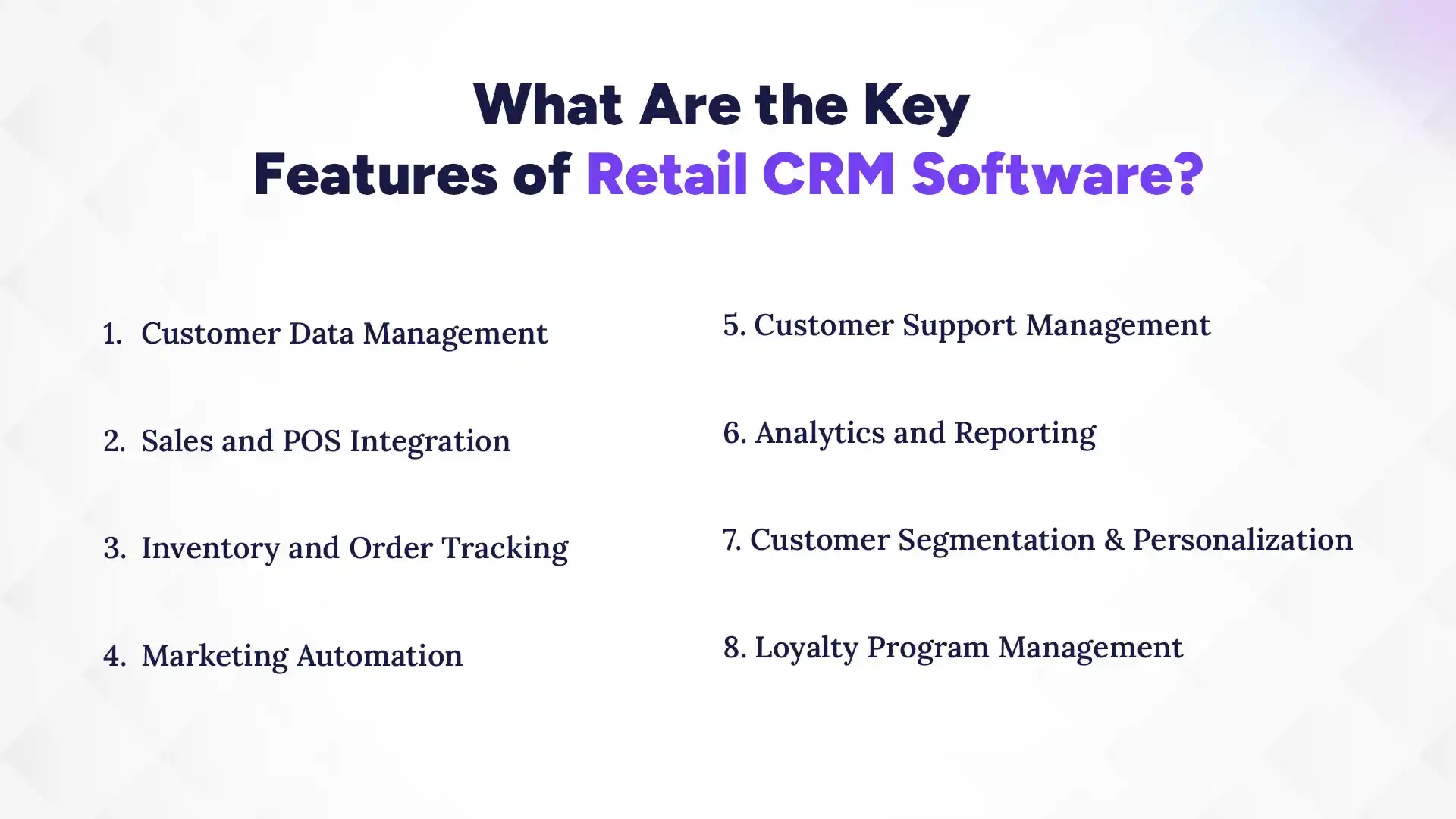
Now, let’s look at the key features you should prioritize, one by one:
1. Customer Data Management
First, you need customer data management that’s clean and easy to use. Your CRM should store basic details like name, phone number, address (if needed), and purchase history in one place. Next, it should track customer interactions such as calls, messages, and purchase date, ensuring nothing gets lost. Finally, the system should help you keep segments updated automatically, so you don’t send the same offer to everyone.
In practice, this means you can find “the customer who bought winter jackets last month” in seconds. Then, you can message them with a matching product or a simple thank-you plus a next-step offer.
2. Sales and POS Integration
For sales in retail, your CRM must connect with your POS. When POS integration is enabled, every sale can automatically log to the right customer record. This helps you measure which products bring the most repeat buyers and which customers are likely to return.
After that, you can build smarter follow-ups like “offer replacement warranty details” or “remind them for restock.” Instead of manually filling forms after every billing session, your team stays focused on the store.
Most importantly, POS-linked CRM supports accurate reporting. You can see trends by store location, product category, and time, without mixing up data.
3. Inventory and Order Tracking
Retail CRM should support inventory and order tracking in a way that reduces customer frustration. When a customer asks, “When will my order arrive?” you should be able to check status fast. If you sell fast-moving items, tracking helps you avoid promising what you can’t deliver.
Also, it helps staff stay aligned during busy periods. One team member can confirm details, while another can prepare the next step like exchange, delivery updates, or billing completion.
Over time, this improves your reputation. In retail, trust is everything, and tracking reduces delays, confusion, and repeat calls.
4. Marketing Automation
Marketing automation lets you send the right message at the right time, without turning your team into a manual messenger. For example, you can set rules like: after a customer buys, send a thank-you message plus a related product suggestion in two days. Or, if someone hasn’t returned for 90 days, send a “welcome back” offer.
Additionally, automation can trigger birthday messages, seasonal campaigns, and event reminders. That means your marketing doesn’t depend on someone remembering a date.
The best part? Automation can be controlled. You can start small with a few campaigns, test them, and then improve based on results.
5. Customer Support Management
Customer support management matters because retail customers often have questions right after purchase. Your CRM should help you log tickets or support cases, track the status, and assign tasks to the right staff. When customers call or message, your team can check history and respond with accuracy.
It also helps you reduce repeated questions. If the same issue happens for multiple customers, you can track patterns and prepare quick resolutions.
With support tracking, you stop losing time and start solving issues faster. And customers notice that speed, they feel cared for.
6. Analytics and Reporting
Analytics and reporting turns your CRM into a decision-making tool, not just a record box. Your CRM should show what campaigns worked, which customers buy again, and what products drive repeat sales. It should also track customer engagement like message responses and purchase follow-ups.
Then, you can use this data to plan better. If one offer brings new buyers but doesn’t increase repeat purchases, you can adjust quickly.
In short, reporting helps you focus on what’s profitable for your store. Otherwise, marketing becomes “try and hope,” and retail budgets deserve better than hope.
7. Customer Segmentation & Personalization
Segmentation and personalization are what separate cheap marketing from meaningful marketing. A good retail CRM lets you group customers based on purchase history, product interests, location, and buying frequency. Then, you can send offers that match each group.
For instance, customers who buy electronics might respond to warranty updates, while apparel customers might respond to style bundles and seasonal discounts. Also, loyal customers deserve different offers than first-time buyers.
When customers feel the message matches them, they trust your brand more. And trust usually leads to repeat buying, especially in Nepal, where relationships matter.
8. Loyalty Program Management
Loyalty program management keeps your best customers returning. Your CRM should support points, rewards, and redemption rules, and help you track who qualifies and when. It should also enable staff to explain loyalty benefits clearly at checkout.
Next, you can create loyalty triggers like “earn extra points for buying during a festival week.” That’s a smart way to increase sales without constant discounting.
Finally, loyalty data gives you insight. You’ll know which rewards drive real purchases, not just people who collect points and disappear.
Top 5 Best CRM Software for Nepal’s Retail Industry (2026)
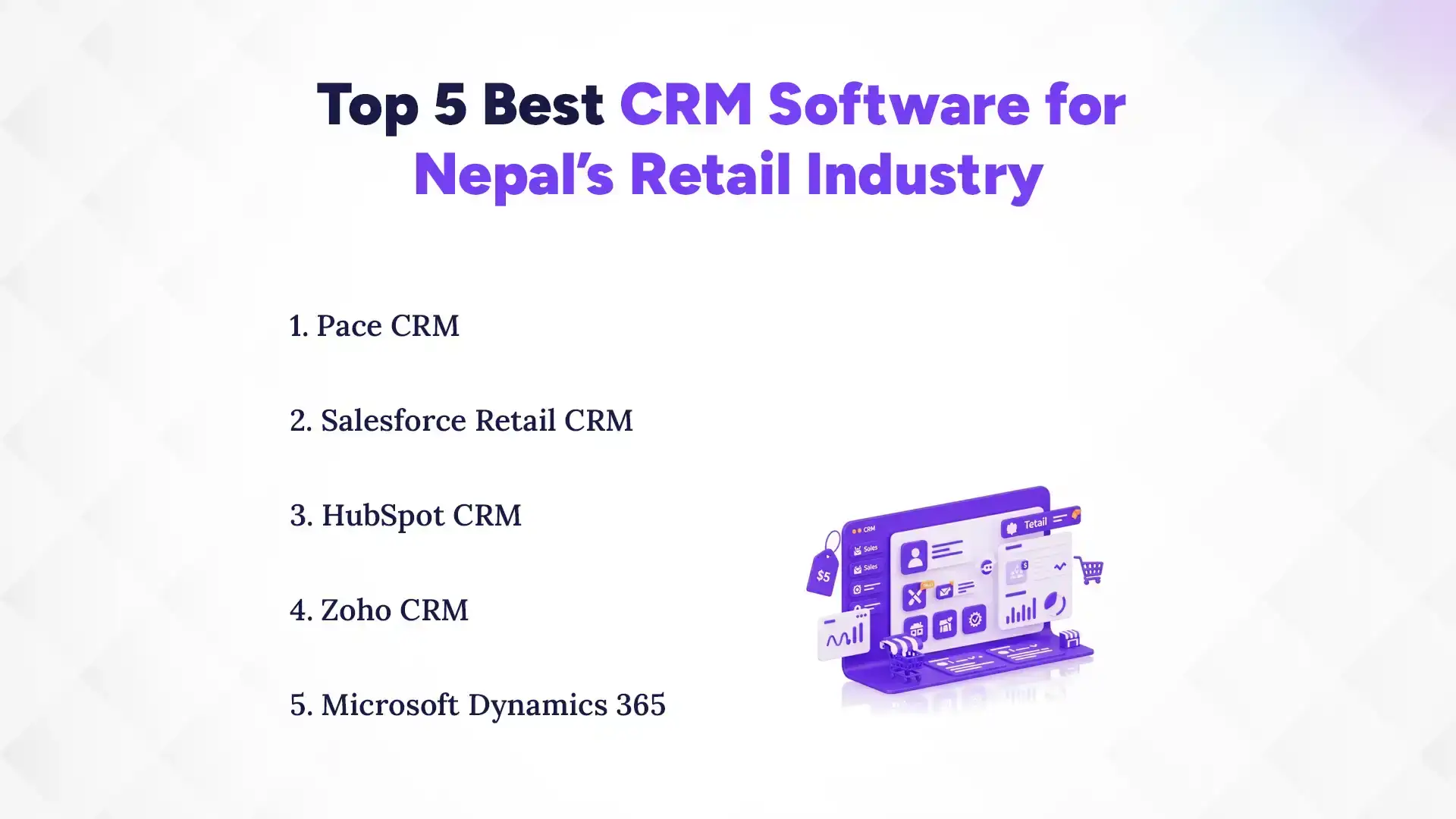
Pace CRM, Salesforce Retail CRM, HubSpot CRM, and Zoho CRM are some of the top CRM options retail teams commonly consider. Each option has strengths, but the best one depends on your store size, POS setup, and how fast you want to launch.
Now, let’s look at each of the top 5 CRM for Nepalese businesses and what it can realistically do for retail in Nepal.
1. Pace CRM
Pace CRM is built for real retail workflows, helping teams manage customer profiles, track sales follow-ups, and stay on top of daily engagement without complexity. A structured system like this reduces errors, improves adoption, and keeps operations running smoothly even with busy retail teams. That matters because in retail, simplicity and consistency directly impact how well your team actually uses the CRM.
Next, Pace CRM supports key retail needs like segmentation and targeted marketing, so you can send promotions to the right customers. Instead of blasting offers randomly, you can group customers by purchase behavior and respond with smarter messages. When offers feel relevant, repeat visits naturally increase.
If your store uses POS or plans to connect sales data, Pace CRM helps keep customer and purchase history aligned. This leads to better reporting, fewer manual updates, and clearer visibility into what’s actually driving growth.
2. Salesforce Retail CRM
Salesforce is a well-known name and often chosen by larger retail businesses. The strength of Salesforce Retail CRM is its ecosystem. It has tools for marketing, analytics, and customer service can connect in powerful ways. That can be great if you have multiple teams and complex customer journeys.
However, implementation can be more detailed, so you’ll want a clear plan and enough support. For many retailers in Nepal, the biggest challenge is getting the team comfortable with the platform.
If you can manage integration and training, Salesforce can help you run advanced marketing automation and strong analytics. It’s a solid option when you need scale and deep reporting.
Ready to Manage Leads Better?
Use Pace CRM to track leads, automate follow-ups, and close deals faster. Simple, powerful, and built for your growth.
3. HubSpot CRM
HubSpot CRM is popular because it’s user-friendly and works well for marketing plus sales tracking. For retailers, it can be useful when you want to manage customer lists, email/WhatsApp-like campaigns (depending on your setup), and follow-ups in one place.
Also, HubSpot helps teams track conversations, engagements, and deal stages. That can be helpful for retail brands that sell through multiple channels like stores plus social media.
One thing to plan for: you may need setup work to make it truly retail-specific. Still, HubSpot can be a great choice for retailers who want a clean CRM experience and quick onboarding.
4. Zoho CRM
Zoho CRM is known for flexibility and a wide range of features. Retail teams often like it because it can be configured to fit different workflows, from sales tracking to support and reporting. It’s also cost-competitive compared to some enterprise tools.
For retailers in Nepal, Zoho can work well if you want customization without spending like an enterprise. Also, Zoho’s tools can connect across functions, helping you manage marketing and customer service in one system.
As with any CRM, the key is making sure the setup is right for retail. If you invest time in clean fields and segmentation, Zoho can become a strong day-to-day tool.
5. Microsoft Dynamics 365
Microsoft Dynamics 365 is a powerful platform often chosen by businesses that want deep integration with Microsoft tools. For retail companies with strong internal processes and existing Microsoft systems, it can be a good match.
Dynamics can support complex reporting, customer service workflows, and cross-team collaboration. Also, it can be scaled for businesses that operate across multiple branches and need structured data.
But since it’s an enterprise-level solution, the adoption journey may require careful implementation and training. If you’re looking for a strong CRM foundation and have the capacity to support it, Dynamics can work well.
Comparing the Top 5 CRM Software for Nepalese Retail Businesses
| CRM | Best For | Mobile-friendly? | Ease of Use |
|---|---|---|---|
| Pace CRM | Retail follow-ups & loyalty | Usually good (Cloud-optimized) | Easy |
| Salesforce | Larger teams, advanced needs | Depends on setup (Einstein AI) | Medium-Hard |
| HubSpot | Marketing + simple CRM | Good (Top-rated app) | Easy |
| Zoho CRM | Value + flexibility | Good (Zia AI assistant) | Medium |
| Microsoft Dynamics 365 | Enterprise workflows | Depends on setup (Office 365) | Hard |
Benefits of CRM Software for Retail Industry
Retail CRM software helps you increase repeat sales, improve customer experience, and run smoother operations. When your customers are managed well and your marketing is targeted, growth becomes more consistent. And once those basics are covered, you’ll naturally start seeing results across your business. Let’s understand the benefits of CRM in a deeper scale:
1. Increased Customer Retention
Customer retention improves when follow-ups are timely and offers feel relevant. With CRM, you can track when customers last purchased and plan the next touch point. Instead of waiting for customers to return “by chance,” you remind them at the right time.
Also, CRM helps your team act faster when a customer complains or needs support. When issues are solved quickly, customers feel respected. Over time, this reduces churn and increases repeat buying.
Finally, retention becomes measurable. You can track how many customers come back within 30, 60, or 90 days, and adjust your strategy accordingly.
2. Better Sales Forecasting
Sales forecasting gets easier when your CRM connects customer behavior to real sales data. You can identify which customer segments buy during specific seasons, festivals, or promotions. Then, you can plan inventory and staffing based on that pattern.
CRM can also show which leads or inquiries convert faster, helping you prioritize time. For retailers, this is huge because every day matters. If you know what’s likely to close soon, you stop wasting effort on low-value activity.
With forecasting, you can also reduce overstock. That means lower losses from unsold inventory and better cash flow.
3. Enhanced Customer Experience
Customer experience improves when staff can respond with context. With CRM, your team sees what a customer bought before, what they asked for, and how they prefer to communicate. So when they call again, you don’t start from zero.
Also, omnichannel tracking makes customers feel consistent service across channels. Whether they message on WhatsApp or visit the store, the service stays connected.
Then, personalization makes it warmer. Instead of generic discounts, customers get offers that match their needs. In Nepal, where word of mouth is powerful, this kind of experience brings long-term loyalty.
4. Streamlined Operations
CRM helps streamline operations by reducing manual work and confusion. When customer and sales data are stored centrally, you don’t need to search across files, notebooks, and chats. Your team can update records quickly and keep everyone aligned.
Also, when marketing and support tasks are automated, staff spend less time on repetitive chores. That means more time for selling and solving customer needs.
With fewer gaps and better tracking, operations run more smoothly, even during peak retail days like Dashain or Tihar.
5. Data-driven Decision Making
Data-driven decisions sound fancy, but in retail it’s actually simple: you act based on what customers do, not what you guess. CRM gives you clear insights about purchase trends, campaign performance, and customer engagement.
Then you can decide questions like: Which products should we promote next month? Which customers should we target for a loyalty campaign? What time should we launch offers for best results?
Over time, this builds a cycle of improvement. Your marketing becomes smarter, your customer experience improves, and your retail strategy becomes more reliable.
What Are the Types of Retail CRM Solutions?
Retail CRM solutions usually come in a few types: operational, analytical, and collaborative. Then you’ll choose how you want to host it, whether in cloud or on-premise, depending on your budget and technical comfort. Once you understand the CRM types and available options in Nepal, the right choice becomes much easier because you’ll match the CRM type to your real needs.
1. Operational CRM
Operational CRM focuses on day-to-day customer interactions. It supports sales activities, customer service workflows, and basic marketing tasks. In retail, this helps your staff log customer details, manage follow-ups, and track support cases.
For example, when a customer asks about availability, operational CRM can guide your team through a structured response. It also helps store staff keep records consistent across shifts.
In simple terms, operational CRM makes sure your front desk work is organized. It reduces missed follow-ups and helps your team stay on track.
2. Analytical CRM
Analytical CRM is about using customer data to understand patterns. It analyzes sales history, customer responses, and engagement to tell you what’s working. For retailers, this is important because seasonal buying is real, and promotions need timing.
With analytical CRM, you can segment customers by buying frequency and product preference. Then you can plan campaigns based on actual trends. This also supports inventory decisions, because analytics can reveal which products sell consistently.
Overall, analytical CRM helps you move from guessing to planning.
3. Collaborative CRM
Collaborative CRM connects teams and keeps customer information shared. This matters when you have multiple store locations or different roles like sales, marketing, and support. The goal is simple: everyone works with the same customer context.
So if a customer complains in one branch, another team member can see the details. If marketing plans a campaign, sales staff can understand who is targeted and why.
In retail, this reduces miscommunication. Customers feel smoother service when internal handoffs are clean.
4. Cloud-based vs On-premise CRM
Cloud-based CRM runs on the vendor’s servers and is accessed through the internet. It’s usually faster to start, easier to update, and less dependent on your IT team. For many Nepalese retailers, cloud CRM is a practical choice.
On-premise CRM is installed on your own hardware. It can give more control, but it requires maintenance, updates, and technical support. Also, onboarding can take longer.
So choose based on your reality. If you want a quick rollout, cloud wins. If you have strong internal IT support and strict data preferences, on-premise may fit.
Comparison of Retail CRM Types: Which One Do You Need?
| CRM Type / Setup | Focus | Best for Retail in Nepal |
|---|---|---|
| Operational CRM | Daily customer work: follow-ups, service tickets, sales logging | Shops that need organized front-desk + fewer missed follow-ups |
| Analytical CRM | Data + reports: trends, segments, what’s selling | Businesses that want smarter promos and better inventory decisions |
| Collaborative CRM | Team sharing: sales + support + marketing with one customer record | Retail with multiple branches or mixed teams handling customers |
| Cloud CRM | Runs online (vendor servers) | Fast setup, easier updates, less IT stress |
| On-premise CRM | Runs on your own system | When you need full control + have a strong IT team |
How to Choose the Best CRM for Your Retail Business in Nepal?
To choose the best CRM for your retail, look for fit, ease, and real impact, not just flashy features. Start by mapping your store needs to CRM capabilities like POS integration, customer tracking, and marketing automation. Once you get that match, you’ll have a clear path to adoption, so let’s go through it step by step.
1. Evaluate Business Size and Scalability
Pick a CRM that matches your current size and your growth plans. A small shop may only need basic customer profiles and follow-ups. But if you plan to add branches, the CRM should scale without messy migration later.
So ask questions like: Can multiple staff use it at the same time? Can it handle more customer records as you grow? Will it support multiple stores or locations?
When the CRM fits your pace, adoption feels smoother. And scalability prevents headaches when you finally grow.
2. Check Integration with POS and ERP
If your store uses POS, integration is non-negotiable. Your CRM should connect billing data to customer profiles automatically. Otherwise, your team will have to enter sales manually, which defeats the purpose.
If you also use ERP or inventory software, check whether the CRM supports those integrations. The goal is one connected system, not scattered tools.
When integrations work, staff saves time and reports become accurate. That’s where real value shows up.
3. Review Ease of Use
A CRM that’s hard to use will fail, no matter how “powerful” it sounds. For retail teams, usability is everything. Your staff should be able to search customers, log details, and create follow-ups quickly.
Look for simple screens, clear menus, and minimal training needs. If staff struggles on day one, adoption will be slow.
So choose a CRM that feels natural. When using it is easy, your team actually uses it consistently.
4. Check for Customization Options
Retail is not one-size-fits-all. Your CRM should allow customization for things like customer segments, loyalty rules, and reporting fields. Also, different products may need different tracking.
For example, electronics stores may track warranty and service history. Fashion stores may track size preferences and return reasons. A customizable CRM helps you capture what matters to your business.
However, don’t overcomplicate. Choose customization that helps your workflow, not customization that creates extra work.
5. Calculate Pricing and ROI
Finally, evaluate pricing of CRM based on expected return, not just cost. Ask what’s included: setup fees, integration costs, user limits, and support. Then estimate ROI using clear numbers like repeat sales lift and reduced manual work.
Even simple CRM wins can pay off quickly when follow-ups improve. For instance, fewer missed leads and better repeat purchase rates can boost revenue without huge extra spending.
So choose the CRM that gives the best value for your budget and time.
How to Implement CRM Software in Your Retail Business?
To implement CRM successfully, start with clear goals, correct setup, and proper team training. Then focus on data migration and measurable usage from day one. When you do that, CRM becomes a habit, not a forgotten software tab. Here’s the practical rollout plan:
1. Set Clear Business Goals
Before you install or subscribe, define what you want to achieve. Examples include increasing repeat purchases, improving response time, or reducing missed follow-ups. Clear goals help you choose the right features and measure results.
Also, decide who will own the CRM process in your team. If everyone owns it, no one owns it. One person should be responsible for tracking usage and improvements.
Finally, set a realistic timeline. Retail is busy, so you need milestones that fit your store rhythm.
2. Choose the Right CRM
After goals are set, choose a CRM that matches your retail workflow. Check for customer data management, marketing automation, support tracking, and reporting. If your store uses POS, confirm integration support.
Next, ask about onboarding and training. A CRM is only useful if your staff understands how to use it quickly.
Then, test the CRM with real store scenarios. Try adding a customer, logging a purchase, creating a follow-up task, and checking a report.
3. Migrate Your Data Safely
Data migration is where many projects struggle. Start by cleaning your customer list. Remove duplicates, fix wrong numbers, and organize categories. Then map your fields so customer data lands correctly in the CRM.
Also, migrate in batches, not everything at once. This reduces risk and helps you correct mistakes early.
After migration, do a quick verification. Check sample records and confirm purchase history looks right. This prevents future follow-up errors and customer confusion.
4. Train Your Team Effectively
Training should be short, practical, and role-based. Sales staff need workflows for updating customer details and making follow-ups. Support staff need ticket tracking and resolution steps. Owners need dashboards and reporting views.
Also, use real examples from your store. For instance, “A customer bought X last month, what message should we send next?” This makes training feel relevant.
Finally, set a daily routine. A CRM succeeds when teams use it consistently, not once a week “for training.”
5. Monitor Performance and Optimize
After rollout, track usage and outcomes regularly. Check whether staff are logging customer interactions and updating customer status. Then review campaign performance and repeat buying signals.
Next, improve step by step. If follow-ups are not happening, adjust task reminders or workflows. If marketing responses are low, refine segments.
CRM is a living system. When you optimize over time, it keeps delivering better results for your retail business.
Common Challenges in Retail CRM Implementation
CRM implementation can be smooth, but some challenges are common. Usually, issues come from data, people, integration, or budget. Still, if you plan early, you can avoid most problems, so let’s cover the biggest ones.
1. Data migration issues
Data migration problems often start with messy data. Duplicates, wrong phone numbers, and incomplete records can break customer tracking. When that happens, staff lose trust in the CRM because results look unreliable.
To reduce risk, clean data before migration and migrate in batches. Also, verify sample entries after migration so you catch issues early. If data is wrong, follow-ups become wrong too. That’s why data migration needs careful attention.
2. Staff Adoption
Even the best CRM fails if people don’t use it. Staff may resist new tools because they feel it adds work, or because training wasn’t practical. To fix this, keep workflows simple and train based on daily tasks. Also, assign ownership and encourage consistent use with reminders and routine checks. When staff sees real benefits like faster customer lookup and fewer repeated questions, adoption improves naturally.
3. Integration Complexities
Integrating CRM with POS, inventory, or other systems can be tricky. If integration is incomplete, data won’t match across tools. This leads to confusion and extra manual work. So plan integrations early and confirm your current tech setup. Ask for integration documentation and test it with real transactions. When integration works well, the CRM becomes reliable. Without it, teams may stop using it.
4. Cost Concerns
Cost concerns often appear when owners underestimate total rollout expenses. This can include setup, integration, training, and ongoing support. If you only look at the subscription price, you might be surprised later. To avoid this, calculate total cost and compare it to expected ROI. Track repeat sales impact and save staff time. If you start small and measure results, you can control costs while still getting value.
Conclusion
A retail CRM isn’t just a software purchase, it’s a growth system. When your customer data is organized, your follow-ups are timely, and your marketing feels personal, repeat sales rise and daily operations get easier. That’s the simple truth behind what we covered here: choose a CRM that fits retail, set clear goals, migrate data carefully, and train your team properly.
And, you don’t have to build this perfectly on day one. Start with the basics: customer profiles, POS-linked purchases, and one or two follow-up campaigns. As you see results, expand step by step.
If you’re searching for a retail-focused option in Nepal, consider an affordable CRM like Pace CRM to get going fast and keep improving. Your customers are already there, CRM just helps you serve them better, consistently.