
.webp&w=3840&q=75)
Managing a school or a consultancy in Nepal is no small feat. You are constantly juggling phone calls from curious parents, tracking hundreds of student applications, and trying to remember if you sent that follow-up email.
It is easy to feel overwhelmed when your data is scattered across notebooks, sticky notes, and messy Excel sheets. This manual way of working often leads to missed opportunities and frustrated students.
If you have ever felt like you are losing control of your admissions, you are not alone. This is exactly where a digital transformation becomes necessary. This guide will show you how a CRM for education can solve these headaches, streamline your daily tasks, and help your institution grow without the usual stress.
What is a CRM for the Education Industry?
A CRM, which stands for Customer Relationship Management, is basically a smart digital assistant for your institution. While a regular CRM helps shops sell products, an education CRM is designed specifically to handle the student journey, before they enrol in your school or college. It keeps all your information in one secure place so you can see every interaction a student has had with your team.
Whether you are running a school, a college, or working as an education consultant, this software helps you stay organized. It acts as a bridge between your marketing efforts and the final enrollment. Instead of searching for files, you get a clear view of who is interested, who has applied, and who needs a quick call to move forward.
Why Educational Institutions Need a CRM
In today's fast-paced world, parents and students expect quick answers. If you take too long to reply to a WhatsApp message or an email, they might look elsewhere. A CRM ensures that your team stays responsive and professional at every step of the process.
Here is why having one is a game-changer for your growth:
- Complete student lifecycle tracking from start to finish.
- All student data stored in one central hub.
- Faster communication via Email, SMS, and WhatsApp.
- No more wasting time on repetitive manual tasks.
- Higher conversion rates for student admissions.
Key Features of CRM Software for Schools & Colleges
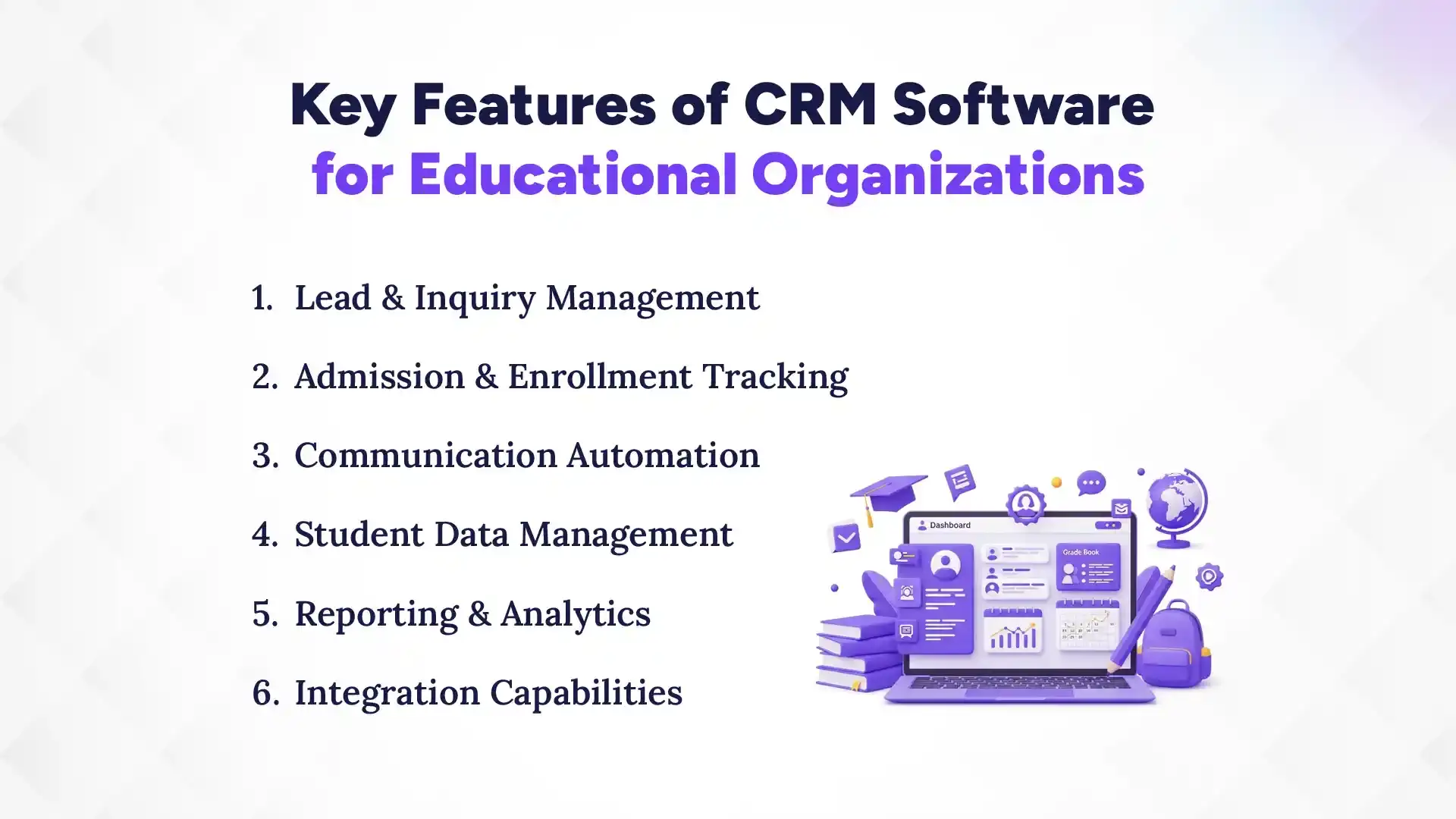
The best CRM for education provides a mix of lead tracking, automated messaging, and detailed performance reports. These tools work together to ensure that no inquiry is ever ignored or lost in the shuffle. Let us take a closer look at the specific features of CRM that make this software so powerful.
1. Lead & Inquiry Management
Every time someone asks about a course on your website or Facebook page, the CRM captures it instantly. You can see exactly where the lead came from and what they are interested in. This helps you prioritize high-value inquiries so you can focus your energy on the right students.
2. Admission & Enrollment Tracking
Moving a student from "interested" to "enrolled" involves many small steps and documents. The CRM creates a visual pipeline where you can see exactly which stage each student is in. It reminds you to collect missing documents or follow up on pending payments so nothing gets forgotten.
3. Communication Automation
You can set up the system to send "Welcome" emails or "Thank You" SMS messages automatically. This saves your staff hours of work while keeping the students engaged. Automation ensures that your institution feels active and caring, even when your team is busy with other things.
4. Student Data Management
Forget about searching through old paper files or multiple folders on your computer. A CRM gives you a 360-degree view of every student, including their contact info, past conversations, and academic interests. Having this data at your fingertips makes every conversation much more personalized and effective.
5. Reporting & Analytics
You cannot improve what you do not measure, and the CRM for gives you the big picture through simple dashboards. You can see which marketing campaigns are working and which counselors are performing the best. These insights help you make smart decisions based on real facts rather than just guessing.
6. Integration Capabilities
A good CRM does not work alone; it connects with the tools you already use like Gmail, WhatsApp, and Facebook. It can even talk to your existing school management software or accounting tools. This seamless connection means you don't have to enter the same data in two different places.
Which is the Best CRM for Schools & Colleges in Nepal?
If you are looking for a solution that truly understands the Nepalese market, Pace CRM is hands-down the top choice. Most global software can be too complex or expensive for local schools and consultancies. Pace CRM is built locally, making it easy to use and very affordable for teams of any size.
Why Choose Pace CRM?
It offers the perfect balance of advanced features and simplicity that local businesses need to succeed.
- Local Support: You get help from a team right here in Nepal who understands your needs.
- Affordable Pricing: No need to pay in dollars; the plans are budget-friendly for SMEs.
- Easy Learning Curve: Your team can start using it within a day without complex training.
- Nepali Language Ready: The interface is friendly for local staff members.
What are the Benefits of Using CRM for Education Industry?
Implementing a CRM brings immediate improvements to your enrollment numbers and your team's overall happiness. It turns a chaotic office environment into a smooth, well-oiled machine where everyone knows their responsibilities. Let's dive into the core benefits of CRM you will experience after making the switch.
1. Increased Enrollment Rates
A CRM helps you close more deals by ensuring that every lead is followed up on at the perfect time. When you respond faster than your competitors, students are much more likely to choose your institution over others. It keeps your brand top of mind throughout the student's decision-making process.
2. Better Student Engagement
By using personalized messaging, you make every student feel like they are your only priority. The software remembers their preferences and past questions, so your counselors can have more meaningful conversations. This high level of attention builds trust and makes the student feel valued by your team.
3. Improved Team Productivity
Automation handles the boring, repetitive parts of the job so your staff can focus on building relationships. Instead of spending hours typing out the same emails, they can spend that time talking to parents or solving student problems. This leads to a much more motivated and efficient workforce.
4. Data-driven Decision-making
With clear reports, you can see exactly where your marketing budget is going and if it is actually bringing in students. You will know which courses are popular and which times of the year are the busiest for inquiries. These facts help you plan your future growth with much more confidence.
5. Personalized Communication
You can send different messages to different groups, such as class enrollment email only for students who have already applied. This relevance makes your communication much more effective and less like spam. Students are much more likely to take action when the information feels specifically designed for them.
Ready to Boost Your Student Enrollments?
Simplify admissions, manage student inquiries, and automate follow-ups with Pace CRM, built specifically for institutions in Nepal.
Top Use Cases of CRM in Educational Institutions
A CRM for educational institutions is versatile and can be used across many different departments to keep everything connected. From the moment a student first hears about you to long after they graduate, the software keeps the relationship alive. Here are the most common ways institutions use this technology daily.
1. Admission Management
The CRM manages the entire intake process, from the first "hello” to the final registration. It tracks application statuses, document submissions, and fee payments in real-time. This reduces the stress of admission season and ensures that every seat in your course is filled.
2. Student Engagement & Retention
Once a student is enrolled, the CRM helps keep them happy by tracking their progress and attendance. If a student starts missing classes, the system can alert a counselor to reach out and offer support. This proactive approach helps reduce dropout rates and improves overall student satisfaction.
3. Alumni Management
Maintaining a relationship with former students is great for your reputation and for future referrals. You can use the CRM to keep an updated list of alumni and invite them to special events or seminars. Happy graduates are your best ambassadors, and the CRM helps you keep that fire burning.
4. Event & seminar tracking
If you host webinars or open-house events, the CRM can handle the registrations and follow-up reminders. You can see exactly who attended and who showed interest but couldn't make it. This allows you to follow up with the right information based on their attendance.
5. Marketing Campaign Management
You can track how many leads you get from Facebook ads versus Google searches or local flyers. The CRM tells you exactly which source is giving you the best return on investment. This way, you can stop wasting money on ads that don't work and spend more on what does.
How to Choose the Right CRM for Your Education Business in Nepal?
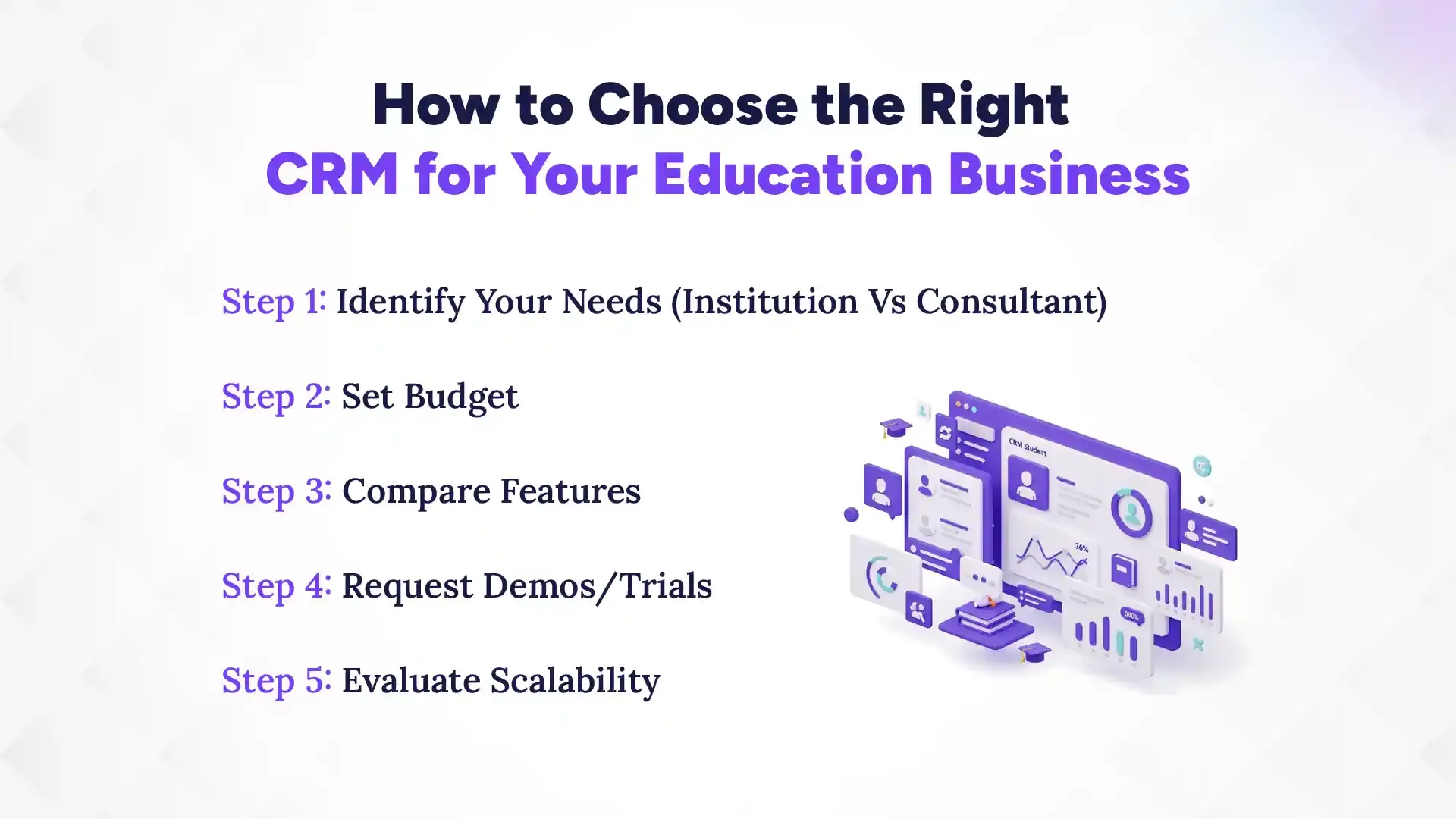
Finding the right software is about matching the features to your specific daily workflows and your long-term goals. You don't need the most expensive tool; you need the one that your team will actually enjoy using every day. Here is a simple step-by-step plan to help you make the best choice.
Step 1: Identify Your Needs (Institution Vs Consultant)
Think about whether you are managing a full campus or just a small consulting office. A school might need deep integration with academic records, while a consultant needs strong lead tracking and visa status updates. Knowing your specific must-have features will save you a lot of time during your search.
Step 2: Set Budget
Decide how much you are willing to invest per month or per year before you start looking at options. Remember to check for hidden costs like setup fees, training charges, or extra fees for adding more team members. Choosing a local provider like Pace CRM often helps avoid the high costs of global software.
Step 3: Compare Features
Make a list of the top features you need, like WhatsApp integration or mobile app access. Compare different software side-by-side to see which one offers the most value for your specific budget. Don't get distracted by fancy features that your team will never actually use in real life.
Step 4: Request Demos/Trials
Never buy a CRM without trying it out first to see if it feels natural to your team. Most good providers will offer a free demo where they show you exactly how the software works. Pay attention to how easy it is to find information and if the buttons make sense.
Step 5: Evaluate Scalability
Your business will hopefully grow, so make sure the software can grow right along with you. Check if it is easy to add more users or handle more data as your student list gets longer. You want a partner that stays reliable even as your workload increases significantly.
Best CRM for Schools & Colleges: What to Look For
The right CRM should be easy to use, highly customizable, and provide a clear return on your investment. It should feel like a tool that helps you work, not a chore that makes your day harder. Here are the most important things to check before you sign any contracts.
1. Ease of Use
The best CRM in the world is useless if your staff finds it too confusing to open every morning. Look for a clean design with simple menus and clear labels for every action. If it takes more than a few days to learn, it might be too complicated for your needs.
2. Customization for Education Workflows
Education has its own unique terms like "Intakes," "Batches," and "Counselors," so the CRM should speak that language. You should be able to change the names of fields and stages to match how your office actually works. A flexible system is always better than one that forces you to change your habits.
3. Automation Capabilities
Check if the software can handle "if-this-then-that" rules to take over your boring manual tasks. For example, "if a student submits an inquiry, send a brochure via WhatsApp immediately." Good automation acts like an extra employee who never sleeps and never makes mistakes.
4. Scalability
As you open new branches or add new courses, your CRM should be able to handle the extra weight easily. You shouldn't have to switch to a whole new system just because you hired five more people. A scalable CRM is a long-term investment that protects your data as you expand.
5. Pricing & ROI
Look at the price of the CRM system and ask yourself if the time saved and the extra students enrolled will cover the cost. A good CRM usually pays for itself very quickly by preventing lead leakage and improving team efficiency. Focus on the value it brings to your business rather than just the lowest price tag.
6. Support & Training
When you have a question at 10 AM on a busy Monday, you need an answer right away. Check if the provider offers local support via phone or chat and if they provide training for your new employees. Having a reliable partner makes the transition to digital much smoother for everyone.
Common Challenges When Implementing a School CRM (and How to Overcome Them)
Moving to a new system can be a bit scary for a team used to doing things the old-fashioned way. However, most problems can be solved with a little bit of planning and the right mindset. Let’s look at the hurdles you might face and how to jump over them easily.
1. Resistance to Change
Some employees might feel that the new software is just extra work or a way to watch their every move. To fix this, involve them in the choosing process and show them how the CRM actually makes their job easier. When they see they don't have to write manual reports anymore, they will love it.
2. Data Migration Issues
Moving your old data from messy spreadsheets into a clean CRM can feel like a huge, intimidating task. Most CRM providers will help you with this by offering tools to import your existing contact lists. It is also a great time to clean up your data and delete old, useless information.
3. Training Gaps
If people don't know how to use the buttons, they will simply stop using the software altogether. Make sure everyone gets a proper hands-on training session and has access to simple how-to guides. Encourage your team to ask questions and share their favorite shortcuts with each other.
4. Integration Challenges
Sometimes, getting two different pieces of software to talk to each other can be a bit tricky. Work closely with your CRM provider to ensure that your website forms and social media pages are connected correctly. Once the pipes are connected, the data will flow automatically without any manual effort from you.