

What if managing classes, assignments, exams, and student progress could all happen in one place without the usual chaos? Many schools and colleges still struggle with scattered records, manual processes, and communication gaps that slow everything down. That’s where an LMS quietly changes the game. It brings structure, clarity, and a sense of control to modern education, almost like turning a messy classroom into a well-organized system.
In this blog on Best LMS Software For Schools & Colleges, we will explore the top LMS solutions designed to simplify academic management and improve learning experiences, including insights into the growing demand for LMS software in Nepal and how it is transforming digital education. You’ll learn about key features, benefits, and what makes an LMS ideal for educational institutions. By the end, you’ll have a clear understanding of how to choose the right LMS that fits your school or college's needs without overcomplicating things.
What is LMS Software for Schools & Colleges?
LMS software for schools and colleges is a digital platform that manages, delivers, and tracks academic learning and training in a centralized system, often referred to as what is LMS. It helps institutions organize courses, conduct online classes, manage assignments, and monitor student performance efficiently. Instead of relying on manual processes, everything is handled by a structured, automated system. This makes teaching more organized and learning more accessible for both educators and students.
Why Schools & Colleges Need LMS Software in 2026?
- Centralized academic management: Keeps courses, students, and resources in one platform
- Supports digital and hybrid learning: Enables both online and offline education models
- Improves communication: Connects teachers and students through integrated tools
- Efficient performance tracking: Monitors student progress and learning outcomes easily
- Reduces manual workload: Automates tasks like grading, attendance, and reporting
- Enhances learning experience: Makes education more interactive and engaging
Key Features of Best LMS Software For Schools & Colleges
LMS software for schools and colleges comes with a set of features of LMS software that make teaching, learning, and academic management much more efficient. These features are designed to simplify daily tasks, improve communication, and enhance the overall learning experience. Instead of juggling multiple tools, institutions can manage everything from one platform. A well-equipped LMS not only saves time but also ensures better organization and control over academic activities.
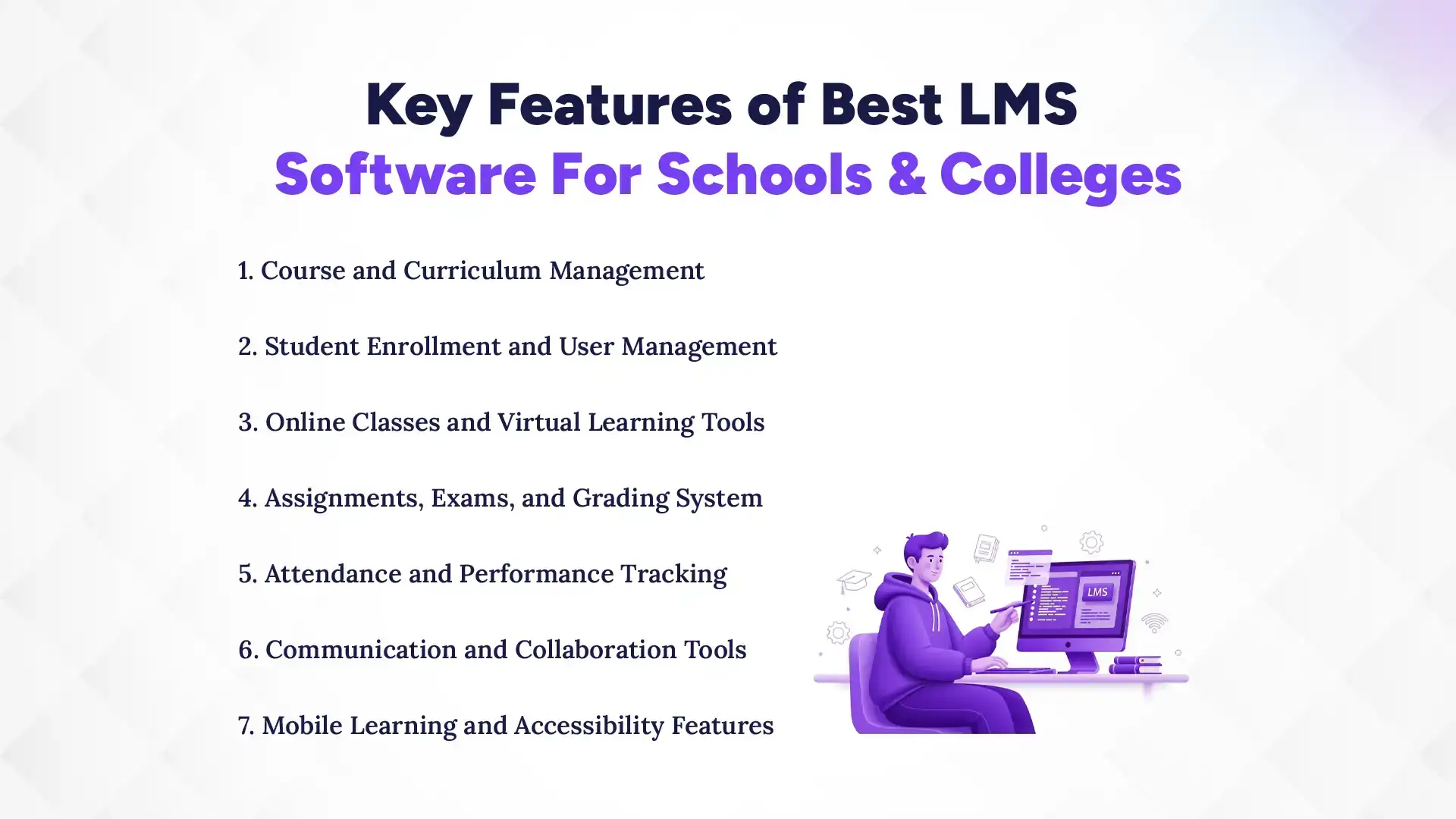
1. Course and Curriculum Management
This feature allows educators to create, organize, and manage courses in a structured way. Teachers can upload study materials like videos, notes, and presentations easily. It also helps in planning lessons according to the curriculum. Everything stays organized, making it easier for students to follow. It reduces confusion and improves learning flow. Overall, it acts like a digital classroom structure.
2. Student Enrollment and User Management
LMS platforms make it easy to manage student registrations and user roles. Administrators can assign roles like student, teacher, or admin with specific access rights. It helps keep data organized and secure. Bulk enrollment options save time for large institutions. Managing users becomes much simpler compared to manual systems. It also ensures better control over who accesses what.
3. Online Classes and Virtual Learning Tools
Modern LMS platforms support live classes and virtual learning environments. Integration with video conferencing tools allows real-time teaching. Students can attend classes from anywhere, making learning flexible. It also supports recorded sessions for later access. This ensures learning is not limited by location or time. It is especially useful for hybrid and remote education.
4. Assignments, Exams, and Grading System
LMS systems simplify the process of assigning tasks and conducting exams. Teachers can create quizzes, assignments, and tests online. Automated grading saves time and reduces errors. Students can submit work digitally, making tracking easier. It also provides instant feedback, which improves learning. Overall, it makes assessment more efficient and transparent.
5. Attendance and Performance Tracking
Tracking student attendance and performance becomes easy with LMS tools. The system automatically records participation and activity. Teachers can monitor progress through detailed reports. It helps identify students who need extra support. Real-time data improves decision-making. It ensures better academic performance tracking.
6. Communication and Collaboration Tools
LMS platforms include messaging, discussion forums, and collaboration tools. These features improve interaction between students and teachers. Group discussions and shared content make learning more engaging. It also helps clear doubts quickly. Communication becomes more structured and accessible. This builds a better learning environment.
7. Mobile Learning and Accessibility Features
Most LMS platforms are mobile-friendly, allowing access from smartphones and tablets. Students can learn anytime and anywhere without restrictions. This increases flexibility and participation. Mobile access is especially useful for remote learners. It ensures learning continues beyond the classroom. Accessibility features make education more inclusive.
Which Is the Best LMS Software For Schools & Colleges in Nepal?
Pace LMS is the best LMS software for schools & colleges in Nepal because it is designed specifically for the local education system and practical academic needs. It offers essential features like course management, student tracking, exams, and automation in a simple and easy-to-use interface. While global platforms like Moodle, Canvas, and Blackboard are powerful, they often require technical setup or higher costs. In comparison, Pace LMS provides a more accessible, affordable, and user-friendly solution for Nepalese institutions.
Common Challenges Faced by Schools Without LMS Software
Schools without LMS software often struggle with outdated manual processes that slow down academic operations and reduce efficiency. Managing student data, tracking performance, and sharing learning materials becomes scattered and time-consuming. It also creates communication gaps between teachers, students, and administration. Overall, the absence of an LMS leads to less organized learning and lower productivity in schools.
1. Managing Student Records Manually
Without an LMS, schools rely on registers, spreadsheets, or paper records. This makes data management slow and prone to errors. Updating student information becomes time-consuming for teachers and administrators. It also increases the risk of losing important academic records. Searching for specific student data takes extra effort. Overall, it reduces efficiency in school administration.
2. Lack of Real-Time Performance Tracking
Schools without LMS systems cannot track student progress instantly. Teachers have to manually calculate and record performance. This delays feedback and reduces learning effectiveness. It becomes difficult to identify weak students early. Reports are often outdated and less accurate. Real-time academic insights are completely missing.
3. Difficulty in Conducting Online Classes
Without an LMS, organizing online classes becomes complicated. Schools depend on multiple tools that are not integrated. This creates confusion for both teachers and students. Sharing materials and managing sessions is inefficient. It also reduces engagement in digital learning. Overall, online education becomes less structured.
4. Inefficient Communication Between Teachers and Students
Communication often relies on informal channels like messaging apps or notices. Important updates can easily be missed or delayed. There is no centralized system for announcements or feedback. This leads to misunderstandings and lack of coordination. Teachers find it harder to manage large groups. Communication becomes inconsistent and unorganized.
5. Limited Access to Learning Resources
Without an LMS, learning materials are not stored in one place. Students may struggle to find notes, assignments, or recorded lectures. Access depends on physical copies or scattered digital files. This reduces learning continuity outside the classroom. It also limits self-paced learning opportunities. Overall, students miss out on flexible education access.
Benefits of Using LMS Software in Schools & Colleges
LMS software brings a major shift in how schools and colleges manage teaching and learning by making the entire system more organized and efficient through the benefits of LMS software. It helps educators deliver content in a structured way while allowing students to access learning materials anytime. Instead of traditional manual methods, everything becomes digital and easier to track. Overall, it improves both academic performance and administrative efficiency in educational institutions.
1. Improved Learning Experience and Engagement
LMS software makes learning more interactive and engaging for students. It supports multimedia content like videos, quizzes, and interactive lessons. This keeps students more focused compared to traditional methods. Teachers can also customize content based on student needs. It encourages active participation instead of passive learning. Overall, it creates a more enjoyable learning environment.
2. Centralized Academic Management System
All academic activities are managed from a single platform using an LMS. This includes courses, assignments, student data, and communication tools. It reduces confusion caused by multiple disconnected systems. Teachers and administrators can easily access and update information. Everything stays organized and accessible anytime. This improves overall efficiency in academic operations.
3. Faster and More Accurate Assessments
LMS platforms allow teachers to conduct online exams, quizzes, and assignments easily. Automated grading reduces manual errors and saves time. Students receive quick feedback on their performance. It also ensures fair and consistent evaluation. Teachers can focus more on teaching rather than paperwork. This makes the assessment process much more efficient.
4. Data-Driven Academic Decisions
LMS systems provide detailed reports and analytics on student performance. Schools can identify strengths and weaknesses easily. This helps in making informed academic decisions. Teachers can adjust teaching methods based on data insights. It improves overall learning outcomes. Data-driven insights make education more effective and measurable.
5. Flexible and Remote Learning Opportunities
LMS software allows students to learn from anywhere at any time. This is especially useful for remote or hybrid learning models. Students can access recorded lectures and materials easily. It supports learning beyond classroom boundaries. Flexibility increases participation and engagement. It ensures education continues without interruption.
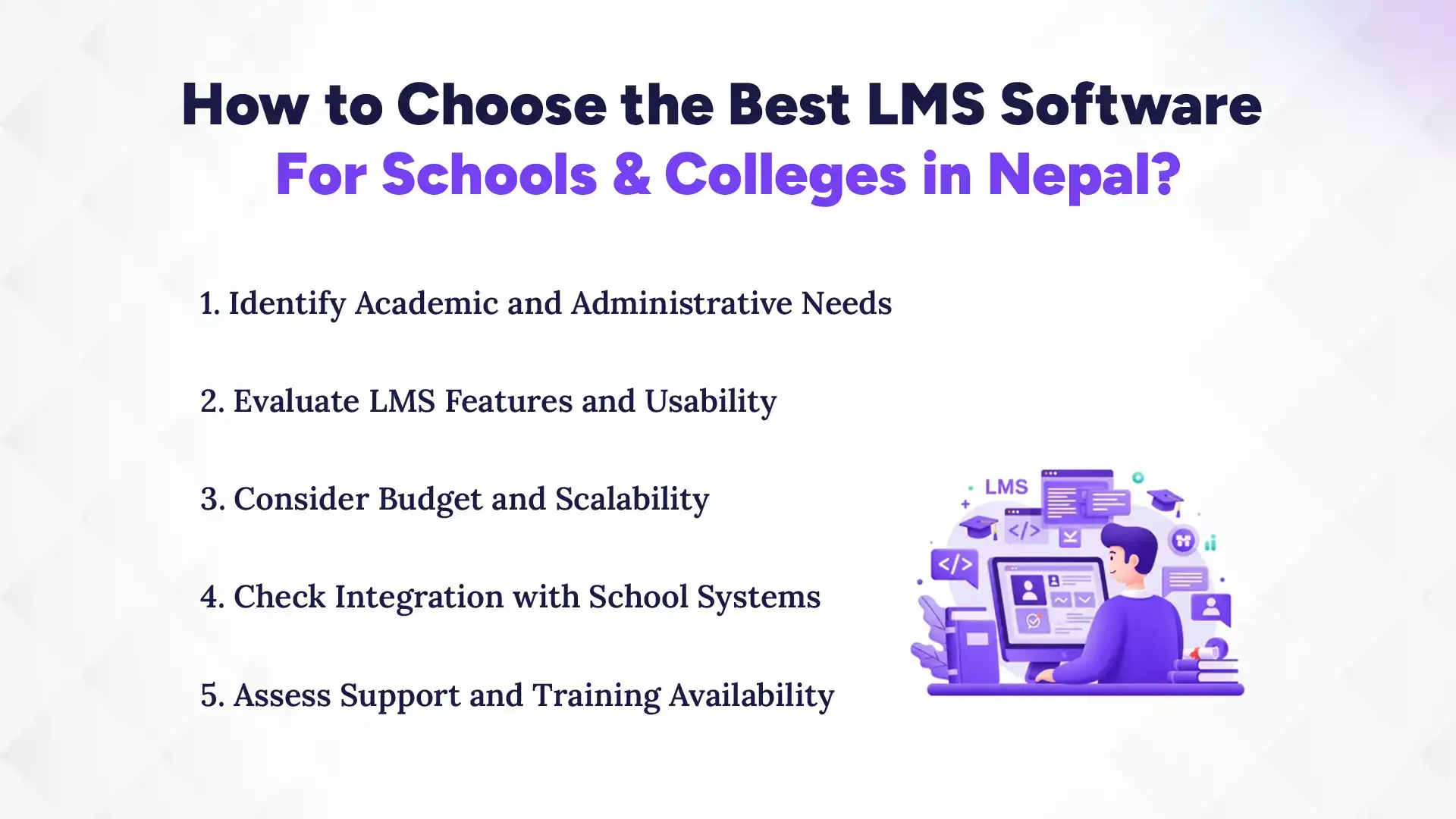
How to Choose the Best LMS Software For Schools & Colleges in Nepal?
Schools without LMS software often face several operational and academic challenges that make learning less organized and less efficient. Without a centralized digital system, everything from student records to teaching materials is managed manually or through scattered tools. This leads to delays, errors, and communication gaps across the institution. Overall, it creates unnecessary workload for teachers and reduces the quality of learning experience for students.
1. Managing Student Records Manually
Schools rely on physical registers or spreadsheets to manage student data without an LMS. This makes record-keeping slow and prone to human errors. Updating information takes extra time and effort for staff. Important data can also get misplaced or duplicated. It becomes difficult to maintain accuracy over time. Overall, administration becomes inefficient and time-consuming.
2. Lack of Real-Time Performance Tracking
Without an LMS, schools cannot monitor student performance instantly. Teachers need to manually calculate marks and prepare reports. This delays feedback and slows down improvement. It also becomes harder to identify struggling students early. Data is often outdated and less useful for decision-making. Real-time academic insights are completely missing.
3. Difficulty in Conducting Online Classes
Managing online classes becomes complicated without a proper LMS platform. Schools often depend on multiple disconnected tools for teaching. This creates confusion for both teachers and students. Sharing content and managing sessions becomes less organized. It also reduces engagement in digital learning. Overall, online education becomes inefficient and inconsistent.
4. Inefficient Communication Between Teachers and Students
Communication is often handled through informal apps or notices without an LMS. Important updates can easily be missed or delayed. There is no centralized system for announcements or feedback. This leads to miscommunication and lack of coordination. Teachers also struggle to manage large groups effectively. Communication becomes fragmented and unreliable.
5. Limited Access to Learning Resources
Without an LMS, learning materials are stored in different places. Students may struggle to find notes, assignments, or recorded lessons. Access depends on physical handouts or scattered files. This limits learning outside the classroom. It also reduces flexibility for revision and self-study. Overall, students miss a more accessible learning experience.
How to Implement LMS Software in Schools & Colleges Successfully?
You can successfully implement LMS software in schools and colleges by following a structured process that includes planning, setup, data migration, training, and continuous improvement. Each step ensures the system is properly aligned with academic needs and smoothly adopted by teachers and students. A well-planned implementation reduces errors and improves efficiency from the beginning. Ultimately, it helps institutions transition smoothly into a fully digital learning environment.
1. Planning and Requirement Analysis
First step is to clearly understand the school or college’s academic and administrative needs. This includes identifying what problems the LMS should solve. Stakeholders like teachers, admins, and management should be involved in planning. Proper requirement analysis ensures the right features are selected. It also prevents unnecessary complexity later. Strong planning builds a solid foundation for implementation.
2. System Setup and Customization
Once requirements are clear, the LMS is installed and configured according to institutional needs. This includes setting up courses, roles, and user permissions. Customization ensures the system matches the school’s workflow. It also improves usability for teachers and students. A properly set system makes daily operations smoother. This step ensures the LMS fits the organization perfectly.
3. Data Migration and Testing
Existing student records, course materials, and academic data are transferred into the LMS. Careful migration ensures no important information is lost. After migration, the system is tested for errors and performance issues. This helps identify and fix problems early. Testing ensures everything works correctly before full launch. It improves system reliability and stability.
4. Teacher Training and Adoption
Teachers and staff are trained to use the LMS effectively. Training helps them understand features like grading, assignments, and content upload. It increases confidence in using the system daily. Proper adoption ensures smoother classroom integration. Without training, even the best LMS can fail. This step is crucial for successful implementation.
5. Continuous Monitoring and Improvement
After implementation, the LMS should be regularly monitored for performance and usage. Feedback from teachers and students helps identify areas for improvement. Updates and adjustments ensure better functionality over time. Continuous improvement keeps the system effective and relevant. It also enhances user satisfaction. This ensures long-term success of the LMS.
Common Mistakes to Avoid When Choosing LMS Software
Choosing LMS software is a critical decision for schools and colleges, but many institutions make avoidable mistakes that affect long-term performance. A wrong choice can lead to poor adoption, wasted resources, and low efficiency in learning management. It is important to evaluate usability, scalability, and training needs before finalizing any system. A thoughtful selection ensures smooth implementation and better academic outcomes.
1. Choosing Overly Complex Systems
Many institutions select LMS platforms with too many advanced features that they never actually use. This often makes the system difficult for teachers and students to understand. Complex interfaces reduce daily usage and create frustration. Instead of improving learning, it slows down academic operations. Simplicity is always more effective for schools and colleges. A user-friendly system ensures faster adoption and better results.
2. Ignoring User Experience and Training
User experience plays a major role in LMS success, but it is often ignored during selection. If the system is not easy to navigate, users may avoid it. Lack of proper training makes it even harder for teachers and students. This leads to low engagement and poor system usage. Training ensures everyone can use the platform effectively. A good LMS should always prioritize ease of use.
3. Not Planning for Scalability
Many schools choose LMS software without thinking about future growth. As student numbers and courses increase, the system must handle more load. Without scalability, performance issues can occur later. This may force institutions to switch platforms, causing extra cost and effort. A scalable LMS supports long-term expansion smoothly. Planning ahead ensures the system grows with the institution.
Conclusion
Choosing the right LMS software for schools and colleges is a key step toward building a more organized, efficient, and modern education system, and providers like The Pace Infosys play an important role in making this transition smoother for institutions. From managing courses and tracking performance to enabling online classes and improving communication, an LMS simplifies almost every academic process. It not only reduces manual workload but also enhances the overall learning experience for students and teachers. When implemented correctly, it becomes the backbone of digital education in any institution.
As education in Nepal continues to move toward digital transformation, adopting a reliable LMS is no longer optional. Schools and colleges must carefully evaluate features, usability, and scalability before making a decision. The right system will not just support today’s needs but also grow with future demands. A well-chosen LMS ultimately leads to better learning outcomes, improved efficiency, and a more connected academic environment.