Insurance agents juggle a lot every day! New leads, policy renewals, client calls, paperwork, and compliance requirements. When everything moves quickly, keeping track of every opportunity can feel overwhelming.
And yet, many agencies still manage these tasks using spreadsheets, scattered emails, and manual follow-ups.
The result? Leads slip through the cracks. Renewal reminders get delayed. Valuable client data ends up scattered across different tools.
That’s exactly where a CRM for insurance agents makes a difference. Instead of juggling multiple systems, a CRM brings leads, client conversations, policy details, and follow-ups into one organized platform.
But before choosing the a CRM software for your insurance business, it helps to understand how CRM technology actually supports the insurance sales process.
What Is a CRM System for Insurance?
A CRM system for insurance is software that helps agencies manage relationships with prospects and policyholders more efficiently. In simple terms, a CRM for insurance agents keeps all client information, conversations, and sales activities in one organized place. Instead of jumping between spreadsheets, emails, and notes, agents can view everything from a single dashboard.
Most CRM software for insurance agents is built to support the full sales process, from capturing new leads to tracking policies and renewals. It also records every interaction with a client, whether it’s a call, email, meeting, or follow-up reminder. This helps agents stay organized and respond faster.
For larger firms, CRM software for insurance companies can also support team collaboration, reporting, and workflow automation across departments.
A typical insurance CRM usually includes:
Centralized client database to store all policyholder information
Lead management tools to track prospects through the sales pipeline
Communication tracking for calls, emails, and follow-ups
Policy lifecycle management to monitor renewals, updates, and claims
Now that we understand what an insurance CRM does, let’s look at why these systems have become essential for modern insurance agencies.
Why Insurance Agents in Nepal Need a Specialized CRM in 2026?
A specialized CRM is essential because it centralizes client data, automates tasks, and prevents lost leads. Running an insurance business today is very different from even a few years ago. Agents manage multiple products, growing client lists, policy renewals, claims, and follow-ups. When all this information is scattered across spreadsheets, notebooks, or emails, it becomes hard to stay on top of tasks. Leads get lost, renewal reminders are missed, and agents spend more time searching for information than actually selling.
A slow follow-up can cost agencies valuable opportunities. Sometimes a single delay means a client chooses another agent. On top of that, stricter compliance and record-keeping rules make manual systems risky. This is why more agencies are adopting a CRM for insurance agents.
Reduces missed opportunities from delayed responses
Ensures compliance and accurate record-keeping
Improves team collaboration and transparency
What are the Top Features of CRM Software for Insurance Agents?
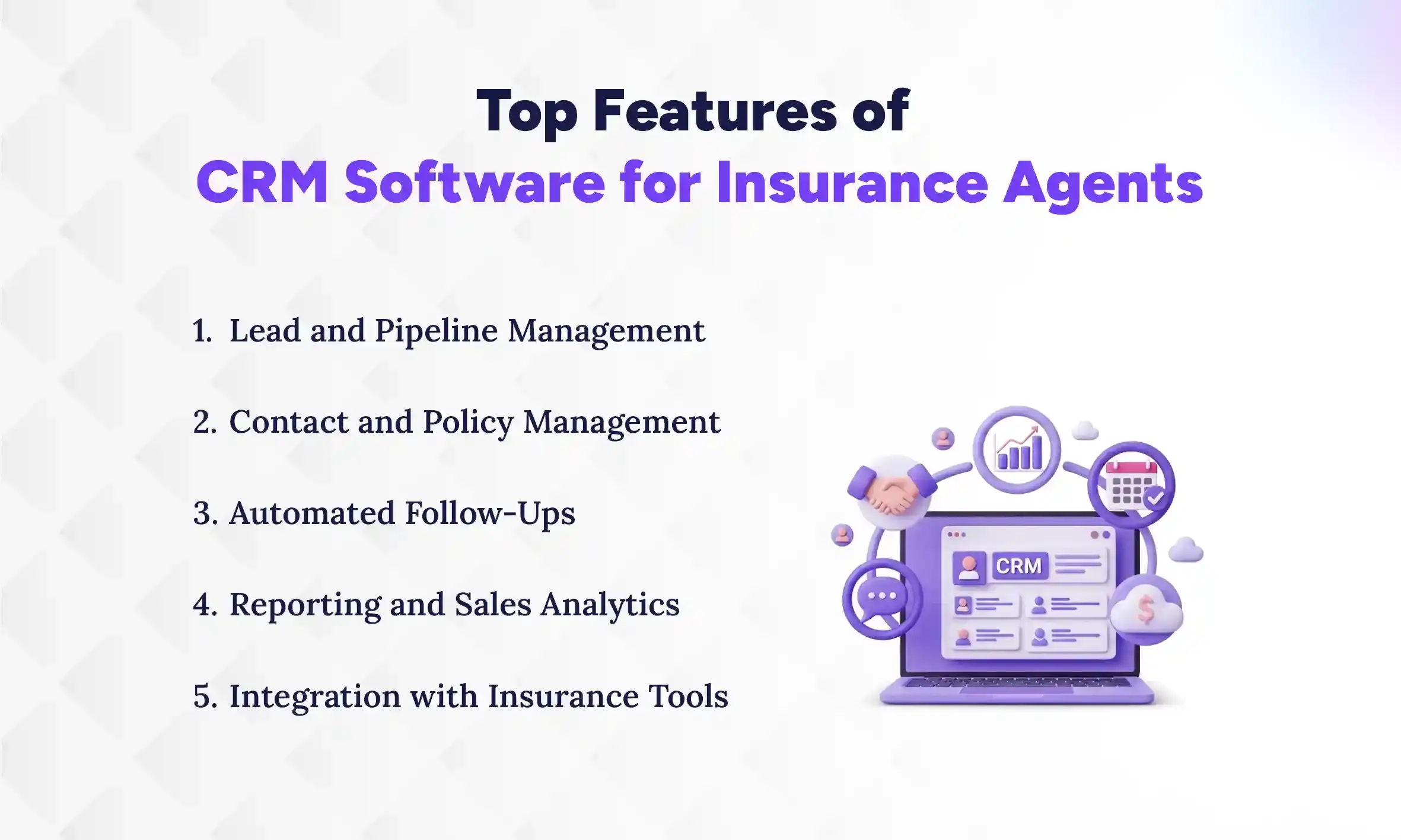
The most loved CRM software for insurance agents includes tools that help manage leads, organize client and policy data, automate follow-ups, track sales performance, and connect with insurance tools. These features help agents stay organized, respond faster to prospects, and manage renewals without relying on manual systems. Let’s take a closer look at the key features that make a CRM for insurance agents truly useful in day-to-day work.
1. Lead and Pipeline Management
Lead and pipeline management helps agents track prospects from the first inquiry to the final policy purchase. A good crm for insurance agents captures leads from forms, calls, or referrals and places them into a clear sales pipeline. Agents can then see which prospects need a quote, follow-up, or meeting. This visibility helps teams respond faster and avoid losing opportunities. Over time, it also improves sales planning and helps managers understand where deals slow down.
2. Contact and Policy Management
Insurance agencies deal with a large amount of client information. Contact and policy management keeps all of it in one place. A crm for insurance agents stores policyholder details, policy types, coverage history, and important documents in a centralized system. Agents can quickly view client records without searching through emails or spreadsheets. This makes it easier to answer client questions, update policy details, and track the full policy lifecycle from purchase to renewal.
3. Automated Follow-Ups
Following up at the right time is critical in insurance sales. A CRM helps by sending reminders and scheduling tasks automatically. With built-in renewal automation, agents receive alerts before policies expire so they can contact clients early. The system can also schedule follow-ups for quotes, meetings, or policy updates. Because of this automation, agents spend less time remembering tasks and more time focusing on conversations that move deals forward.
4. Reporting and Sales Analytics
Data helps insurance businesses make smarter decisions. Reporting and analytics tools inside a crm for insurance agents show how leads move through the pipeline and which policies sell the most. Managers can track conversion rates, agent performance, and even commission management data. These insights help agencies understand what is working and where improvements are needed. Over time, better visibility into performance helps teams plan growth and set realistic sales targets.
5. Integration with Insurance Tools
Insurance agencies often use multiple systems, such as quoting platforms, marketing tools, and accounting software. A modern crm for insurance agents connects with these systems through integrations. For example, quote integration allows agents to create and track insurance quotes directly from the CRM. This reduces manual data entry and keeps information consistent across tools. As a result, agencies can create smoother workflows and provide faster service to clients.
Which is the Most Trusted CRM Software for Insurance Agents in Nepal?
Pace CRM is a customizable CRM platform built to help insurance teams manage leads, track policies, automate renewals, and streamline client communication from one central dashboard. For many growing agencies, tools like Pace CRM stand out because they combine sales tracking, automation, and reporting designed for service-based businesses.
While different top CRM tools exist in the Nepalese market, many insurance agencies prefer a system that can adapt to their workflows instead of forcing them to change how they operate. That’s where flexible CRM software for insurance agents like Pace CRM becomes valuable. It supports the daily work of agents, from capturing leads to managing renewals, while keeping client information organized and easy to access.
Why Pace CRM Is Ideal for Nepal-Based Insurance Companies
Pace CRM is built for insurance teams, helping agencies manage clients, automate tasks, and grow sales without losing track of leads or renewals. It brings all key tools into one platform, letting agents focus on selling instead of chasing data.
Insurance Workflow Friendly: Track leads from inquiry to renewal easily.
Centralized Client Management: Store all client info and policies in one place.
Automated Renewal Alerts: Get reminders before policies expire.
Performance Insights: See pipeline progress and agent conversions clearly.
Seamless Integrations: Connect email, quoting, and web leads effortlessly.
With Pace CRM, insurance teams gain organization, automation, and actionable insights, helping agencies close more deals, retain clients, and grow efficiently.
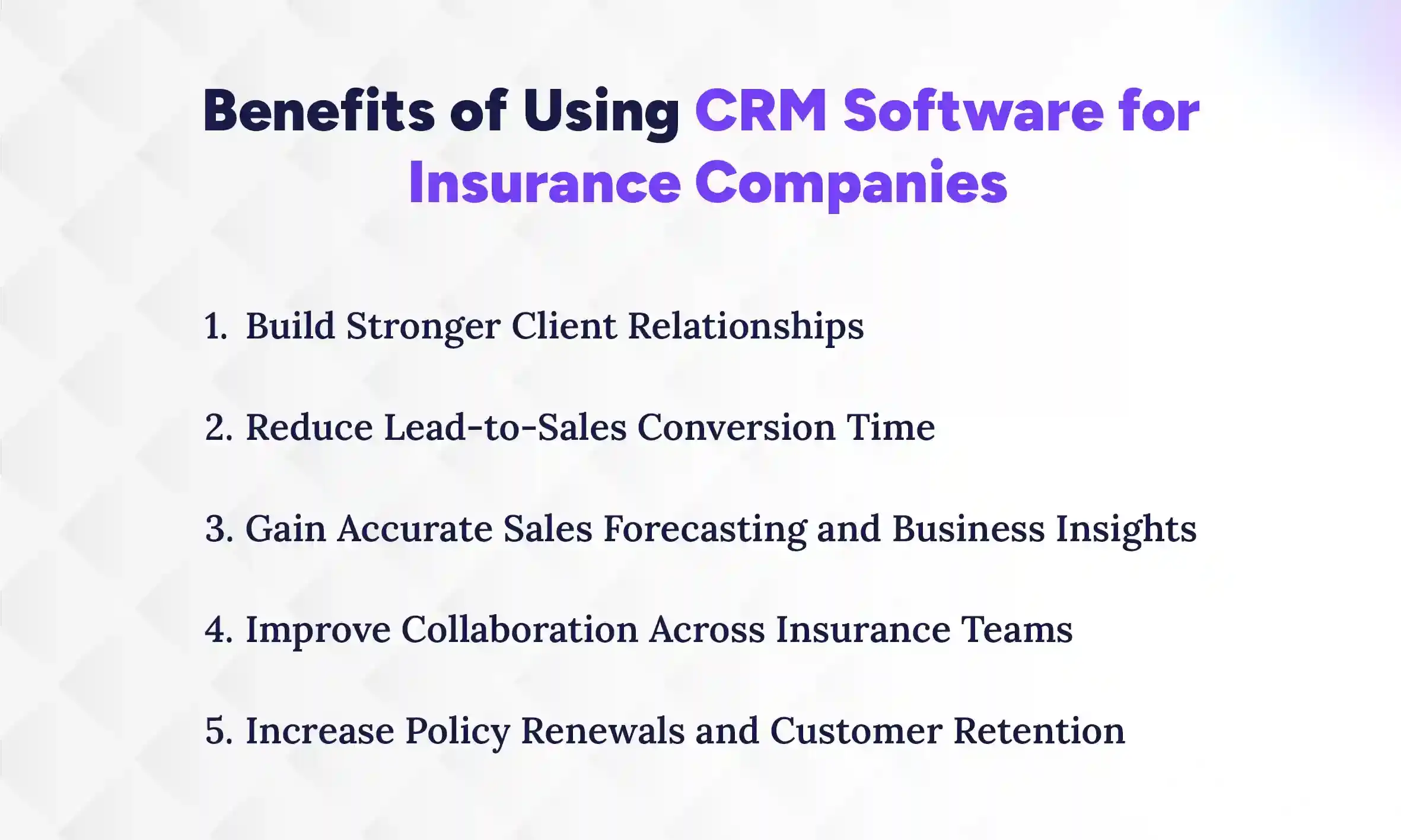
Benefits of Using CRM Software for Insurance Companies
Using CRM software for insurance companies makes it easier to manage clients, turn leads into policies faster, and understand how your business is performing. When all customer information is in one place, agents can respond quickly, give personalized service, and build stronger trust. With these tools in place, teams can work together better, boost policy renewals, and grow their business more steadily.
1. Build Stronger Client Relationships
A good CRM lets agents see everything about a client in one place. Contact info, past conversations, claims, and renewal dates, you handle it all in a single setup. This makes every interaction faster and more personal, helping clients feel valued and understood. Agencies using CRM systems often see a 27% increase in customer retention, which means clients stay longer, purchase more policies, and are more likely to refer others. By centralizing client data, agents spend less time searching for info and more time strengthening relationships.
2. Reduce Lead‑to‑Sales Conversion Time
CRM software tracks leads from the first contact to the final sale and sets reminders automatically, so nothing falls through the cracks. Agents can follow up at the right moment without juggling emails or spreadsheets, which often slows the process. Teams using CRMs can close deals up to 20–30% faster, improving efficiency and letting agents handle more clients without extra effort. Faster follow-ups mean happier prospects and higher conversion rates.
3. Gain Accurate Sales Forecasting and Business Insights
With all data in one place, a CRM turns numbers into actionable insights. Agencies can see trends, identify top-selling policies, and predict revenue with confidence. Research shows CRMs can improve forecasting accuracy by over 40%, helping managers plan staffing, marketing campaigns, and sales goals more effectively. Clear insights also help leadership spot gaps early and make smarter decisions for long-term growth.
4. Improve Collaboration Across Insurance Teams
When everyone works from the same client records, communication becomes smoother and mistakes happen less often. Agents, sales teams, and support staff can all see the same pipeline, tasks, and client updates in real time. This shared visibility reduces confusion, prevents duplicate work, and ensures no client is neglected. Teams can coordinate easily, deliver faster responses, and maintain consistent service across the agency.
5. Increase Policy Renewals and Customer Retention
Renewals are the backbone of insurance revenue, but they are easy to miss without proper reminders. A CRM automates renewal alerts, notifies agents when follow-up is needed, and helps track client interactions consistently. Agencies that use this automation see higher retention rates, stronger long-term relationships, and more referrals. Essentially, it turns routine renewals into a predictable source of revenue while keeping clients happy and loyal.
Insights
Did You Know?
Insurance agents using CRM systems achieve up to 23% higher close rates compared to non-CRM users, while CRM adoption in the insurance sector has reached 63% in 2026.
How to Choose the a CRM Software for Your Insurance Business?
Choosing the best CRM software for your insurance business means knowing your goals, mapping workflows, testing solutions, and planning the rollout carefully. Taking these steps ensures the system you select actually fits your team’s needs, saves time, and improves day-to-day operations. By following a structured approach, you can make a confident decision without wasting resources or getting overwhelmed.
1. Define Your Objectives & Must-Have Features
Start by listing your agency’s most important needs. This could include renewal automation, life insurance product tracking, commission management, or reporting features. Knowing your priorities upfront helps you focus on CRMs that actually solve your challenges rather than paying for unnecessary extras.
While defining objectives, think about future growth too. Learn how CRM works. Choosing features that scale with your agency ensures you won’t outgrow your system quickly. Clear goals also make vendor conversations more productive and help you compare solutions objectively.
2. Map Current Workflows & Integration Requirements
Next, document how your team currently handles leads, policy quoting, renewals, and client follow-ups. Identify which tools you already use, such as agent portals, quoting software, or email marketing platforms, and ensure the CRM can integrate seamlessly. Ask vendors about API availability, data migration support, and potential integration costs, because these small details can make or break adoption. Mapping workflows this way not only ensures a smoother transition but also highlights inefficiencies that the CRM can solve.
3. Evaluate Vendors with a 30–60 Day Pilot
Instead of relying solely on demos, test the CRM using real data from your agency. A 30–60 day trial lets you see how the system handles leads, tracks policies, and manages renewals in practice. Make sure the pilot includes all relevant features and support from the vendor. Negotiating these terms upfront ensures you get an honest look at the software’s strengths and weaknesses. By experiencing the CRM in action, your team can provide feedback and uncover challenges early, which helps avoid surprises after full implementation.
4. Score Vendors on Fit, TCO, and Implementation Support
Create a simple scoring system to compare vendors across three dimensions: how well the CRM meets functional needs (fit), total cost of ownership (TCO) including licenses, integrations, and maintenance, and the level of vendor support for onboarding and troubleshooting. Evaluating these factors together ensures you’re not just buying software, but you’re investing in a solution that truly supports your business.
Don’t forget to ask about hidden costs, like extra customizations or add-ons, to get a realistic view of the total investment. This step helps you choose a CRM that delivers long-term value, not just short-term features.
Ready to Manage Leads Better?
Use Pace CRM to track leads, automate follow-ups, and close deals faster. Simple, powerful, and built for your growth.
Once a CRM is chosen, plan the rollout carefully. Assign a team to manage implementation, train agents, and track adoption. Include clear timelines and milestones so everyone knows what to expect. Training should cover not just the software, but how workflows change with automation. Budget for potential hidden costs, such as additional training sessions, integration setup, or extra support hours, to avoid surprises. A well-planned rollout ensures agents adopt the system quickly, workflows improve, and your investment translates into real business results.
This approach ensures your CRM for insurance agents is not just another tool, but a practical solution that improves efficiency, strengthens client relationships, and sets your agency up for growth.
Implementation Timeline & Budget Expectations for Insurance CRM in Nepal
Implementing a CRM for insurance agents usually takes 4–6 weeks for small agencies and 3–6 months for larger enterprises with complex workflows and integrations. Cloud-based CRMs typically cost $15–$40 per agent per month for small teams, while enterprise solutions with advanced features, integrations, and customizations can reach $100+ per agent per month.
Hidden costs often include data migration, API integrations, setup/customization, and staff training, so it’s important to factor these in when budgeting. Planning timelines and costs upfront ensures smoother adoption, faster ROI, and better long-term results for your agency.
1. Typical CRM Implementation Timelines
The duration of CRM implementation depends largely on the size of your agency:
Small Agencies: Solo agents or small teams can usually set up and start using the CRM in 4–6 weeks. Setup is faster because workflows are simpler, fewer users need training, and integrations are minimal.
Enterprise Agencies: Larger teams, multiple departments, or agencies with complex workflows may require 3–6 months for full implementation. This includes system setup, integration with quoting or policy tools, customizations, and staff training.
Planning timelines realistically helps prevent rushed setups, missed steps, or adoption delays, ensuring your team gets the most out of the CRM from day one.
2. Budget Ranges for CRM Adoption in Nepal
CRM costs vary depending on the number of users, features, and the level of customization:
Enterprise options from international vendors (e.g., integrated with Nepal Insurance Authority standards): NPR 1–5 million upfront, scaling with customization.
Considering both the subscription and ongoing maintenance costs ensures you have a complete picture of your total cost of ownership (TCO).
3. Common Hidden Costs to Watch
Even after factoring in standard subscription fees, several hidden costs can affect your budget:
Data Migration: Moving client and policy data from spreadsheets or legacy systems.
API Integrations: Connecting your CRM with quoting platforms, agent portals, or accounting tools.
Setup & Customization: Tailoring workflows, dashboards, and reports to match your agency processes.
Training: Educating agents and staff on using the system effectively, which may require extra sessions or external support.
Accounting for these costs upfront prevents surprises, keeps your implementation on schedule, and ensures a faster return on investment.
A well-planned CRM implementation timeline and budget ensures your team adopts the system smoothly, workflows improve, and the agency starts seeing measurable results quickly. By understanding timeframes, pricing, and hidden costs, you can make a confident, informed decision that maximizes the value of your CRM investment.
Conclusion
The right CRM for insurance agents can transform how your agency works. From managing leads and automating renewals to improving team collaboration and forecasting sales, a good CRM streamlines daily tasks and drives growth. Agencies that centralize data and automate processes gain efficiency, happier clients, and stronger revenue.
We know switching to a new CRM can feel overwhelming. But imagine a tool that keeps all client information in one place, reminds your team about renewals, and gives you insights to make smarter decisions, without adding extra stress. That’s the difference the right CRM makes. A CRM helps your team focus on what really matters: building relationships and closing policies.
If you’re ready to explore options, schedule a demo for Pace CRM, or simply explore our product via a free trial. It’s a simple step to see which solution fits your agency best, with no pressure and full clarity.
FAQs
Which CRM is best for life insurance agents?
+
Pace CRM is one of the best CRM for life insurance agents that combines lead management, renewal automation, policy tracking, and reporting to support high-volume client interactions and sales growth.
Can insurance CRMs integrate with carrier portals and quoting systems?
+
Yes, modern insurance CRMs integrate with carrier portals, quoting tools, and other systems to streamline workflows and reduce manual data entry.
How long does it take to implement an insurance CRM?
+
Small agencies typically implement in 4–6 weeks, while large enterprises may require 3–6 months for setup, integrations, training, and full adoption.
What features should I look for in an insurance CRM?
+
Must-have features include lead tracking, policy management, renewal automation, reporting, sales analytics, and integration with quoting or agent portals.
How does a CRM improve insurance renewals?
+
A CRM automates reminders, schedules follow-ups, and tracks expiration dates, reducing missed renewals and boosting client retention efficiently.
Ready to get started?
Book a 30-minute consultation call, and let's talk about your goals.