

.webp&w=3840&q=75)
Every payday, someone on the HR team pulls up last month's spreadsheet, updates the attendance numbers, and recalculates salaries, Social Security Fund contributions, and tax deductions from scratch. One wrong formula or a missed leave entry, and an employee's take-home pay comes out incorrect. That usually means an awkward conversation, a correction, and sometimes redoing the whole cycle.
A payslip is more than a formality attached to salary day. Nepal's Labour Act, 2074 requires employers to show workers clearly how their wages were calculated and what was deducted, and an inconsistent or incomplete payslip creates compliance exposure on top of the trust problem it causes with your team.
This guide covers exactly what a payslip needs to include, how to generate one step by step, and how manual methods compare with payroll software, so you can decide which approach fits your business right now.
What Is a Payslip?
A payslip is a document an employer issues to an employee for each pay period, showing gross earnings, itemized deductions, and the final net amount paid. It works like a receipt for salary, whether it arrives on paper, as a PDF, or inside an HR self-service app.
1. Definition of a payslip
A payslip records exactly how an employee's salary for a specific period was calculated: the basic pay, any allowances or bonuses added, every deduction subtracted, and the resulting net pay. Most Nepali employers issue one every month, matching the standard monthly pay cycle.
2. Why every employee should receive one
A payslip gives an employee proof of income for bank loans, rental agreements, visa applications, and credit cards. It also lets them verify their own pay instead of taking HR's word for it, which matters the moment a number looks off.
3. Key components of a payslip
At minimum, a payslip needs employee and employer details, the pay period, a breakdown of earnings, a breakdown of deductions, and the net salary. The section below covers each of these fields in detail.
4. Difference between a payslip and payroll
Payroll is the entire process of paying a workforce: tracking attendance, calculating wages, withholding tax and Social Security Fund contributions, and transferring salaries. A payslip is one output of that process, the individual document each employee receives showing their share of it.
Why Is It Important to Generate Accurate Payslips?
Getting payslips right protects both sides of the employment relationship. Here's what accurate, consistent payslips actually do for a business.
1. Builds employee trust
When the numbers on a payslip are correct every month, employees stop double-checking their pay against last month's figure. That confidence carries over into how they see the company more broadly.
2. Maintains payroll transparency
An itemized payslip shows exactly how gross pay became net pay, so nobody has to guess where a deduction came from. That transparency heads off the "why is my salary different this month" messages before they start.
3. Supports tax and legal compliance
The Labour Act, 2074 requires employers to keep clear records of wages and deductions, and payslips are the paper trail that proves it. Accurate payslips also make Social Security Fund contributions and Tax Deducted at Source (TDS) easier to verify during an audit.
4. Simplifies record keeping
Payslips double as historical records for salary revisions, loan applications, labor inspections, and disputes. Businesses that keep them organized spend far less time digging through old files when a question comes up months later.
5. Reduces payroll disputes
Most payroll disagreements come down to an employee not understanding a deduction or a change in their pay. A detailed, accurate payslip answers most of those questions on its own, before they turn into a complaint.
What Information Should a Payslip Include?
A complete payslip covers eleven core details. Missing even one makes it harder for an employee to trust the number at the bottom.
1. Employee details
Full name, employee ID, designation, department, and PAN (Permanent Account Number), so the payslip can be tied to the right person for tax purposes.
2. Employer details
Company name, address, and registration or PAN number, confirming who issued the payment.
3. Salary period
The exact month or date range the payslip covers, since components like attendance-based deductions only make sense against a specific period.
4. Basic salary
The fixed base wage before allowances, overtime, or bonuses are added. Most other calculations, including Social Security Fund contributions, are based on a percentage of this figure.
5. Allowances
Dearness, transport, communication, or housing allowance, listed separately from basic salary so employees can see what each one contributes.
6. Bonuses and incentives
Performance bonuses, festival allowance, or any other one-time payment added for that period. Under the Labour Act, every worker is entitled to one month's basic salary as a festival allowance each year.
7. Overtime payment
Extra hours worked beyond the standard eight-hour day, paid at 1.5 times the normal rate, as required under Nepali labor law.
8. Tax deductions
Tax Deducted at Source (TDS), calculated against Nepal's progressive income tax slabs and withheld monthly by the employer on behalf of the Inland Revenue Department.
9. Other deductions
Social Security Fund contributions, loan repayments, advance recoveries, or deductions for unpaid leave.
10. Net salary
Gross salary minus every deduction listed above. This is the amount that actually reaches the employee's bank account.
11. Payment method
How the salary was paid, typically bank transfer in Nepal, along with the transaction reference for the employee's records.
How to Generate Payslips for Your Employees
Whether done by hand or through software, generating a payslip follows the same basic sequence.
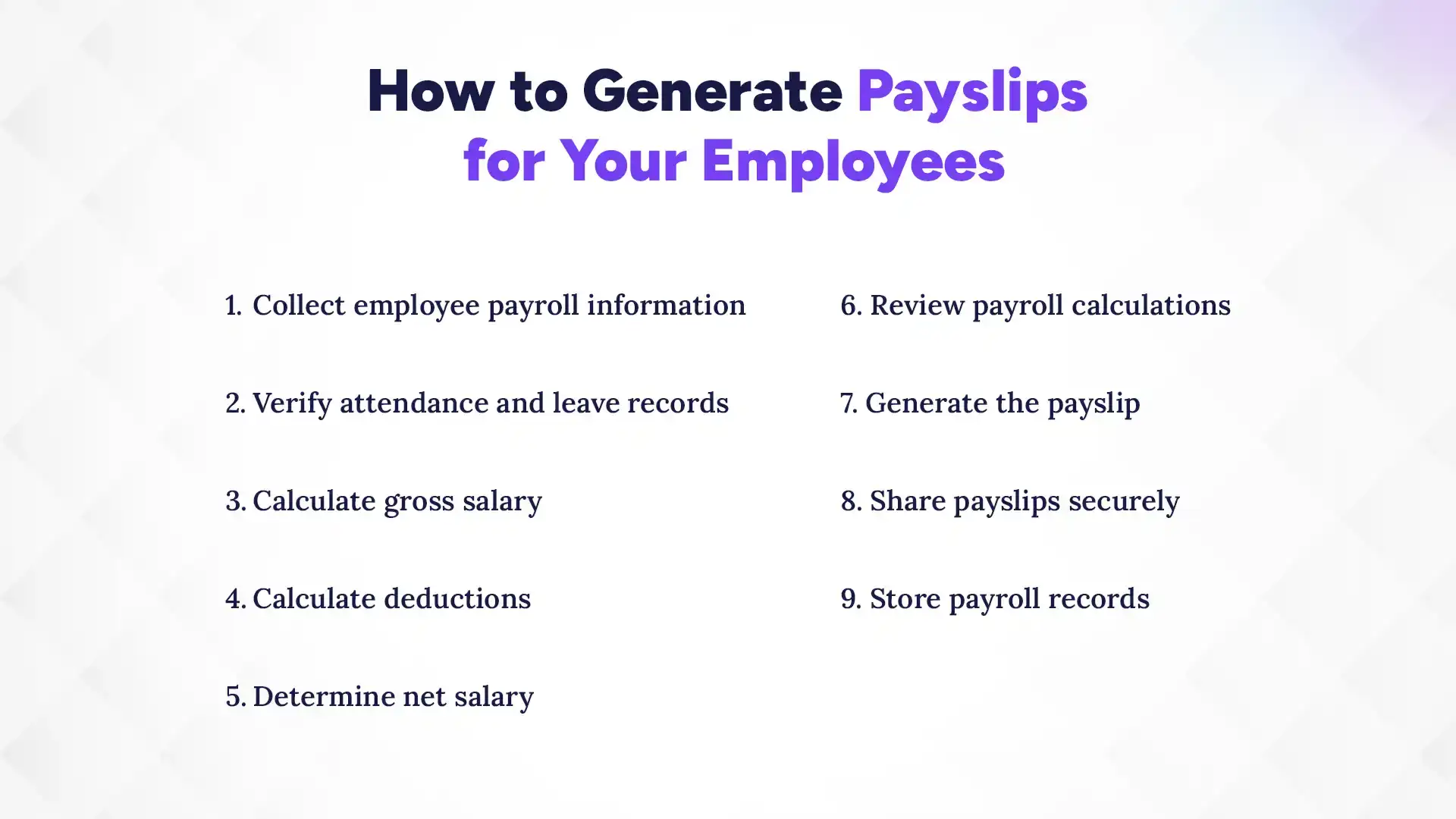
1. Collect employee payroll information
Gather each employee's basic salary, allowances, bank details, PAN, and marital status, since Nepal's tax slabs differ for single and married employees.
2. Verify attendance and leave records
Confirm days worked, approved leave, unpaid absences, and overtime hours before running numbers, since attendance errors are one of the most common sources of payslip mistakes.
3. Calculate gross salary
Add basic salary, allowances, overtime pay, and any bonuses for the period to get the gross figure before deductions.
4. Calculate deductions
Work out the employee's Social Security Fund contribution (11% of basic salary), TDS based on their annual tax slab, and any other agreed deductions.
5. Determine net salary
Subtract total deductions from gross salary. This is the number that goes on the payslip as take-home pay.
6. Review payroll calculations
Double-check the numbers before finalizing, especially for new joiners, employees who resigned mid-month, or anyone with a recent salary revision, since these cases are where manual errors show up most often.
7. Generate the payslip
Compile everything, employee details, earnings, deductions, and net pay, into a payslip template or software-generated document.
8. Share payslips securely
Send payslips through a secure channel, such as an HR portal, employee self-service app, or encrypted email, rather than leaving printed copies where anyone can see them.
9. Store payroll records
Keep digital or physical copies for future reference. Nepali labor law expects employers to maintain accessible wage records for inspection, and organized storage makes that far less stressful when it happens.
Manual vs. Automated Payslip Generation
Small teams can manage payslips in Excel for a while, but the trade-offs become clear as headcount grows.
| Factor | Manual (Excel/Paper) | Automated (Payroll Software) |
|---|---|---|
| Accuracy | Depends on formulas and manual entry; easy to introduce errors. | Calculations run the same way every time, with no re-entry. |
| Time Required | Hours per cycle, growing with every new hire. | Minutes, regardless of team size. |
| Human Errors | Common, especially close to payday deadlines. | Reduced significantly through automated rules. |
| Compliance | Requires someone to track every SSF and tax slab change manually. | Updated centrally and applied automatically. |
| Cost | Low upfront cost, but a high hidden labor cost. | Subscription cost, offset by time saved. |
| Scalability | Gets harder to manage past a few dozen employees. | Scales from a handful of employees to hundreds. |
| Security | Files often shared over email or USB drives. | Role-based access and encrypted storage. |
| Reporting | Built manually for audits or management reviews. | Generated instantly, ready to export. |
For a handful of employees, a well-built spreadsheet can hold up. Past that point, the hours spent maintaining it usually cost more than a payroll system would.
How Payroll Software Simplifies Payslip Generation
Good payroll software removes most of the manual work described above by connecting the pieces that used to live in separate spreadsheets.
1. Automated salary calculations
Basic pay, allowances, overtime, and deductions update automatically the moment attendance or salary details change, without anyone re-entering formulas.
2. Attendance integration
Biometric devices, geofenced mobile check-ins, or manual attendance logs feed directly into payroll, so hours worked and overtime are already accurate before payslips run.
3. Tax calculation automation
Social Security Fund, Citizen Investment Trust (CIT), and TDS calculations apply Nepal's current rules automatically, including updates whenever a new Finance Act changes the slabs.
4. Leave management integration
Unpaid leave deductions and leave encashment calculate automatically based on approved leave records, instead of someone cross-referencing two systems by hand.
5. Employee self-service portal
Employees can view and download their own payslips whenever they need one, cutting down on the "can you resend my March payslip" requests to HR.
6. Bulk payslip generation
Payroll software can generate and distribute payslips for an entire company in one run, rather than one employee at a time.
7. Secure payroll storage
Payslips and payroll records stay in encrypted, access-controlled storage instead of shared drives or email threads.
8. Payroll reporting
Dashboards break down payroll costs by department, location, or pay component, giving management the numbers they need without a separate spreadsheet exercise.
Features to Look for in Payslip Software
Not every payroll tool covers the same ground. Before choosing one, check that it includes:
- Automated payroll that recalculates salaries the moment attendance or allowances change
- Attendance integration with biometric devices or mobile check-in
- Leave management that syncs directly with payroll instead of running separately
- Built-in support for Nepal's SSF, CIT, and TDS rules, updated whenever tax slabs change
- Custom payslip templates that match your company's branding
- Bulk salary processing for the entire company in a single run
- Automatic payslip delivery by email on payday
- An employee self-service portal for downloading current and past payslips
- Payroll reports built for management reviews and audits
- Data security through encryption and controlled access
- Role-based permissions so salary data stays visible only to the right people
- Multi-branch support for companies operating from more than one office
- Cloud access so HR can run payroll from anywhere, not just one office computer
- Mobile compatibility for HR teams and employees checking payslips on the go
How The Pace Infosys Helps Businesses Generate Payslips
Pace HRMS, built by The Pace Infosys, is designed around the payroll challenges Nepali businesses run into every month. Rather than treating payslip generation as a separate task from attendance and leave, it connects all three, so payroll runs on real data instead of a spreadsheet someone has to update by hand.
Payroll automation sits at the core of the system: basic salary, allowances, overtime, and bonuses calculate automatically each cycle, and payslips generate in bulk once payroll is finalized. Compliance support is built in as well, with Social Security Fund, Citizen Investment Trust, and TDS calculations that follow Nepal's current tax rules, so HR doesn't have to manually rebuild formulas every time the government revises a rate.
Attendance and leave integration means hours worked, overtime, and unpaid leave flow directly into payroll instead of living in a second system. Employees get their own self-service access through the Pace HRMS mobile app, where they can view and download digital payslips without waiting on HR. Every payslip and payroll record is stored securely with role-based access, and built-in reporting gives management a clear view of payroll costs across departments or branches.
For businesses managing payroll across multiple locations, or scaling past what a spreadsheet can reasonably handle, Pace HRMS offers local support from a Kathmandu-based team that understands Nepali payroll rules firsthand, rather than a global product retrofitted for local compliance.
Conclusion
Accurate payslips come down to the same fundamentals whether you generate them manually or through software: correct calculations, clear breakdowns, and records an employee can actually verify. Manual methods work for a while, but the time spent tracking every SSF and tax slab update by hand adds up fast as a team grows.
Payroll automation is becoming the default for Nepali businesses precisely because it removes that maintenance burden while keeping compliance current on its own. If manual payslip generation is starting to feel like more trouble than it's worth, Pace HRMS can take over the calculations, the compliance updates, and the payslip delivery, so your HR team can spend that time on people instead of spreadsheets.