
.webp&w=3840&q=75)
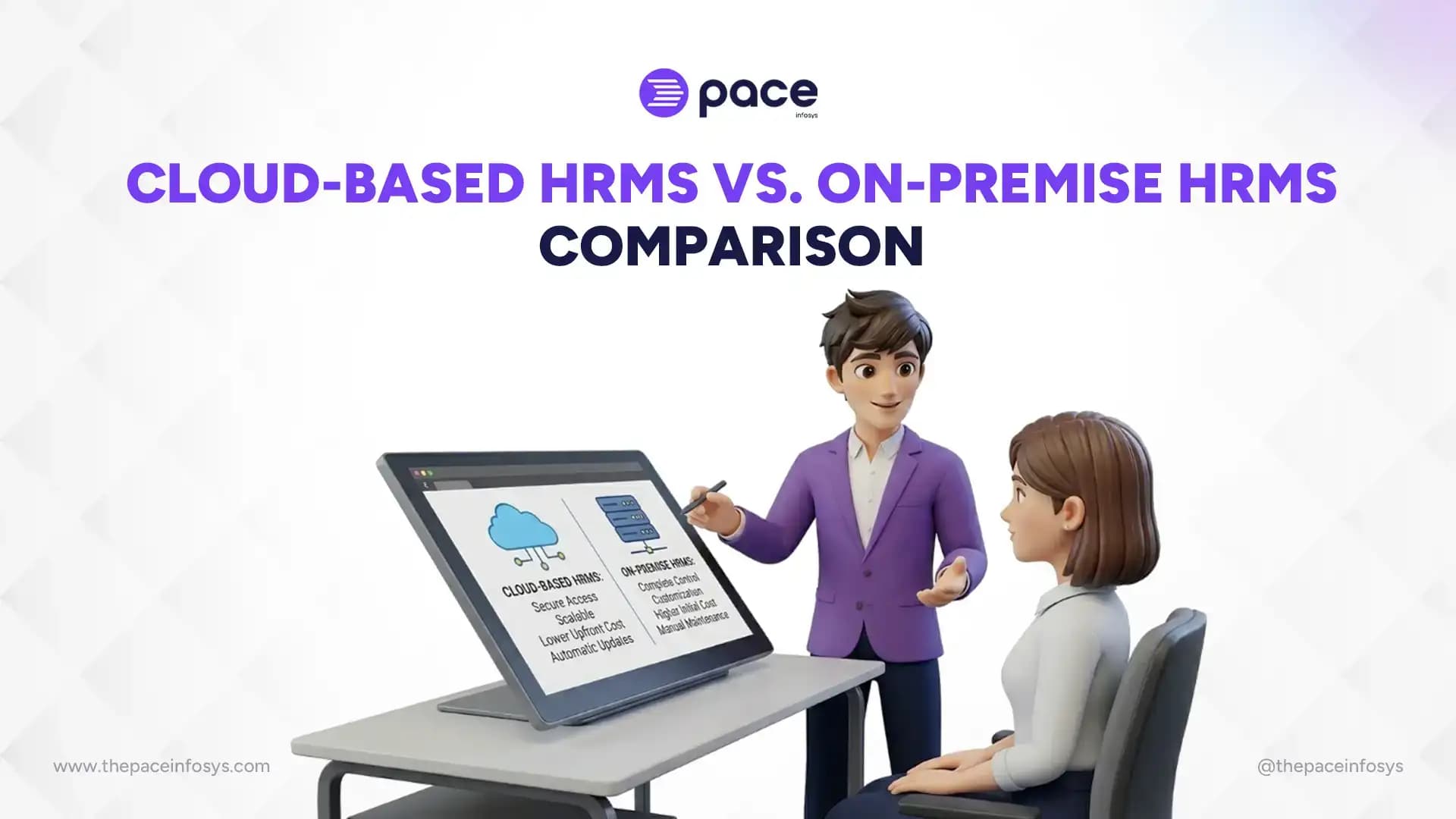
Modern businesses use HRMS software to manage employee data, payroll, attendance, recruitment, leave, and performance from one system. As companies continue moving toward digital HR management, businesses now compare cloud-based HRMS and on-premise HRMS to find the right solution for their operations, security, and growth needs.
Choosing the right HRMS deployment model can affect your company’s efficiency, costs, scalability, and employee experience. This guide explains the differences between cloud-based HRMS and on-premise HRMS, including their features, benefits, challenges, security, pricing, and which option works best for different types of businesses.
What Is a Cloud-Based HRMS?
A cloud-based HRMS is an online human resource management system that stores employee and HR data on secure cloud servers instead of local company computers or internal servers. Businesses can access the software through the internet to manage payroll, attendance, recruitment, employee records, leave, and performance from any location.
Cloud-based HR software usually works on a Software as a Service (SaaS) model, where companies pay a monthly or yearly subscription fee to use the platform. The HRMS provider manages software updates, server maintenance, data backups, and security, which reduces the workload for internal IT teams.
Employees and HR managers can access a cloud HRMS using web browsers or mobile applications. This remote access makes cloud HR solutions popular for businesses with hybrid teams, remote employees, or multiple office locations. Managers can review reports, approve leave requests, and monitor workforce data in real time.
Many industries use cloud-based HRMS solutions to improve HR operations and automate manual tasks. Startups, IT companies, healthcare organizations, educational institutions, retail businesses, and multinational companies often choose cloud HR systems because they offer flexibility, scalability, and lower infrastructure costs.
What Is an On-Premise HRMS?
An on-premise HRMS is a human resource management system installed and operated on a company’s internal servers and IT infrastructure instead of being hosted on the cloud. Businesses manage the software, employee data, security, maintenance, and system updates within their own organization.
On-premise HR software works through local servers located inside the company office or data center. The business purchases the software license and installs the HRMS directly on its hardware systems. Internal IT teams handle software configuration, server management, troubleshooting, backups, and security monitoring.
This traditional HR software deployment model gives organizations more direct control over employee records, payroll information, and sensitive HR data. Companies can also customize the software based on their internal workflows, compliance requirements, and operational processes.
Large enterprises, government organizations, banks, healthcare institutions, and companies with strict data privacy regulations often prefer on-premise HRMS solutions. These organizations usually have dedicated IT departments and infrastructure capable of managing complex HR software systems internally.
Cloud-Based HRMS vs. On-Premise HRMS
How Does a Cloud-Based HRMS Benefit Businesses?
A cloud-based HRMS helps businesses manage payroll, attendance, recruitment, employee records, and other HR operations through an online platform. Companies can access HR data from anywhere, which improves flexibility and workforce management.
One major benefit of cloud HRMS is lower setup cost and faster implementation. Businesses do not need expensive servers or complex infrastructure because the software provider manages hosting, maintenance, updates, and backups.
Cloud HRMS also supports remote teams, business scalability, and workflow automation. Companies can use real-time HR analytics, mobile access, and automated HR processes to improve productivity and employee experience.
What Are the Benefits of On-Premise HRMS?
An on-premise HRMS gives businesses full control over their HR software, employee data, security systems, and internal infrastructure. Organizations that require strict data management and advanced customization often choose on-premise HRMS solutions to manage HR operations within their own servers and networks.
- Complete Data Control: Companies store employee and payroll data on internal servers, allowing businesses to manage security policies, access permissions, and compliance requirements directly.
- Greater Customization Flexibility: On-premise HRMS allows businesses to customize workflows, reporting systems, integrations, and HR processes according to operational needs and company structure.
- Internal System Management: Organizations can monitor system performance, manage backups, and control software updates through their own IT departments for better operational oversight.
- Better Compliance Management: Businesses operating in regulated industries such as banking, healthcare, finance, and government can maintain stricter control over employee data and privacy regulations.
- Long-Term Stability and Control: Large enterprises with dedicated IT infrastructure benefit from greater software stability, security management, and long-term operational control with on-premise HRMS platforms.
Challenges of Cloud-Based HRMS
Cloud-based HRMS systems offer flexibility and scalability, but businesses may also face several operational and technical challenges when using cloud HR software. Companies should understand these limitations before selecting a cloud-based HRMS for long-term HR management.
- Internet Dependency: Cloud HRMS requires a stable internet connection to access payroll, attendance, employee records, and other HR functions. Poor connectivity can temporarily disrupt HR operations and employee access.
- Recurring Subscription Costs: Most cloud HRMS providers use monthly or annual subscription pricing. Although initial setup costs are lower, long-term subscription expenses may increase as the business grows.
- Vendor Lock-In: Businesses can become dependent on a single HRMS provider for data storage, integrations, and support services. Migrating to another platform later may be difficult and costly.
- Data Migration Risks: Transferring employee records and HR data between systems can create risks such as missing information, migration errors, or temporary operational disruptions if not managed properly.
- Limited Backend Control: Companies using cloud HRMS usually have limited control over server settings, software architecture, and infrastructure management because the provider controls the cloud environment.
Challenges of On-Premise HRMS
On-premise HRMS systems provide greater control and customization, but they also come with several technical, financial, and operational challenges. Businesses should evaluate these limitations carefully before investing in an on-premise HR software solution.
- High Setup and Hardware Costs: Companies must invest in servers, networking equipment, software licenses, and security infrastructure before implementing an on-premise HRMS, which can be expensive for small and medium-sized businesses.
- Ongoing Maintenance Requirements: Businesses are responsible for software updates, server monitoring, backups, and cybersecurity management, increasing long-term operational and maintenance costs.
- Need for Dedicated IT Support: On-premise HRMS requires skilled IT professionals to manage system configuration, troubleshooting, infrastructure, and technical support. Lack of proper IT expertise may lead to downtime and system issues.
- Slower Upgrades and Deployment: Installing software updates, adding new features, or expanding system capacity often takes more time compared to cloud-based HRMS solutions and may temporarily disrupt operations.
- Limited Remote Accessibility: Employees and HR teams usually access on-premise HRMS through internal company networks, making remote work and multi-location workforce management more difficult.
Which Is More Secure: Cloud-Based HRMS or On-Premise HRMS?
Cloud-based HRMS and on-premise HRMS can both provide strong security, but the level of protection depends on how the system is managed, maintained, and monitored. Businesses should compare security standards, compliance requirements, data control, and disaster recovery capabilities before choosing an HRMS deployment model. Cloud HRMS providers usually follow advanced security standards to protect employee and payroll data. Many cloud HR software companies use data encryption, multi-factor authentication, firewall protection, and continuous security monitoring to reduce cyber threats. Leading providers also perform regular security updates and vulnerability testing. Data encryption and access control play an important role in cloud HRMS security. Employee information is encrypted during storage and data transfers, while administrators can limit access based on employee roles and permissions. This helps organizations reduce unauthorized access to sensitive HR records. On-premise HRMS gives businesses direct control over their security systems and internal data management. Companies manage their own servers, firewalls, backups, and access policies without relying on third-party providers. Organizations with dedicated IT teams may prefer this approach for handling highly sensitive employee information internally.
Compliance and data privacy requirements also influence HRMS security decisions. Industries such as healthcare, banking, finance, and government often follow strict regulations regarding employee data storage and privacy. Some organizations choose on-premise HRMS to maintain full compliance control, while others select certified cloud providers that meet international security standards.
Disaster recovery and backup systems differ between cloud-based and on-premise HRMS solutions. Cloud HRMS platforms usually provide automatic backups, server redundancy, and faster disaster recovery processes. On-premise HRMS requires businesses to manage backups and recovery systems internally, which may increase operational risks if backup strategies are not properly maintained.
Cloud-Based HRMS vs. On-Premise HRMS Cost Comparison
Cloud-based HRMS and on-premise HRMS have different pricing structures that affect both short-term and long-term business expenses. Companies should compare licensing, infrastructure, maintenance, upgrade costs, and long-term return on investment before selecting the right HR software solution.
1. Licensing Costs
Cloud-based HRMS usually follows a subscription-based pricing model where businesses pay monthly or yearly fees based on users, features, or storage requirements. This reduces large upfront investments and makes cloud HR software more affordable for startups and small businesses.
On-premise HRMS generally requires a one-time software licensing purchase. Businesses may pay a higher initial cost to buy the software and install it on internal servers. Large enterprises often choose this model when planning long-term software ownership.
2. Infrastructure Expenses
Cloud HRMS requires minimal hardware and infrastructure because the provider hosts the system online. Businesses do not need to purchase expensive servers, networking equipment, or backup systems, which lowers infrastructure expenses significantly.
On-premise HRMS requires dedicated servers, storage systems, networking hardware, and cybersecurity infrastructure. Companies must also invest in server rooms, backup systems, and power management, which increases the total implementation cost.
3. Maintenance Costs
Cloud-based HRMS providers usually manage software maintenance, security updates, backups, and technical monitoring as part of the subscription package. This helps businesses reduce internal IT costs and operational workload.
On-premise HRMS maintenance is handled internally by the company’s IT department. Businesses are responsible for server monitoring, software updates, troubleshooting, cybersecurity protection, and system maintenance, which can increase ongoing operational expenses.
4. Upgrade and Support Costs
Cloud HRMS platforms often include automatic software updates and customer support within the subscription plan. Businesses receive new features, security improvements, and technical support without additional installation costs.
On-premise HRMS upgrades may require manual installation, hardware upgrades, and IT resources. Some software vendors also charge extra fees for technical support, version updates, and advanced customization services.
5. Long-Term ROI
Cloud-based HRMS can deliver faster return on investment for businesses that want scalability, remote access, and lower upfront costs. Companies can quickly adopt new HR technologies without making major infrastructure investments.
On-premise HRMS may provide better long-term value for large enterprises with stable infrastructure and dedicated IT teams. Organizations that require full system control and extensive customization may recover costs over time through long-term software ownership and operational stability.
Which Businesses Should Choose Cloud-Based HRMS?
Cloud-based HRMS is best for businesses that need flexible, scalable, and cost-effective HR software without investing heavily in IT infrastructure. Companies looking for remote access, automation, and easier workforce management often benefit the most from cloud HRMS solutions.
Startups, small businesses, and growing organizations commonly choose cloud HRMS because it offers lower upfront costs and faster implementation. Businesses can easily manage payroll, attendance, recruitment, and employee records while scaling the system as the company grows.
Remote, hybrid, and multi-location companies also prefer cloud-based HRMS because employees and HR teams can access the platform from anywhere through the internet. Automated HR workflows, real-time reporting, and mobile accessibility help businesses improve productivity and operational efficiency.
Which Businesses Should Choose On-Premise HRMS?
On-premise HRMS is best for businesses that require full control over employee data, internal security systems, and software customization. Organizations with strict compliance requirements and dedicated IT infrastructure often prefer on-premise HR software for long-term operational management.
Large enterprises and government organizations commonly choose on-premise HRMS because they manage sensitive employee information and complex HR operations. These businesses often require customized workflows, advanced integrations, and stronger internal control over data storage and security.
Financial institutions, healthcare organizations, and companies with strict regulatory requirements also prefer on-premise HRMS solutions. Businesses with experienced IT teams can manage servers, software maintenance, backups, and cybersecurity internally without relying on third-party cloud providers.
What Features Should You Look for in an HRMS?
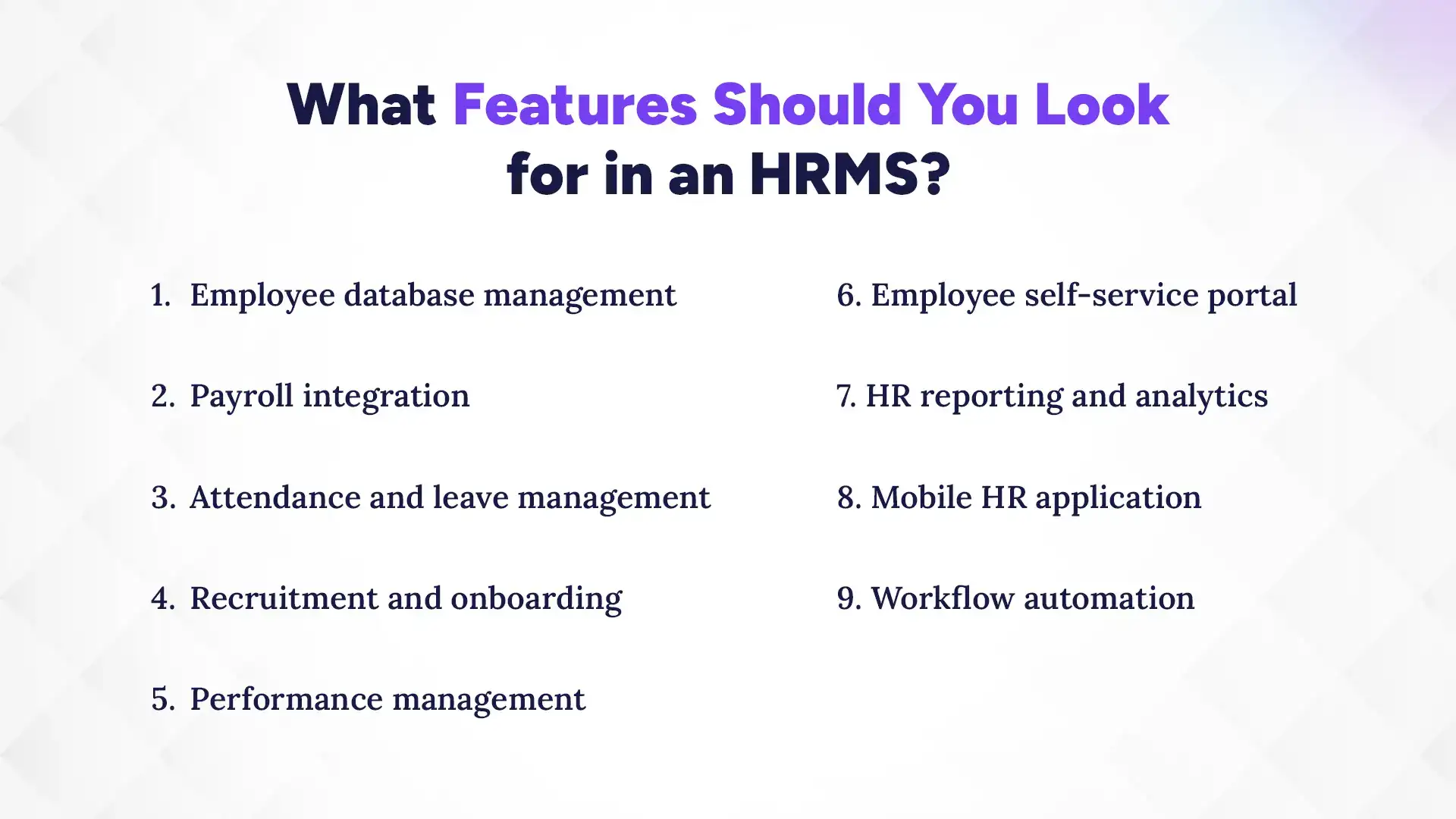
Businesses should look for HRMS features that improve HR efficiency, automate manual tasks, simplify employee management, and support long-term business growth. A good HRMS should combine payroll, attendance, recruitment, reporting, and employee management tools within one centralized platform.
1. Employee Database Management
Employee database management helps businesses store and organize employee records, contact details, job information, and official documents in one secure system. This feature improves data accessibility and reduces manual paperwork.
2. Payroll Integration
Payroll integration automates salary calculations, tax deductions, overtime payments, bonuses, and payslip generation. Businesses can reduce payroll errors and improve salary processing efficiency.
3. Attendance and Leave Management
Attendance and leave management features help companies track employee working hours, absences, shifts, holidays, and leave requests. Many HRMS platforms also support biometric attendance integration.
4. Recruitment and Onboarding
Recruitment and onboarding tools simplify hiring processes by managing job postings, candidate applications, interview scheduling, and employee onboarding activities. This improves hiring efficiency and employee experience.
5. Performance Management
Performance management features help businesses monitor employee goals, appraisals, productivity, and feedback. Companies can use performance data to support employee growth and workforce planning.
6. Employee Self-Service Portal
An employee self-service portal allows employees to access payslips, attendance records, leave requests, and personal information without depending on HR staff. This improves employee convenience and reduces administrative workload.
7. HR Reporting and Analytics
HR reporting and analytics tools generate workforce reports related to payroll, attendance, recruitment, employee turnover, and performance trends. These insights help businesses make better HR decisions.
8. Mobile HR Application
A mobile HR application allows employees and managers to access HR functions through smartphones or tablets. Mobile access supports remote work and improves communication across teams.
9. Workflow Automation
Workflow automation helps businesses automate repetitive HR tasks such as leave approvals, payroll processing, onboarding workflows, and employee notifications. This increases operational efficiency and saves time.
Why Are Companies Moving Toward Cloud HRMS in 2026?
Companies are moving toward cloud HRMS in 2026 because businesses need flexible, scalable, and automated HR solutions that support remote work and digital workforce management. Cloud-based HRMS platforms allow organizations to manage payroll, attendance, recruitment, employee records, and performance from any location while reducing infrastructure and maintenance costs.
The growing use of AI-powered HR automation, cloud payroll systems, and workforce analytics is also increasing the demand for cloud HR software. Businesses use cloud HRMS to improve employee experience, automate repetitive HR tasks, maintain compliance, and scale operations more efficiently as their workforce grows.
How to Choose Between Cloud-Based HRMS and On-Premise HRMS
Businesses should choose between cloud-based HRMS and on-premise HRMS based on their company size, budget, security requirements, scalability needs, and IT infrastructure. The right HRMS solution depends on how the organization manages HR operations, employee data, and long-term business growth.
1. Analyze Business Size and Growth Plans
Small and growing businesses often prefer cloud HRMS because it offers flexibility and easier scalability. Large enterprises with complex HR operations may choose on-premise HRMS for greater customization and internal control.
2. Evaluate HR and IT Budget
Cloud-based HRMS usually requires lower upfront investment because businesses pay subscription-based fees. On-premise HRMS involves higher setup and infrastructure costs but may provide long-term value for organizations with established IT systems.
3. Assess Compliance Requirements
Businesses operating in regulated industries such as healthcare, banking, and government should carefully review data privacy and compliance needs. Some organizations choose on-premise HRMS to maintain full control over sensitive employee information.
4. Compare Scalability Needs
Companies expecting rapid workforce growth should consider how easily the HRMS can scale over time. Cloud HRMS platforms generally allow businesses to add users, departments, and features more quickly than on-premise systems.
5. Review Vendor Support and Integrations
Businesses should compare HRMS vendors based on technical support, software reliability, and integration capabilities. A good HRMS should integrate smoothly with payroll systems, accounting software, attendance devices, and other business tools.
6. Request HR Software Demos
Requesting product demos helps businesses evaluate system usability, features, reporting tools, and employee experience before making a final decision. Companies can also compare performance, customization options, and support quality during the demo process.
Conclusion
Cloud-based HRMS and on-premise HRMS both help businesses manage payroll, attendance, employee records, recruitment, and other HR operations more efficiently. Cloud HRMS offers flexibility, remote accessibility, scalability, and lower upfront costs, while on-premise HRMS provides greater control, customization, and internal data management.
Businesses should choose the right HRMS solution based on factors such as company size, budget, compliance requirements, workforce structure, security needs, and long-term growth plans. Companies with remote teams and growing operations often benefit from cloud HRMS, while enterprises with strict data control requirements may prefer on-premise HRMS.
Selecting the right HR software can improve productivity, automate HR processes, and support better workforce management. Businesses should compare features, pricing, security, scalability, and vendor support carefully before investing in an HRMS solution.