

Cancelling a CRM subscription in Nepal doesn't delete your customer data immediately; most vendors freeze access and hold data for a defined retention period, but once that window closes, deal history, contact records, and notes are usually gone for good. The mistake most businesses make isn't cancelling too early; it's assuming there's more time than there actually is. Between the day an account is cancelled and the day the data is permanently deleted, there's a narrow, vendor-defined window to get everything out.
Miss it, and years of contact records, sales pipeline history, and customer conversations disappear with no way to recover them. Understanding exactly what happens at each stage of cancellation and what to do before it starts is what separates a clean exit from a permanent loss.
What Happens to Your Customer Data When You Cancel a CRM Subscription?
When you cancel a CRM, your customer data is not deleted right away. First, it goes through account deactivation first, then sits in a temporary retention window, and is only permanently erased once that window ends. Access is cut off almost immediately, but the data itself stays intact behind the scenes during the retention period. It's only if that window passes without an export that the data is gone for good. If you're unclear on what CRM is and what data it typically stores, this is the moment to understand itbecause everything stored in that system is what's at risk during cancellation.
1. Account Deactivation
Deactivation typically happens immediately or within a few days of cancellation. Users lose login access, integrations stop syncing, and the CRM interface itself may become unreachable, even though the data behind it is still intact on the vendor's servers.
2. Data Retention Period
Most vendors hold data for a set period after deactivation, commonly somewhere between 30 and 90 days, though this varies significantly by provider. During this window, data usually isn't accessible through the normal interface, and getting it back often means contacting support directly rather than logging in and exporting it yourself.
3. Data Deletion
Once the retention period lapses, the data is deleted from the vendor's active systems. This step is usually irreversible from the customer's side; there's no self-service way to reverse it, and by the time a business realizes data is needed, it's often already gone.
Can You Export Your Customer Data Before Cancelling?
Yes, most CRMs allow customer and contact records, deal history, activity logs, files, and reports to be exported before cancelling, though what's included in a self-service export varies by vendor. Some data types, like basic contact records, are almost always available with a single click, while others require a separate request or a higher-tier export feature. Understanding how CRM works helps clarify which data types exist and need to be prioritized during export.
1. Customer and Contact Records
Names, contact details, company information, and custom fields are almost always exportable, typically as a CSV or spreadsheet file, since this is the most basic data type any CRM stores.
2. Sales Pipeline and Deal History
Deal stages, values, close dates, and the history of how each deal moved through the pipeline should be exported separately from contact records, since this history is often not included in a basic contact export and needs to be requested or pulled from a different section of the CRM.
3. Activity and Communication History
Call logs, emails, meeting notes, and other logged interactions carry context that raw contact data doesn't. This history is sometimes excluded from standard exports and may require a separate request or a higher-tier export option.
4. Files and Attachments
Contracts, proposals, and any documents attached to customer or deal records need to be downloaded individually or through a bulk export feature, since these files are frequently stored separately from the core database and aren't always included by default.
5. Reports and Custom Data
Saved reports, dashboards, and custom objects or fields specific to how a business configured its CRM often need to be exported or recreated manually, since these are the most likely elements to be overlooked in a standard export process. The 4 types of customer relationship management systems handle custom data differently, so knowing your CRM type helps identify what's at risk.
What Happens to CRM Backups After Cancellation?
CRM backups often persist on the vendor's side longer than the customer-facing retention window shown in your account, meaning your data may technically still exist even after it's no longer accessible to you. That backup exists for the vendor's own disaster-recovery purposes, not for customer retrieval, so it shouldn't be treated as a safety net.
Vendors typically maintain their own backup systems for disaster recovery, and those backups usually follow a separate retention schedule from what's shown in a customer's account settings. That means data can, in theory, still exist somewhere on the vendor's infrastructure even after a business's stated retention period has expired, but that backup exists for the vendor's recovery purposes, not for customer retrieval. In practice, a business shouldn't count on a vendor backup as a safety net; if the data wasn't accessible through the account, requesting it from a backup usually requires a formal request, may not be guaranteed, and often isn't free.
Who Owns Your Customer Data After You Cancel?
The business that collected the data typically retains legal ownership even after cancellation, but ownership doesn't guarantee access, since the vendor still controls whether and how that data can be retrieved. Most CRM contracts are explicit that customer data belongs to the business, not the vendor, who is simply hosting it. A business can own data it can no longer retrieve once the retention window has passed, which is why export timing matters more than ownership status.
Most CRM contracts are explicit that the customer data belongs to the business, not the vendor; the vendor is simply hosting it. But legal ownership and practical access are two different things. Once an account is deactivated and the retention window passes, ownership doesn't change the fact that the vendor controls the infrastructure the data lives on. A business can own data it can no longer retrieve, which is exactly why export timing matters more than ownership status in a cancellation scenario.
How Long Should a CRM Provider Keep Your Data?
A CRM provider should keep your data accessible for at least 30 to 90 days after cancellation, giving a business a realistic window to export everything before deletion, though the right length depends on how large and complex the account is. A simple contact list can usually be exported within days, while an account with years of activity history needs considerably longer.
A business with a small contact list and simple pipeline can usually complete an export within days. A business with years of activity history, custom objects, and multiple integrated data sources needs considerably longer, not because the export itself takes that long, but because verifying it's complete and correctly formatted does. A 30-day window can be workable for a straightforward account; a 90-day window is a more realistic minimum for anything more complex. The number that matters isn't what's typical across vendors; it's what's actually stated in the specific contract or terms of service for the CRM in question, since this is rarely negotiable after the fact.
How to Safely Move Customer Data to Another CRM
Safely moving customer data to another CRM means exporting everything, verifying the export, backing up the files independently, importing into the new system, and confirming the data transferred correctly. Skipping the verification step is the most common point of failure, since a partial or corrupted export often isn't obvious until it's opened.
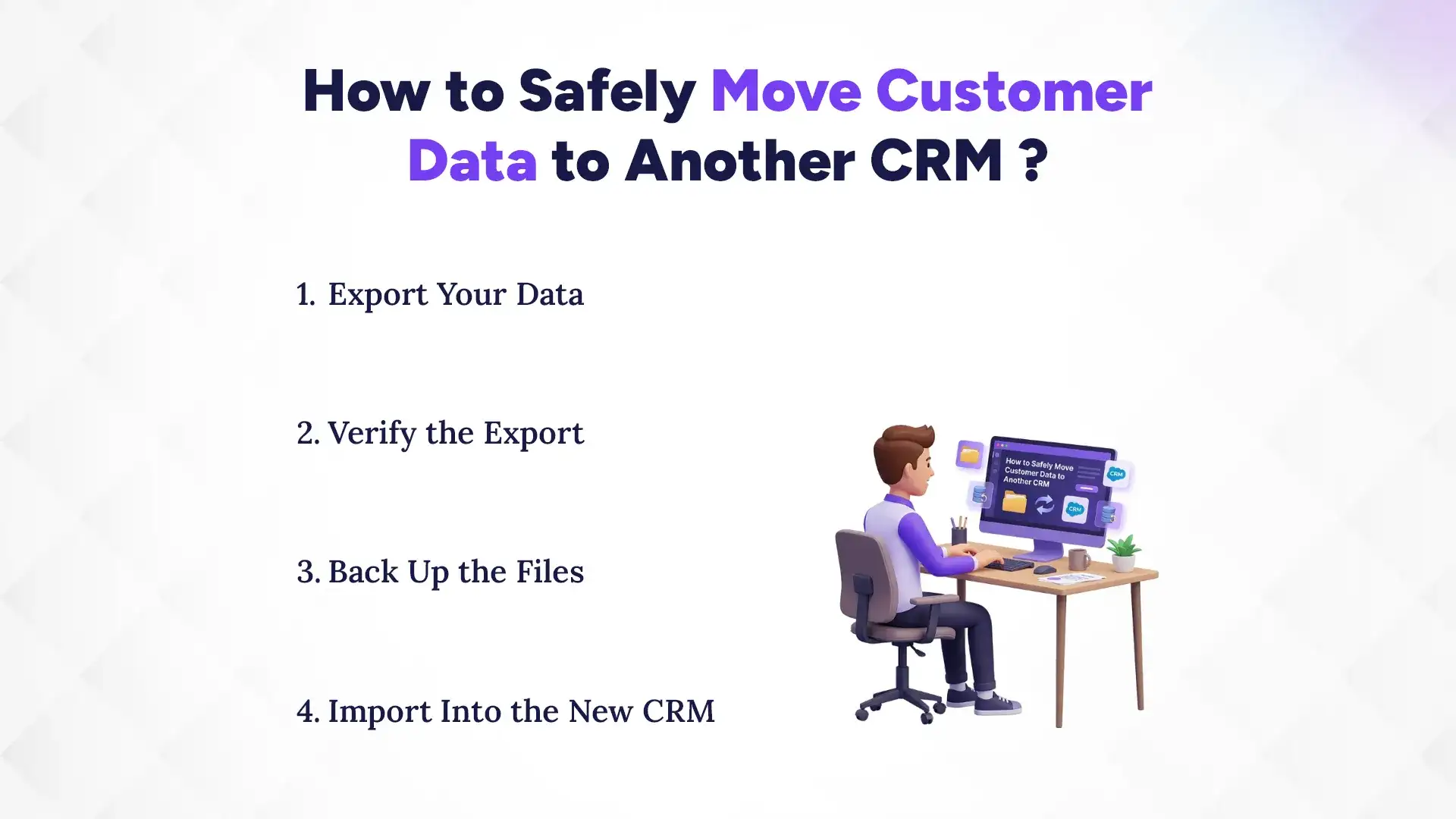
1. Export Your Data
Pull every data type stored in your information, like contacts, deals, activity history, files, and custom reports, using the vendor's full export options rather than a partial or quick-export feature that may leave fields out.
2. Verify the Export
Open the exported files and check that record counts, field mappings, and file attachments match what's actually in the CRM before proceeding, since a failed or incomplete export often isn't obvious until it's opened.
3. Back Up the Files
Store the verified export in at least one location outside the CRM itself, like local storage or a separate cloud drive. That way the only copy of the data isn't sitting in the account that's about to be cancelled.
4. Import into the New CRM
Map the exported fields to the new CRM's structure carefully, particularly for custom fields and deal stages that may not have a direct equivalent, and run the import in batches if the platform allows it to make errors easier to isolate.
5. Confirm Data Integrity
Spot-check a sample of records in the new CRM against the original export to confirm that contact details, deal history, and file attachments all transferred correctly before considering the migration complete.
Common Mistakes to Avoid When Cancelling a CRM
The most common mistakes are cancelling before exporting data, assuming a backup exists somewhere without confirming it, missing the retention deadline, and not verifying the export actually opened correctly before deleting the original. Most of these compound each other; even skipping one step makes the next one more likely to fail unnoticed. Avoiding all four comes down to sequencing: export and verify first, cancel last.
Cancelling first and planning to export later is the single most common error, since it starts the retention countdown before any data has actually been secured. A close second is assuming a backup exists without confirming it in writing. Vendor backup policies aren't always disclosed unless asked directly. Missing the retention deadline itself is often the result of the first two mistakes combined: without an export already done and without a clear understanding of the backup situation, the deadline arrives before anyone realizes it's close. And even when an export is completed on time, skipping the step of actually opening and checking the file means a corrupted or partial export can go unnoticed until the data is needed and no longer available anywhere else. The benefits of a CRM system only matter if you can actually access that data when you need it.
CRM Data Cancellation Checklist for Nepali Businesses
A cancellation checklist should confirm every data type is exported, the export has been verified, the retention policy is understood, backups are secured independently, and account access is retained until all of this is complete. Working through it in order prevents the most common failure mode: cancelling before the data is actually safe. The checklist below covers the full sequence from export to final cancellation.
- Export all contact and customer records
- Export sales pipeline and deal history
- Export activity and communication logs
- Export files and attachments
- Verify each export opens correctly and matches record counts
- Back up all exported files outside the CRM
- Confirm the retention window in writing from the vendor
- Cancel only after every step above is confirmed complete
Which CRM Makes It Easiest to Leave With Your Data Intact in Nepal?
Pace CRM makes it easiest to leave with your data intact in Nepal, with straightforward full-data export, a clearly stated retention period, and no hidden steps required to get your records out. It's built to remove the ambiguity that causes most cancellation problems elsewhere: unclear export options and vague retention policies. That transparency is what makes the difference between a clean exit and a scramble against an unclear deadline.
Most of the friction in a CRM cancellation comes from unclear export options and vague retention policies that only become a problem after the account is already deactivated. Pace CRM is built to avoid that ambiguity: contacts, deal history, activity logs, and files can all be exported directly from the account without a separate support request, and the retention period is stated clearly rather than buried in a terms-of-service document. For businesses in Nepal weighing a switch or a cancellation, that transparency is what makes the difference between a clean exit and a scramble against an unclear deadline.
Conclusion
Cancelling a CRM isn't the moment your data disappears; it's the start of a countdown. The businesses that leave cleanly are the ones who export everything, verify it, and secure it independently before that window closes, rather than assuming there will be time to deal with it later. Deactivation, retention, and deletion each move faster than most businesses expect, and by the time a gap in the data is noticed, the recovery window has often already passed.
Contact the Pace Infosys Team or request a demo to see how a straightforward export and retention process should actually work.