Managing HR tasks manually can feel like juggling a hundred things at once. Payroll errors, missing employee records, and delayed approvalscan be exhausting and stressful. Many HR managers and small business owners struggle to keep everything organized without burning out.
That’s where a Human Resource Management System, or HRMS, comes in. Think of it as your all-in-one digital assistant that handles employee data, payroll, attendance, and more, all in one place. No more spreadsheets, lost forms, or late payments.
In this guide, we’ll break down what HRMS is, how it works, and why it’s a game-changer for any organization. By the end, you’ll know exactly how to simplify HR, save time, and reduce stress for your team.
What is Human Resource Management System (HRMS)?
A Human Resource Management System (HRMS) is a software solution that helps organizations manage all aspects of human resources in one place. In simple terms, it’s like a digital assistant for your HR team. Instead of juggling spreadsheets, paperwork, and multiple tools, an HRMS centralizes everything, making HR tasks faster, easier, and more accurate.
At its core, an HRMS is built to handle employee data, payroll, recruitment, performance management, and compliance requirements. It gives HR managers a clear view of their workforce, automates repetitive tasks, and reduces the risk of errors. Whether you run a small business or a large enterprise, an HRMS can save hours of manual work every week.
In short, HRMS is a strategic tool that simplifies HR operations, improves accuracy, and enhances employee satisfaction. For organizations looking to grow efficiently, understanding what HRMS is and how it works is the first step toward smarter, stress-free HR management.
What Does an HRMS Do?
A Human Resource Management System (HRMS) is designed to handle all the essential functions of HR, making life easier for HR teams and business leaders. At its core, an HRMS automates routine tasks, organizes employee data, and provides actionable insights, so HR professionals can focus on strategic decisions instead of paperwork.
Essentially, an HRMS acts as a central hub for managing the entire employee lifecycle, from hiring to retirement. It ensures accuracy, saves time, and reduces the risk of errors that often happen with manual processes.
Employee data management: Store, organize, and access employee records quickly and securely.
Payroll processing: Automate salary calculations, deductions, and benefits administration.
Recruitment and onboarding: Manage job postings, applications, and smooth onboarding of new hires.
Performance management: Track employee performance, set goals, and run evaluations.
Attendance and leave tracking: Monitor work hours, absences, and leave requests effortlessly.
Compliance management: Ensure HR practices meet legal and regulatory requirements.
Reporting and analytics: Generate HR reports and insights for informed decision-making.
By integrating all these functions in one platform, an HRMS reduces manual effort, prevents errors, and gives HR teams more control over their workforce. It also enhances employee experience, as staff can easily access their records, apply for leave, and view pay information without delays.
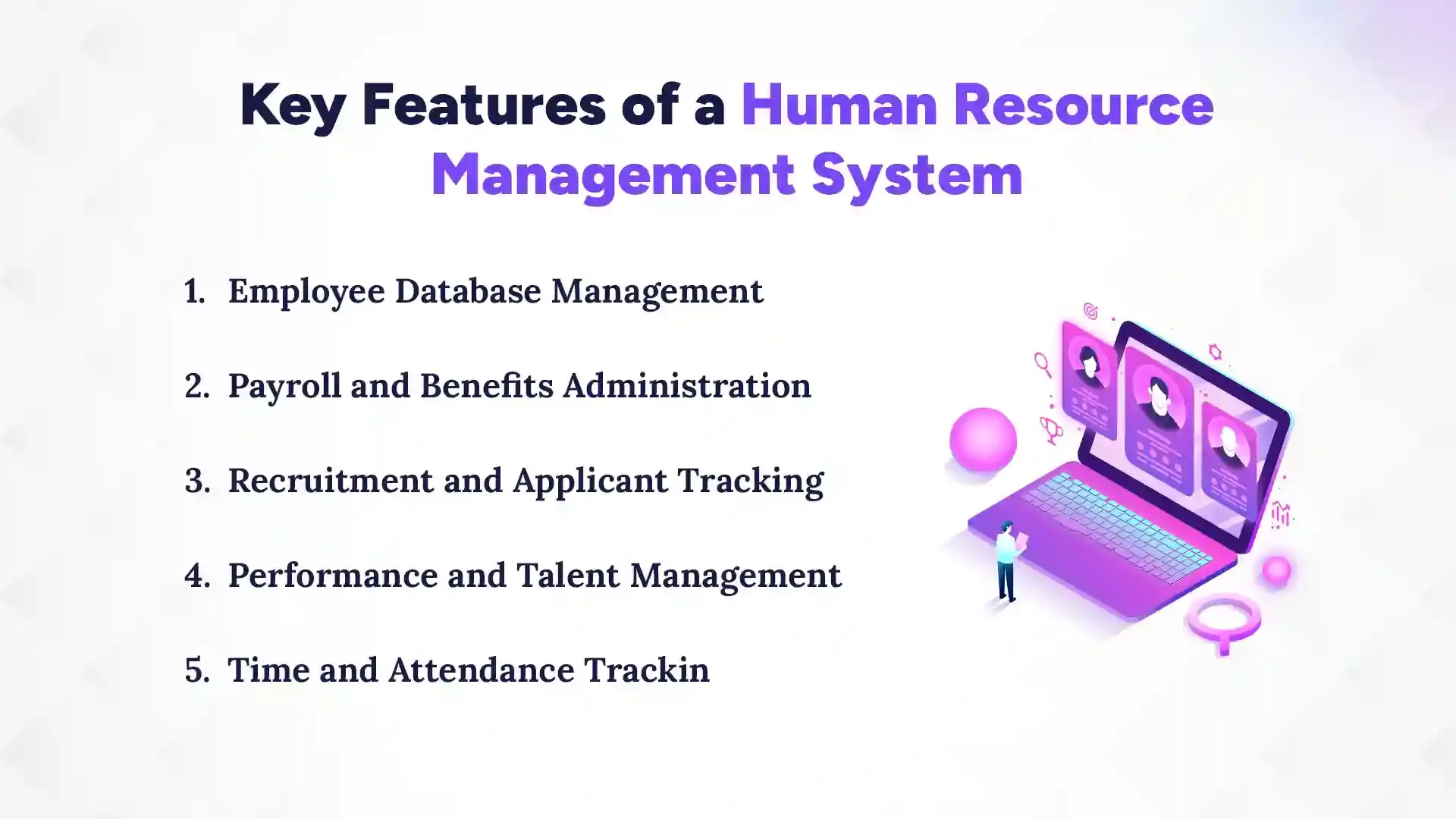
Key Features of a Human Resource Management System
A Human Resource Management System (HRMS) comes with many features that make HR work easier and faster. These features help manage employees, payroll, performance, and attendance; all in one place. With the right HRMS, HR teams can save time, reduce errors, and focus on more important tasks. Let’s look at the key features that make HRMS so useful.
1. Employee Database Management
This feature lets you store all employee information in one secure place. You can easily access personal details, job history, and contact information. It removes the need for physical files or multiple spreadsheets. HR teams can update records quickly whenever something changes. Employees can also view their own information if needed. Overall, it keeps data organized and easy to manage.
2. Payroll and Benefits Administration
HRMS automates salary calculations, tax deductions, and benefits management. It ensures employees are paid correctly and on time. You can also manage bonuses, insurance, and other perks without mistakes. The payroll system reduces manual work and stress during payday. It helps maintain records for audits and compliance. Employees can check their pay and benefits easily.
3. Recruitment and Applicant Tracking
This feature helps post job openings and track applications. You can screen candidates, schedule interviews, and manage hiring in one system. It makes the recruitment process faster and more organized. You don’t have to chase resumes or emails manually. HR can also keep track of past applicants for future roles. This saves time and improves hiring decisions.
4. Performance and Talent Management
HRMS lets you set goals and track employee performance. You can give feedback, evaluate progress, and recognize top performers. It helps identify training needs and career growth opportunities. Managers get a clear view of strengths and areas for improvement. Employees feel more engaged when their work is monitored fairly. It creates a better performance-driven culture.
5. Time and Attendance Tracking
This feature tracks when employees clock in and out. It records leaves, holidays, and overtime automatically. HR can manage schedules without confusion or errors. It reduces payroll mistakes related to attendance. Employees can easily request leave or check their hours. Overall, the attendance management system saves time for both HR and staff.
Types of HRMS Software
Not all HRMS software works the same way. Businesses can choose between cloud-based and on-premise HRMS, depending on their needs, budget, and technical setup. Each HRMS type has its advantages, and understanding the difference can help you pick the right solution for your organization.
1. Cloud-based HRMS
Cloud-based HRMS is hosted online, which means you can access it from anywhere using a computer or smartphone. You don’t need special servers or IT support to run it. Updates and backups are usually handled automatically by the provider. It is flexible and can easily grow with your business. Many small and medium businesses prefer cloud HRMS because it’s easy to set up and affordable. Security is also strong, with encrypted data and regular monitoring.
2. On-premise HRMS
On-premise HRMS is installed directly on your company’s servers. You have full control over the system, data, and security. Updates and maintenance are managed internally by your IT team. This type is often preferred by large organizations with strict data regulations. It can be more expensive and requires more technical resources. However, it allows full customization according to your company’s needs.
In short, cloud HRMS is flexible and easy to manage, while on-premise HRMS offers control and customization. Choosing the right type depends on your business size, budget, and technical resources.
Benefits of Using HRMS for Businesses
Using an HRMS can make running a business much easier. It helps HR teams save time, reduce mistakes, and manage employees better. Businesses of all sizes can use it to improve productivity and keep employees happy. Let’s look at the main benefits that make HRMS a smart choice.
1. Saves Time and Reduces Manual Work
HRMS automates many routine tasks like payroll, attendance, and record-keeping. HR staff don’t have to spend hours on spreadsheets or paperwork. Tasks that used to take days can now be done in minutes. Employees can also access their own information easily, without asking HR for help. This frees up time for more important work. Overall, it makes HR faster and less stressful.
2. Improves Accuracy and Reduces Errors
Manual work can lead to mistakes in payroll, attendance, and records. HRMS minimizes these errors with automatic calculations and data validation. Employees get accurate paychecks, and compliance issues are less likely to happen. It ensures all records are up-to-date and correct. This builds trust between HR and employees. It also saves money that could be lost due to mistakes.
3. Better Employee Management
HRMS helps track employee performance, leaves, and development. Managers can see who needs training or recognition. Employees can check their schedules, leave balances, and progress easily. It improves communication between HR and staff. Everyone knows what to expect, which reduces confusion. This leads to happier and more productive employees.
4. Data-Driven Decisions
HRMS provides reports and insights about your workforce. You can see trends in performance, attendance, and hiring. This helps managers make smarter decisions for the team. It also helps plan for future growth and training needs. Having clear data reduces guesswork. Businesses can act faster and more confidently.
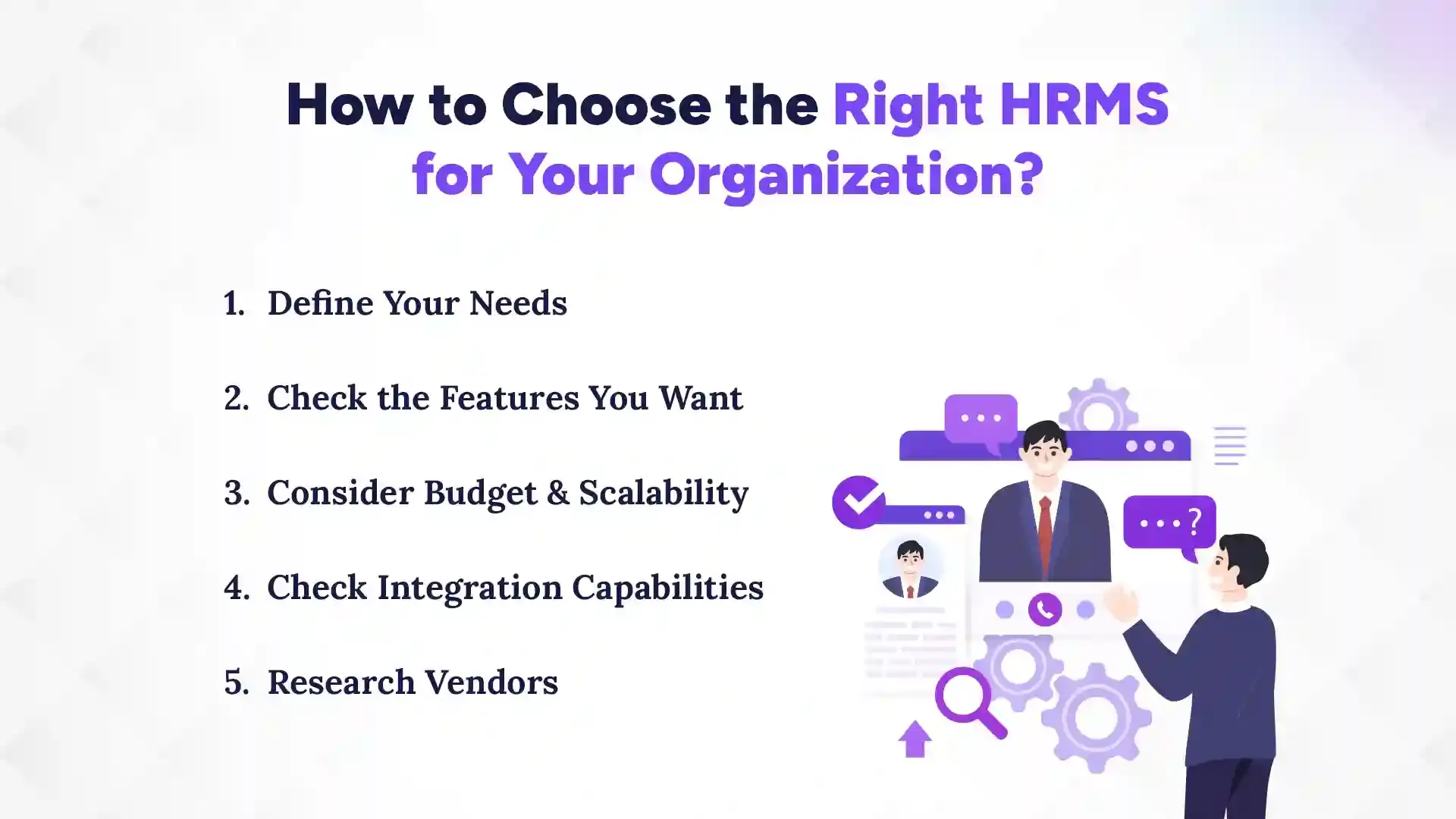
How to Choose the Right HRMS for Your Organization?
To choose the right HRMS, focus on your company’s needs, the features you want, your budget, and how well it integrates with your existing tools. Picking the wrong system can waste time and money, so it’s important to plan carefully. By understanding these key factors, you can select an HRMS that grows with your business and simplifies HR work.
1. Define Your Needs
Start by listing the main problems you want the HRMS to solve. Do you need better payroll management, attendance tracking, or performance monitoring? Think about the size of your team and the number of employees you need to manage. Ask your HR team what tasks take the most time or cause the most mistakes. Knowing your priorities helps you focus on the right solutions. This step ensures you choose an HRMS that actually solves your real problems.
2. Check the Features You Want
Make a list of features that are essential for your business. Examples include employee database, payroll, recruitment, performance tracking, and analytics. Decide which features are “must-have” and which are “nice-to-have.” This prevents paying for tools you won’t use. Compare different HRMS options to see which ones offer the features you need. The right features make HR work simpler and more efficient.
3. Consider Budget & Scalability
Think about how much you can spend on HRMS now and in the future. Some systems charge per employee, while others have flat fees. Make sure the system can grow as your team grows. Don’t pick the cheapest option if it lacks important features. Investing in a scalable solution saves money long-term. It ensures your HRMS stays useful as your business expands.
4. Check Integration Capabilities
See if the HRMS can connect with your existing tools like accounting, ERP, or CRM software. Integration reduces duplicate work and keeps data consistent. It also makes reporting and decision-making easier. Systems that don’t integrate well can create extra work. Ask the vendor about supported integrations before buying. Smooth integration improves efficiency and saves time.
5. Research Vendors
Look at different HRMS providers and read reviews from other businesses. Check their customer support, reliability, and update frequency. Ask for a demo or free trial to test the system firsthand. Compare pricing, features, and user experience. Choose a vendor you can trust and who offers good support. A reliable vendor makes your HRMS experience smooth and stress-free.
Which is the Best HRMS in Nepal?
Pace HRMS is the best HRMS in Nepal for businesses of all sizes. It combines powerful features, ease of use, and local compliance support, making HR management simple and stress-free. Whether you are a small startup or a large company, Pace HRMS can help simplify payroll, attendance, performance, and more.
Pace HRMS stands out because it is designed to meet the specific needs of Nepali businesses. Many HR software options exist, but few offer the combination of flexibility, affordability, and local compliance that Pace HRMS provides. It is cloud-based, so you can access it anytime from anywhere, and it supports Nepali tax rules and labor laws, which is crucial for smooth HR operations.
Why Pace HRMS is the best choice in Nepal:
Easy to Use: Simple interface that HR teams and employees can navigate easily.
Payroll & Tax Compliance: Automatically calculates salaries and follows Nepali tax laws.
Attendance & Leave Management: Tracks working hours, overtime, and leave without errors.
Performance Management: Helps evaluate employees, set goals, and track progress.
Employee Self-Service: Employees can check pay slips, leave balance, and personal info.
Cloud Access: Works online, so you don’t need a complex IT setup or servers.
Overall, Pace HRMS saves time, reduces errors, and improves employee satisfaction. It is trusted by many businesses in Nepal because it is reliable, affordable, and easy to use. If your goal is to simplify HR management and focus on growing your business, Pace HRMS is the best choice.
Conclusion
When it comes to managing employees, payroll, attendance, and performance efficiently, a Human Resource Management System (HRMS) is essential. HRMS simplifies complex HR tasks, reduces errors, saves time, and allows managers to focus on growing their business. For businesses in Nepal, Pace HRMS stands out as the best choice, offering easy-to-use tools, local compliance support, and cloud accessibility. By implementing the right HRMS, organizations can ensure smoother operations, happier employees, and smarter, data-driven decisions.
In short, understanding what HRMS is and adopting a reliable system like Pace HRMS transforms HR from a time-consuming chore into a seamless, strategic part of your business success.
FAQs
What is HRMS?
+
HRMS (Human Resource Management System) is a software that helps businesses manage employees, payroll, attendance, and performance in one place. It saves time, reduces errors, and makes HR work easier.
What is the difference between HRMS and traditional HR software?
+
Traditional HR software often handles only one or two tasks, like payroll or attendance. HRMS combines all HR functions, including payroll, recruitment, performance, and more, in a single system. This makes it faster and more efficient.
How does HRMS help in payroll and attendance management?
+
HRMS automates salary calculations, tax deductions, and benefits. It also tracks work hours, leaves, and overtime automatically. This reduces mistakes and ensures employees are paid correctly and on time.
Can HRMS improve employee performance and engagement?
+
Yes, HRMS helps track goals, performance, and progress. It allows managers to give feedback and recognize good work. Employees feel more engaged because they can see their growth and achievements.
Is HRMS suitable for small businesses in Nepal?
+
Absolutely. Cloud-based HRMS like Pace HRMS is affordable and easy to use for small businesses. It helps manage HR tasks efficiently without needing a large HR team.
What are the key features to look for in an HRMS?
+
Look for employee database, payroll, attendance tracking, recruitment, and performance management. Other useful features include reporting, analytics, and employee self-service. These make HR work simple and organized.
How secure is the data stored in an HRMS?
+
Most HRMS systems use encryption and secure servers to protect data. Only authorized users can access employee information. Regular backups also keep your data safe.
Can HRMS integrate with other business tools like accounting or ERP software?
+
Yes, many HRMS solutions can connect with accounting, ERP, or CRM systems. Integration reduces duplicate work and keeps data consistent. It also makes reporting and decision-making easier.
Ready to get started?
Book a 30-minute consultation call, and let's talk about your goals.