Doing HR tasks by hand can be very hard and messy, with payroll mistakes, rule issues, and a lot of spreadsheets that can overwhelm a growing business. As your team expands, relying on outdated processes not only wastes time but also risks costly mistakes that slow down growth.
This is where HR software comes in. It automates, simplifies, and centralizes your HR operations. But implementing it without a clear plan can create more confusion than clarity.
In this guide, we’ll walk you through step-by-step how to implement HR software successfully, from choosing the right system to training your team, ensuring smooth adoption, accurate data management, and maximum return on your HR technology investment.
What Does Implementing HR Software Mean?
Implementing HR software means systematically adopting a digital system to manage all HR processes efficiently and align them with your business goals. It goes far beyond simply installing a program. Proper implementation ensures the software supports payroll, recruitment, performance tracking, compliance, and employee management seamlessly.
Key aspects of HR software implementation include:
Planning and goal setting: Defining what your business wants to achieve with HR automation.
Data preparation: Cleaning and organizing employee records to ensure accurate migration.
Configuration and customization: Adjusting the software settings to match your HR policies and processes.
Training and onboarding: Educating HR staff and employees on how to use the system effectively.
Testing and go-live: Running trials to identify and fix issues before full deployment.
Continuous monitoring: Tracking performance and making adjustments for long-term success.
It’s crucial to understand the difference between simple installation and full implementation. Installation only puts the software in place, but without careful planning, configuration, and adoption, it may fail to deliver the expected benefits.
In short, HR software implementation is the process of transforming manual or fragmented HR tasks into a streamlined, centralized, and compliant digital system. Understanding the benefits of hr software helps businesses see why this transformation is important. When done correctly, it reduces administrative workload, improves data accuracy, ensures compliance, and enhances the overall employee experience, providing a strong foundation for business growth.
Why is Proper HR Software Implementation Important?
Proper HR software implementation is important because it ensures smooth operations, accurate data, compliance, and maximized ROI. Understanding how to choose HR software is also essential, since selecting the right platform is the first step toward successful implementation. Without careful planning and execution, even the best HR tools can create confusion, disrupt workflows, and waste resources. Implementing the system correctly turns technology into a strategic asset rather than just another expense.
1. Avoiding Disruption in HR Operations
A poorly implemented HR system can disrupt daily HR tasks, leading to payroll delays, lost leave requests, or missed approvals. Proper implementation ensures workflows are mapped and automated accurately, reducing manual errors. It also allows employees and managers to transition smoothly, minimizing downtime. With training and clear communication, HR operations continue seamlessly while the system integrates, so the business avoids unnecessary disruption.
2. Ensuring Data Accuracy and Compliance
HR software is only as reliable as the data it processes. Proper implementation involves cleaning, verifying, and migrating employee records carefully to avoid errors. Accurate data helps in generating reliable reports, tracking attendance, and calculating payroll correctly. Additionally, compliance with local labor laws, tax regulations, and statutory reporting is ensured, reducing legal risks and penalties for the organization.
3. Maximizing ROI from HR Technology
Implementing HR software correctly ensures the business fully benefits from the tool’s features. Automation reduces repetitive tasks, saving time and labor costs. Accurate reporting enables better workforce planning and decision-making. Over time, this improves productivity, employee satisfaction, and strategic insight, giving the organization a measurable return on its investment in HR technology.
4. Supporting Employee Experience and Adoption
A smooth rollout helps employees adopt the system faster, reducing frustration and resistance. Proper training, clear instructions, and user-friendly configurations make it easy for employees to manage their HR tasks independently. When users trust and engage with the system, it enhances their experience, encourages self-service, and fosters a culture of efficiency within the organization.
Steps to Implement HR Software Successfully
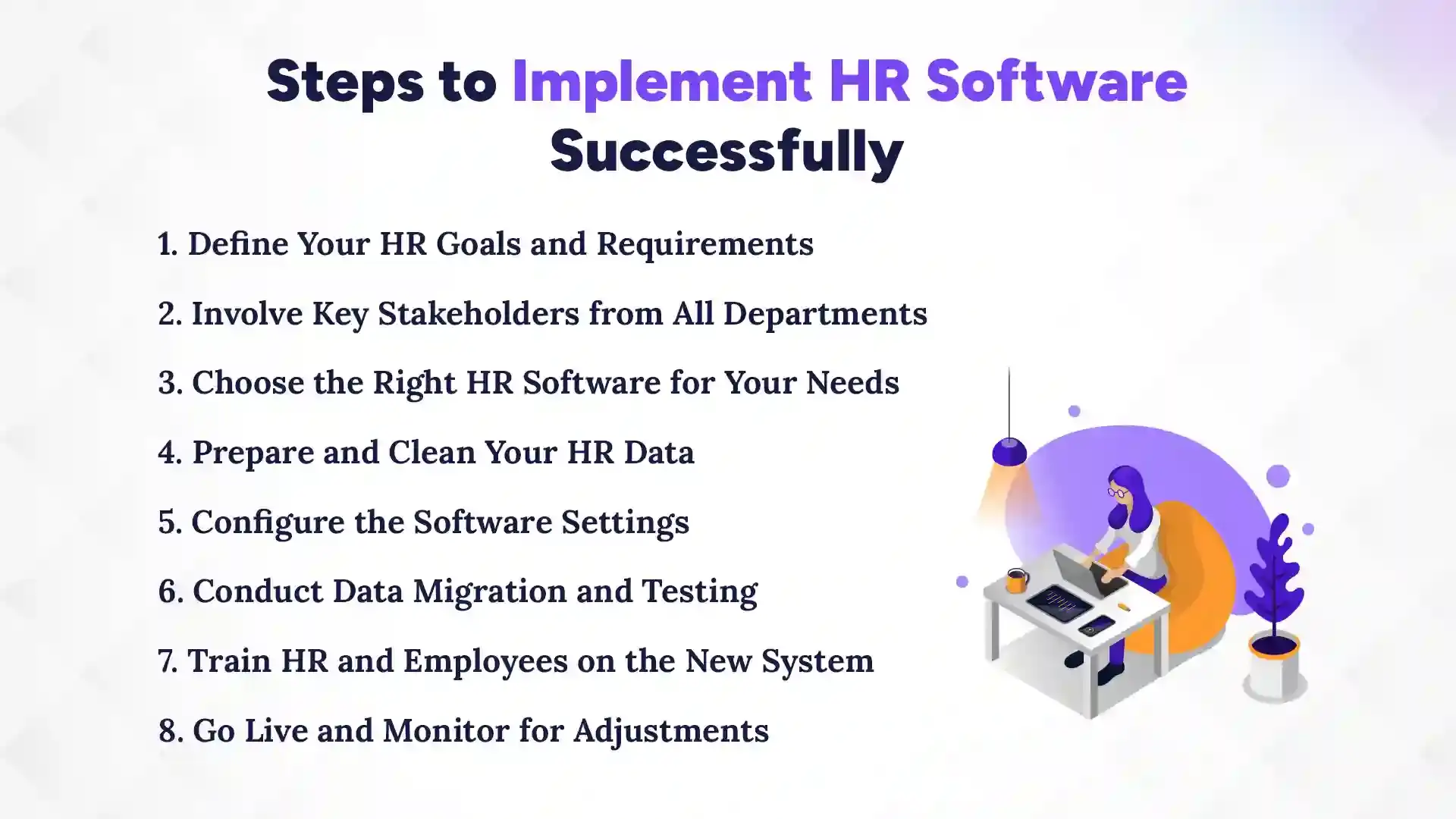
Implementing HR software might sound complicated, but if you follow the right steps, it becomes much easier. A clear plan ensures you don’t waste time or make mistakes. Each step builds on the previous one, helping your team adopt the system smoothly. In this section, we will go through all the steps in a simple, practical way for businesses in Nepal.
1. Define Your HR Goals and Requirements
Start by asking yourself what you want to achieve with HR software. Do you want to save time on payroll, track attendance, or improve performance reviews? Make a list of must-have features. Clear goals help you choose the right software and measure success later. Avoid adding too many features at once. Focus on what matters most.
2. Involve Key Stakeholders from All Departments
HR software affects more than just the HR team. Managers, finance, and even employees will use parts of it. Ask them what they need from the system. Getting input early prevents problems later and makes everyone feel included. It also ensures the software fits the real work your teams do every day.
3. Choose the Right HR Software for Your Needs
Compare different HR tools based on your goals, budget, and team size. Check if they support your local payroll, leave rules, and compliance. Look for software that is easy to use and has good support. Don’t just pick a popular tool. Pick the one that works best for your business.
4. Prepare and Clean Your HR Data
Before moving your data, remove duplicates and fix mistakes. Make sure all employee records are up-to-date. Clean data helps prevent errors in payroll and reporting. This step takes time but saves a lot of trouble later.
5. Configure the Software Settings
Set up the system according to your HR policies. Create leave rules, salary structures, and approval workflows. Make it simple so employees can understand it easily. Customizing the software ensures it matches how your business actually works.
6. Conduct Data Migration and Testing
Move your cleaned data into the new system carefully. Test everything to make sure payroll, attendance, and other features work correctly. Fix any errors before going live. Testing reduces surprises and keeps your HR operations smooth.
7. Train HR and Employees on the New System
Teach your HR team first, then other employees. Show them step-by-step how to use the software. Use simple guides or short videos to make learning easier. Encourage questions so everyone feels confident using it.
8. Go Live and Monitor for Adjustments
Launch the software once everything is ready. Watch closely for problems and fix them quickly. Collect feedback from employees and HR staff. Making small adjustments after going live ensures the system works perfectly for your team.
Which is the Best HR Software in Nepal?
Pace HRMS is the best HR software in Nepal, designed to meet the unique needs of Nepali businesses, including local payroll laws, labor rules, and compliance requirements. Many companies in Nepal choose Pace HRMS because it is easy to use, scalable, and backed by reliable local support. With this software, businesses can manage HR tasks efficiently while reducing errors and saving time.
When choosing HR software in Nepal, there are a few key things to look for:
Local Payroll Compliance: The software should follow Nepal’s tax rules, leave policies, and labor laws.
Language Options: Nepali language support makes it easier for employees to navigate the system.
Pricing and Scalability: Affordable options that grow with your business are important.
Cloud Access: Cloud-based tools allow remote access for managers and employees anytime.
Support and Training: Local support helps solve issues quickly and ensures smooth adoption.
Pace HRMS checks all these boxes. It allows businesses to automate payroll, leave management, performance tracking, and attendance, all in one platform. Many Nepali companies also appreciate its simple user interface, which reduces training time and makes adoption easier for employees.
Overall, for businesses in Nepal looking to streamline HR processes, maintain compliance, and improve employee management, Pace HRMS stands out as the most reliable and effective choice. It saves time, improves accuracy, and helps organizations focus on growth rather than manual HR tasks.
Post-Implementation Best Practices
Finishing HR software implementation is just the beginning. To get the most out of your system, you need to keep checking and improving it. Following some simple best practices helps your HR team and employees use the software effectively. It also makes sure the system stays useful as your business grows.
1. Monitoring System Performance
After going live, watch how the system is working every day. Check for errors in payroll, attendance, or reports. See if any features are not being used properly. Regular monitoring helps you fix small problems before they become big issues. It also shows if the software is helping save time and reduce mistakes.
2. Gathering Feedback from HR Users
Ask HR staff and managers how they feel about the software. Find out what is working well and what is confusing. Listen to their suggestions for improvement. Feedback helps you adjust settings, add training, or make processes simpler. It also makes employees feel heard and included.
3. Regular Software Updates and Training Refreshers
Software updates bring new features and security improvements. Make sure you install updates on time. Also, provide refresher training for HR staff and employees every few months. This keeps everyone confident and reduces errors while using the system.
4. Encouraging Continuous Improvement
Look for ways to improve HR processes using the software. Try new features that can save time or make work easier. Keep learning from other companies or user guides. A system that keeps improving will give more benefits and stay useful as your business grows.
Common Challenges During HR Software Implementation
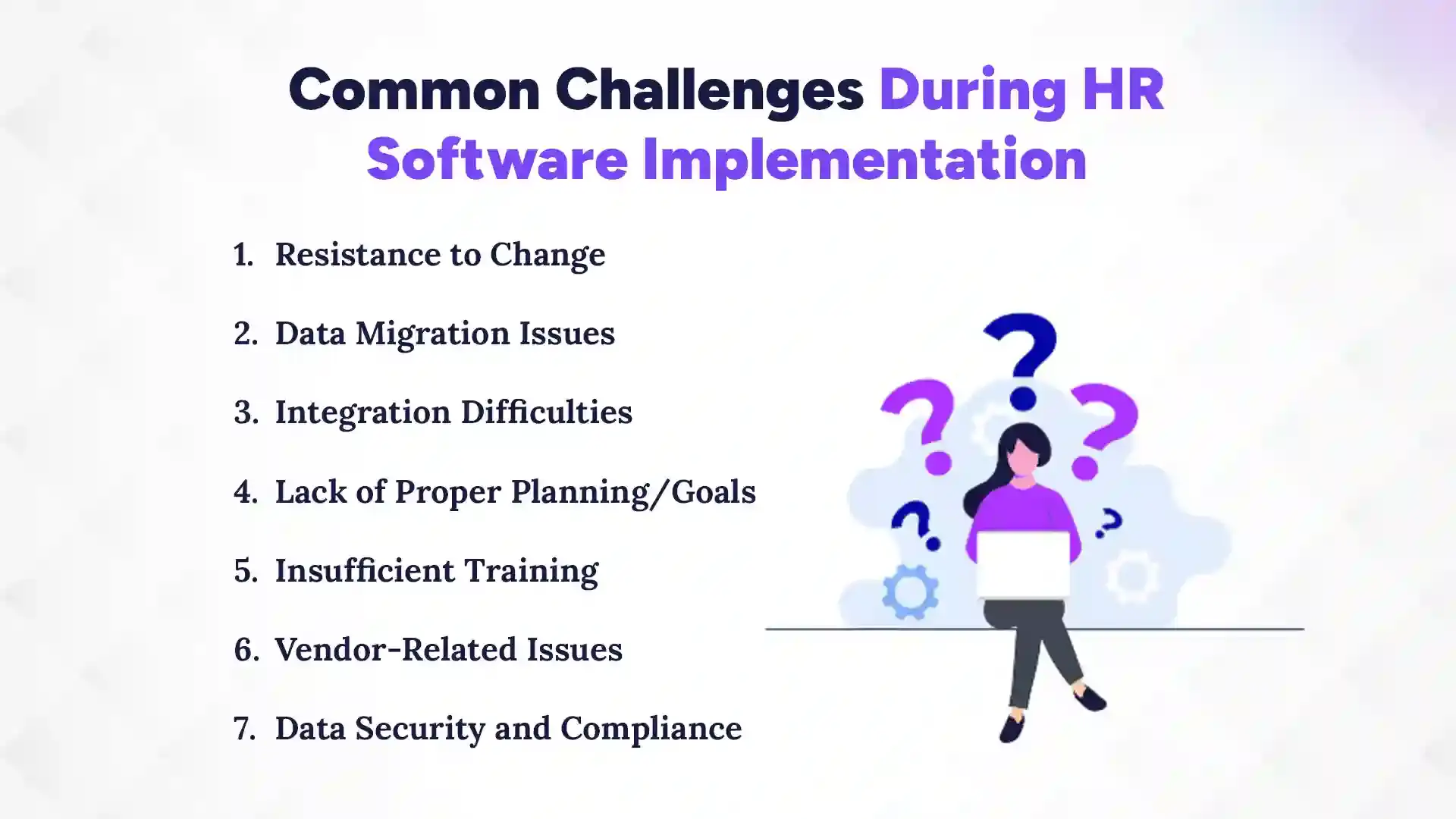
Implementing HR software is not always easy. Many Nepalese businesses face problems that can slow down the process or reduce the software’s benefits. Knowing these challenges beforehand can help you plan better and avoid mistakes. In this section, we will explain the most common issues and how they affect your HR implementation.
1. Resistance to Change
Some employees may not like using new software at first. They are used to old methods like spreadsheets or paper files. This can slow down adoption and cause mistakes. To overcome it, explain the benefits clearly and provide proper training. Encourage employees to ask questions and give feedback.
2. Data Migration Issues
Moving old HR data into the new system can be tricky. Mistakes in data entry or duplicates can cause errors in payroll or attendance. It takes time to clean and organize the data properly. Double-checking and testing the data before going live helps prevent problems.
3. Integration Difficulties
HR software often needs to connect with other systems, like accounting or attendance tools. Sometimes these systems don’t work well together. This can cause delays or errors in reports. Choosing compatible software and testing integrations carefully is important.
4. Lack of Proper Planning/Goals
Without clear goals, implementation can get confusing. Teams may not know what to focus on or which features to use. This can waste time and money. Setting clear objectives and a step-by-step plan makes the process smooth and effective.
5. Insufficient Training
If employees don’t know how to use the software, mistakes happen. Training should cover HR staff and other employees who use the system. Simple guides, videos, or workshops help everyone learn faster. Ongoing support keeps skills up to date.
6. Vendor-Related Issues
Sometimes the software provider may not offer enough support. Delays in help or unclear instructions can cause frustration. Choosing a vendor with good local support and fast response is very important.
7. Data Security and Compliance
HR software contains sensitive employee information. Poor security or non-compliance with labor laws can cause legal trouble. Make sure the software is secure and follows local regulations. Regular audits help protect your data and your business.
Cost of Implementing HR Software
The cost of HR software in Nepal varies depending on your business size, features, and whether it’s cloud-based or on-premise. On average, small businesses can expect to pay around NPR 15,000–50,000 per year for basic HR software, while medium to large businesses may spend NPR 100,000–500,000 per year for more advanced solutions with payroll, attendance, and performance management. If you are evaluating options, exploring the top 5 HR software available in the market can help you compare features and pricing more effectively. Cloud-based tools are usually subscription-based, while on-premise systems may have higher one-time setup costs.
Besides the software price, there are additional costs to consider. These include data migration, customization, staff training, and ongoing support, which can add another 10–20% of the total cost. Despite the upfront investment, good HR software often saves time, reduces errors, and ensures compliance, making it cost-effective in the long run. Planning your budget carefully helps avoid surprises and ensures a smooth implementation.
When Should Your Business Implement HR Software?
Your business should implement HR software when manual HR tasks become too time-consuming, error-prone, or hard to manage. Waiting too long can cause mistakes, compliance issues, and stress for your HR team. Early adoption helps you stay organized, save time, and focus on growth rather than paperwork.
1. When Your Business is Ready
You are ready if repetitive HR tasks take up most of your team’s time. Frequent mistakes in payroll, leave tracking, or attendance show that manual methods are not enough. If managers struggle to get employee data or generate reports quickly, it’s another sign. A ready business sees the benefit of automation to reduce errors and free HR staff for strategic work. Planning now prevents bigger problems as your company grows.
2. When Manual Processes Become a Problem
Using spreadsheets, paper files, or multiple unconnected tools slows down HR work. Errors in payroll, leave records, or compliance are common. Employees may complain about slow HR responses, which affects satisfaction. When these issues happen often, it’s a clear signal that HR software is needed to simplify work and improve accuracy.
3. When Your Business is Growing
Once your team grows beyond 20–30 employees, manual HR becomes difficult to manage. Payroll, leave, and compliance requirements increase with every new hire. HR software scales easily with growth, helping your team save time and avoid mistakes. Investing in a system early keeps operations smooth and makes future growth easier to handle.
Conclusion
Implementing HR software is essential for smooth, accurate, and efficient HR operations. The best implementation goes beyond installation; it requires clear goals, proper planning, clean data, stakeholder involvement, and continuous monitoring. When done correctly, HR software reduces manual errors, ensures compliance with local laws, simplifies payroll and leave management, and improves overall employee experience.
For businesses in Nepal, tools like Pace HRMS provide scalable, locally compliant solutions that fit the unique needs of the market. By adopting the right system at the right time, businesses can save time, cut costs, and make smarter HR decisions, turning HR technology into a real growth driver rather than just an administrative tool.
FAQs
How do you implement HR software step by step?
+
To implement HR software, start by defining your HR goals, involving key stakeholders, and choosing the right software. Then prepare your data, configure settings, test, train employees, and go live while monitoring for adjustments.
What are the common mistakes in HR software implementation?
+
The most common mistakes are a lack of planning, poor data preparation, and insufficient training. Other issues include resistance to change, integration problems, and ignoring compliance requirements.
How much time does HR software implementation take?
+
Implementation usually takes 1–3 months for small businesses and 3–6 months for medium to large companies. The timeline depends on data complexity, customization, and employee training.
Is HR software implementation expensive?
+
Costs vary by business size and software features, ranging from NPR 15,000–50,000 for small businesses and NPR 100,000–500,000 for larger ones. Additional costs like training, data migration, and support should also be considered.
Who should be involved in HR software implementation?
+
HR staff, managers from all departments, and IT or technical support should be involved. Employee representatives can also help provide feedback for smooth adoption.
Can small businesses implement HR software without an IT team?
+
Yes, small businesses can implement cloud-based HR software without a dedicated IT team. Most tools offer simple interfaces and vendor support for setup and training.
What data is needed before starting implementation?
+
You need employee records, payroll details, leave balances, attendance data, and job roles. Cleaning and organizing this data before migration prevents errors later.
How do you train employees on new HR software?
+
Train HR staff first, then other employees using guides, short videos, or workshops. Encourage questions and provide ongoing support to ensure confidence and adoption.
What HR software is best for Nepal?
+
Pace HRMS is the best HR software for Nepal. It is easy to use, scalable, and fully compliant with local payroll, leave, and labor laws.
Ready to get started?
Book a 30-minute consultation call, and let's talk about your goals.